
Console User Manual

# Preface
This document is the console user manual for Kingdee Apusic Application Server V10 Standard Edition. It describes the installation and configuration of the Standard Edition in detail, and provides basic operation methods and step-by-step instructions for each feature.
# Intended Audience
This manual is intended for developers who build applications on Kingdee Apusic Application Server, system administrators of production environments, application release engineers, and technical operations staff. The following skills will help you better understand and use this manual:
- Familiarity with common Linux commands
- Basic system administration tasks
- Installing and managing software
# Related Documentation
For more information about AAS-V10 Standard Edition, refer to the following AAS-V10 product documentation set:
| No. | Documentation | Description |
| 1 | Kingdee Apusic Application Server V10 Standard Edition Installation Guide | Provides detailed instructions on how to install AAS on various operating systems, as well as AAS service start/stop operations and the product registration process |
| 2 | Kingdee Apusic Application Server V10 Standard Edition Quick Start Guide | Briefly introduces how to quickly get started with AAS |
| 3 | Kingdee Apusic Application Server V10 Standard Edition User Manual | Provides detailed instructions on the usage and operation of AAS-related features, guiding users through system installation and deployment, feature operations, parameter configuration, daily operations and maintenance, and troubleshooting |
| 4 | Kingdee Apusic Application Server V10 Standard Edition Administration Console User Manual | Provides detailed instructions on the usage and operation of AAS Administration Console features, guiding users to perform operations through the visual administration console |
| 5 | Kingdee Apusic Application Server V10 Standard Edition Command-Line Operation Guide | Provides detailed instructions on how to operate and use AAS through the command line |
| 6 | Kingdee Apusic Application Server V10 Standard Edition Monitoring Metrics Documentation | Provides detailed descriptions of various types of AAS monitoring metrics |
| 7 | Kingdee Apusic Application Server V10 Standard Edition API Documentation | Provides detailed information about AAS APIs |
# Technical Support
Kingdee Apusic Application Server products come with comprehensive technical support services. You can obtain technical support in the following ways:
- Website: www.apusic.com
- Phone: 400-855-5800
- Email: support@apusic.com
- Kingdee Cloud Community: https://vip.kingdee.com/?productId=73&productLineId=14&lang=zh-CN
When requesting technical support, please provide the following information:
- Your name
- Company information and contact details
- Operating system and version
- Product version number
- Logs, screenshots, and other details of the exception or error
# Version History
This manual is updated in step with actual product updates. The latest version includes the content of previous versions or provides corresponding notes on modifications.
| Date | Manual Version | Product | Update Notes |
| September 2026 | V10P12A02F01 | AAS Standard Edition V10 | Added management console operation instructions |
# Product Introduction
# Overview
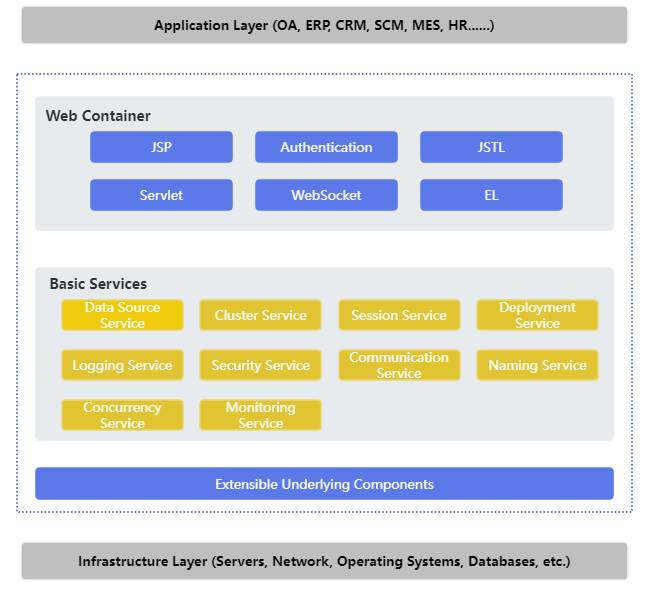
Kingdee Apusic Application Server V10 Standard Edition is a web application server that supports the Jakarta EE specifications and the latest Servlet and JSP specifications. With advanced technology, stable performance, and a lightweight design, Kingdee Apusic Application Server V10 Standard Edition responds quickly to ever-changing business requirements and is an excellent choice for efficient application system development.
Figure 1: Kingdee Apusic Application Server V10 Standard Edition architecture
# Platform Environment
Platform environment of Kingdee Apusic Application Server V10 Standard Edition.
Table 1: Platform environment of Kingdee Apusic Application Server V10 Standard Edition
| Operating System | Description |
| Windows | Windows 7, Windows 10, Windows Server |
| Linux | CentOS, Ubuntu, SUSE, Red Hat |
| Chinese domestic platforms | Galaxy Kylin series, NeoKylin series, i-soft, Red Flag, Deepin, etc. |
# System Environment
System environment of Kingdee Apusic Application Server V10 Standard Edition.
Table 2: System environment of Kingdee Apusic Application Server V10 Standard Edition
| System Component | Requirement |
| Java environment | JDK 8 or later; 8u252 or later is recommended for HTTP/2 |
| Memory | At least 512 MB of memory; 1024 MB or more is recommended |
| Disk space | At least 1024 MB of disk space; 10 GB or more is recommended |
| Browser | Microsoft Edge 150+, Google Chrome 150+, Firefox 154+, 360 Browser 16+, etc. |
# Jakarta EE Specifications
Product specifications of Kingdee Apusic Application Server V10 Standard Edition.
Table 3: Product specifications of Kingdee Apusic Application Server V10 Standard Edition
| Specification/API | Version |
| Servlet | 4.0 |
| JSP | 2.3 |
| Expression Language | 3.0 |
| WebSocket | 1.1 |
# Terminology
AAS: Kingdee Apusic Application Server
AAMS-[aas_version]: product identifier of Kingdee Apusic Application Server Standard Edition
APUSIC_HOME: installation directory of Kingdee Apusic Application Server
# Product Package
The product installation package is usually packed as AAMS-[version].tar.gz or AAMS-[version].zip.
In this document, ${APUSIC_HOME} denotes the installation directory of the application server.
Table 4: Kingdee Apusic Application Server V10 Standard Edition product package
| Package | Description |
| AAMS-[version].zip/AAMS-[version].tar.gz | Installation package of Kingdee Apusic Application Server V10 Standard Edition |
Description of the Kingdee Apusic Application Server V10 Standard Edition product package.
Table 5: Contents of the Kingdee Apusic Application Server V10 Standard Edition product package
| File | Description |
| bin | Directory that contains the startup, shutdown, and other scripts of the application server |
| conf | Directory that contains the configuration files of the application server |
| console | Directory where the management console of the application server resides |
| lib | Directory that contains the JAR files of the application server |
| logs | Default directory for application server log files |
| plugins | Directory that contains the application server plugins |
| store | Data repository directory, the centralized storage location for all kinds of data |
| webapps | Directory where application packages are automatically deployed |
| webapps-console | Directory where application packages are deployed via the management console |
| webapps-jakarta | Directory where Jakarta EE-compliant application packages are deployed |
| temp | Directory for temporary files of the application server |
| work | Directory that stores the class files generated from JSP compilation |
| license.xml | License file of the product package |
# License Authorization
AAS requires a valid license to work properly. Normally, Kingdee Apusic issues a matching license according to the product edition you purchased. If the product license is about to expire or has expired, request a new license from your Kingdee Apusic contact and send them the product fingerprint (auth code) at the same time.
The license file is located at ${APUSIC_HOME}/license.xml.
# Obtaining the Auth Code (Standard Edition)
- Run the
apusiccommand in thebindirectory in a format similar to:
apusic -ac [ethname or ip]
where [ethname or ip] is an IP address or the name of a network interface (MAC). For example, you can pass a common IP address such as 172.x.x.1 as the parameter to obtain the software auth code (works on Windows and Linux):
apusic -ac e.g. 172.x.x.1
The output format is as follows, where Auth Code= is the software auth code:
Auth Code=SZTY263537626

- You can also pass the name of a network interface to obtain the auth code (works on Linux; use
ifconfigto list interface names)
apusic -ac ens192
The output format is as follows, where Auth Code= is the software auth code:
Auth Code=SZTY1640356587

# Obtaining the Auth Code (Embedded Deployment)
When AAS is embedded with Spring Boot, there is no apusic command for obtaining the auth code; you have to obtain it through your application.
If you have a temporary license file that allows the application to start, remove the license file first, then add the JVM parameter apusic-ac to the startup command. Its value is an IP address or network interface name, for example (eth3 is the interface name on the test machine; replace it according to your actual network configuration):
java -jar -Dapusic-ac=eth3 [your-application.jar].jar
Because no license file is present, the application startup will abort. Before it aborts, the auth code information is printed in a format similar to the following, where Auth Code= is the auth code:
Auth Code=SZTY263537626
license is invalid.
2
# Interpreting the Messages
- If an expired license file is used, the following message appears (log handler information omitted), indicating that the license has expired and showing the command for obtaining the auth code.
get auth code:apusic -ac [ip or ethname]
license is invalid,out of date.
2
- If the server is started with a wrong auth code, the following message appears (log handler information omitted):
get auth code:apusic -ac [ip or ethname]
license is invalid,ac not granted!SZTY263537626 [Apusic Application Server10]43
2
Here the trailing 43 is the version of the license file, the same as the lic_ver identifier of the original non-KBC license. If the identifier, product name, and product version are consistent, you can conclude that the auth code is wrong. You can also run apusic -ac XX to print the auth code and compare it, where XX is the IP address or network interface name used when applying for the auth code.
- If a license file of another product is used, for example starting Standard Edition v10.0 with a V10 Enterprise Edition license file, the following message appears:
get auth code:apusic -ac [ip or ethname]
license is invalid,ac not granted!SZTY263537626 [Apusic Application Server10]46
2
The 46 in the message indicates that this is a license file for V10.0 Enterprise Edition. The content in [] together with the actual media identifies the product as V10 Standard Edition, so startup fails.
The following message indicates that a license file of V9.0 Enterprise Edition was used (see the identifier character 4):
get auth code:apusic -ac [ip or ethname]
license is invalid,ac not granted!SZTY1640356587 [Apusic Application Server10]4
2
You can also run apusic -ac XX to print the auth code and compare it, where XX is the IP address or network interface name used when applying for the auth code.
- An auth code can only be generated on the local machine. For example, applying for another IP address is not supported and produces the message "ip not supported".
# Installation and Running
The following describes how to use Kingdee Apusic Application Server Standard Edition as a complete product. ${APUSIC_HOME} denotes the root directory of the product installation.
# Installing
Make sure JDK 8+ is installed before installation.
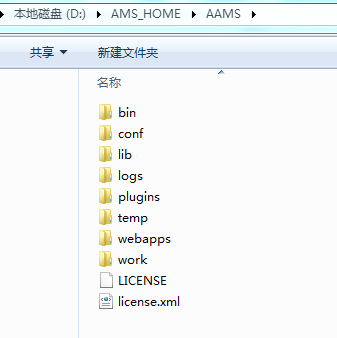
Extract AAMS-${version}.zip or AAMS-${version}.tar.gz into the ${APUSIC_HOME} directory, as shown in the following figure:
# Uninstalling
To uninstall the product, delete all files under the installation directory ${APUSIC_HOME}.
# Running
# On Linux
Place the application package file, for example test1.war, into the ${APUSIC_HOME}/webapps/ directory;
- Go to the installation directory
${APUSIC_HOME}/binand runapusic.sh run.
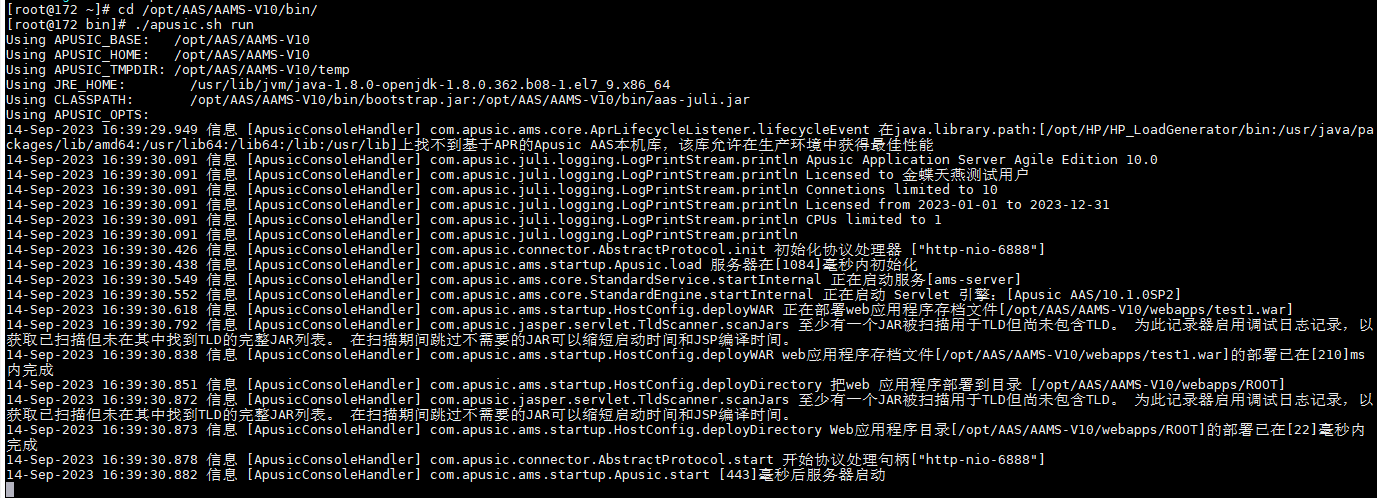
Go to the installation directory
${APUSIC_HOME}/binand runstartapusic.sh.To start in debug mode, set
JPDA_OPTSin the startup scriptapusic.sh, for example:
JPDA_OPTS="-agentlib:jdwp=transport=dt_socket,server=y,suspend=n,address=8000"
Then run apusic.sh jpda start.
# On Windows
Place the application package file, for example test1.war, into the ${APUSIC_HOME}\webapps\ directory;
- Go to the installation directory
${APUSIC_HOME}\binand runapusic.bat run.
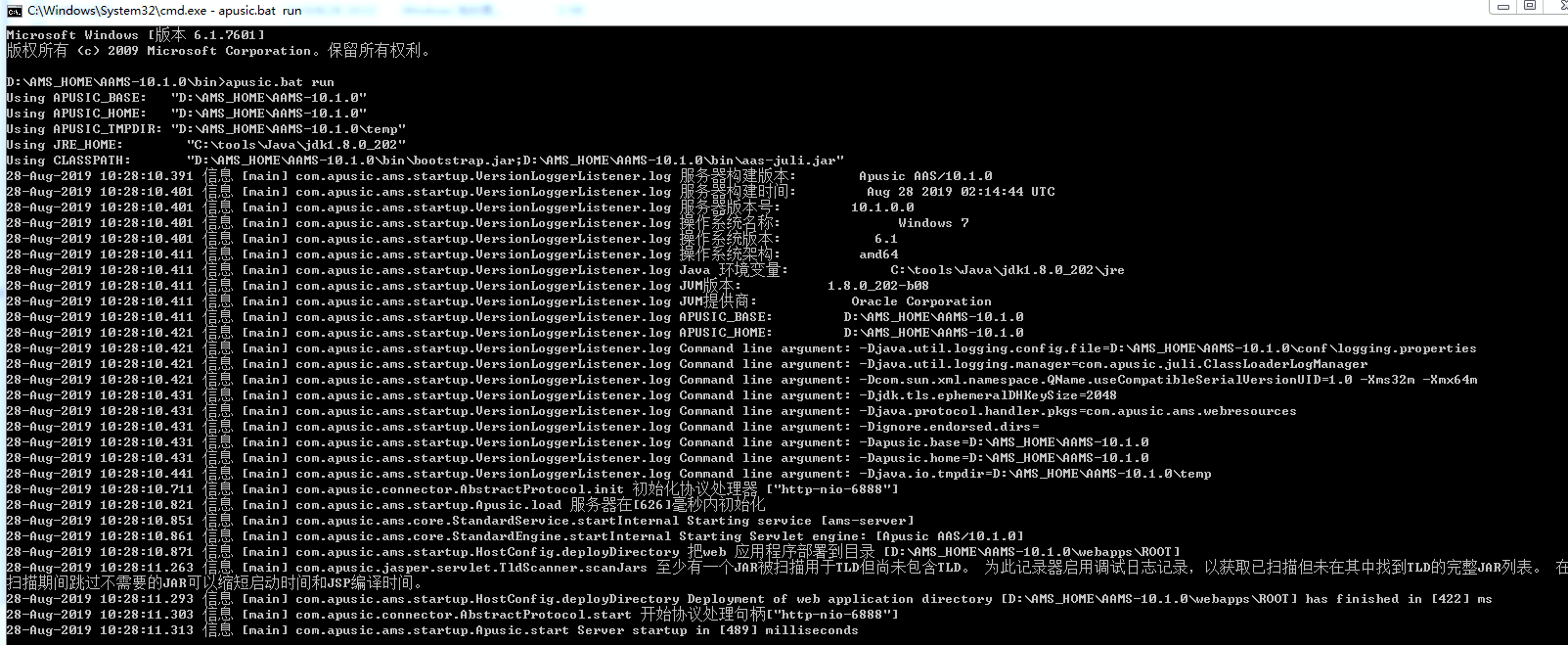
Go to the installation directory
${APUSIC_HOME}\binand runstartapusic.bat.To start in debug mode, set
JPDA_OPTSin the startup scriptapusic.bat, for example:
JPDA_OPTS=-agentlib:jdwp=transport=dt_socket,server=y,suspend=n,address=8000
Then run apusic.bat jpda start.
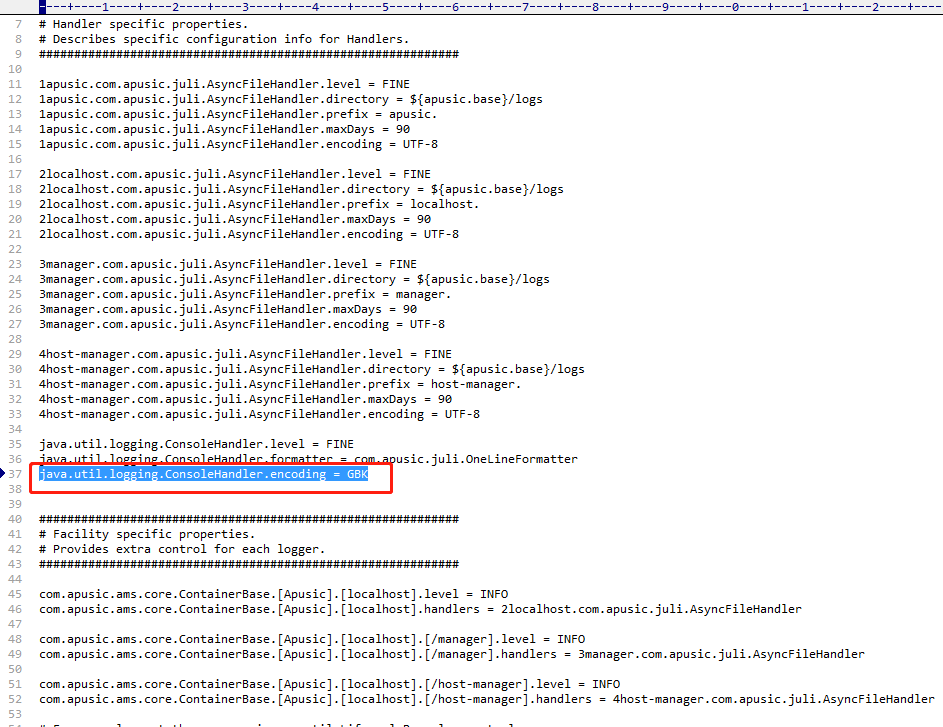
It is recommended to first check that the default system encoding is UTF-8. If garbled text appears when starting on Windows, set the console log encoding to GBK in the conf/logging.properties file.
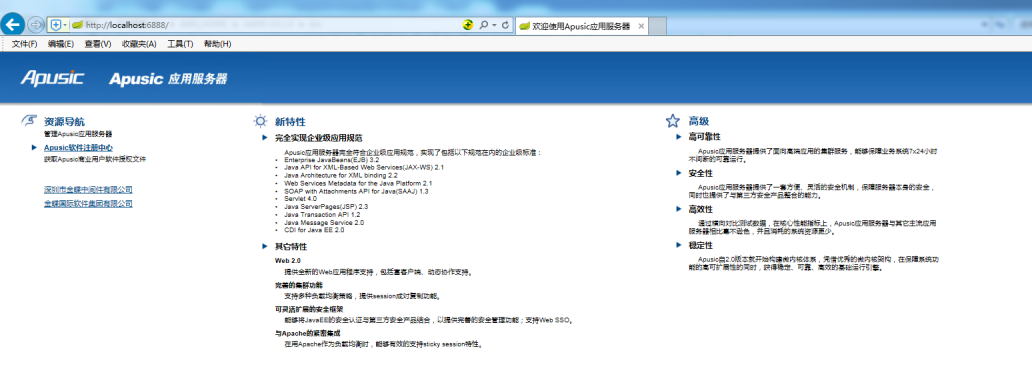
After the server starts, open http://<IP>:6888 in a browser, or http://localhost:6888 if you are on the local machine.
Port 6888 must be open before accessing the server.
The following page indicates a successful start:
# Stopping
# On Linux
1. Ctrl + C
When the server runs in the foreground, press Ctrl + C to exit and stop AAS.
2. stopapusic.sh
Go to the installation directory ${APUSIC_HOME}/bin and run stopapusic.sh.
3. kill the process
You can stop the server with kill [PID].
# On Windows
1. Ctrl + C
When the server runs in the foreground, press Ctrl + C to exit and stop AAS.
2. stopapusic.bat
Go to the installation directory ${APUSIC_HOME}\bin and run stopapusic.bat.
3. Stop the process
Open Task Manager, find the corresponding process, and stop it.
# Built-in Accounts and Roles
The application server management console implements RBAC-based separation-of-duties access control with three built-in roles: system administrator (sysadmin), security administrator (security), and auditor (auditor). These roles cannot be modified or deleted.
| Role | Core Responsibility | Granted Feature Permissions |
|---|---|---|
| System administrator (sysadmin) | System O&M and user creation | Dashboard Users: user creation / viewing, plus all permissions other than those of the security administrator and auditor |
| Security administrator (security) | Owner of security policy and authorization | Dashboard Users: user viewing, user operations, authorization Roles Security Config: password policy configuration, audit log configuration, business configuration backup, email verification configuration, dynamic code (OTP) verification configuration |
| Auditor (auditor) | Owner of operation supervision and audit | Login Audit, Operation Audit, Dashboard |
The system has three built-in default users:
- admin: the default system administrator user, which cannot be deleted or modified
- secure: the default security administrator user, which cannot be deleted or modified
- audit: the default auditor user, which cannot be deleted or modified
The system forces a password change on first login. The following passwords are the initial passwords.
| Account | Password | Role | Notes |
|---|---|---|---|
| admin | Apusic@123 | System administrator | Cannot be deleted/modified |
| secure | Apusic@123 | Security administrator | Cannot be deleted/modified |
| audit | Apusic@123 | Auditor | Cannot be deleted/modified |
Internal system users and resources carry a security level (classification) label that controls which classified resources a user can access. Security levels fall into three grades:
- Secret: involves generally sensitive information, accessible only to specifically authorized personnel.
- Confidential: involves core business data, accessible only to higher-level authorized personnel.
- Top Secret: involves the lifeline of the system or the highest secrets, accessible only to a very small number of core personnel.
A user must change the password on the first login; business operations are allowed only after the password is changed successfully.
# System Login and First Access
# Opening the Login Page
Visit the system address in a browser: http://127.0.0.1:6848/aas-console/login

Page elements:
| Element | Description |
|---|---|
| Username | Enter a system account, e.g. admin |
| Password | Enter the corresponding password |
| Captcha | Enter the random captcha code |
| Log In button | Submit the login information |
# Entering the Account and Password
Log in with the system administrator account:
- Username:
admin - Password:
Apusic@123
Note: At login, the frontend encrypts the username and password with AES before transmitting them. If the captcha, email verification code, or OTP two-factor authentication is enabled, the login page displays the corresponding additional input field.
Note: Email verification and OTP two-factor authentication cannot be enabled at the same time; only one of them (or neither) can be enabled. After email verification is enabled, every user must set an email address in their personal profile.
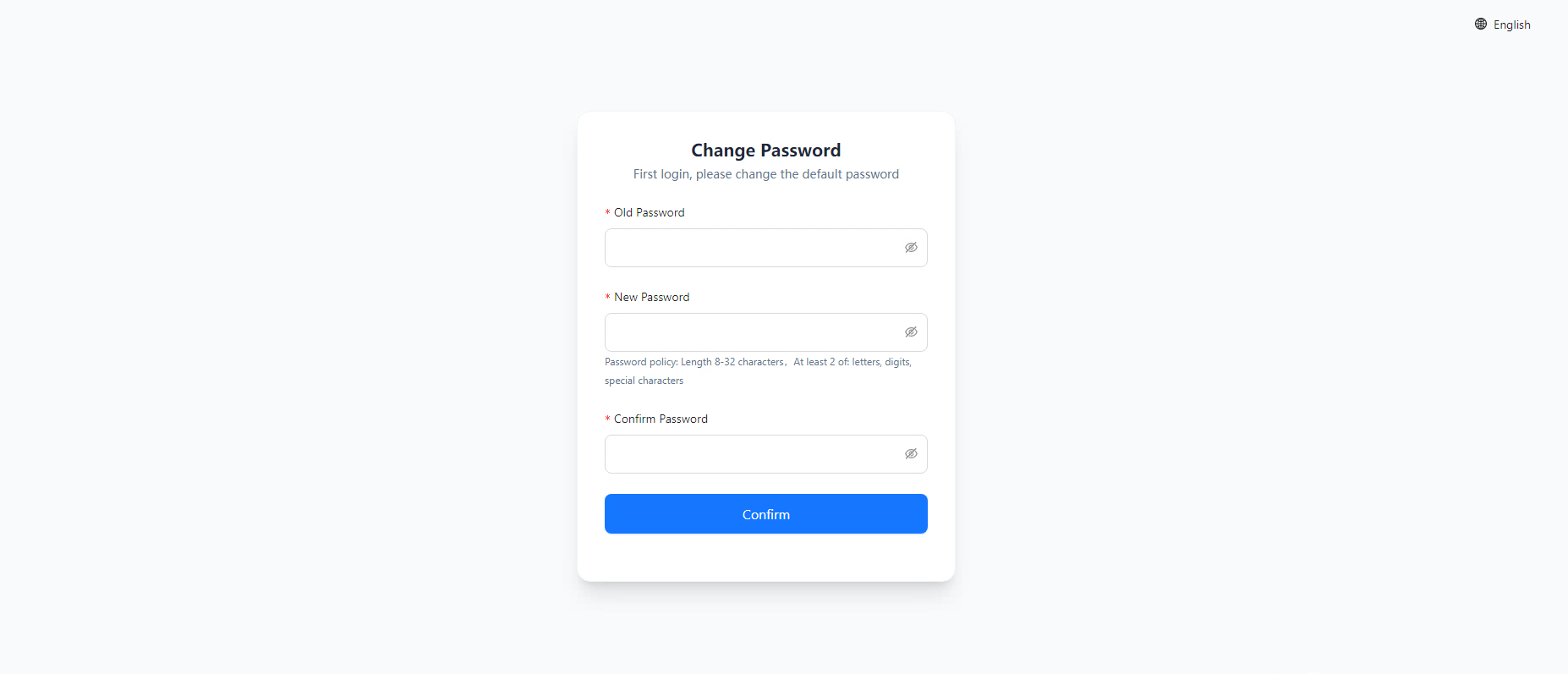
# Forced Password Change on First Login
On the first login, the system forces a password change. Enter the old password, new password, and confirmation password, then click "Change". After a successful change you enter the home page.
The new password must comply with the system password policy (minimum length 8 characters, and it must contain at least 2 or 3 of the following character types: letters, digits, special characters).
# OTP Two-Factor Binding (If Enabled)
If OTP is enabled for the system, after entering the username, password, and captcha you are taken to the second verification page, that is, the QR code binding page:
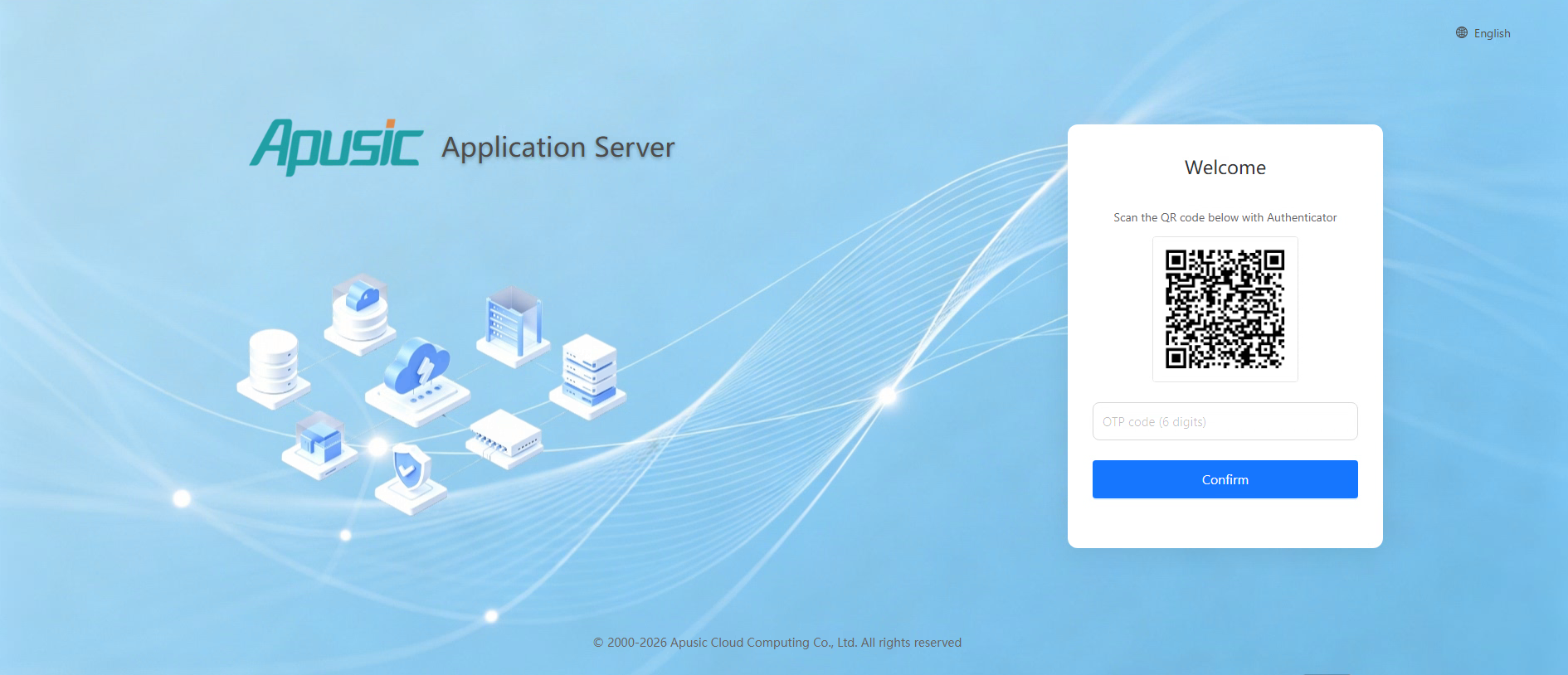
Search for Authenticator in your mobile app store, download and install it, and then scan the QR code:
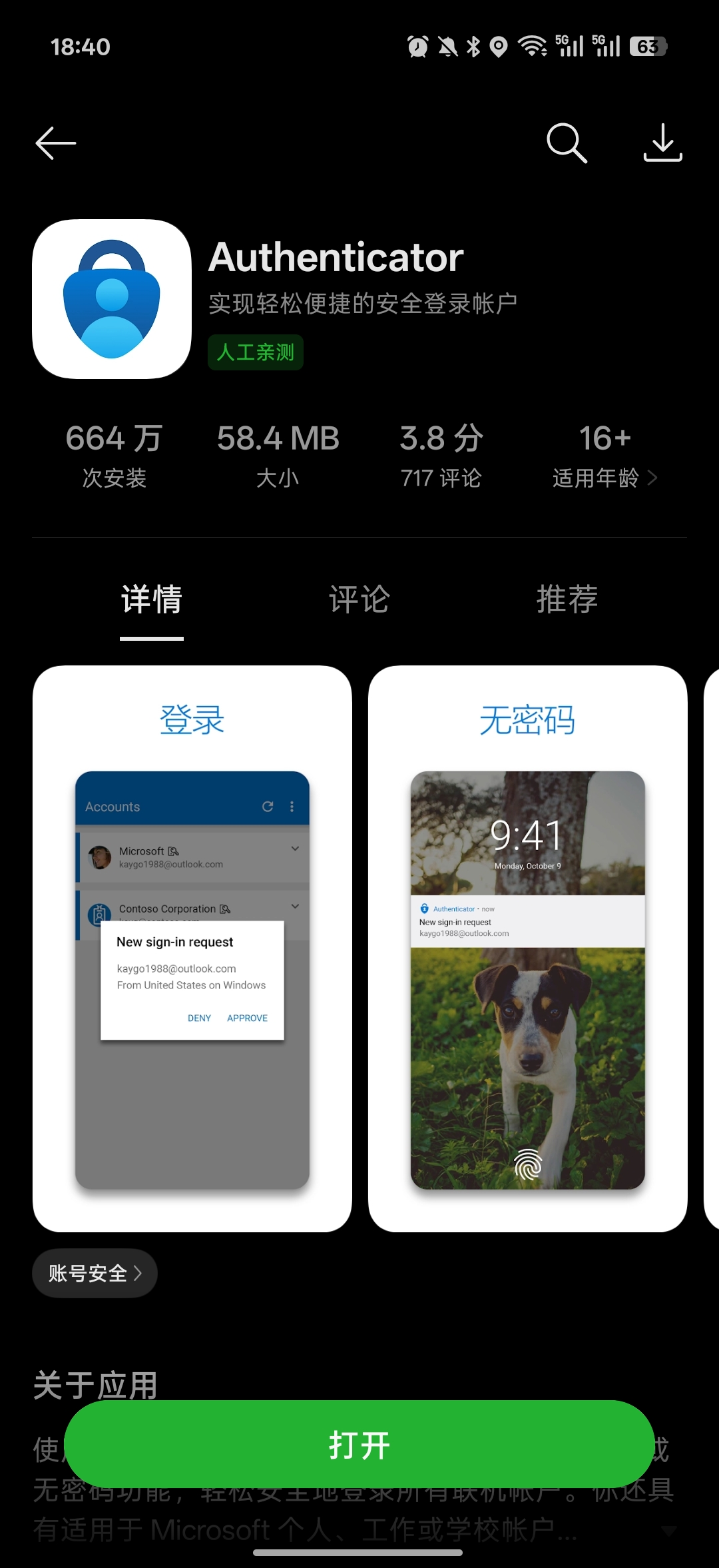
After scanning the QR code, the app displays the account information AAS-Console; tap AAS-Console.
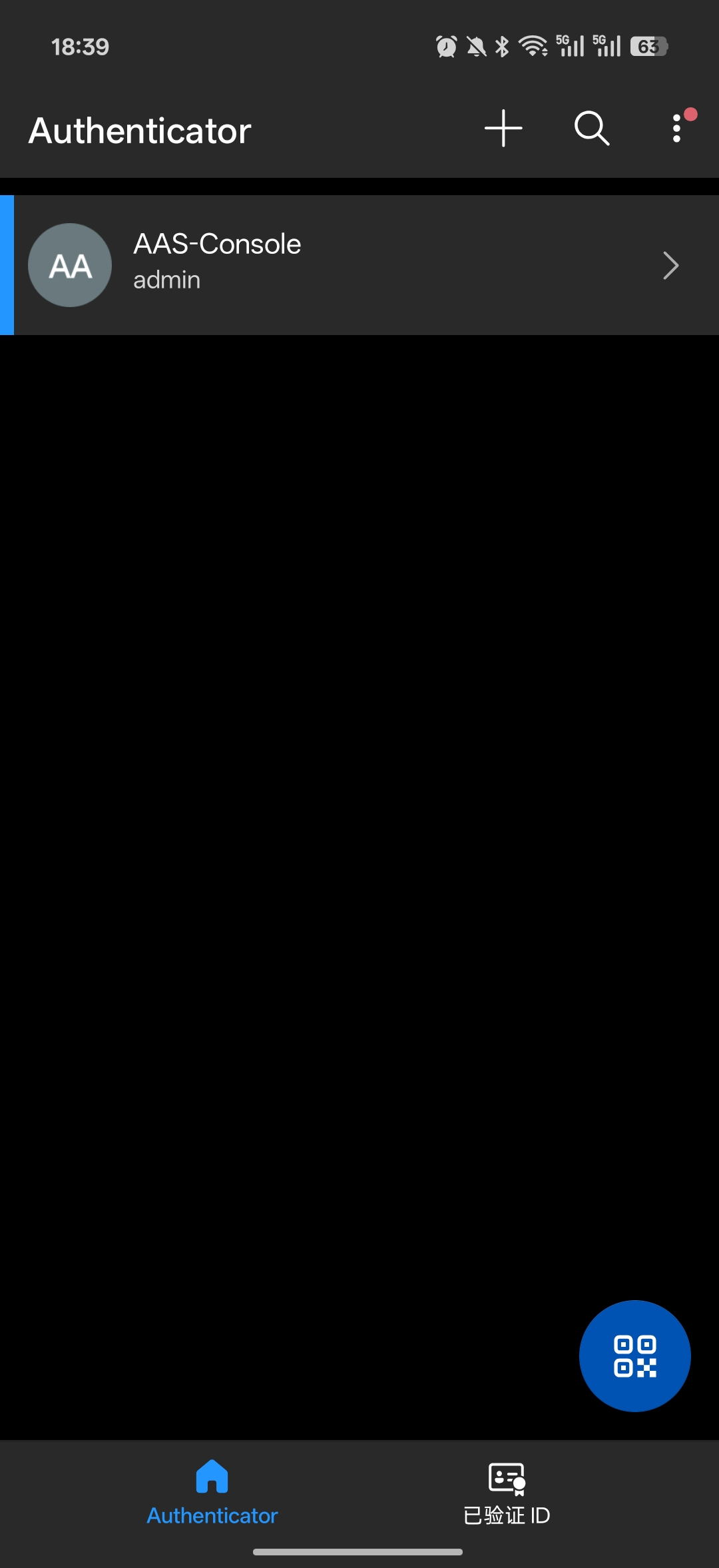
The verification code is displayed:
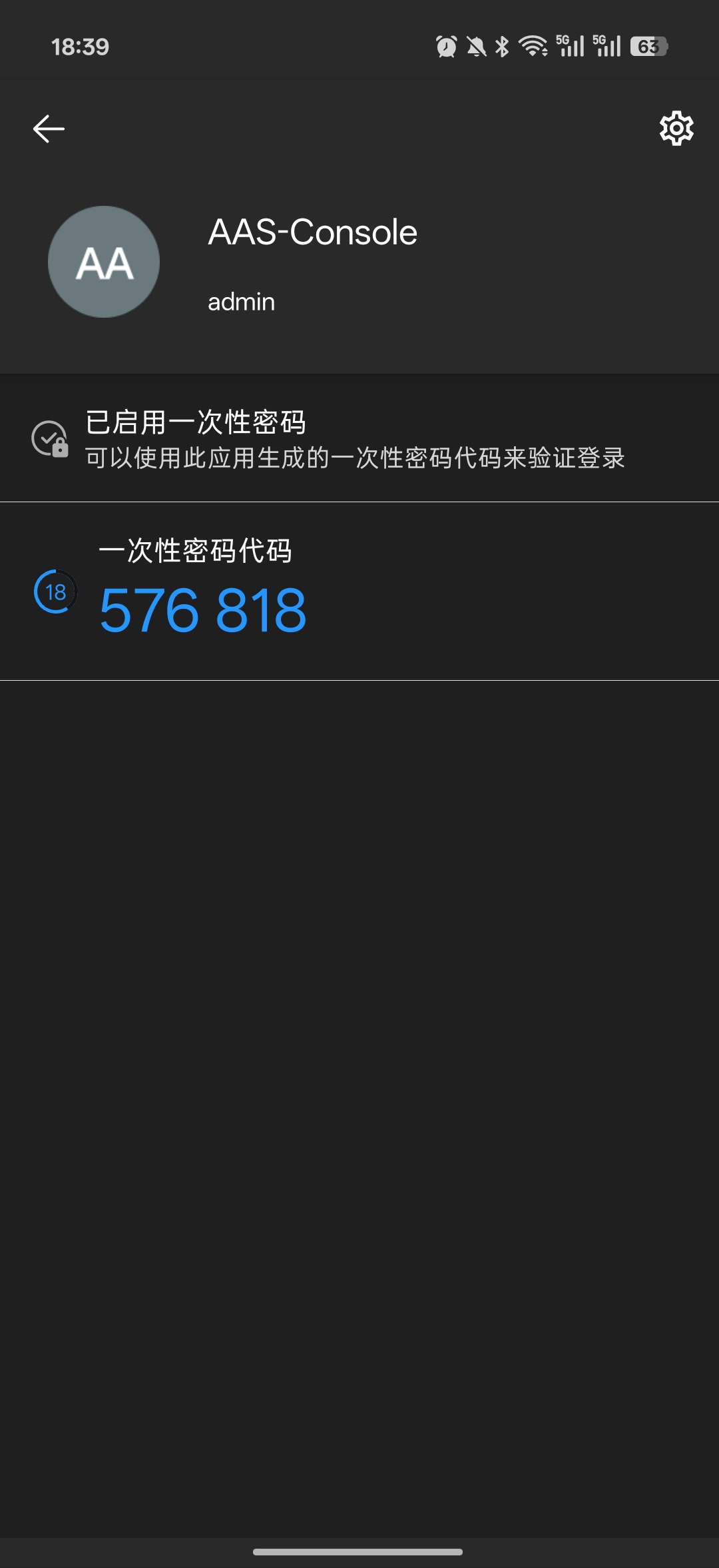
Then enter the verification code on the login page to log in.
# Email Two-Factor Binding (If Enabled)
If email verification is enabled for the system, enter the username and password, click the Send Verification Code button, and then enter the 6-digit code received by email:

# Language Settings
The language settings feature configures the display language of the management console. It supports Simplified Chinese, Traditional Chinese, and English to meet multilingual O&M scenarios.
Click the language icon in the upper-right corner of the login page. The default is Simplified Chinese; click to switch languages:
Language settings properties:
| Setting | Parameter | Description |
| Language | language | Display language of the console. Valid values: single choice among Simplified Chinese (zh_CN), Traditional Chinese (zh_TW), and English (en); only one can be selected at a time. Default: Simplified Chinese (zh_CN). |
# Dashboard
# Entering the Dashboard
After a successful login you enter the dashboard by default, which shows the core runtime information of the current Apusic Application Server instance.
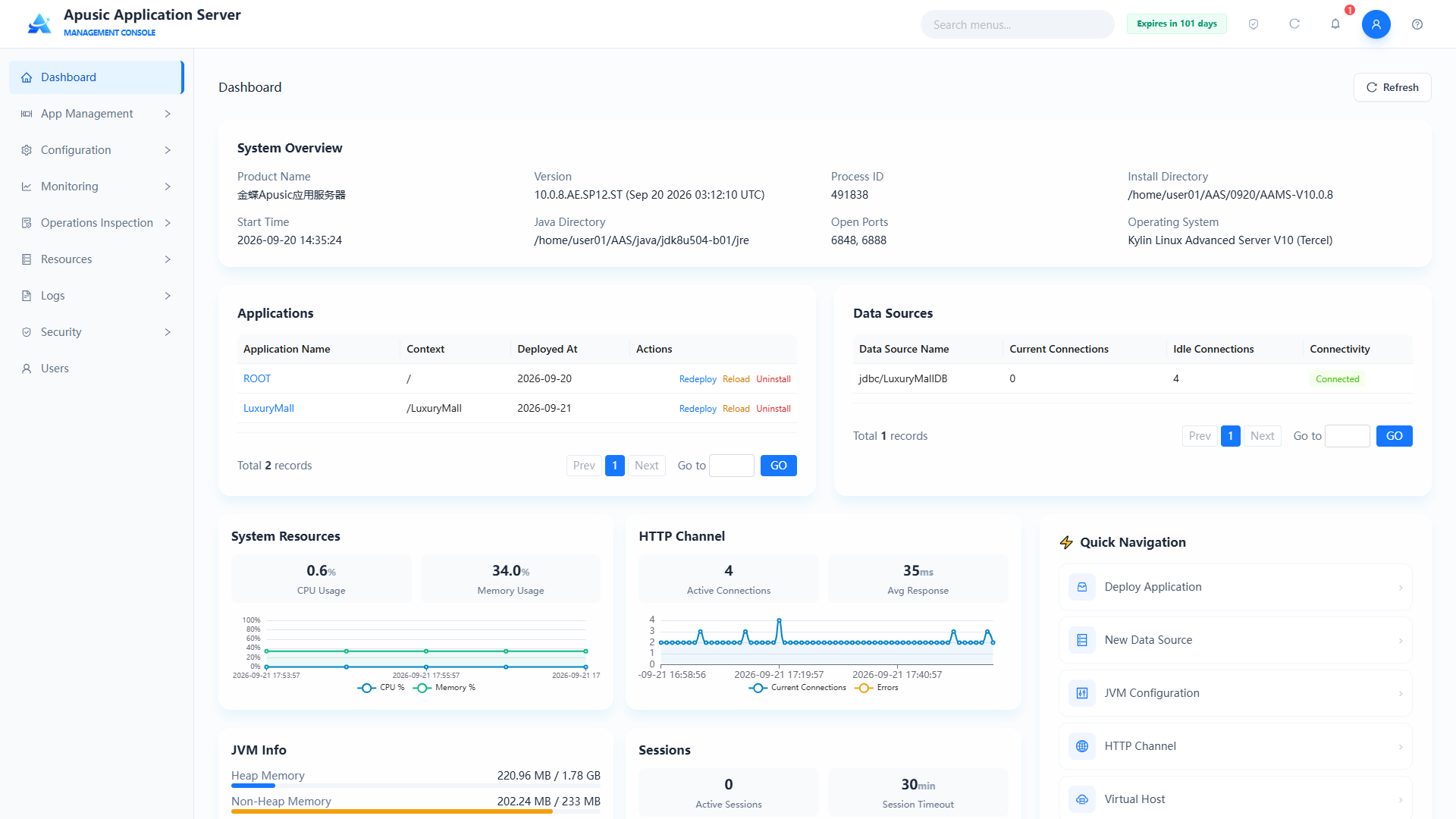
# System Overview Fields
| Field | Description | Screenshot Example |
|---|---|---|
| Version | Current Apusic server version | 10.0.8.AE.SP12.ST |
| Process ID | Operating system PID of the AAS main service | 491838 |
| Installation Directory | Root directory where the server is deployed | /home/user01/AAS/0920/AAMS-V10.0.8 |
| Start Time | Server startup timestamp | 2026-09-20 16:49:37 |
| JAVA Directory | JDK installation path | /home/user01/AAS/java/jdk8u504-b01/jre |
| Open Ports | Set of HTTP/HTTPS/Shutdown listening ports | 6848, 6888 |
| Operating System | Host operating system version | Kylin Linux V10 |
# Page Areas
The dashboard uses a card-based modular layout with the following areas:
| Area | Description |
|---|---|
| System Overview | Shows the version, process ID, installation directory, start time, JDK directory, open ports, and operating system |
| Application Information | Lists deployed applications in a table with pagination; columns include Application Name, Context, Deployed At, and Actions |
| System Resources | Shows CPU usage and memory usage |
| JVM Memory | Shows heap memory and non-heap memory |
| HTTP Channels | Shows active connections, average response time, current connections, and error connections |
| Data Source Information | Shows connection pool name, current connections, idle connections, and connectivity |
| Session Information | Shows new sessions, active sessions, and the default session timeout |
| Quick Navigation | Quick links that jump to Deploy Application, Create Data Source, JVM Configuration, HTTP Channels, Log Viewer, and other feature pages |
# Application Information Fields
| Field | Description |
|---|---|
| Application Name | Logical name of the deployed application; click it to open the application edit page |
| Context | Access path of the application |
| Status | Running / Stopped |
| Actions | Redeploy, Reload, Uninstall |
# Quick Navigation
The right side or top of the dashboard provides quick links to frequently used features, such as Deploy Application, Create Data Source, JVM Configuration, HTTP Channels, and Log Viewer.
# Top Bar
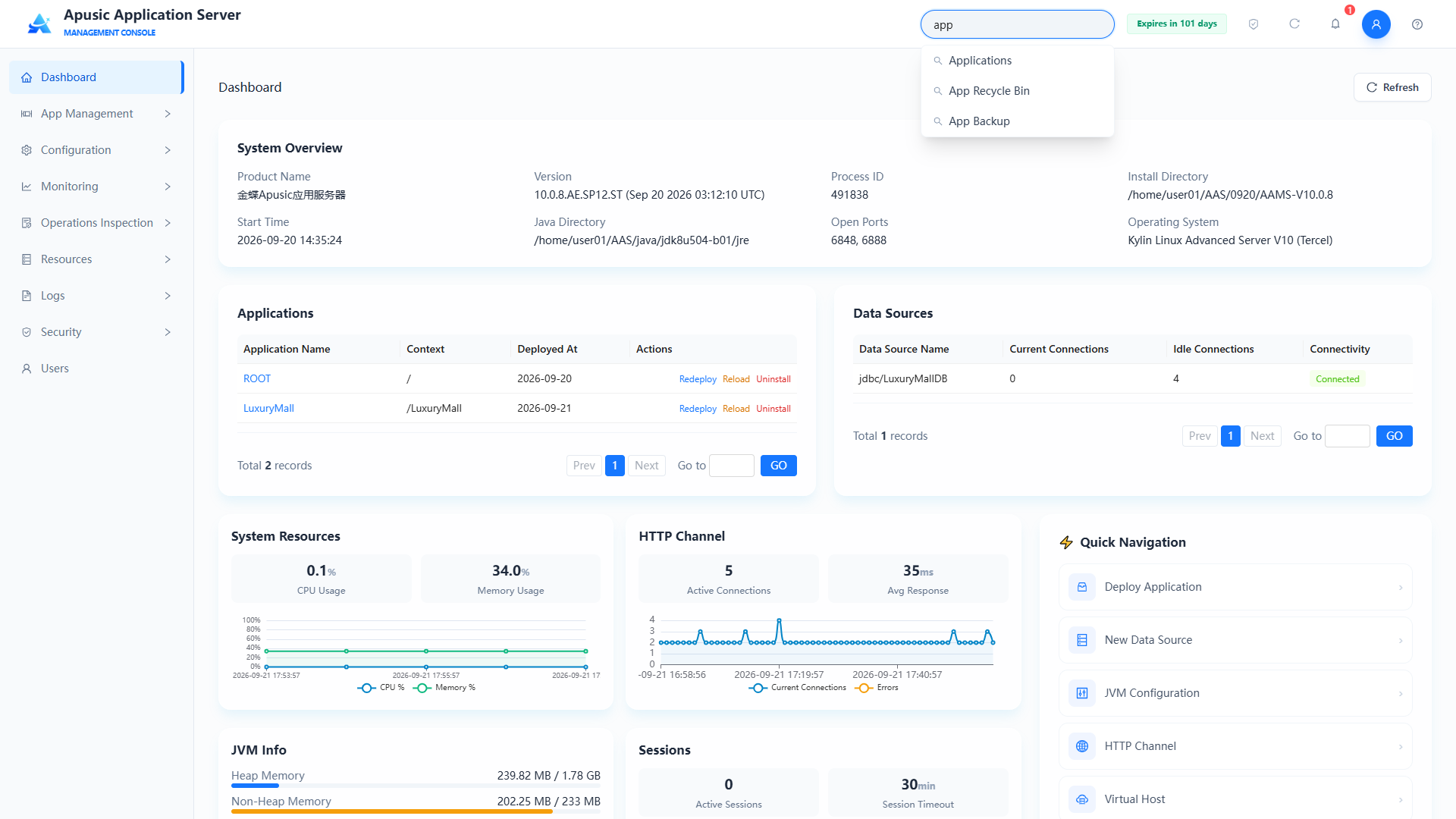
# Global Search
Type a menu or feature name in the search box at the top to quickly locate it in the menu and jump to it.
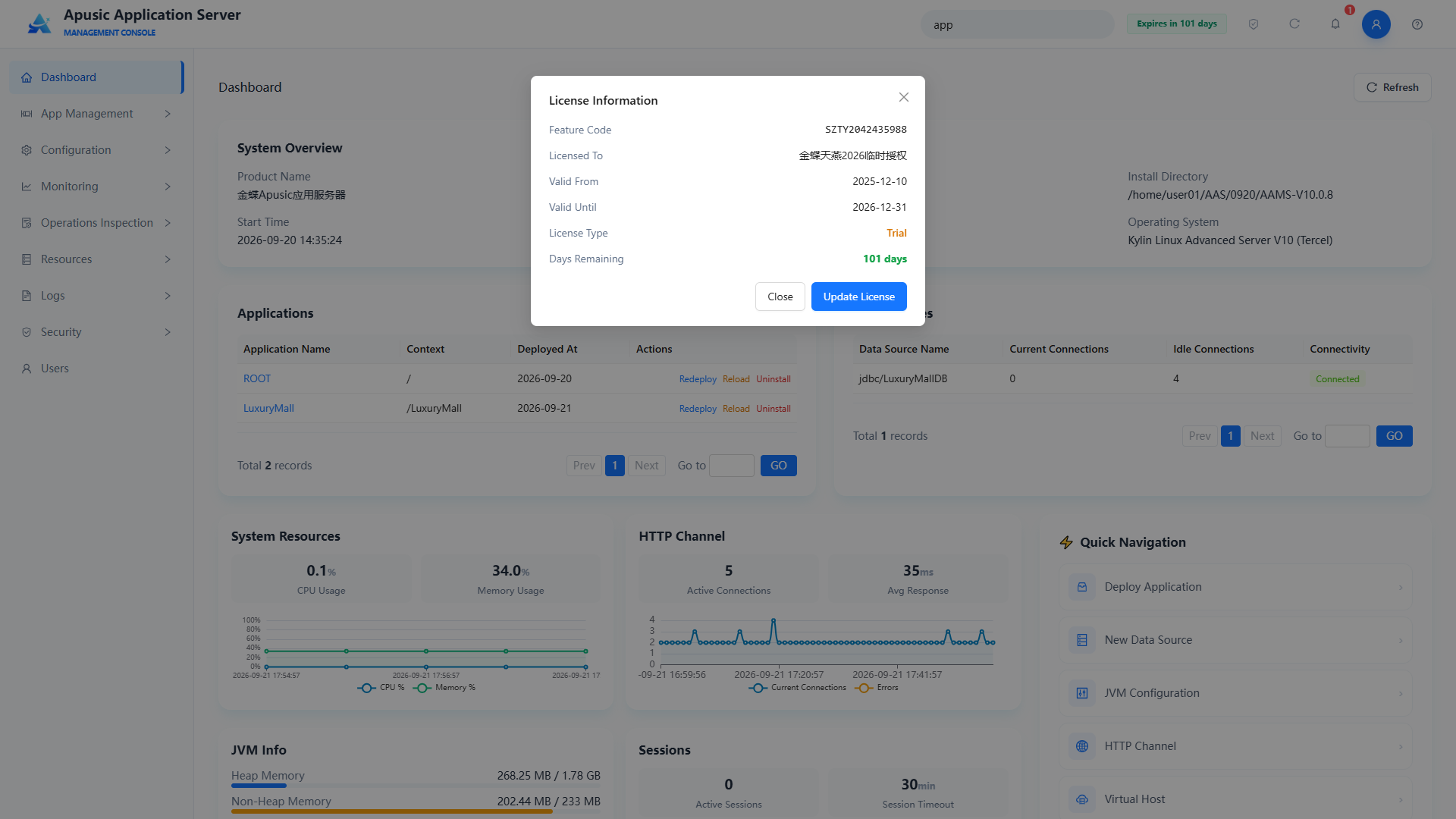
# License Information
Click the license icon in the upper-right corner, then click View License to show the license validity period, licensed user, and license type.
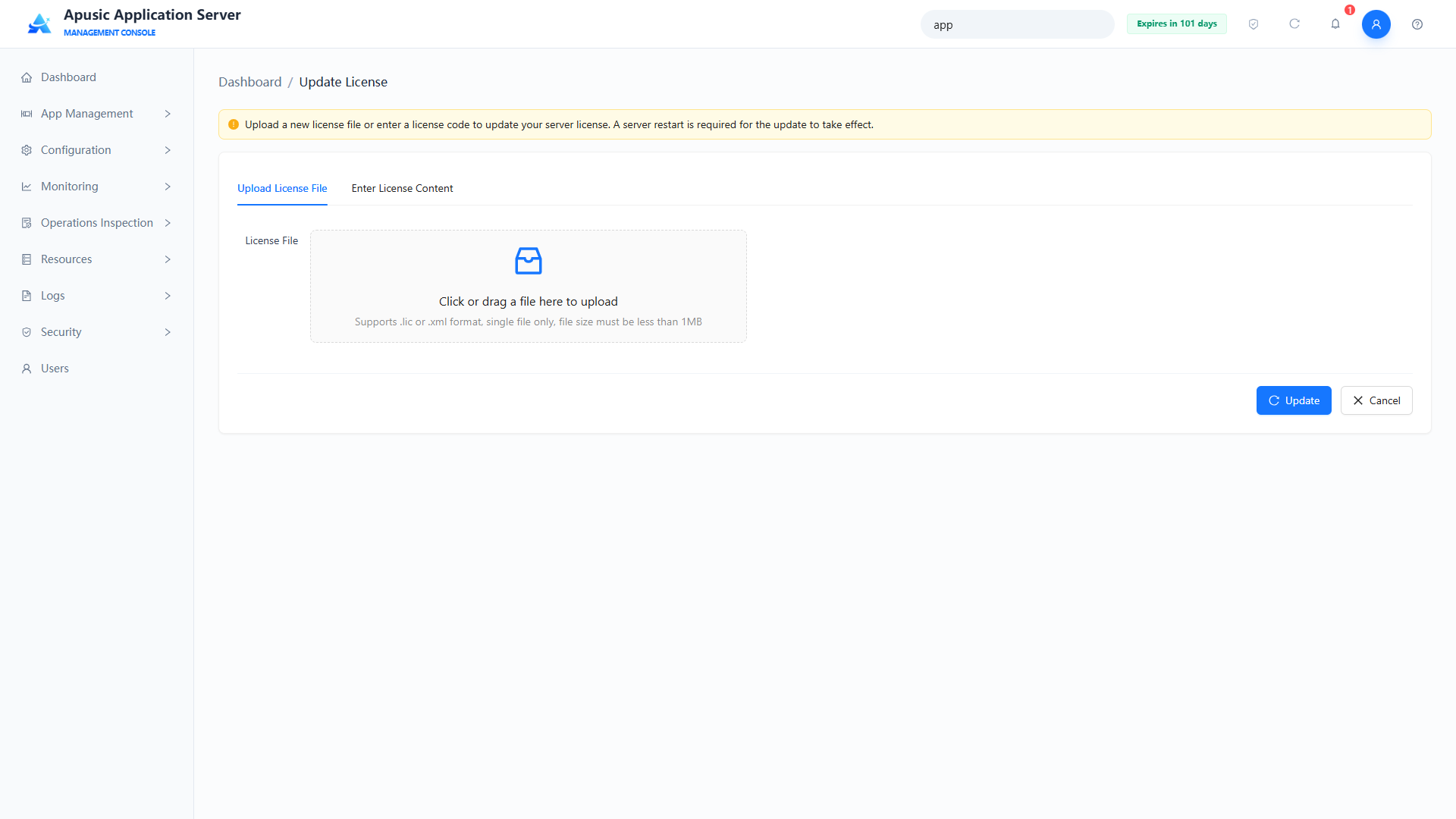
Click Update License to upload a license file and update the license:
Note: The server must be restarted for a license update to take effect.
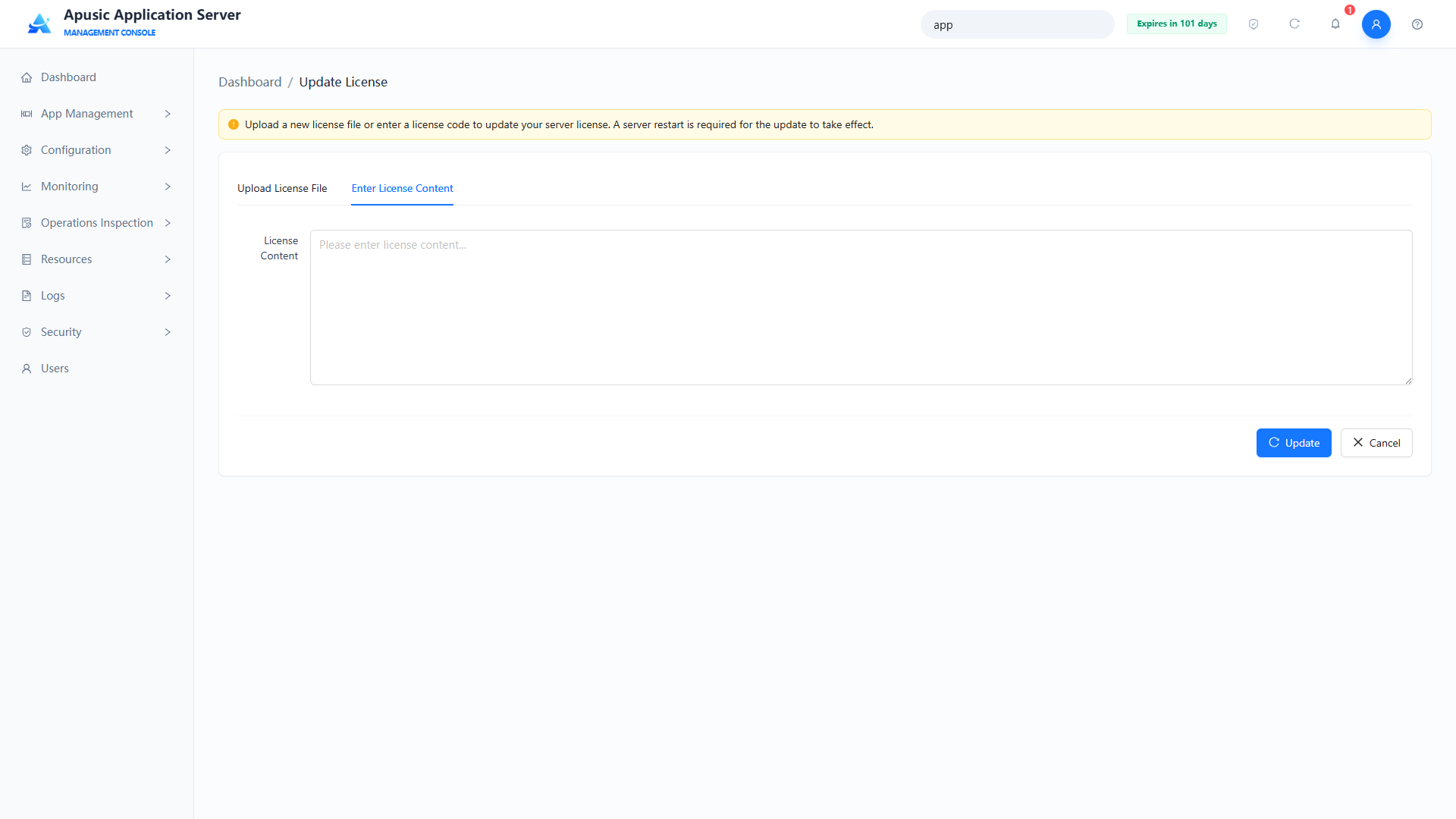
Alternatively, enter the license content to update the license:
Note: The server must be restarted for a license update to take effect.
# Restart Server
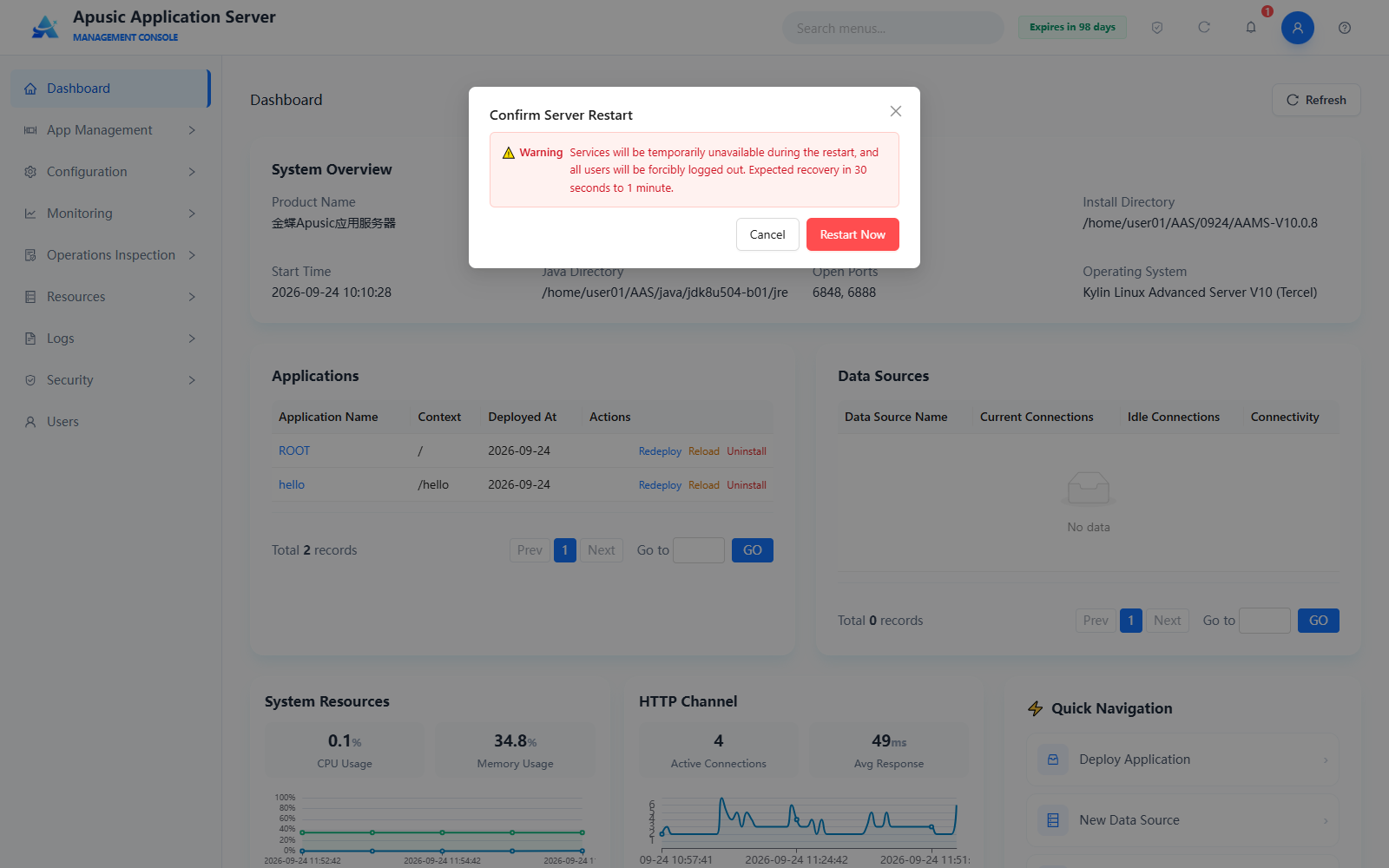
Click the "Restart Server" icon button in the top toolbar to restart the application server online. A "Confirm Server Restart" dialog appears, warning that services will be temporarily unavailable during the restart and all users will be forcibly logged out, with recovery expected in 30 seconds to 1 minute. Click "Restart Now" to start the restart, or "Cancel" to abort.
Note: Services are temporarily unavailable during the restart. Perform this operation during off-peak hours.
# System Notification
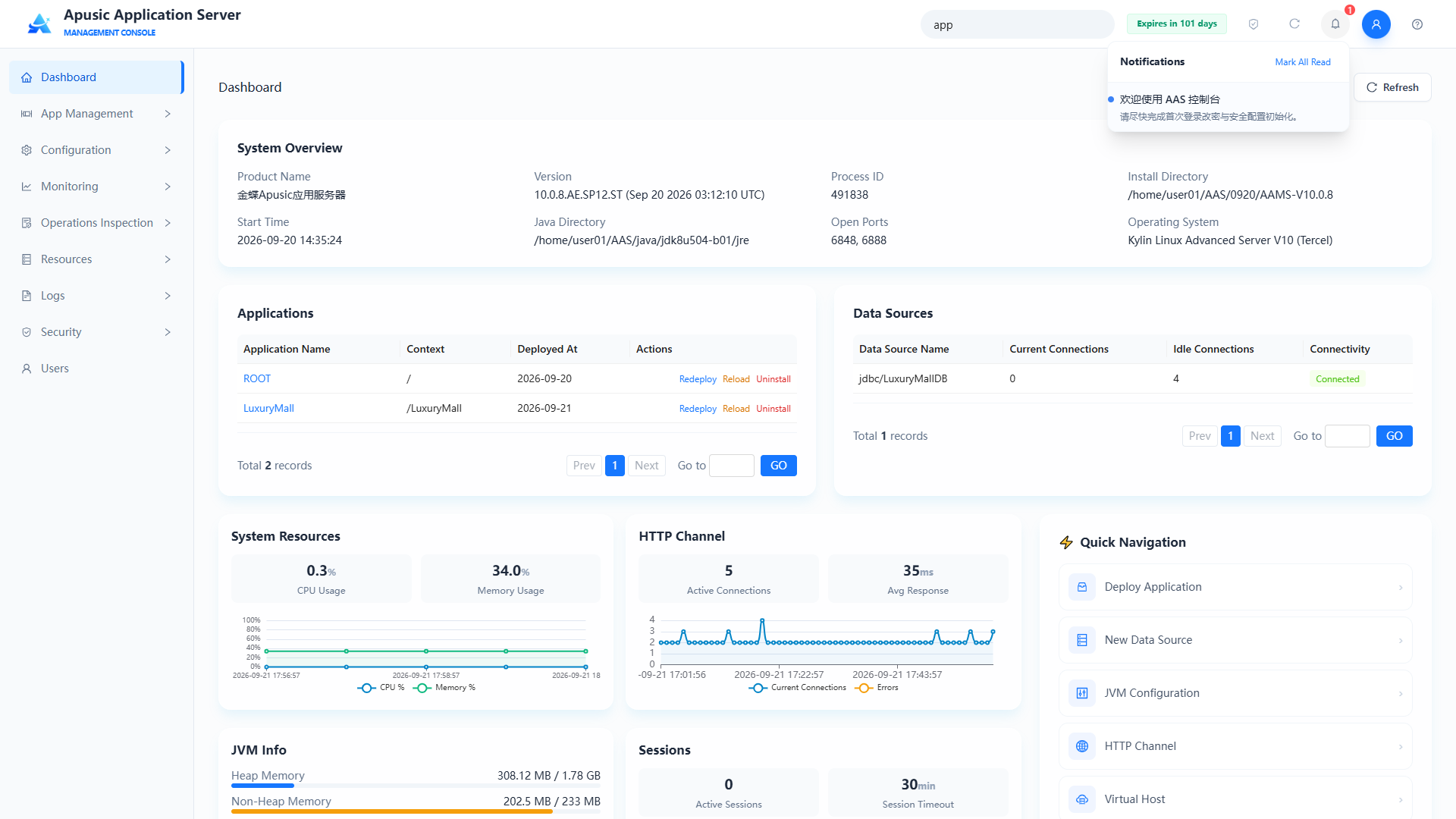
Click the notification icon to view unread notifications; clicking a notification marks it as read.
# User Information
Click the user avatar and select Edit Profile from the dropdown.
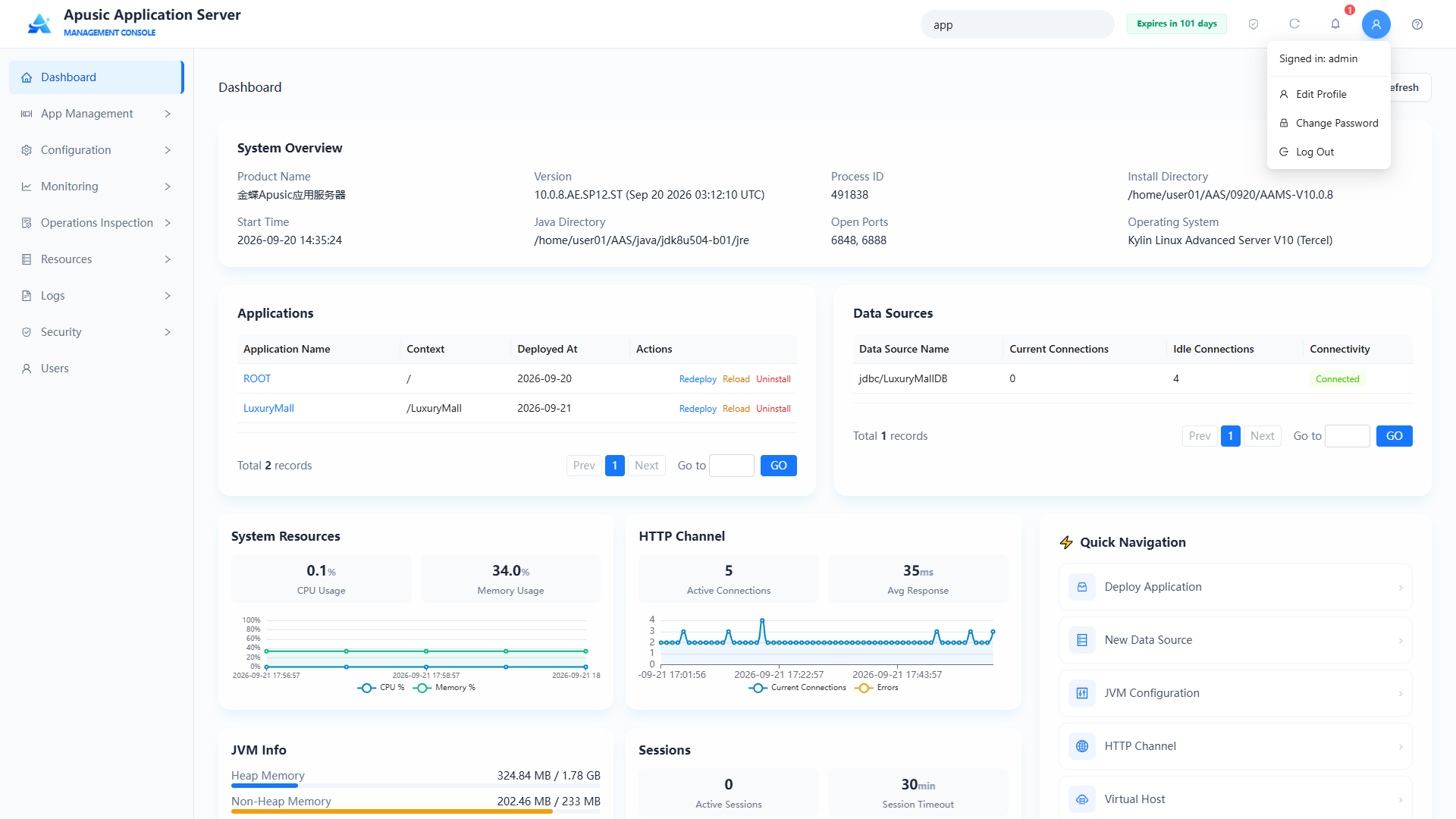
You can edit your personal profile, including mobile number, email address, and description.
# Changing the Password
Click the user avatar, select Change Password, and you are taken to the change password page.
Enter the old password, new password, and confirmation password, then submit. The password must comply with the system password policy.
Note: Current password policy: 8-32 characters in length, containing at least 2 of letters, digits, and special symbols, and not the same as any of the last five passwords.
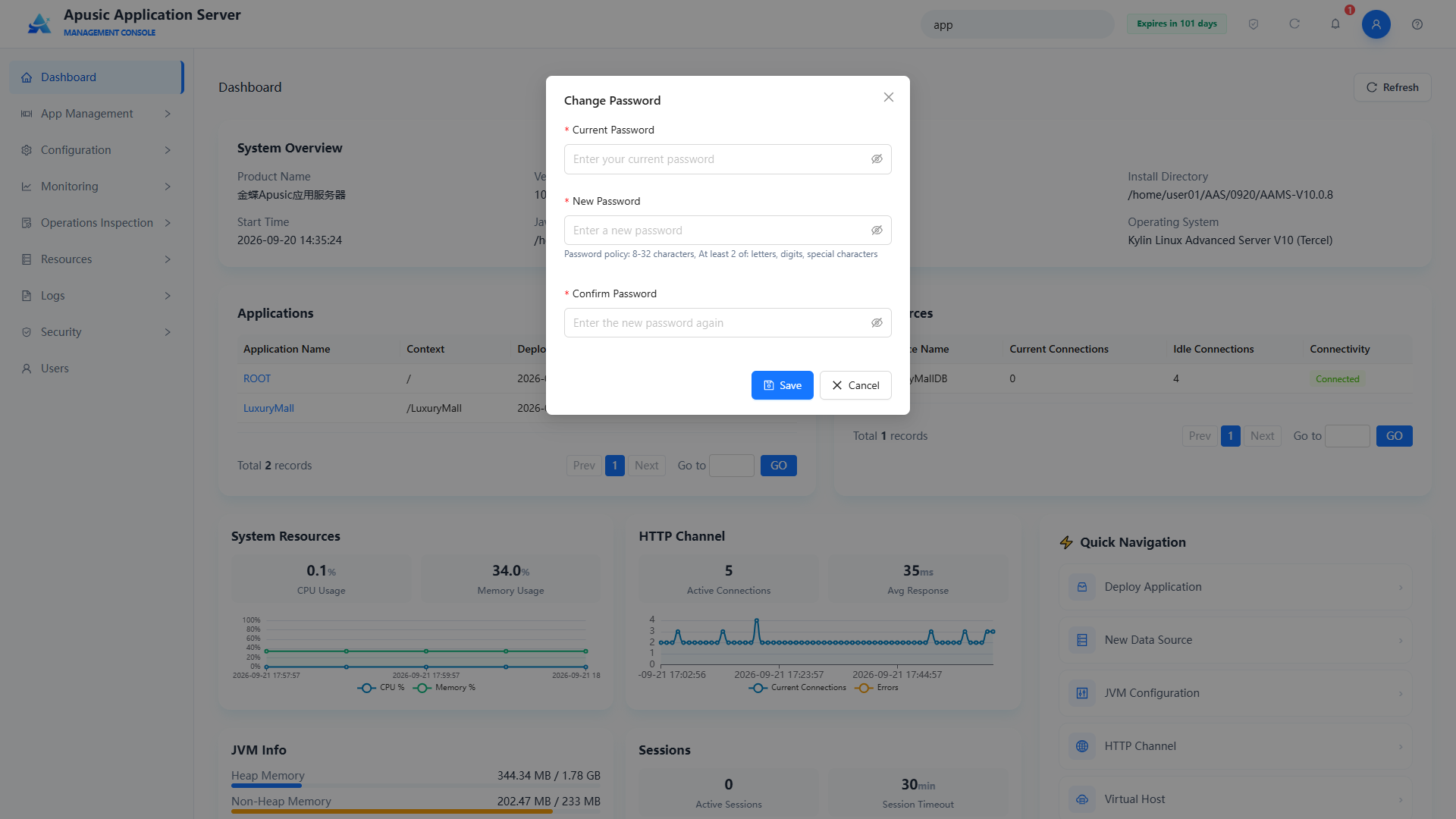
After changing the password you are automatically logged out and must log in again.
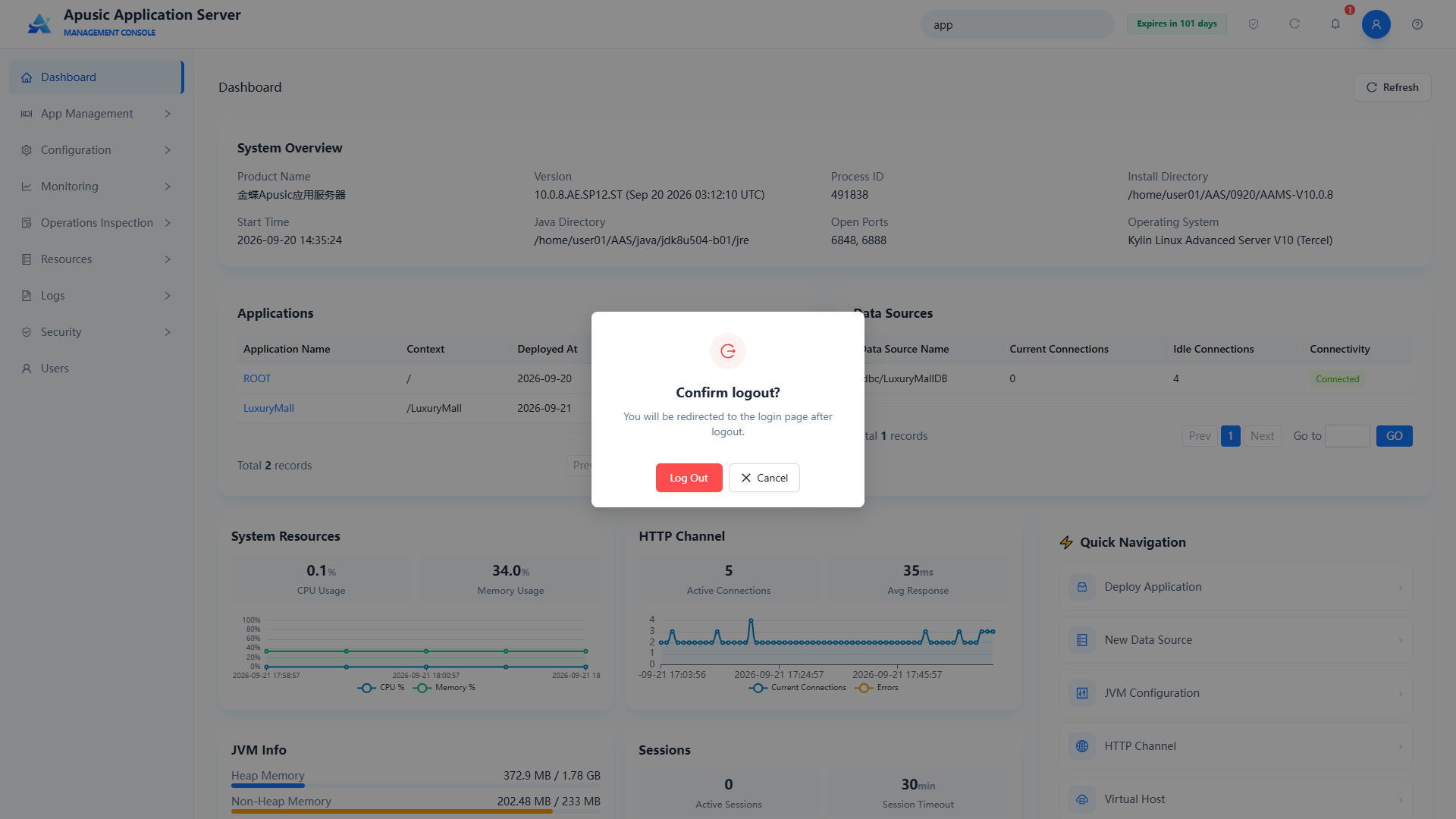
# Logging Out
Click Log Out to clear the login session and return to the login page.
# App Management
App Management provides a visual operations interface for publishing developed business systems to application server instances, and for centrally managing and configuring their lifecycle (deployment, uninstallation, reload, incremental update, backup) and runtime parameters (context path, class loading strategy, deployment properties, etc.).
# Applications
Query applications by application name or context and view them in a paginated list.
Click "App Management → Applications" in the left menu:
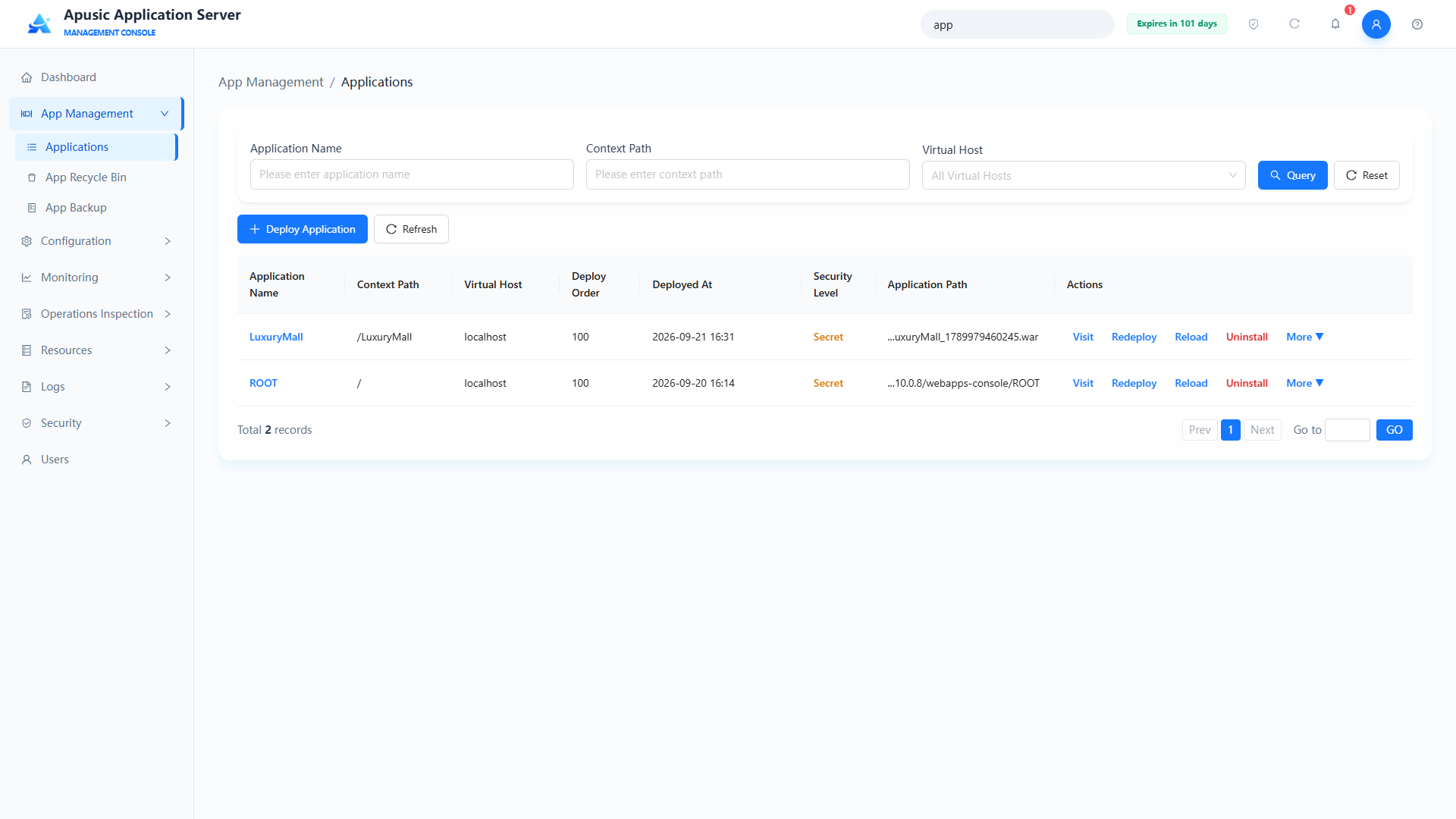
The application list shows deployed applications with the following fields:
| Field | Description |
|---|---|
| Application Name | Logical name of the application |
| Context Path | Access path prefix |
| Virtual Host | Virtual host the application is bound to |
| Deploy Order | Startup priority; a smaller value means higher priority |
| Deployed At | Time when the application was deployed |
| Security Level | Security level of the application |
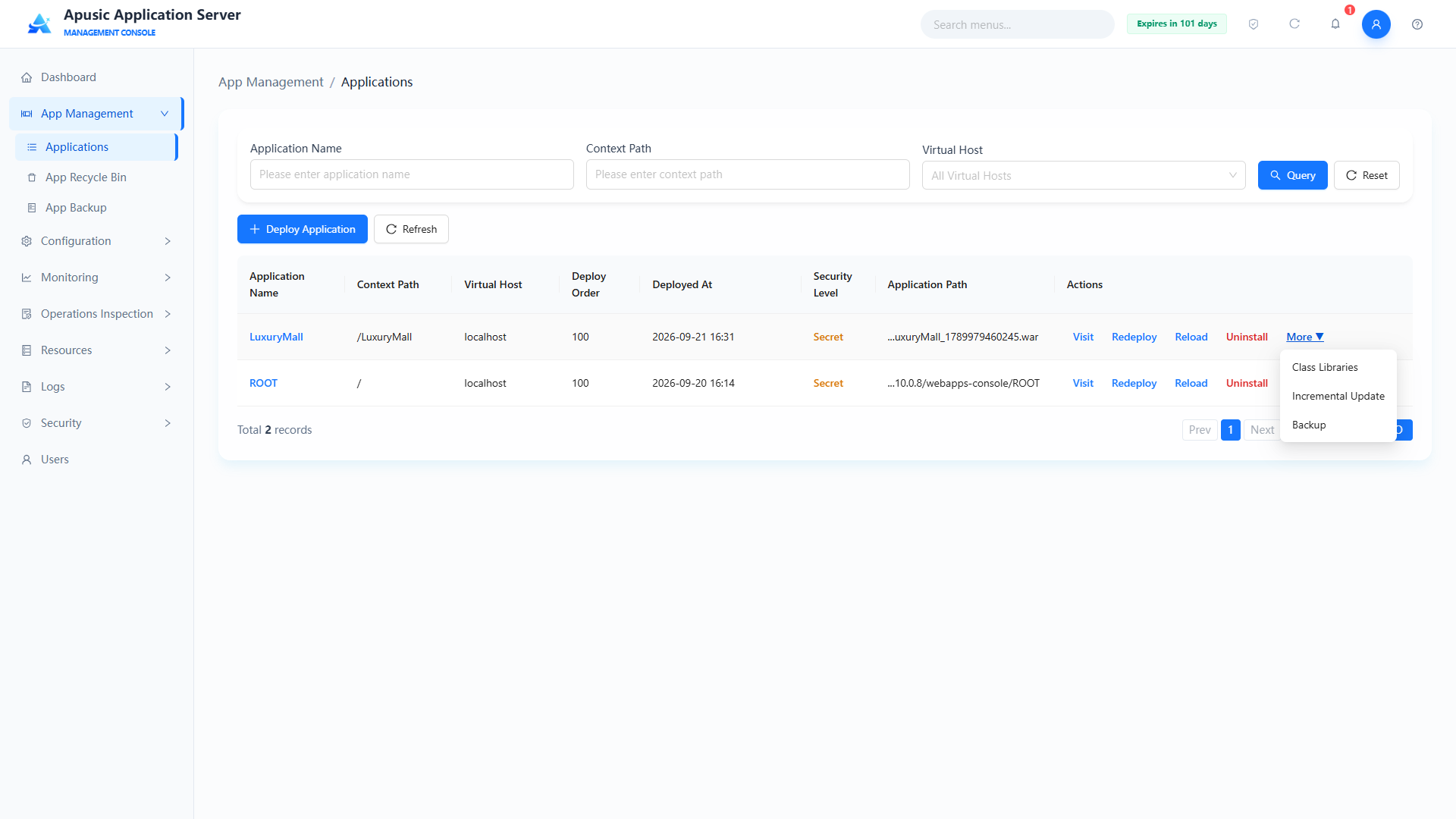
| Actions | Redeploy, Reload, Uninstall, and More actions: Class Libraries, Incremental Update, Backup |
# Querying Applications
Enter an application name or context path in the query area at the top, or select a virtual host, and click "Query":
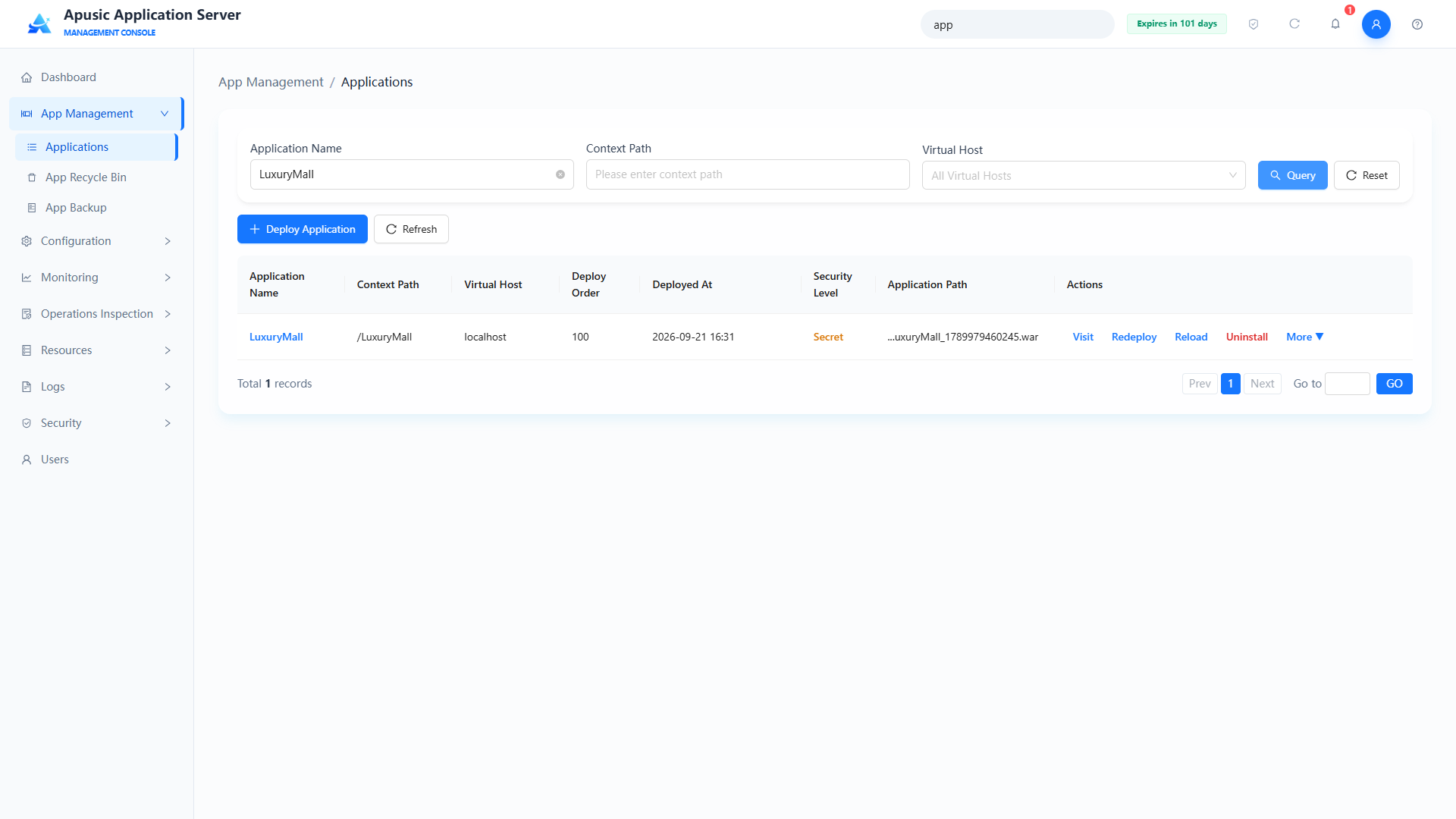
Click "Reset" to clear the query conditions.
# Deploying an Application
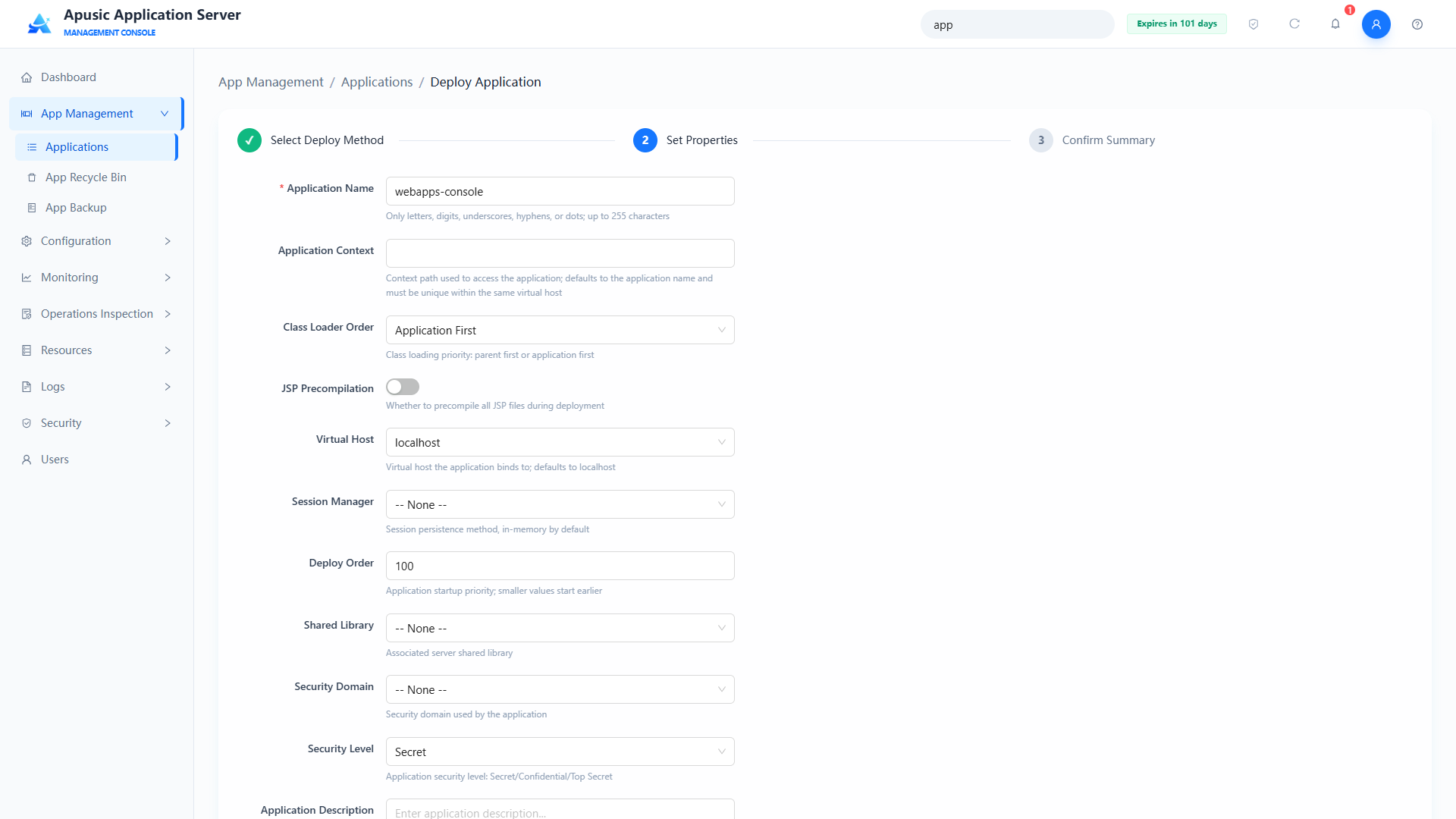
The application deployment feature provides a wizard-style graphical interface that publishes an application (such as a WAR package) to the server step by step.
Click the "Deploy Application" button:
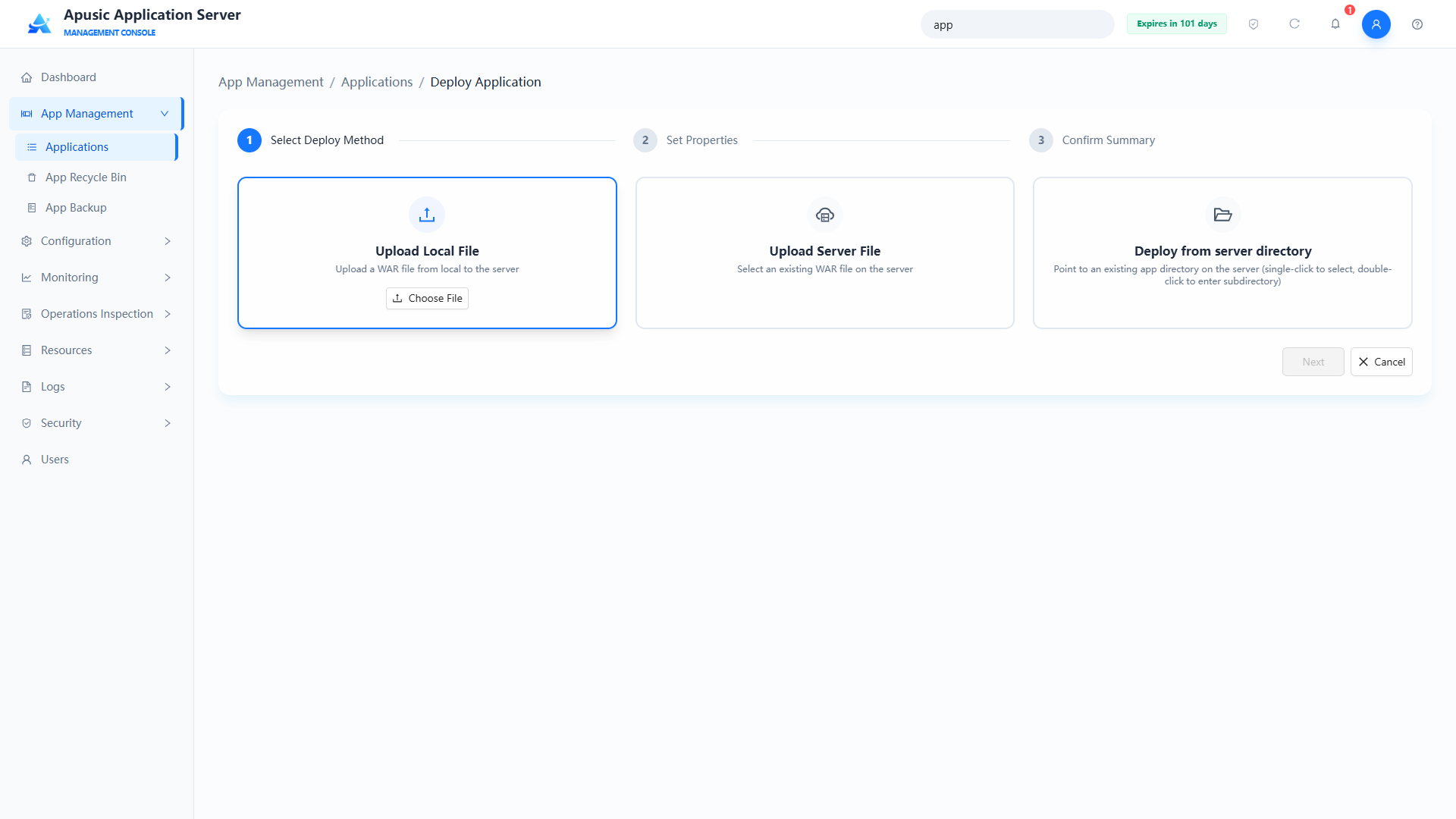
Deployment is a three-step wizard:
- Select Deployment Package: upload a local file or specify a server file path;
- Set deployment properties:
| Setting | Parameter | Description |
| Application Name | appName | Logical name of the application. Purpose: globally unique identifier of the application, used for application management and access. Valid values: string, up to 255 characters; only letters, digits, underscores, hyphens, and dots are allowed; must be globally unique; required. Default: empty. |
| Context Path | appContext | URL path prefix for accessing the application. Purpose: determines the path through which browsers access the application. Valid values: string, a valid URL path. Default: empty (the application name is used by default). |
| Class Loading Order | classLoaderOrder | Delegation strategy of the application class loader. Purpose: controls whether the parent class loader or the application's own libraries take precedence when loading classes, to resolve class conflicts. Valid values: dropdown, Parent First / Application First. Default: Application First. |
| JSP Precompile | jspPrecompile | Whether to compile JSP files into classes ahead of time at deployment. Purpose: speeds up the first access at the cost of longer deployment time. Valid values: switch, On / Off. Default: Off. |
| Virtual Host | virtualHost | Virtual host the application is bound to. Purpose: assigns the application to a virtual host so it is reachable through the corresponding domain name. Valid values: dropdown of virtual hosts configured in the Virtual Hosts module. Default: the default virtual host. |
| Session Manager | sessionManager | Session manager used by the application. Purpose: configures the application's session storage policy, supporting Memory, File, Redis, and Database storage types; session managers are created under "Configuration → Session Manager". Valid values: dropdown of session managers configured in the Session Manager module. Default: empty. |
| Deploy Order | deployOrder | Loading order of the application at server startup. Purpose: controls the startup priority of multiple applications; a smaller value means higher priority. Valid values: integer, 0~2147483647. Default: 100. |
| Shared Libraries | sharedLib | Shared libraries referenced by the application. Purpose: reuses the JARs in shared libraries so that applications do not have to package the same dependencies repeatedly. Valid values: dropdown of shared libraries configured in the Shared Libraries module. Default: empty. |
| Shared Library Priority | sharedLibPriority | Position of the shared library in the application's class loading order. Purpose: when the same class exists in both the application and a shared library, determines which source is loaded first, to resolve class conflicts; the application's own WEB-INF/classes always takes precedence over WEB-INF/lib. Valid values: dropdown, Shared Library First (shared library > WEB-INF/classes > WEB-INF/lib) / WEB-INF/classes First (WEB-INF/classes > shared library > WEB-INF/lib) / WEB-INF/lib First (WEB-INF/classes > WEB-INF/lib > shared library). Default: Shared Library First. |
| Deployment Timeout | deployTimeout | Timeout for application deployment / startup, in seconds. Purpose: if deployment is not completed within this duration, it is considered failed. Valid values: integer, 1~3600. Default: 300. |
| Security Domain | securityDomain | Security domain used by the application. Purpose: provides the authentication source for the application's authentication and authorization. Valid values: dropdown of security domains configured in the Security Domains module. Default: empty. |
| Security Level | classLevel | Security level of the application. Purpose: indicates which security levels of personnel can see this resource. Valid values: dropdown, Internal / Secret / Confidential. Default: the option selected by default on the page. |
| Application Description | appDesc | Remarks of the application. Purpose: helps administrators identify the purpose of the application. Valid values: string, up to 1000 characters. Default: empty. |
| Deployment Properties | deployProps | Custom deployment parameters. Purpose: passes extended deployment configuration as "property name - property value" pairs; multiple pairs can be added. Valid values: key-value list; property names support only letters, digits, and underscores; property values support arbitrary text. Default: empty. |
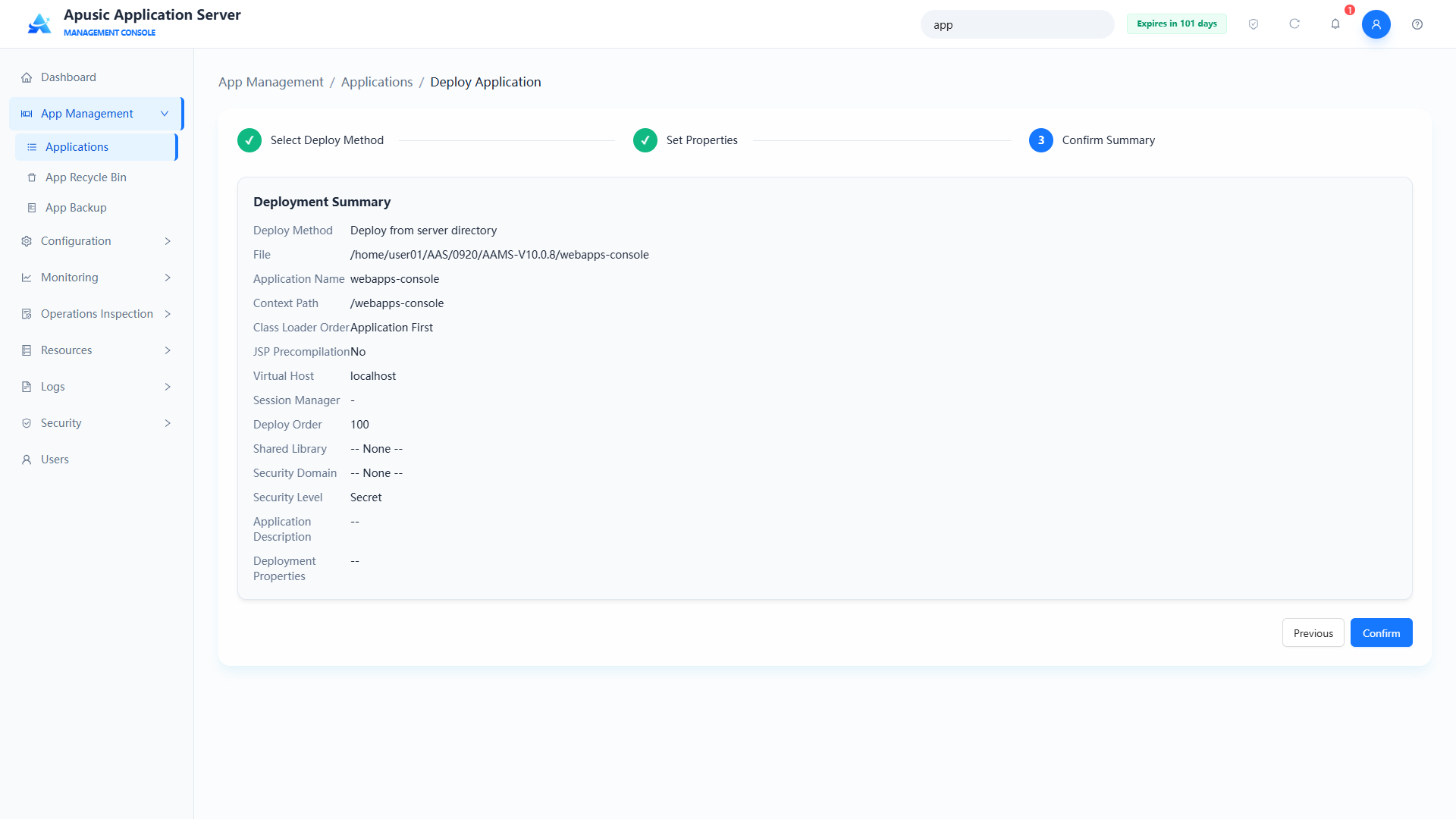
3. Confirm the deployment summary: verify the information and click "Deploy". To change the deployment information, click Previous.
# Reloading an Application
Reloads a deployed application: without uninstalling or redeploying it, reloads the application configuration, class files, resource files, and context so that the latest configuration and changes take effect.
Clicking "Reload" stops and then starts the application. It applies when the application's configuration files or libraries have been updated and need to be reloaded.
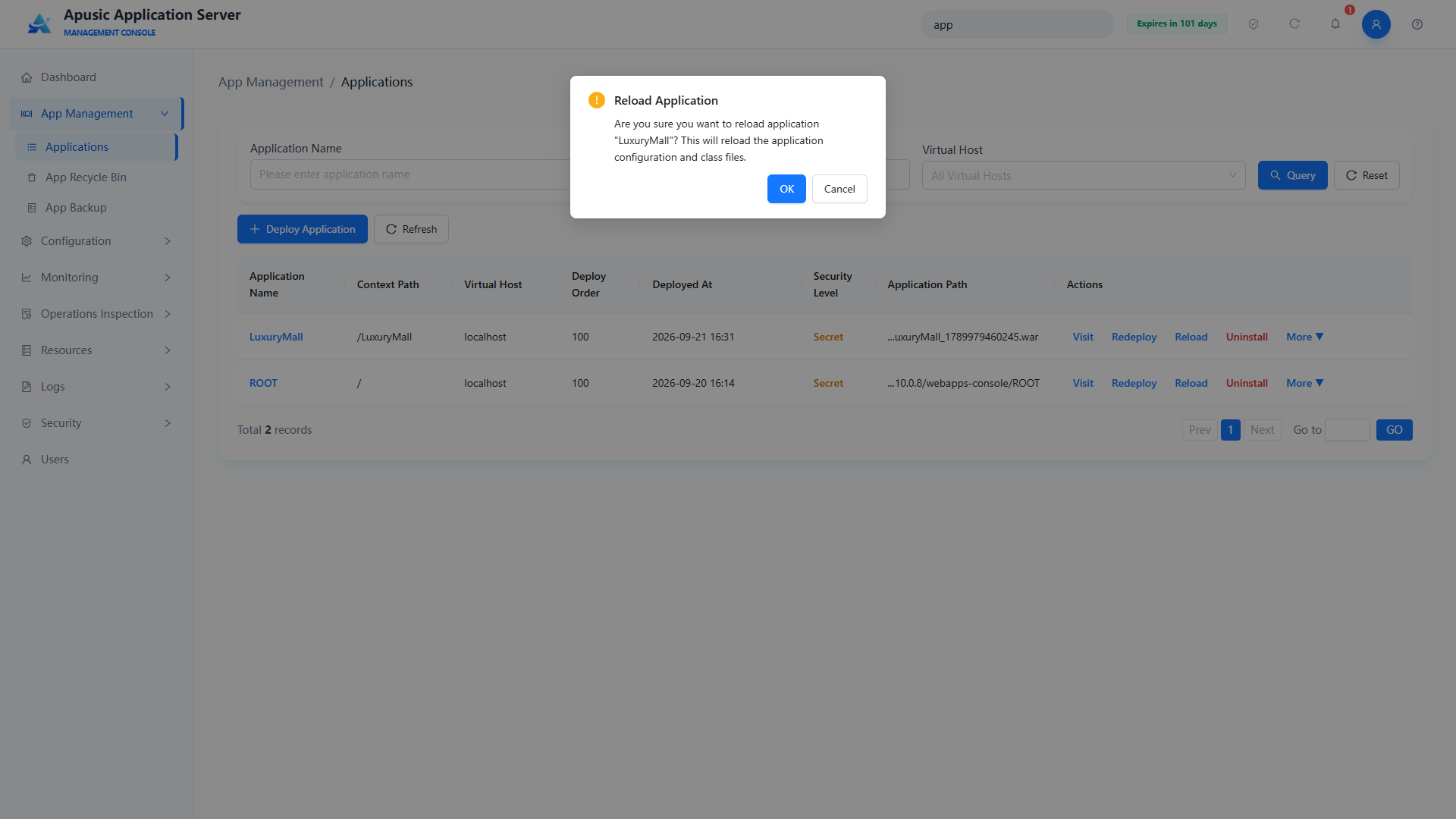
Click Confirm to reload the application.
# Redeploying an Application
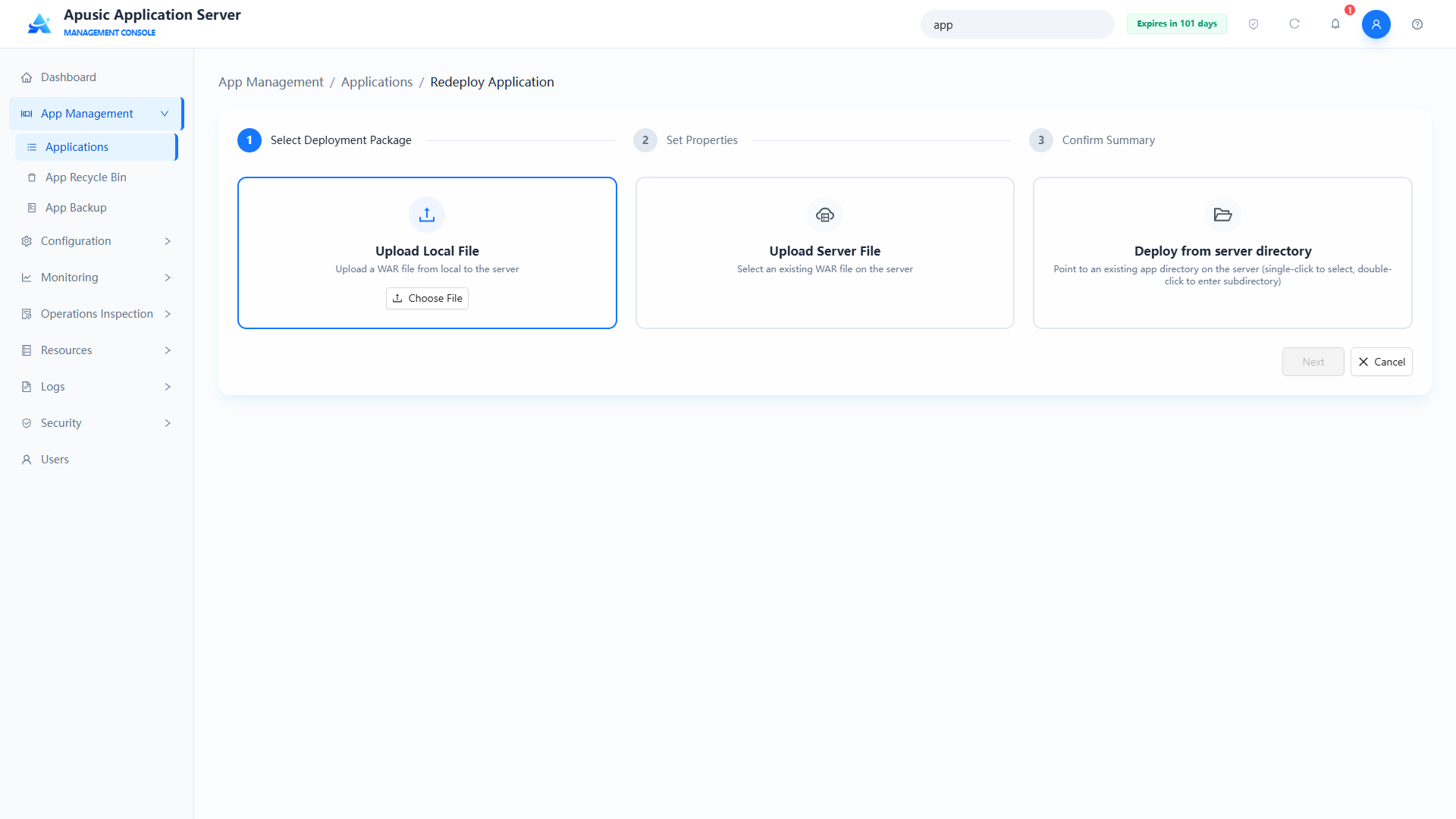
The redeploy feature lets you overwrite the existing application resources and rerun the deployment process by uploading a new application package or selecting a new application file on the server. The redeploy page retains the application's basic configuration by default; you can update it manually. The console completes configuration validation, resource updates, application initialization, and health checks to ensure the application runs normally after redeployment. The redeployment process is basically the same as the deployment process and is also step-based.
Click "Redeploy" and upload a new package or select a server file to overwrite the existing application.
# Uninstalling an Application
Uninstalls a deployed application: completely removes the application from the server in the app management console, releases server resources, and updates the application status.
Click "Uninstall"; the system displays a confirmation dialog. Click OK to uninstall the application.
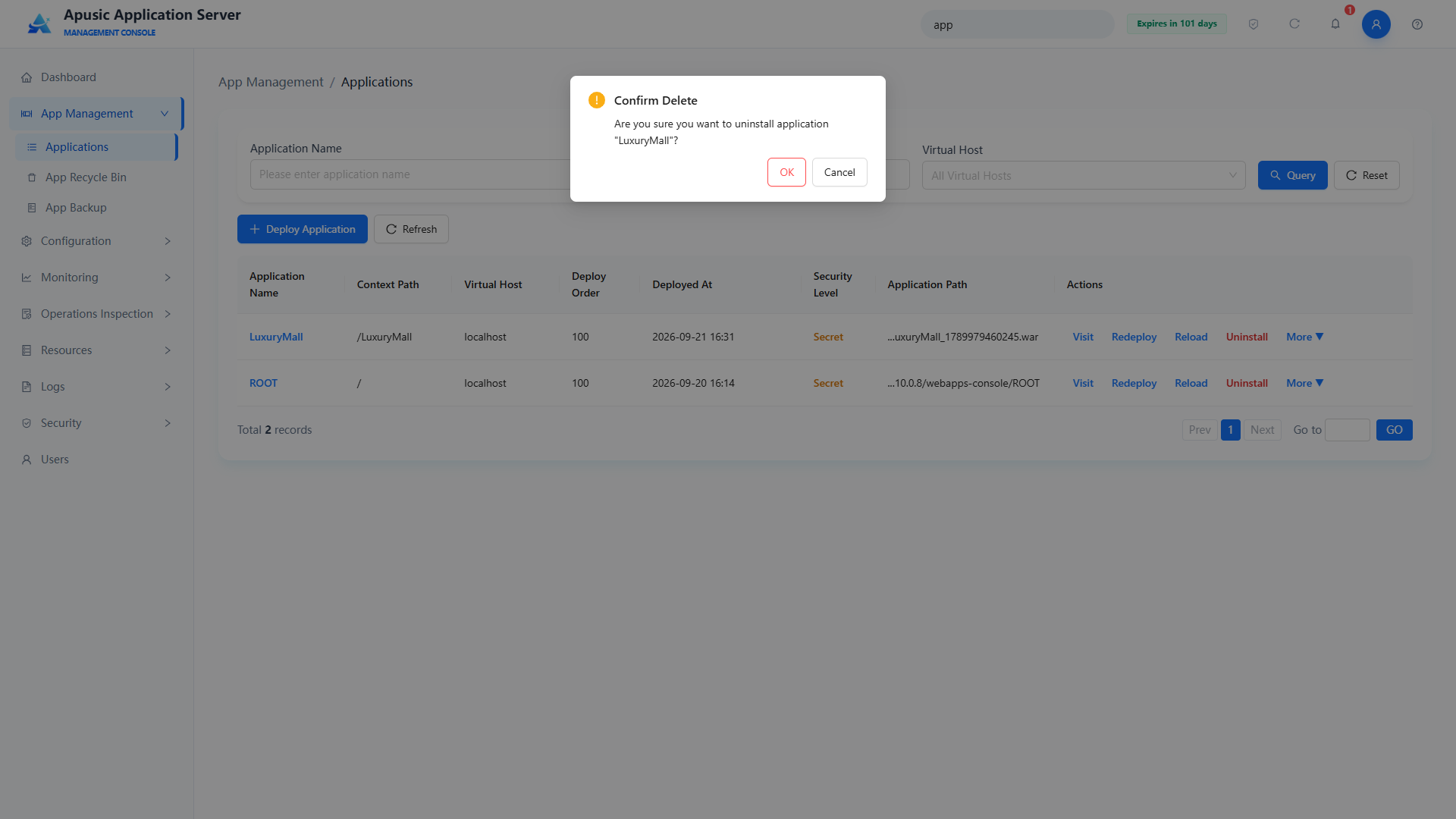
Note: If the recycle bin is enabled, the application goes to the recycle bin instead of being physically deleted, and can be restored from there.
# Class Libraries
Class library management provides visual management of the JAR packages in the application's WEB-INF/lib directory, supporting list display, upload (create), and deletion.
Click "Class Libraries" to manage the JAR files under the application's WEB-INF/lib, including uploading new JAR files and deleting existing libraries.
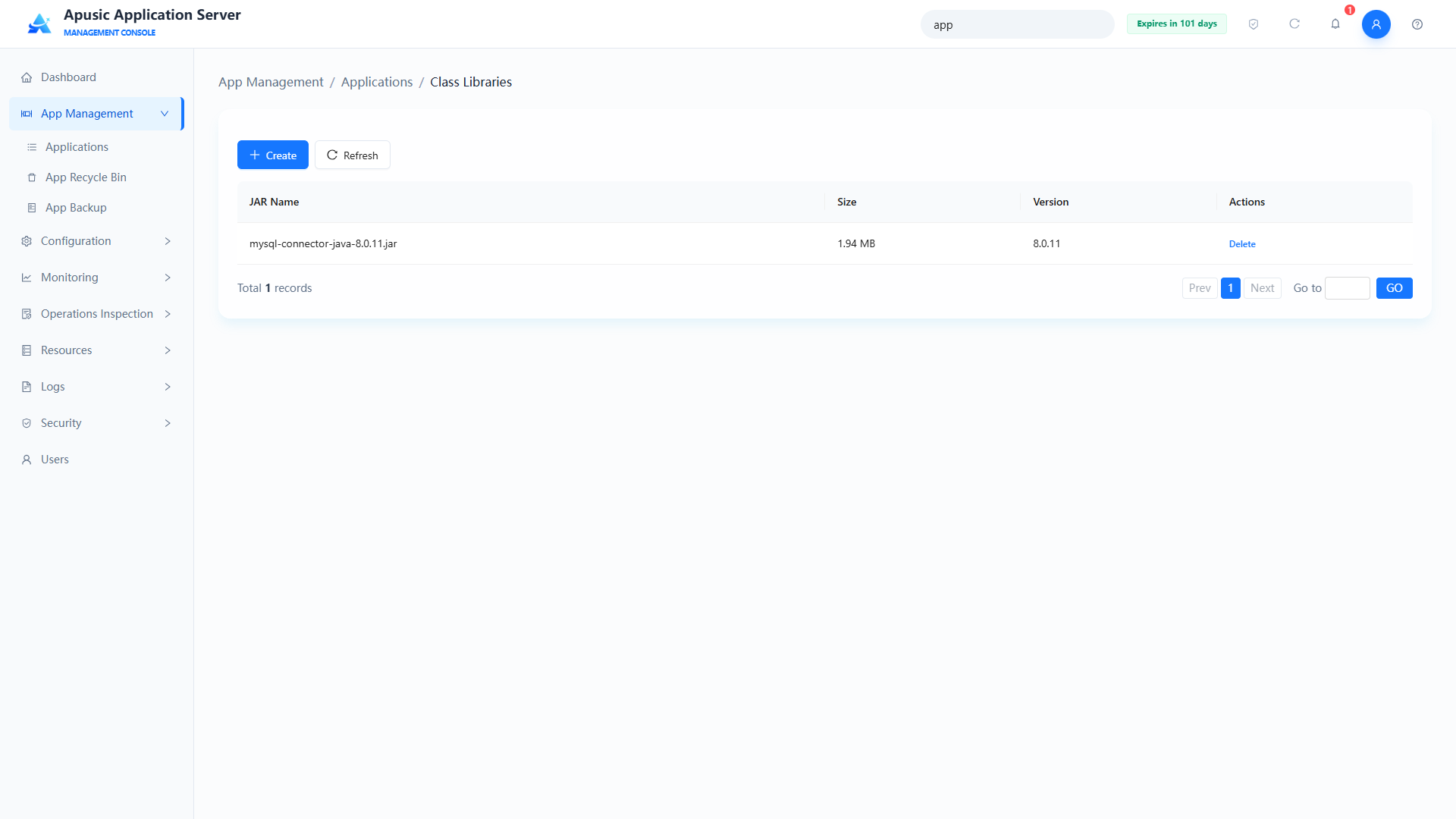
Note: The application must be restarted for class library changes to take effect.
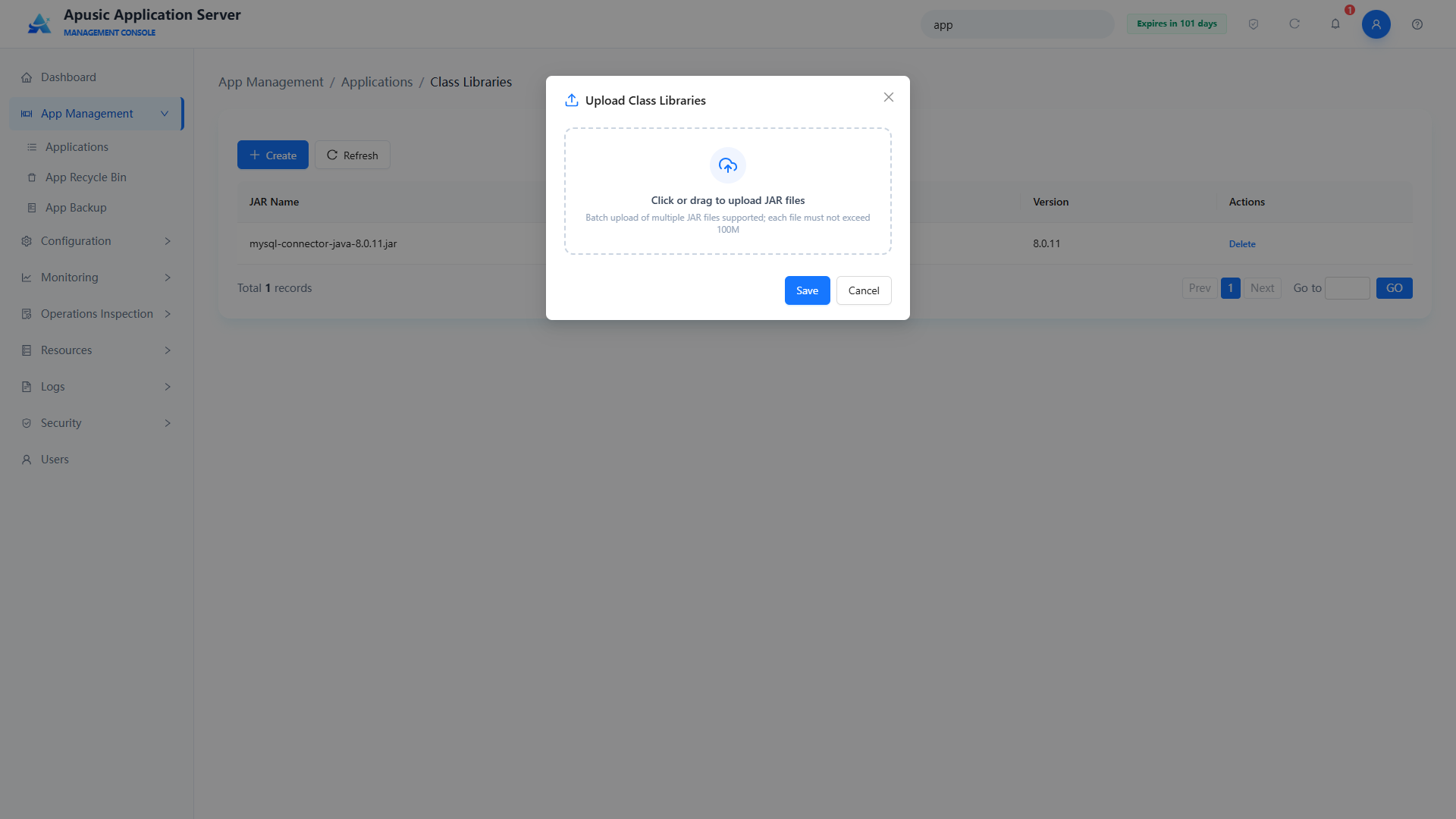
Click Create to open the upload class libraries page, where you can upload multiple JAR files.
Note: Uploading a JAR with the same name overwrites the existing one.
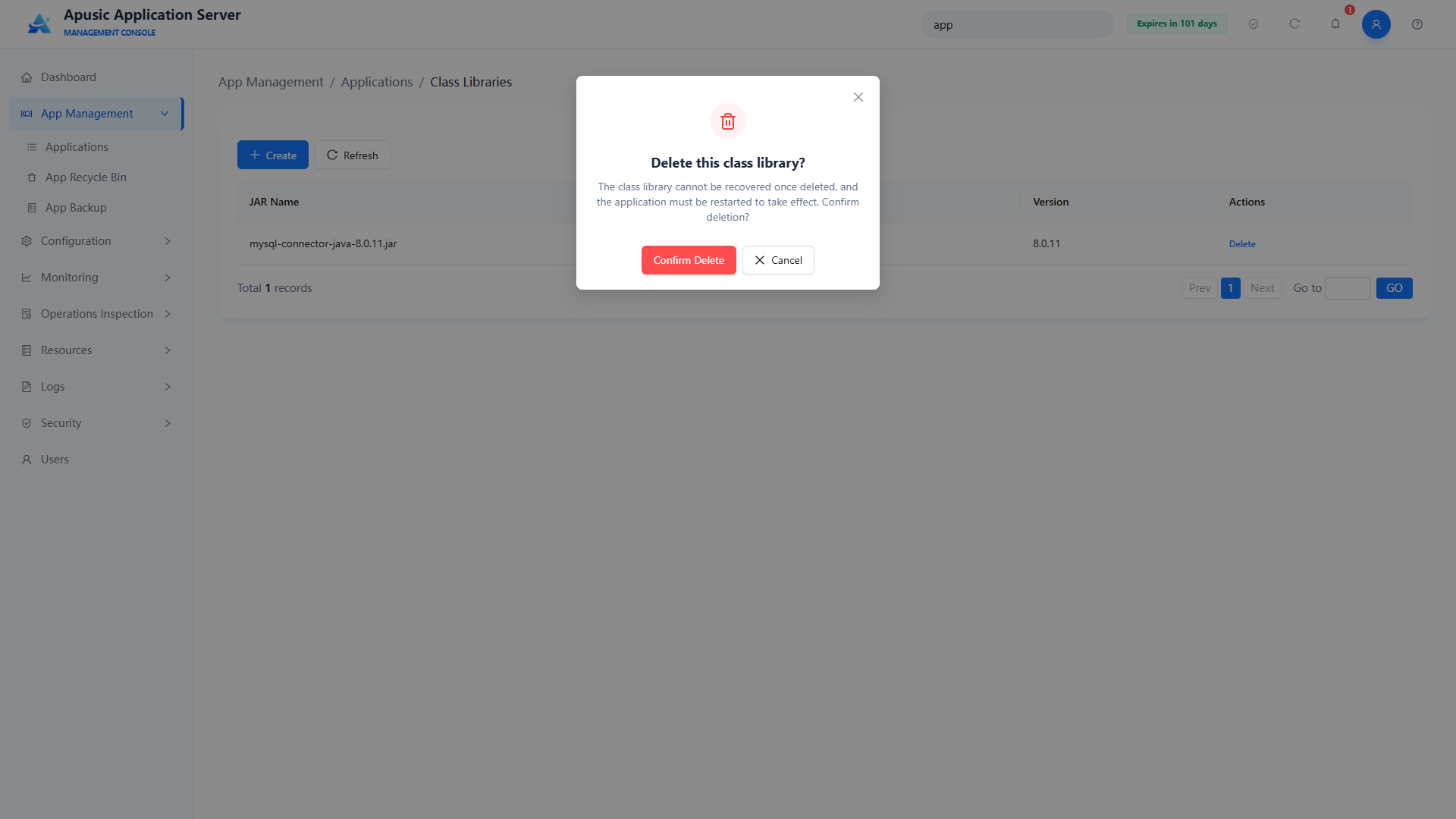
Click Delete to delete the corresponding class library.
# Editing an Application
You can modify the runtime parameters of a deployed application, including context path, class loading order, JSP precompilation, virtual host, session manager, deploy order, shared libraries, shared library priority, deployment timeout, security level, application description, and custom deployment properties. The application name cannot be changed. Configuration is saved immediately after modification; a running application must be reloaded for the changes to take effect.
In the application list, click "More → Edit" to open the application edit page. The page properties are described in the table in the "Deploying an Application" section. Among them, "Application Name" is read-only; the meaning, valid values, and defaults of the other settings are the same as in "Deploying an Application".
Note: After saving the edits, the application must be reloaded for the changes to take effect. The system will prompt you to "Reload Now" or "Reload Later".
# Incremental Update
The incremental update feature partially updates (patches) a deployed application. Upload an incremental package in ZIP format whose directory structure must match the application's, and the files in the corresponding directories are updated — that is, the content of the incremental package overwrites the corresponding directories of the application.
Click "Incremental Update" to go to the incremental update page.
Note: After an incremental update, the updated JARs, configuration files, and JSPs require an application restart to take effect.
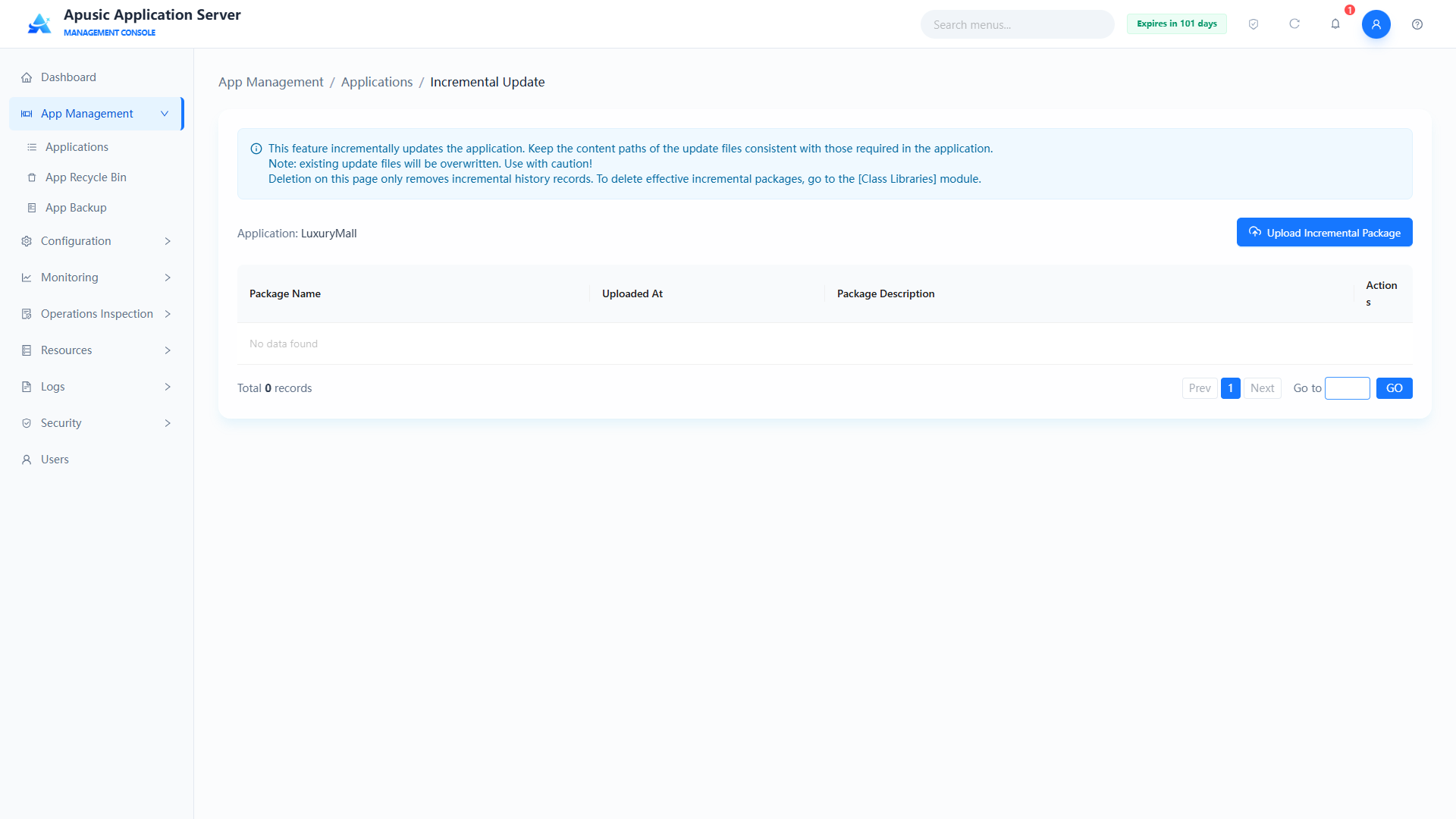
Click Upload Update Package to upload a ZIP incremental package.
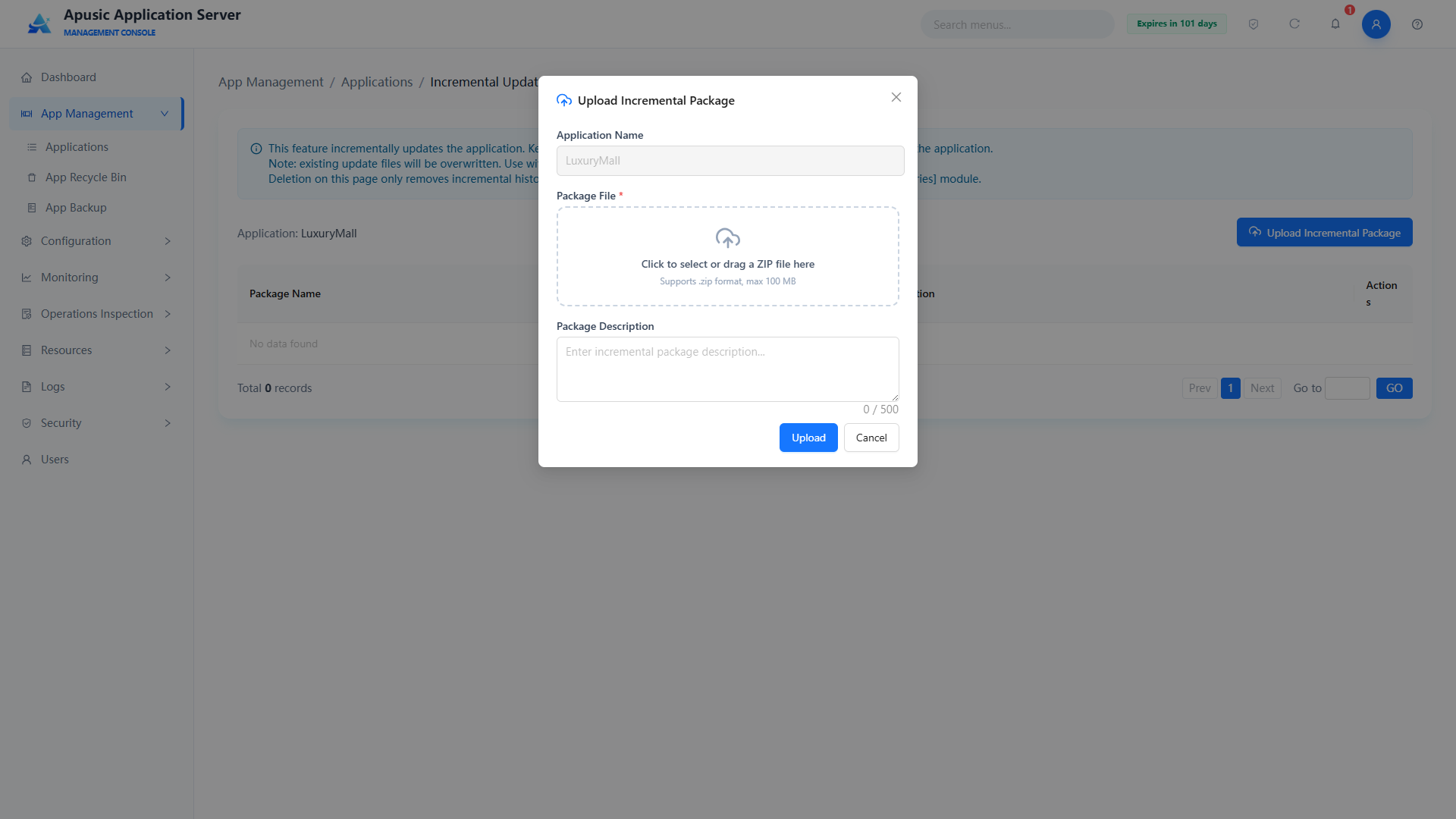
Note: Files with the same name in the uploaded package overwrite the original files. It is recommended to back up the application manually before using this feature so that you can recover from a problematic incremental update.
# App Recycle Bin
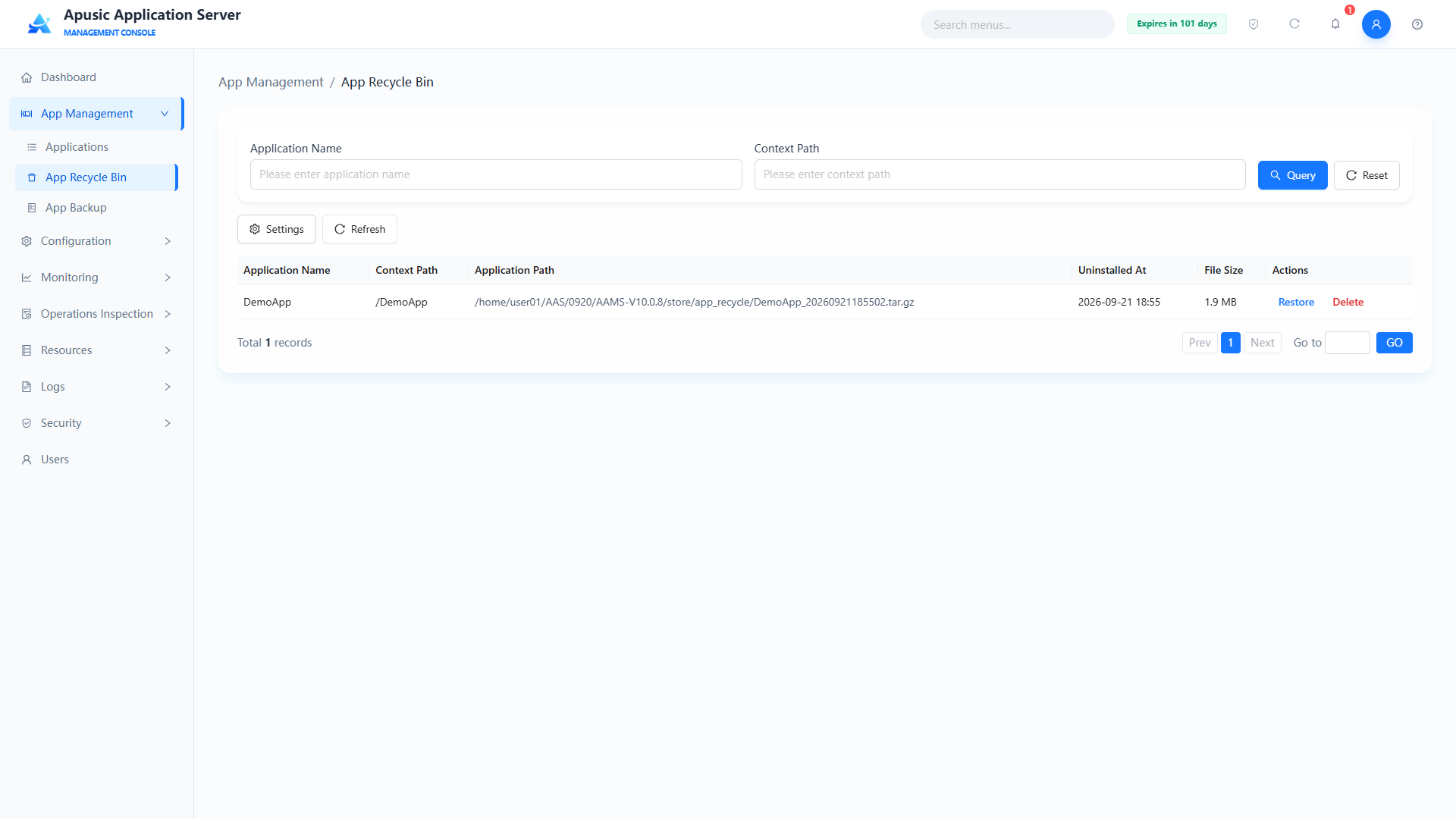
The app recycle bin feature moves an application to the recycle bin when it is uninstalled, so it can be restored or recovered later if necessary.
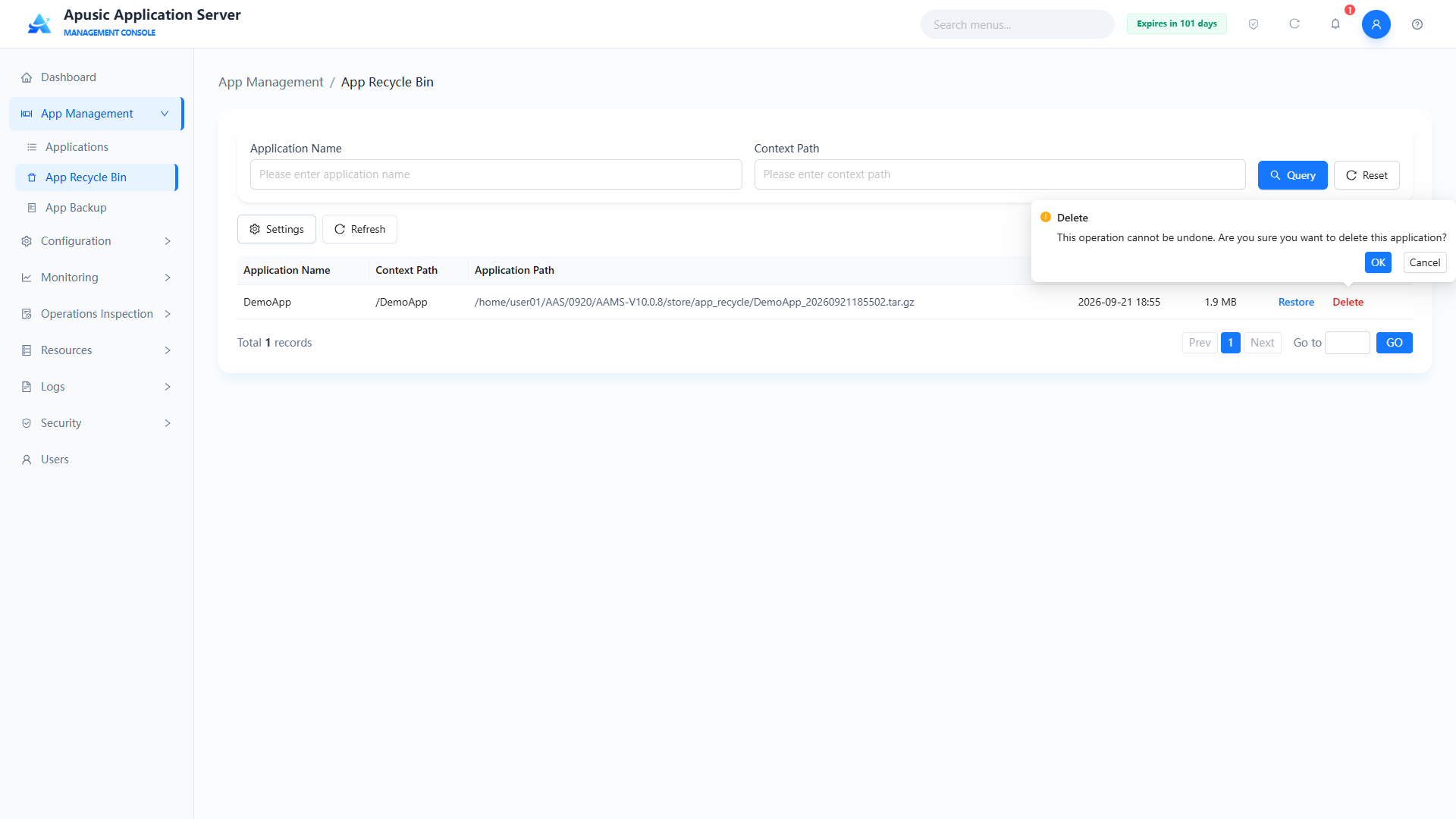
Click "App Management → App Recycle Bin" to view uninstalled applications and perform "Restore" or "Delete".
# Recycle Bin Settings
Click Settings to go to the app recycle bin settings page.
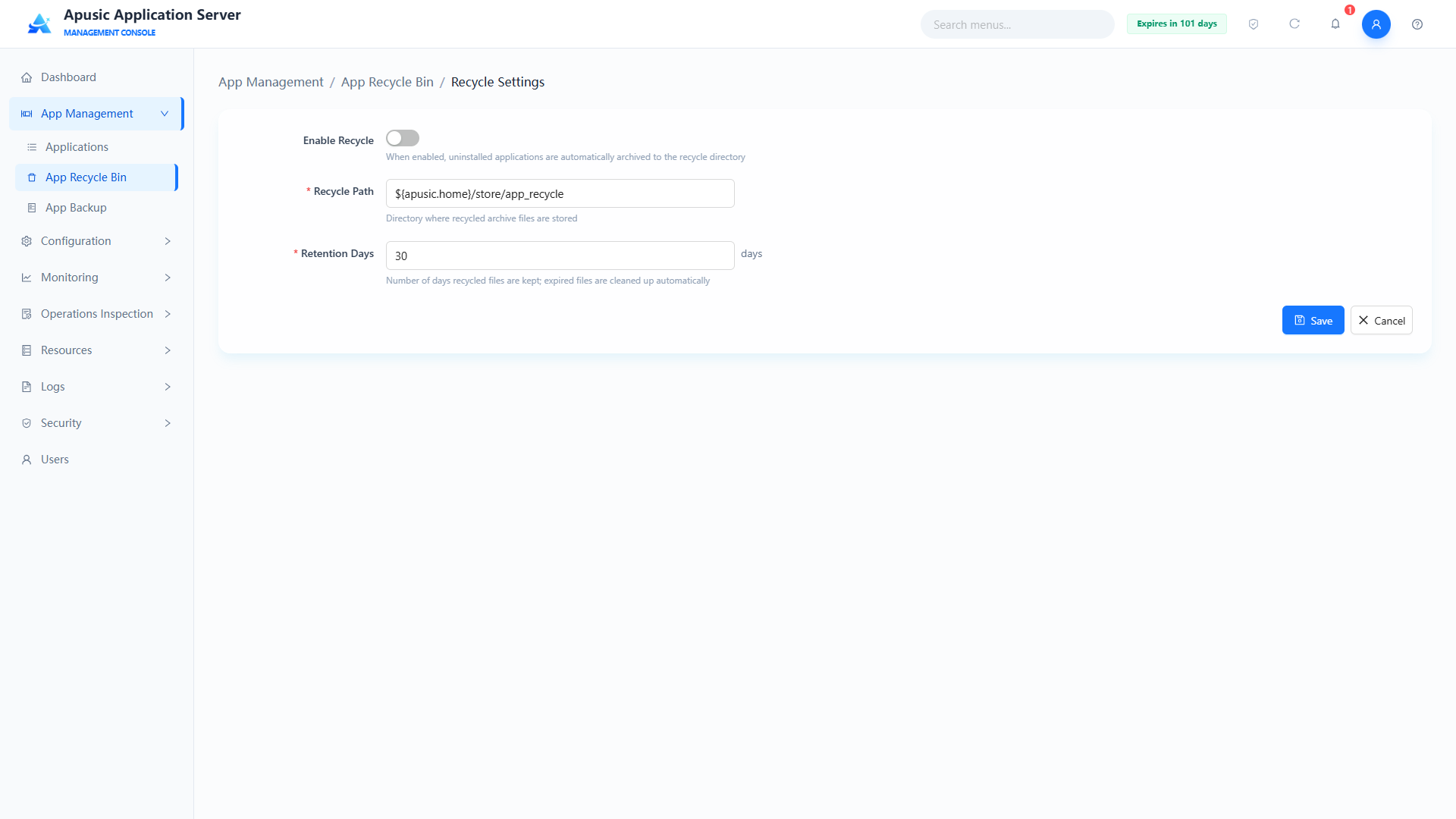
Input:
| Setting | Parameter | Description |
| Enable Recycle | enable | Whether an uninstalled application automatically goes to the recycle bin. Purpose: when enabled, uninstalled applications are archived to the recycle directory automatically and can be restored from the recycle bin; when disabled, uninstalled applications are not recycled. Valid values: checkbox, Yes / No. Default: No. |
| Recycle Path | path | Server directory where recycled application packages are stored. Purpose: specifies the storage location of recycled archive files. Valid values: string, up to 255 characters; must be an existing directory on the server with read/write permission; system variable placeholders are supported. Default: ${apusic.home}/store/app_recycle. |
| Retention Days | retention | How long recycled files are retained, in days. Purpose: recycled application packages older than the retention period are cleaned up automatically by the system. Valid values: integer, 1~365. Default: 30. |
# Restoring an Application
Restores an application from the recycle bin to the application list. Note that restoration fails if an application with the same name already exists in the list; you must uninstall the application with that name first.
Click "Restore" to go to the restore page.
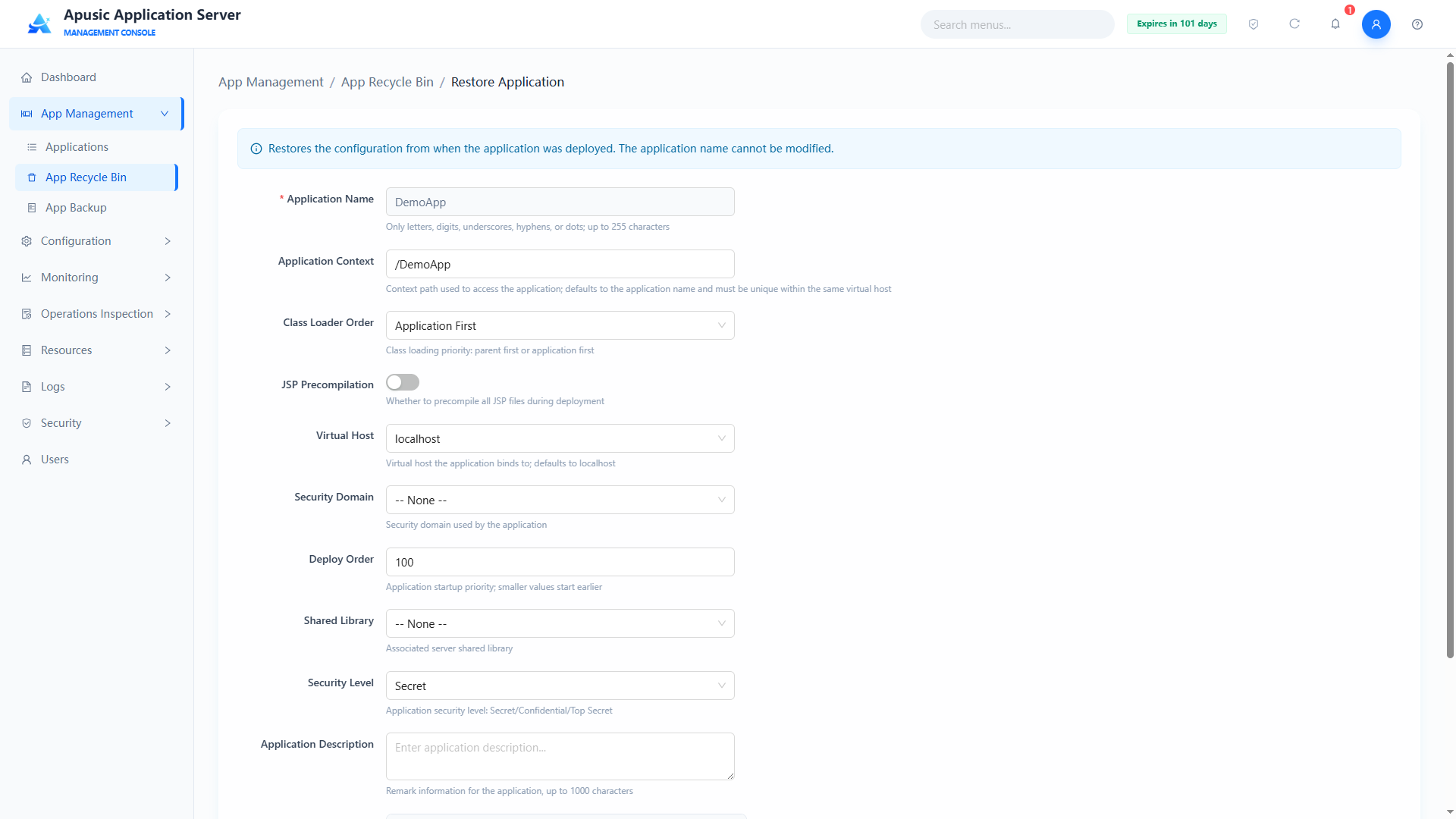
Enter the configuration:
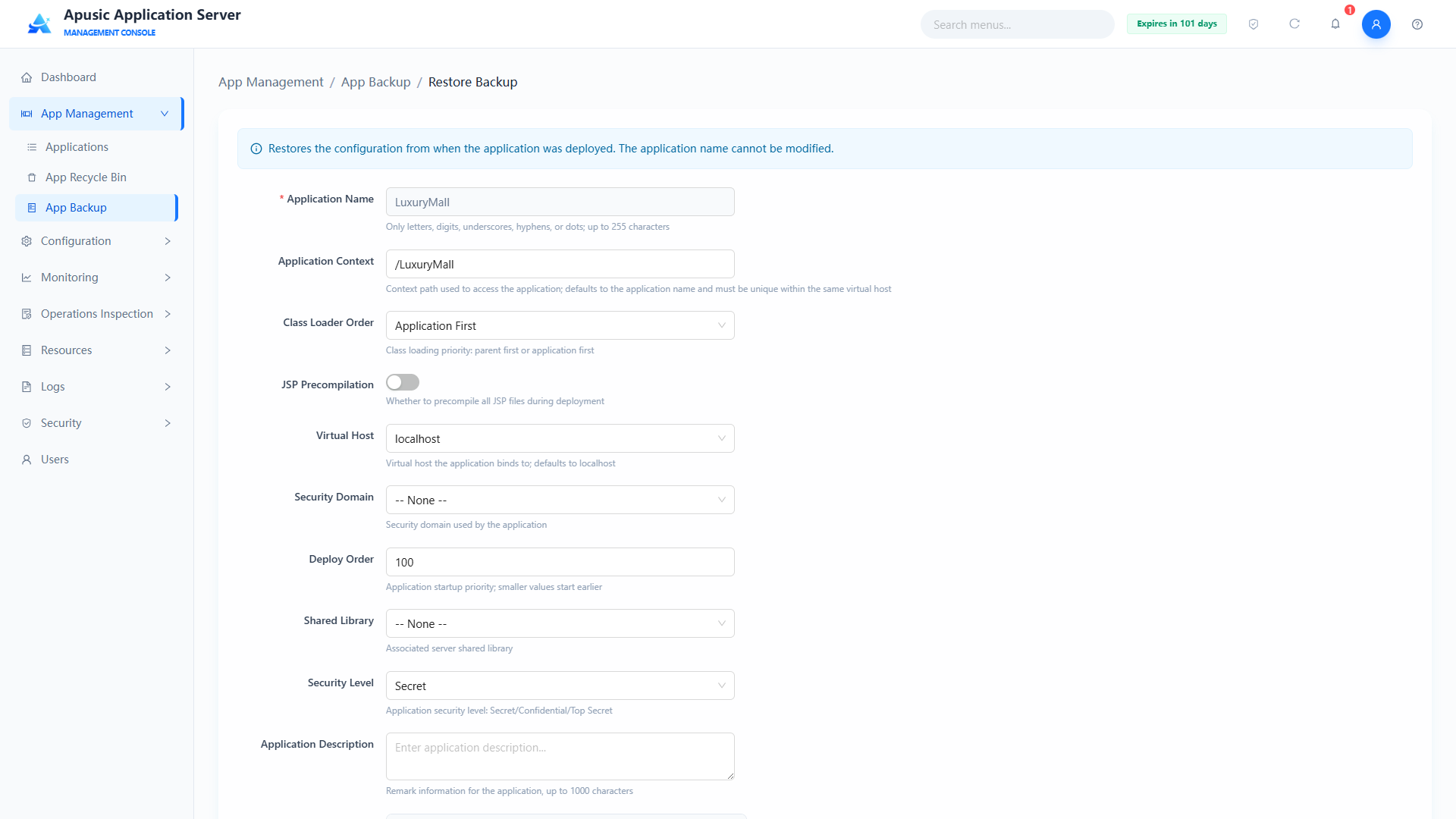
| Setting | Parameter | Description |
| Application Name | appName | Name of the application to restore. Purpose: identifies the restore target; after restoration, no application with the same name may exist in the list. Valid values: string, read-only. Default: automatically filled with the application name from the recycle bin. |
| Context Path | appContext | URL path prefix for accessing the application. Valid values: string, up to 255 characters; only letters, digits, underscores, and hyphens are allowed. Default: the original configuration. |
| Class Loading Order | classLoaderOrder | Delegation strategy of the application class loader. Purpose: controls whether the parent class loader or the application's own libraries take precedence when loading classes. Valid values: dropdown, Parent First / Application First. Default: the original configuration (Application First by default). |
| JSP Precompile | jspPrecompile | Whether to precompile all JSP files at startup. Purpose: when enabled, precompilation happens at application startup; when disabled, at first access. Valid values: switch, On / Off. Default: the original configuration. |
| Virtual Host | virtualHost | Virtual host the application is bound to. Valid values: dropdown of virtual hosts configured on the server. Default: the original configuration. |
| Session Manager | sessionManager | Session persistence mode. Purpose: configures the application's session storage policy, supporting Memory, File, Redis, and Database storage types. Valid values: dropdown of session managers configured in the Session Manager module. Default: the original configuration. |
| Deploy Order | deployOrder | Loading order of the application at server startup. Purpose: a smaller value means higher loading priority. Valid values: integer, 0~2147483647. Default: the original configuration. |
| Shared Libraries | sharedLib | Server shared libraries associated with the application. Valid values: dropdown of shared libraries configured in the Shared Libraries module. Default: the original configuration. |
| Shared Library Priority | sharedLibPriority | Position of the shared library in the application's class loading order. Valid values: dropdown, Shared Library First / WEB-INF/classes First / WEB-INF/lib First. Default: the original configuration. |
| Deployment Timeout (seconds) | deployTimeout | Timeout for application deployment / startup, in seconds. Valid values: integer, 1~3600. Default: the original configuration. |
| Security Domain | securityDomain | Security domain used by the application. Valid values: dropdown of security domain names configured in the Security Domains module. Default: the original configuration. |
| Security Level | classLevel | Security level of the application. Purpose: indicates which security levels of personnel can see this resource. Valid values: dropdown, Public / Internal / Secret / Confidential. Default: the original configuration. |
| Application Description | appDesc | Remarks of the application. Valid values: string, up to 1000 characters. Default: the original configuration. |
| Deployment Properties (custom) | deployProps | Custom configuration parameters of the application. Purpose: passes extended configuration as "property name - property value" pairs; multiple pairs can be added. Valid values: key-value list; property names support only letters, digits, and underscores; property values support arbitrary text. Default: the original configuration. |
Finally click "Restore"; the system reports whether the restoration succeeded or failed.
# Deleting an Application
Physically deletes an application from the recycle bin. A confirmation dialog appears; click "OK" to physically delete it, or Cancel to abort.
# App Backup
The app backup feature protects application data throughout its lifecycle and supports manual backup and restoration of deployed application packages.
# Backing Up Immediately
Click "App Management → Applications → More → Backup"
# Backup List
After a backup, click "App Management → App Backup" to go to the application backup list, which can be queried by application name and context path.
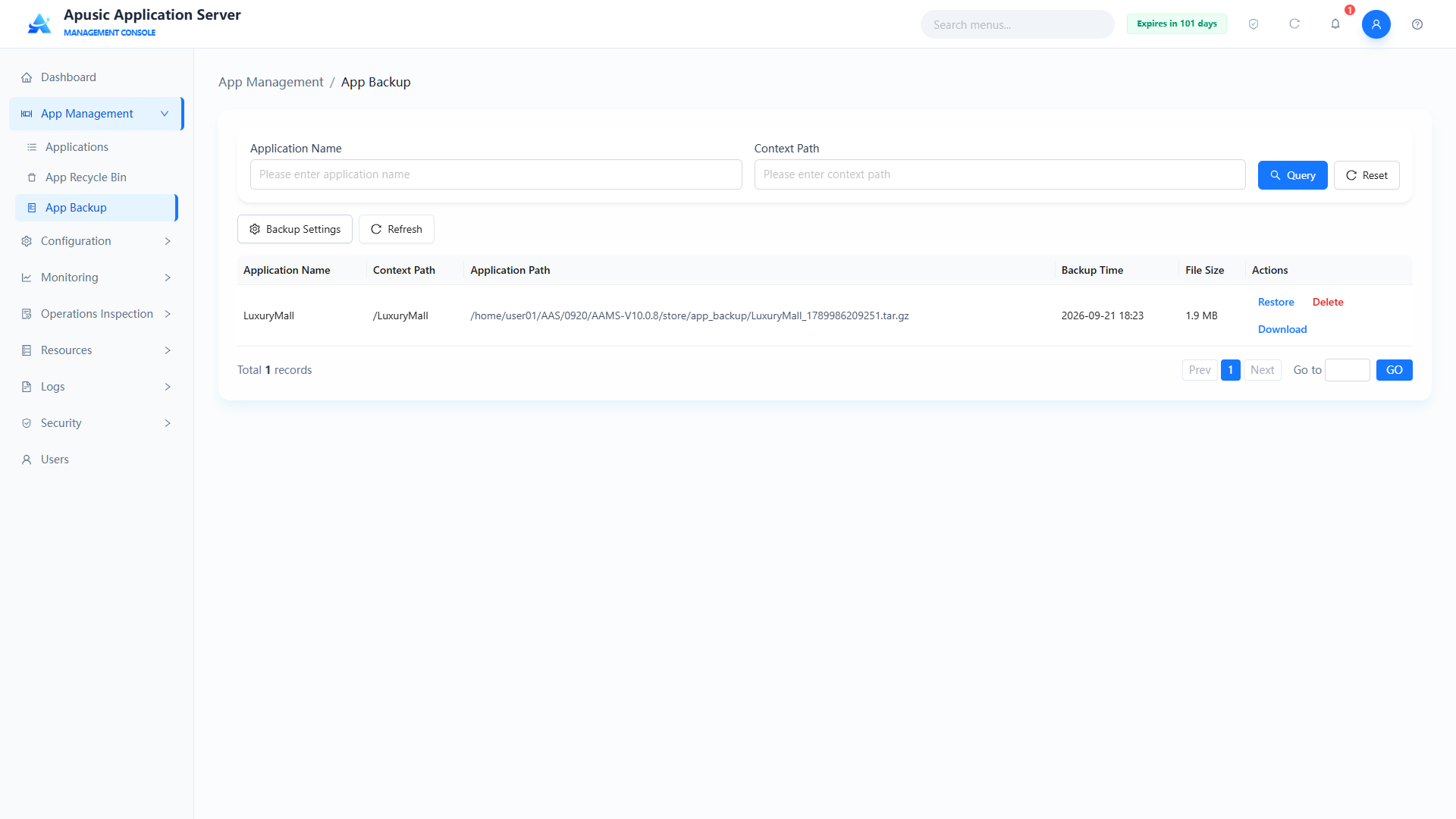
The list shows the application name, context path, application path (where the backup file is stored), backup time and current backup file size, and action buttons (Restore, Delete, Download).
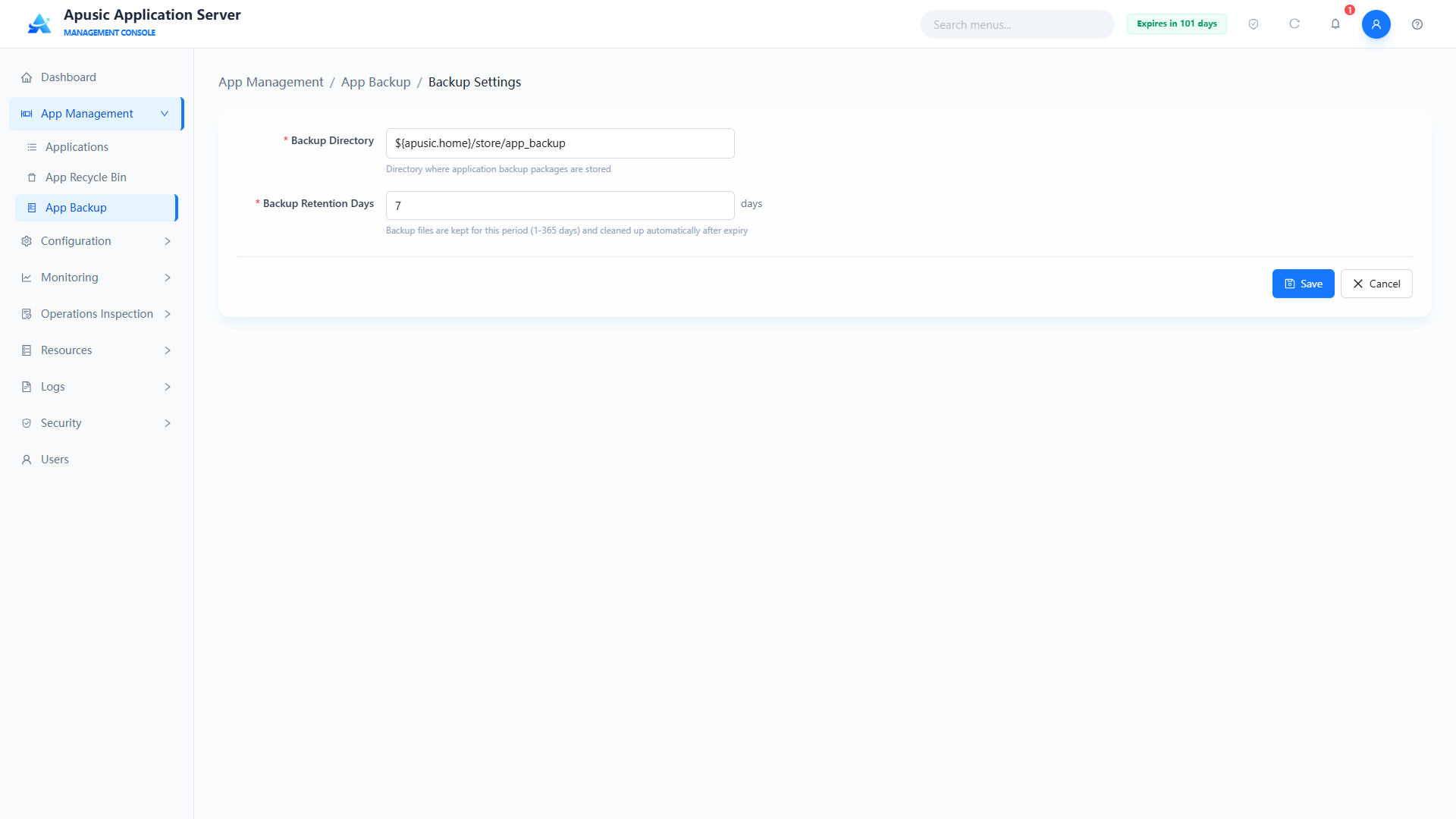
# Backup Settings
Click "Backup Settings" to specify the application backup directory and retention days:
| Setting | Parameter | Description |
| Backup Directory | path | Directory where application backup packages are stored. Purpose: specifies where all application backup files are stored on the server. Valid values: string, a valid directory path; system variable placeholders are supported. Default: ${apusic.home}/store/app_backup. |
| Backup Retention Days | retention | How long backup files are retained, in days. Purpose: backup files older than the retention period are cleaned up automatically by the system. Valid values: integer, 1~365. Default: 7. |
# Restoring a Backup File
Restores a backed-up application package and its deployment configuration. After the administrator selects a historical backup record, the system automatically fills in the complete deployment configuration at the backup point in time; the configuration can be modified as needed before submitting the restoration. During restoration the system intelligently checks the target application status: if an application with the same name already exists in the current environment, a confirmation dialog lets you overwrite (uninstall the original application first, then restore the backup version) or cancel, providing application version rollback and fault recovery.
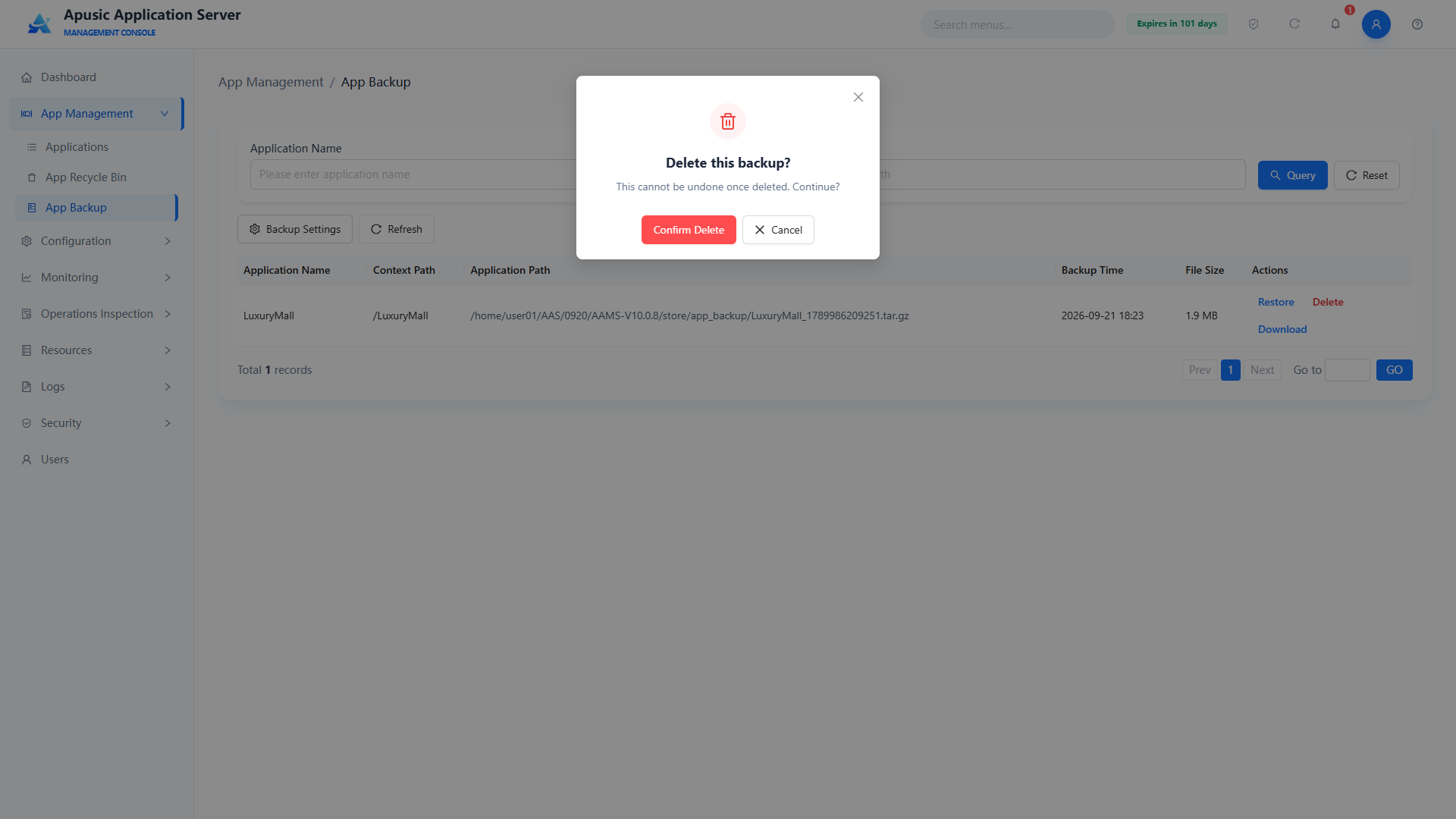
# Deleting a Backup File
Click "Delete"; a confirmation dialog appears. Clicking confirm physically deletes the backup file.
# Downloading a Backup File
Downloads the backed-up application as an archive file.
# Resources
# Data Sources
The application server management console manages the full lifecycle of data sources (JDBC connection pools), covering list query, creation, editing, enable/disable, deletion, and connectivity testing. It supports connection configuration for mainstream databases such as MySQL, Oracle, PostgreSQL, DM (Dameng), KingbaseES, and others, with multi-dimensional settings covering basic properties, connection pool, connection validation, monitoring, and extended parameters. This meets application requirements for unified management of multiple database resources, connection optimization, and status monitoring, and ensures stable, maintainable, and secure database connections.
# Data Source List
Click "Resources → Data Sources" in the left menu:
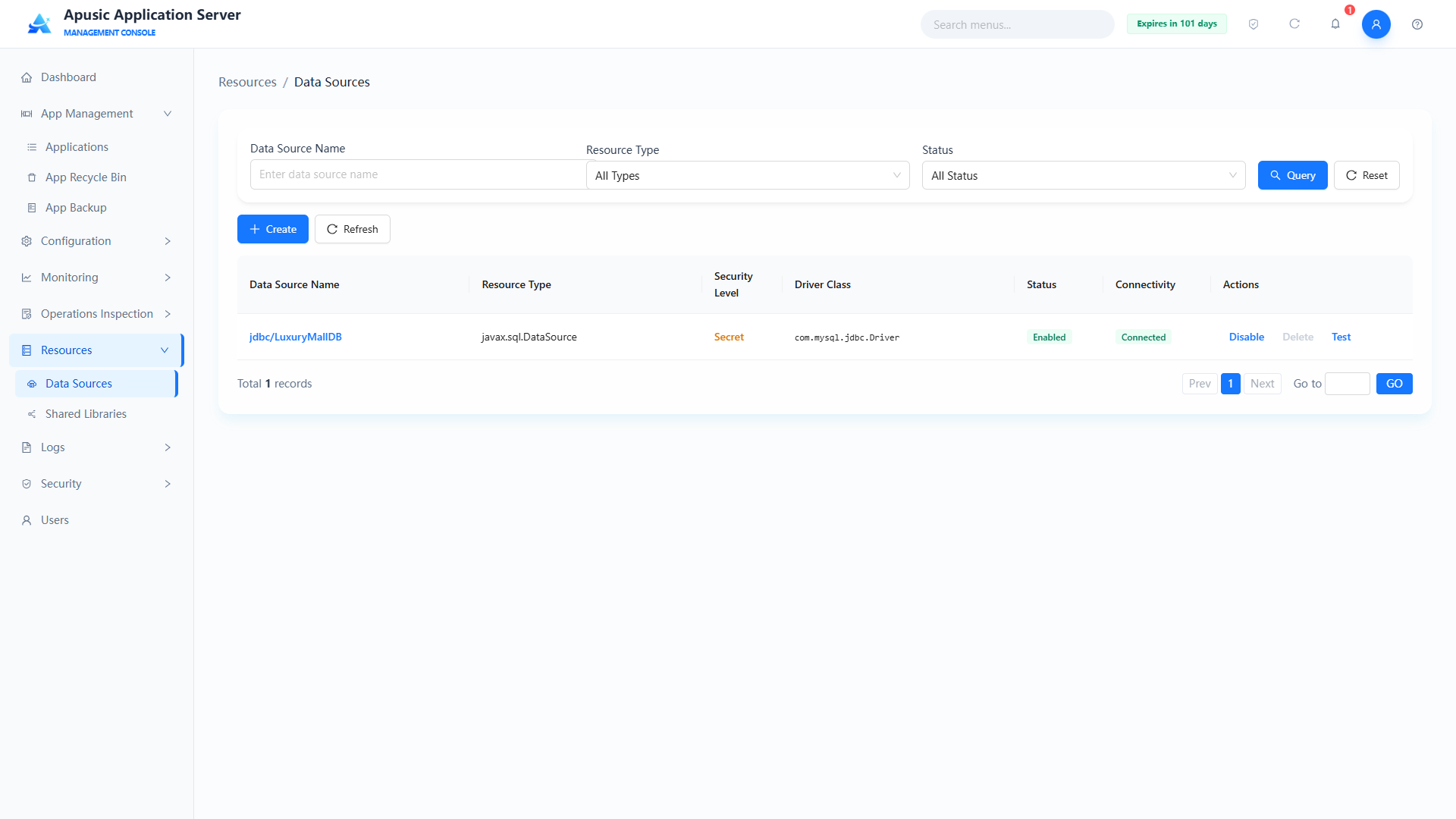
Query conditions
| Query Condition | Description | Example |
|---|---|---|
| Data Source Name | Fuzzy query by data source name | jdbc/mysql |
| Resource Type | Supports javax.sql.DataSource, javax.sql.XADataSource, javax.sql.ConnectionPoolDataSource | javax.sql.DataSource |
| Status | Filter by enabled/disabled status | All Statuses |
List fields
| Field | Description |
|---|---|
| Data Source Name | Name of the data source, globally unique |
| Resource Type | Resource type: javax.sql.DataSource, javax.sql.XADataSource, or javax.sql.ConnectionPoolDataSource |
| Driver Class | Fully qualified name of the JDBC driver class |
| Status | Enabled / Disabled |
| Connectivity | Result of the latest connectivity test, e.g. "Normal" or "Abnormal" |
| Actions | Edit, Delete, Enable/Disable, Test Connectivity |
# Creating a Data Source
A wizard-style data source configuration tool that lets you create and manage database connection pools. The step-by-step wizard reduces configuration complexity and ensures the resulting connection pool meets the high-performance and high-availability requirements of production environments.
Click "Create" to go to the creation page. Creating a data source is a four-step wizard: Basic Config → Connection Pool Config → Connection Validation Config → Advanced Config
Step 1: Basic Config
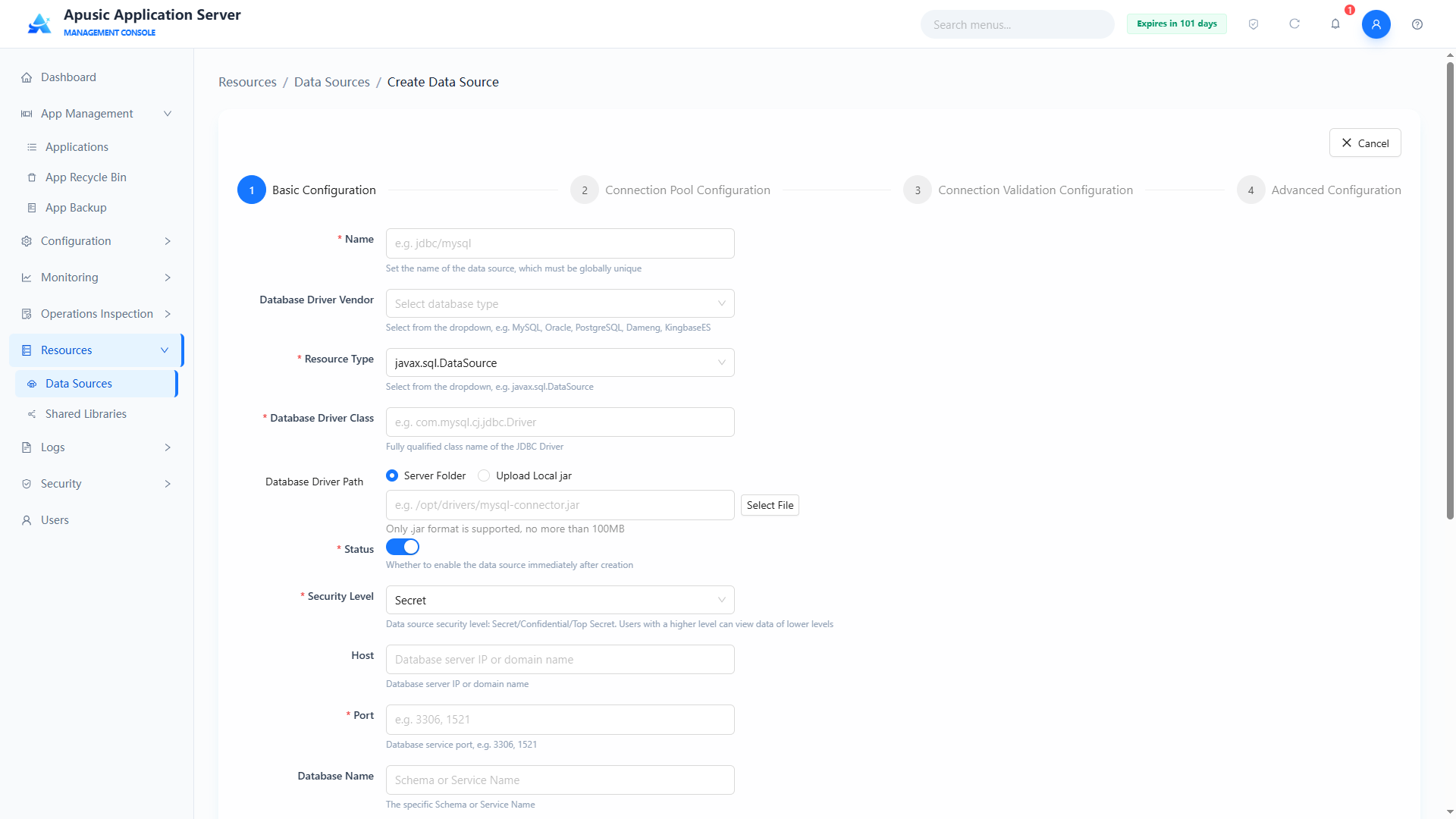
| Setting | Parameter | Description |
| Name | name | Data source name (JNDI name). Purpose: globally unique identifier of the data source; applications look up and obtain database connections by this name. Valid values: string, 1~128 characters, globally unique, required. Default: empty. |
| Database Driver Vendor | dbType | Database vendor type. Purpose: selects the target database type; the system fills in the default driver class and URL template accordingly. Valid values: dropdown, e.g. MySQL, Oracle, PostgreSQL, DM, KingbaseES, HighGo; required. Default: empty. |
| Resource Type | resourceType | JNDI resource interface type of the data source. Purpose: determines how connections are obtained (plain / XA distributed / pooled). Valid values: dropdown, javax.sql.DataSource, javax.sql.XADataSource, javax.sql.ConnectionPoolDataSource; required. Default: javax.sql.DataSource. |
| Driver Class | driverClass | Fully qualified name of the JDBC driver. Purpose: specifies the JDBC Driver implementation class to load. Valid values: string, 1~128 characters, e.g. com.mysql.cj.jdbc.Driver; required. Default: filled automatically according to the selected database driver vendor. |
| Driver Path | driverPath | Source of the JDBC driver JAR. Purpose: upload the driver file or specify the path of the driver JAR on the server. Valid values: file upload or path string; only .jar files, up to 100MB. Default: empty. |
| Status | status | Enabled state after the data source is created. Purpose: controls whether the data source is put into use immediately. Valid values: switch, On / Off. Default: On. |
| Security Level | classLevel | Security level of the data source. Purpose: controls which security levels of personnel can see the data source; users with a higher level can view lower-level data. Valid values: dropdown, Secret / Confidential / Top Secret. Default: Secret. |
| Host | host | Database server address. Purpose: specifies the IP or domain name the database listens on, used to assemble the JDBC URL automatically. Valid values: string, 1~255 characters. Default: empty. |
| Port | port | Port the database service listens on. Purpose: combined with the host to assemble the JDBC URL. Valid values: integer, 1~65535, e.g. 3306, 1521. Default: empty. |
| Database Name | databaseName | Schema (database name) or Service Name of the target database. Valid values: string, 1~64 characters. Default: empty. |
| Username | username | Account for connecting to the database. Valid values: string, 1~255 characters, required. Default: empty. |
| Password | password | Password for connecting to the database. Purpose: credential for database authentication; stored encrypted and never echoed in plain text in the frontend. Valid values: string, 1~255 characters, required. Default: empty. |
| URL | url | Complete JDBC connection string. Purpose: the actual database connection address used by the data source, usually generated from the host / port / database name. Valid values: string, 1~500 characters, must comply with the JDBC specification; can be edited manually; required. Default: generated from host / port / database name. |
| Custom Properties | customProperties | Custom extended parameters of the data source. Purpose: passes additional connection properties to the driver as key-value pairs. Valid values: key-value list. Default: empty. |
Step 2: Connection Pool Config
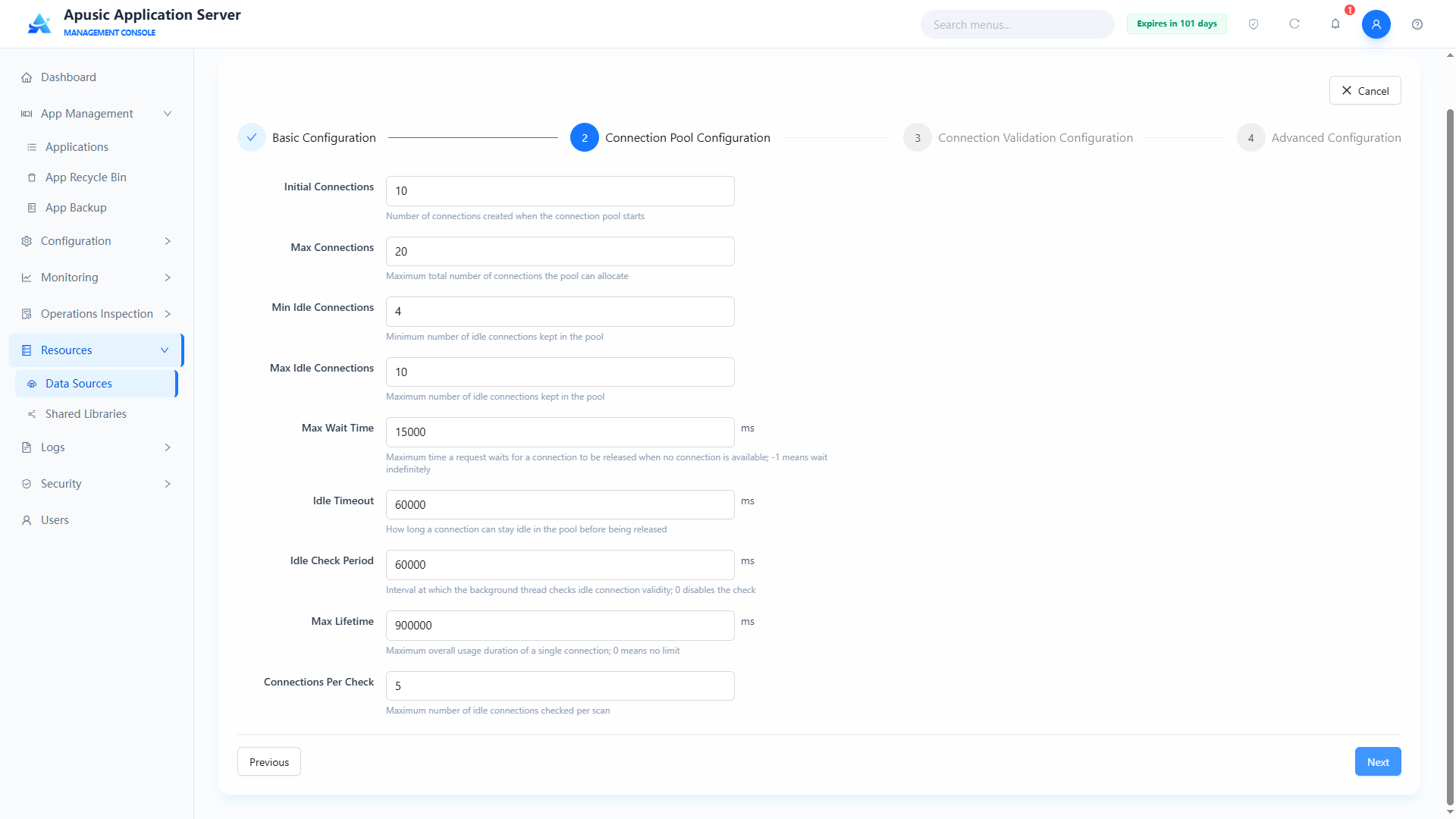
| Setting | Parameter | Description |
| Initial Connections | initialConnections | Number of connections created when the pool starts. Purpose: warms up the pool and reduces connection setup overhead for the first requests. Valid values: integer, 0 ~ max connections. Default: 10. |
| Max Connections | maxConnections | Maximum total connections the pool may allocate. Purpose: limits concurrent database connections to protect the database. Valid values: integer, ≥ initial connections, up to 2147483647; required. Default: 20. |
| Min Idle Connections | minIdle | Minimum idle connections kept in the pool. Purpose: ensures connections are available under low load so burst requests do not wait for connection setup. Valid values: integer, 0 ~ max idle connections; required. Default: 4. |
| Max Idle Connections | maxIdle | Maximum idle connections kept in the pool. Purpose: idle connections beyond this count are released to control resource usage. Valid values: integer, ≥ min idle connections and ≤ max connections; required. Default: 10. |
| Max Wait Time | maxWaitMs | Maximum time a request waits when no connection is available, in milliseconds. Purpose: after the timeout an exception is thrown; -1 means wait indefinitely, 0 means fail immediately. Valid values: integer, -1 ~ 2147483647; required. Default: 15000. |
| Idle Timeout | idleTimeoutMs | How long a connection may stay idle in the pool before it is released, in milliseconds. Purpose: reclaims long-idle connections to free database resources. Valid values: integer, 1 ~ 86400000; required. Default: 60000. |
| Idle Check Period | idleCheckPeriodMs | Interval at which the background thread checks idle connection validity, in milliseconds. Purpose: periodically inspects idle connections; 0 disables the check. Valid values: integer, 0 ~ 1800000; required. Default: 60000. |
| Max Lifetime | maxLifetimeMs | Maximum total lifetime of a single connection, in milliseconds. Purpose: connections are forcibly rebuilt when the lifetime limit is reached to avoid connection aging on the database side; 0 means unlimited. Valid values: integer, 0 ~ 86400000; required. Default: 900000. |
| Connections per Check | maxCheckConnections | Maximum idle connections checked per scan. Purpose: limits the work per check so the task does not consume too many resources. Valid values: integer, 1 ~ 2147483647. Default: 5. |
Step 3: Connection Validation Config
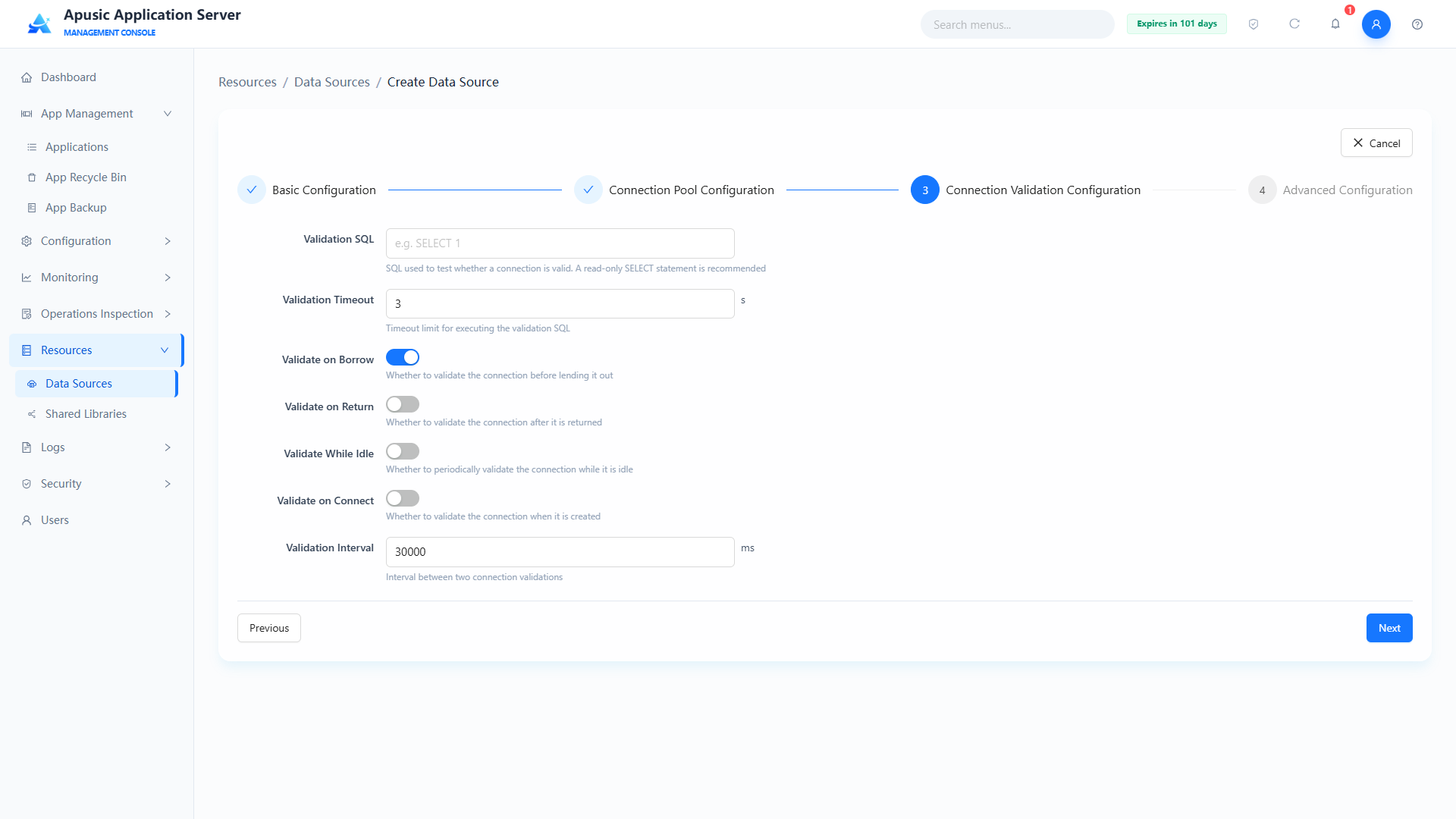
| Setting | Parameter | Description |
| Validation SQL | validationQuery | SQL statement used to test whether a connection is valid. Purpose: this SQL is executed during connection validation to determine availability. Valid values: string, 1~256 characters, e.g. SELECT 1; required when any validation switch is on. Default: empty. |
| Validation Timeout | validationTimeoutSeconds | Timeout for executing the validation SQL, in seconds. Purpose: a connection is considered invalid if the SQL does not return within this duration. Valid values: integer, 1 ~ 1800. Default: 3. |
| Test on Borrow | testOnBorrow | Whether to validate a connection before lending it out. Purpose: ensures the connection received by the application is usable; enabling it adds overhead to every borrow. Valid values: switch, On / Off; requires the Validation SQL when on. Default: Off. |
| Test on Return | testOnReturn | Whether to validate a connection after it is returned. Purpose: intercepts connections damaged during use. Valid values: switch, On / Off; requires the Validation SQL when on. Default: Off. |
| Test while Idle | testWhileIdle | Whether to validate connections periodically while idle. Purpose: works with the idle check period to weed out invalid connections; low overhead, recommended. Valid values: switch, On / Off; requires the Validation SQL when on. Default: Off. |
| Test on Connect | testOnConnect | Whether to validate a newly created connection. Purpose: ensures new connections are immediately usable. Valid values: switch, On / Off; requires the Validation SQL when on. Default: Off. |
| Validation Interval | validationIntervalMs | Interval between two connection validations, in milliseconds. Purpose: controls frequency to avoid over-validation affecting performance. Valid values: integer, 1 ~ 1800000; requires the Validation SQL when set. Default: 30000. |
Step 4: Advanced Config
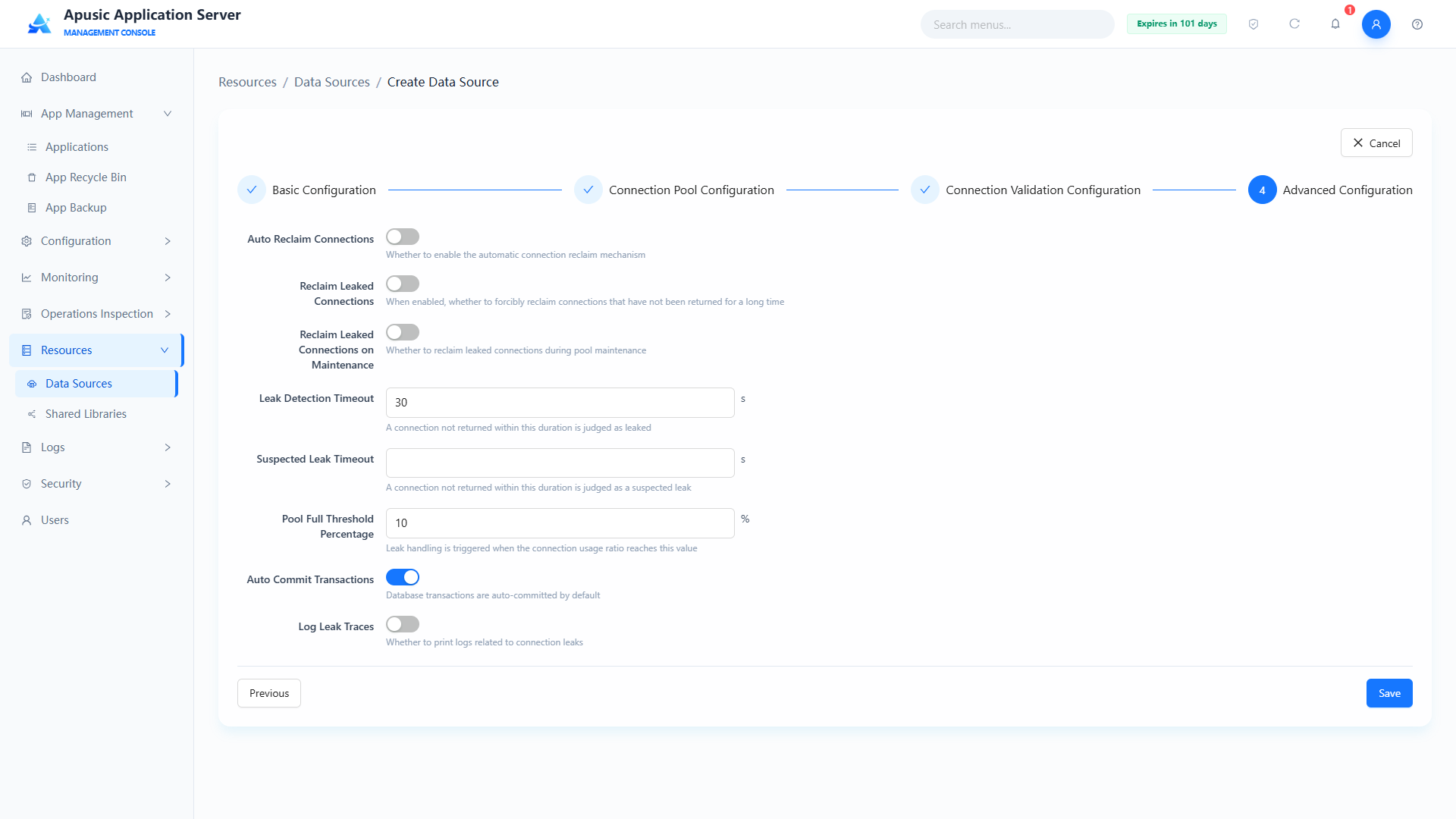
| Setting | Parameter | Description |
| Connection Auto Reclaim | connectionAutoReclaim | Whether the automatic connection reclamation mechanism is enabled. Purpose: automatically reclaims database connections not released after a request ends, preventing connection leaks. Valid values: switch, On / Off. Default: Off. |
| Leak Recovery | leakRecover | Whether to forcibly reclaim connections not returned for a long time. Purpose: forcibly reclaims a connection when it has not been returned within the leak detection threshold. Valid values: switch, On / Off. Default: Off. |
| Remove Abandoned on Maintenance | removeAbandonedOnMaintenance | Whether leaked connections are reclaimed during pool maintenance. Purpose: reclaims connections identified as leaked during pool maintenance (idle check). Valid values: switch, On / Off. Default: Off. |
| Leak Detection Threshold | leakDetectionThreshold | A connection not returned within this duration is considered leaked, in milliseconds. Purpose: duration threshold for leak detection; it should be greater than the slowest SQL execution time of the application. Valid values: integer, greater than the slowest SQL time ~ 1800000. Default: 30000. |
| Abandon When Percentage Full | abandonWhenPercentageFull | Pool usage percentage that triggers leak handling, in %. Purpose: leak reclamation starts only when the in-use ratio reaches this value, preventing slow queries from being killed under low load. Valid values: integer, 1 ~ 100. Default: 10. |
| Auto Commit | autoCommit | Whether database transactions are committed automatically by default. Purpose: controls the default transaction commit mode of connections obtained from this data source. Valid values: switch, On / Off. Default: On. |
| Log Abandoned | logAbandoned | Whether to print connection leak logs. Purpose: outputs stack logs when leaked connections are reclaimed to help locate leaking code. Valid values: switch, On / Off. Default: Off. |
Constraints and limitations:
- Data source names are globally unique and cannot be duplicated.
- The connection URL must comply with the JDBC specification.
- The database password is stored encrypted, is never echoed in the frontend, and can only be modified, not viewed.
- Driver package upload supports only
.jarfiles up to 100MB.- Connection pool parameters must be reasonable for the application, e.g. the maximum connections must be greater than the initial connections.
- A newly created data source is in the "Enabled" state by default.
# Editing a Data Source
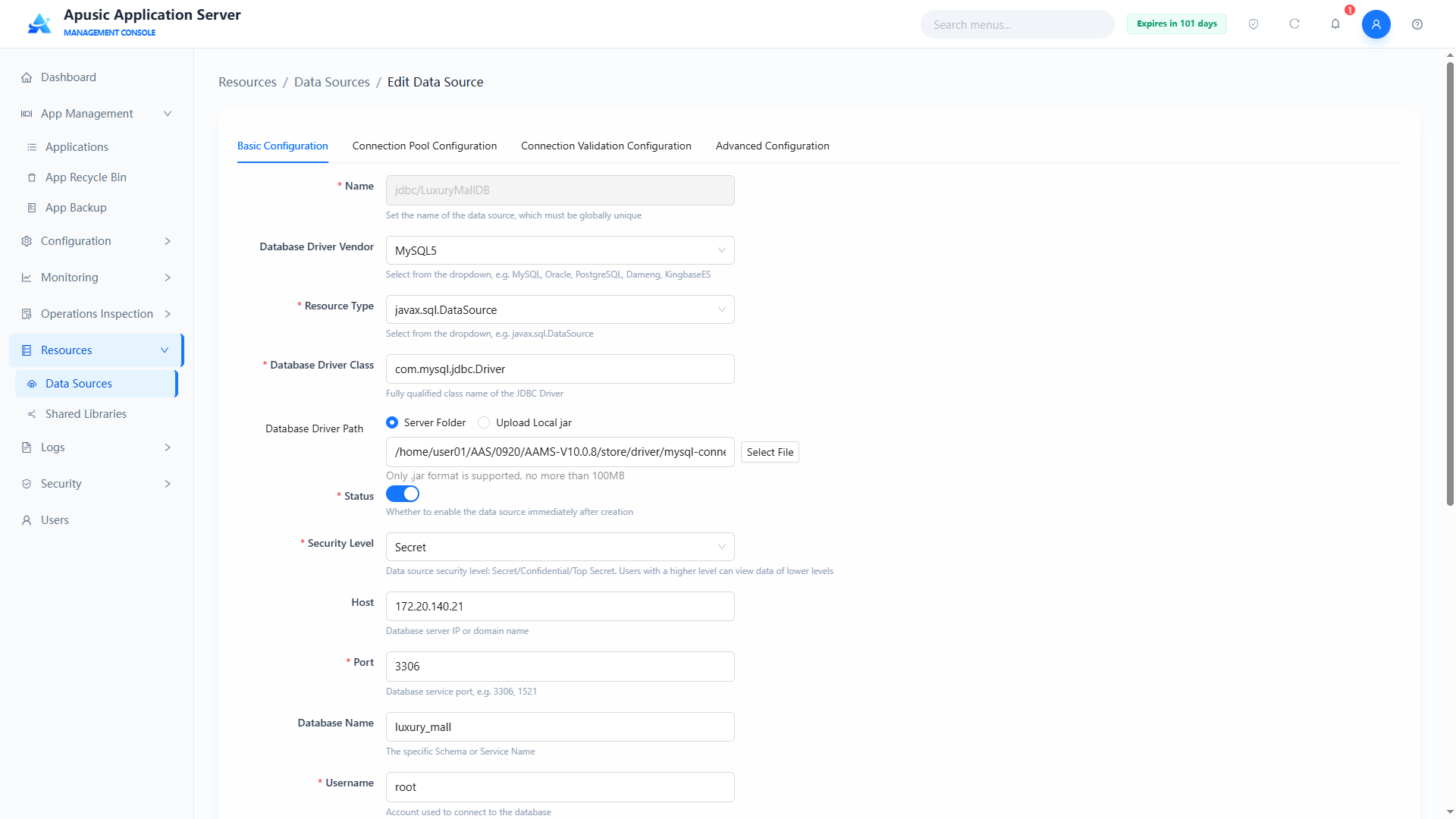
In the data source list, click the data source name in the Actions column to open the wizard-style edit page. The data source name cannot be changed; all other fields are the same as when creating a data source. If the data source is referenced by an application, the application must be reloaded after saving for the changes to take effect.
# Deleting a Data Source
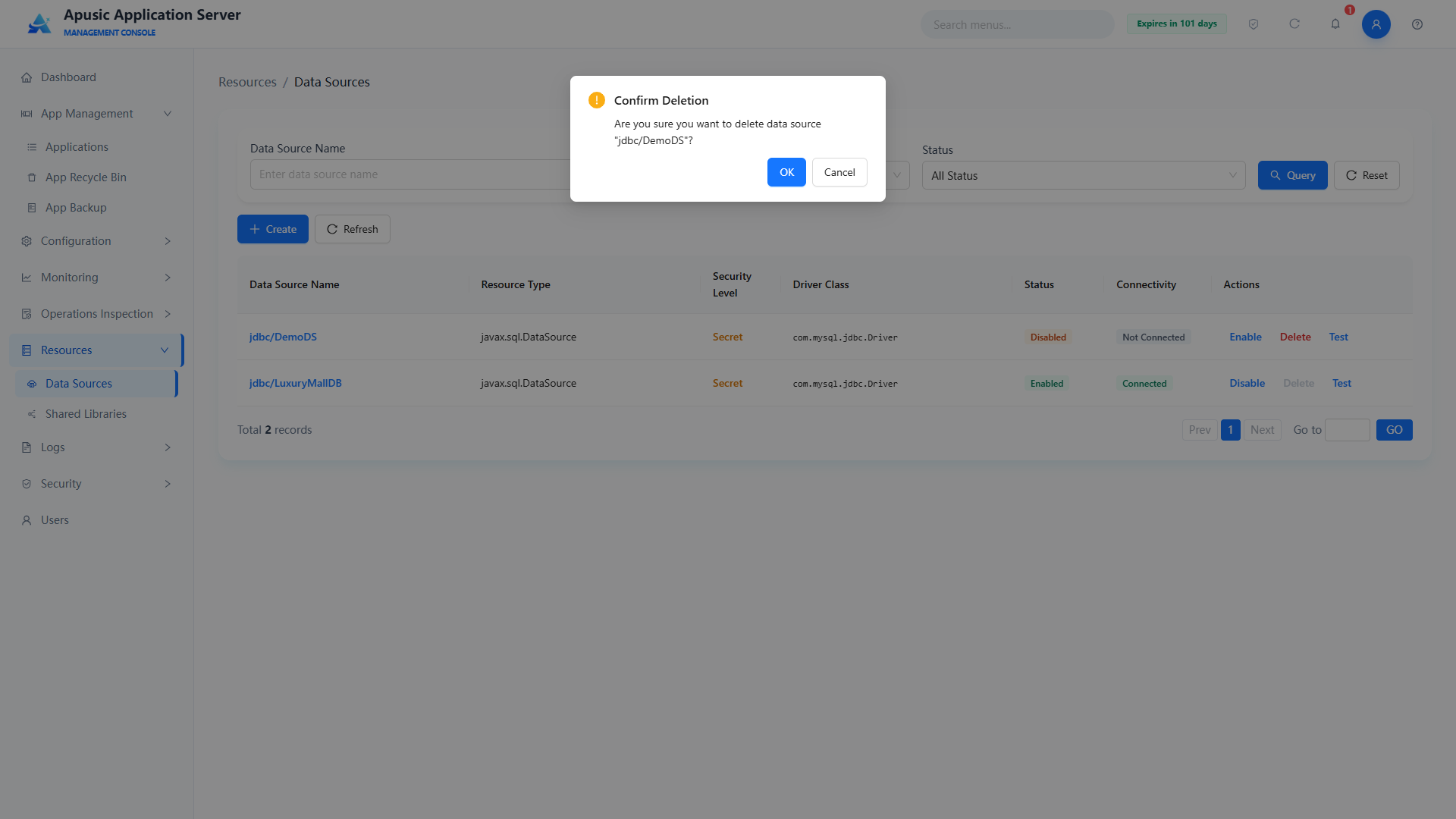
To delete a data source, you must disable it first.
Note: A data source referenced by an application cannot be deleted. Remove the application dependency first.
# Enabling/Disabling a Data Source
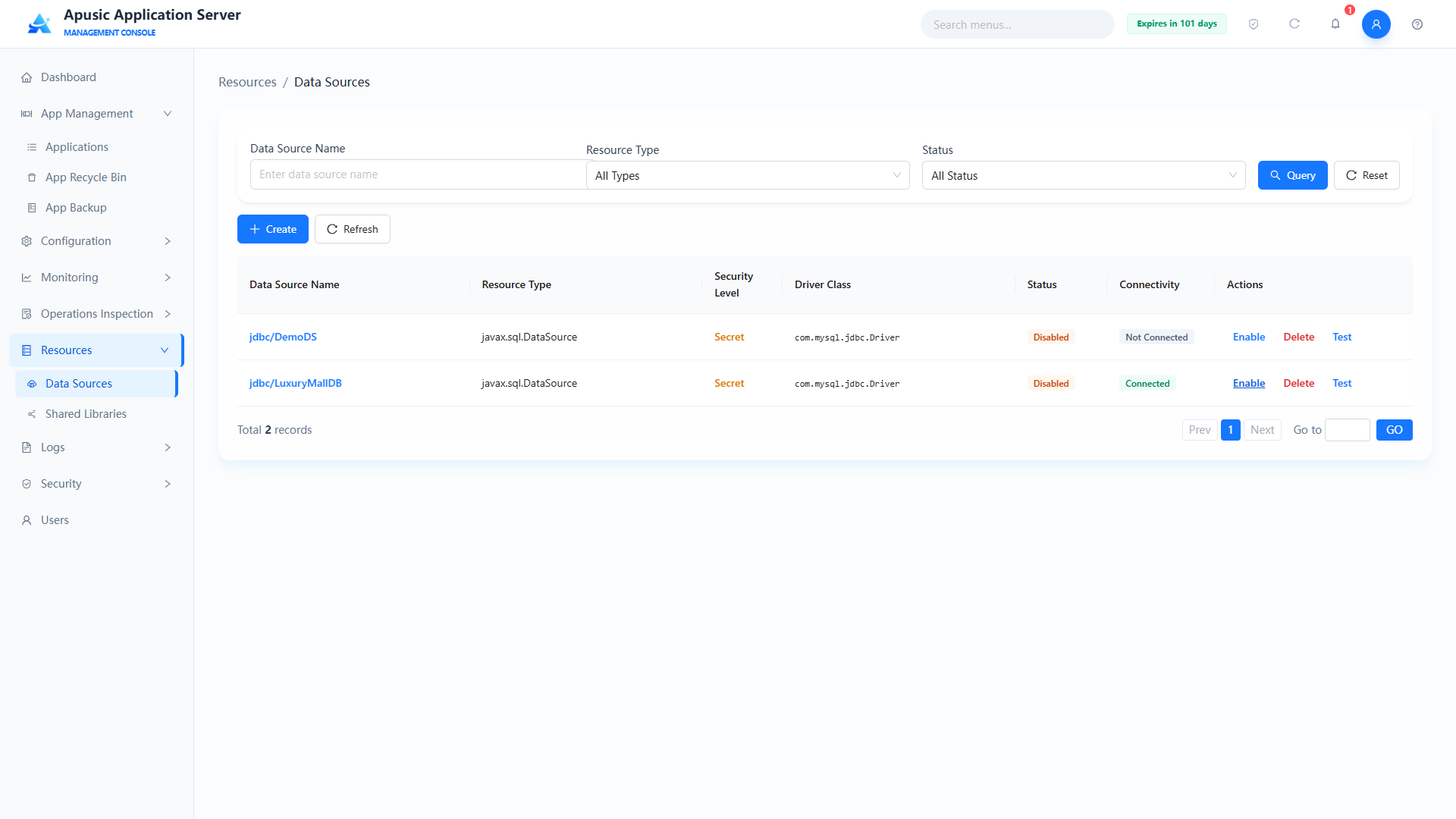
The enable/disable feature controls the usage state of a data source. An enabled data source can be used by applications normally; a disabled data source cannot provide database connections to applications.
# Testing a Data Source
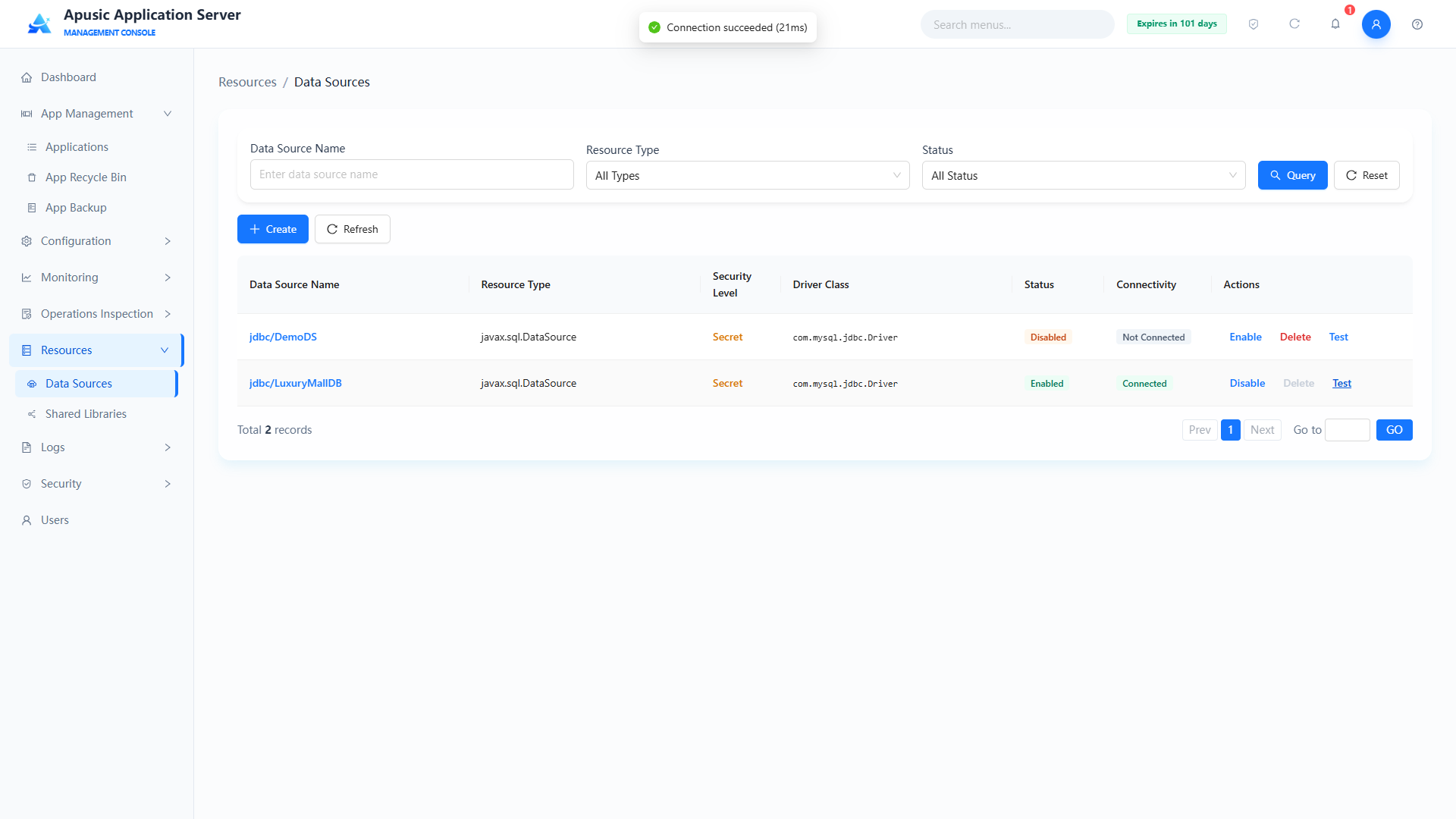
Tests database connectivity. Clicking "Test" obtains a database connection; if the connection is obtained, connectivity shows Connected, otherwise Not Connected.
# Shared Libraries
Shared libraries manage class libraries (JAR packages) that can be referenced by multiple applications together, so that each application does not have to package the same dependencies repeatedly. The shared libraries module provides list query, creation, viewing, deletion, and reference inspection for shared libraries.
Click "Resources → Shared Libraries" in the left menu:
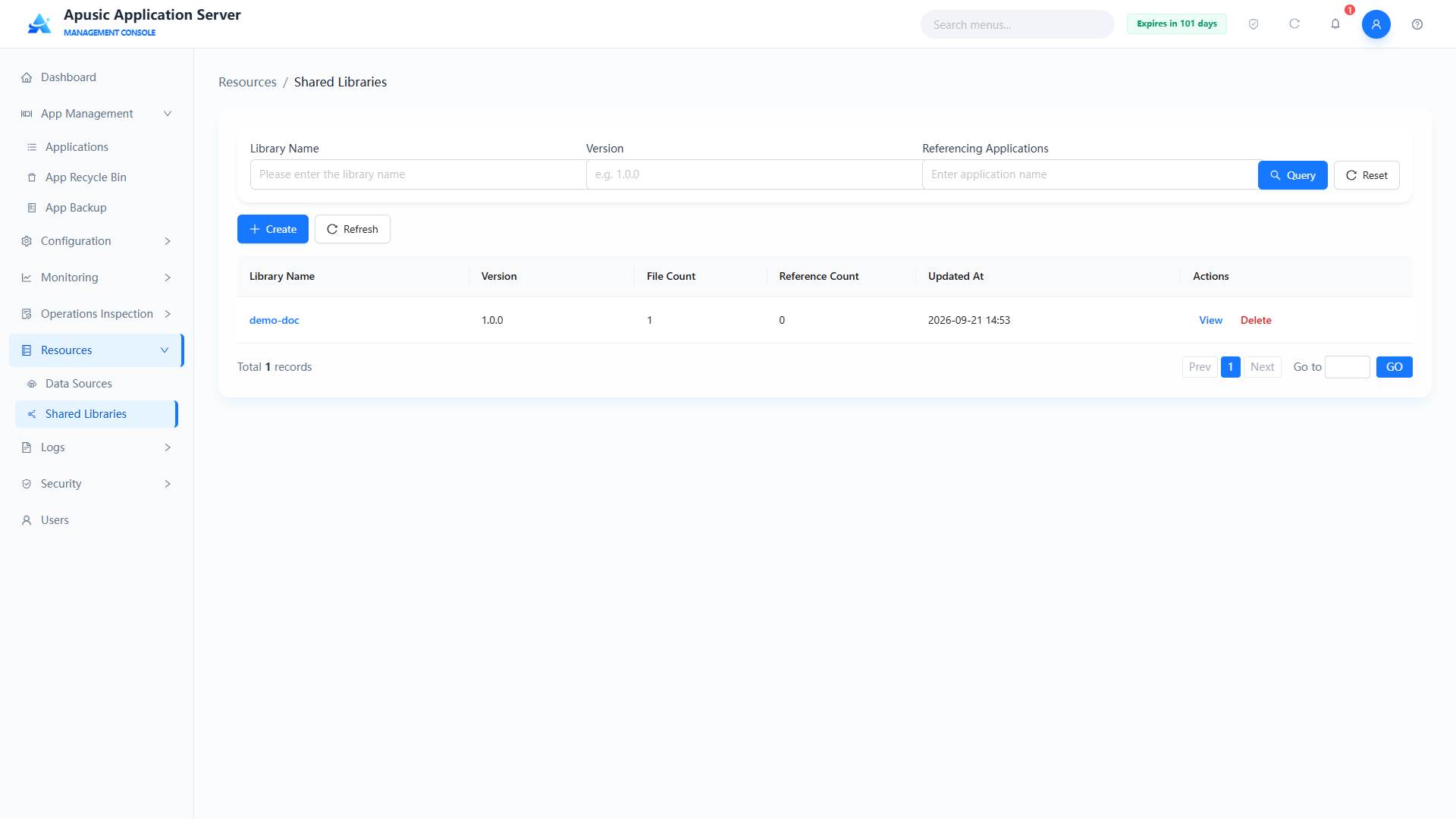
Query conditions
| Query Condition | Description | Example |
|---|---|---|
| Library Name | Fuzzy query by library name | demo-doc |
| Version | Filter by library version | 1.0.0 |
| Referencing Applications | Filter by the name of applications referencing this shared library | myapp |
List fields
| Field | Description |
|---|---|
| Library Name | Unique identifier of the shared library; click to open the library details |
| Version | Version number of the shared library |
| File Count | Number of JAR files in the shared library |
| Reference Count | Number of applications referencing this shared library |
| Updated At | Time of the most recent update of the shared library |
| Actions | View, Delete |
# Creating a Shared Library
Click "Create" to open the create shared library page:
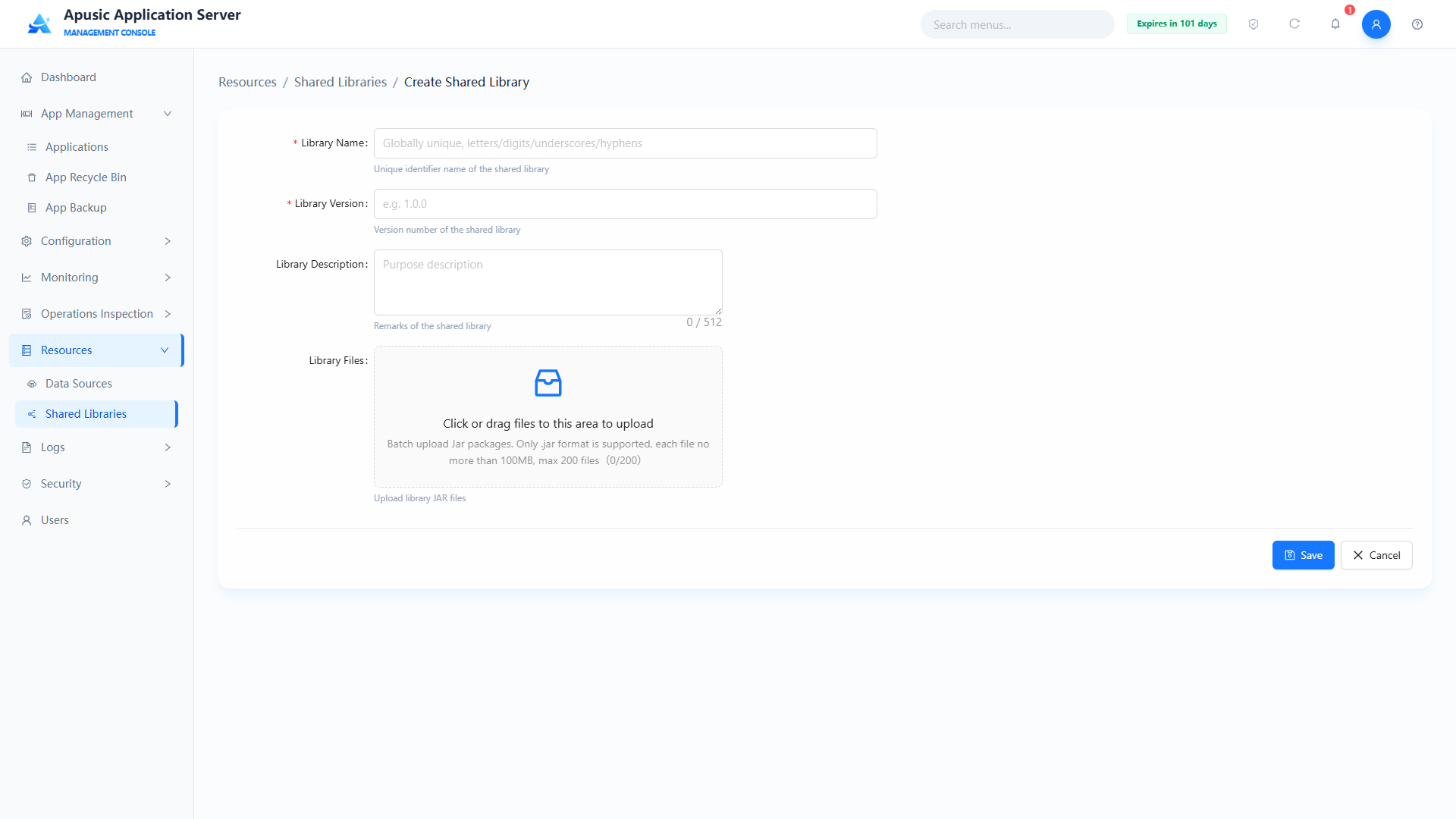
| Setting | Parameter | Description |
| Library Name | name | Unique identifier of the shared library. Purpose: globally identifies the shared library; applications reference it by this name at deployment. Valid values: string; only letters, digits, underscores, and hyphens; globally unique; required. Default: empty. |
| Library Version | version | Version number of the shared library. Purpose: distinguishes different versions of the same shared library. Valid values: string; only letters, digits, -, _, ., e.g. 1.0.0; required. Default: empty. |
| Library Description | description | Remarks of the shared library. Purpose: helps administrators identify the purpose of the library. Valid values: string, up to 512 characters. Default: empty. |
| Library Files | file | JAR files contained in the shared library. Purpose: batch-uploads the files that make up the shared library. Valid values: file upload; only .jar files, each up to 100MB, at most 200 files; required. Default: empty. |
After filling in the fields, click "Save" to create the shared library. On success you return to the shared library list.
# Viewing a Shared Library
In the shared library list, click the library name or "View" in the Actions column to open the library details page. The details page contains three areas: "Library Information", "Library File List", and "Referencing Applications":
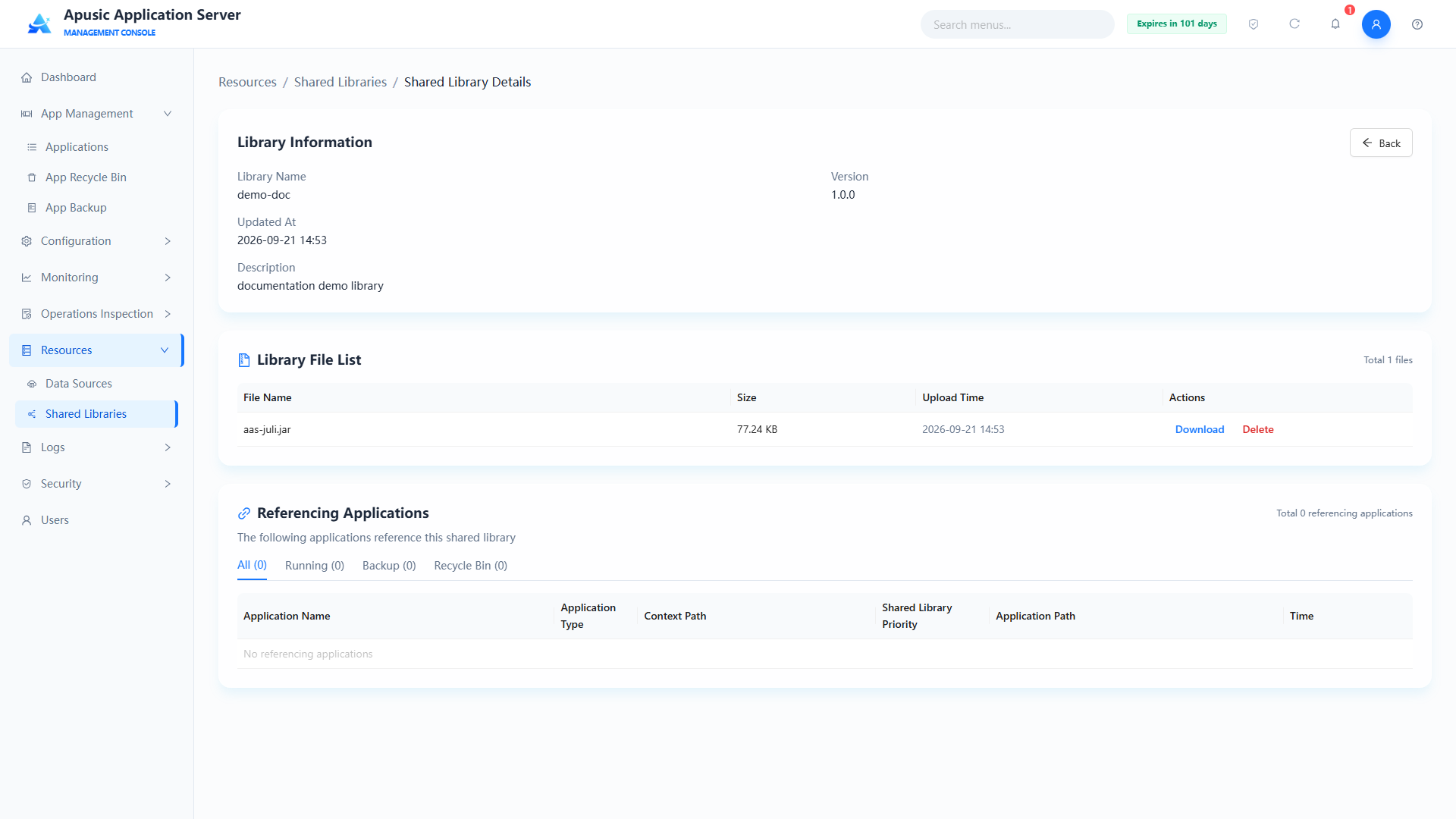
- Library Information: shows the library name, version, update time, and description;
- Library File List: shows the JAR files in the shared library, with columns File Name, Size, Upload Time, and Actions (Download / Delete); each file can be downloaded or deleted individually;
- Referencing Applications: shows the applications referencing this shared library, filterable by "All / Running / Backup / Recycle Bin", with columns Application Name, Application Type, Context Path, Shared Library Priority, Application Path, and Time.
# Deleting a Shared Library
In the shared library list, click "Delete" in the Actions column. A confirmation dialog appears with the message 'Are you sure you want to delete shared library "name"?'. Click "Confirm" to delete or "Cancel" to abort:
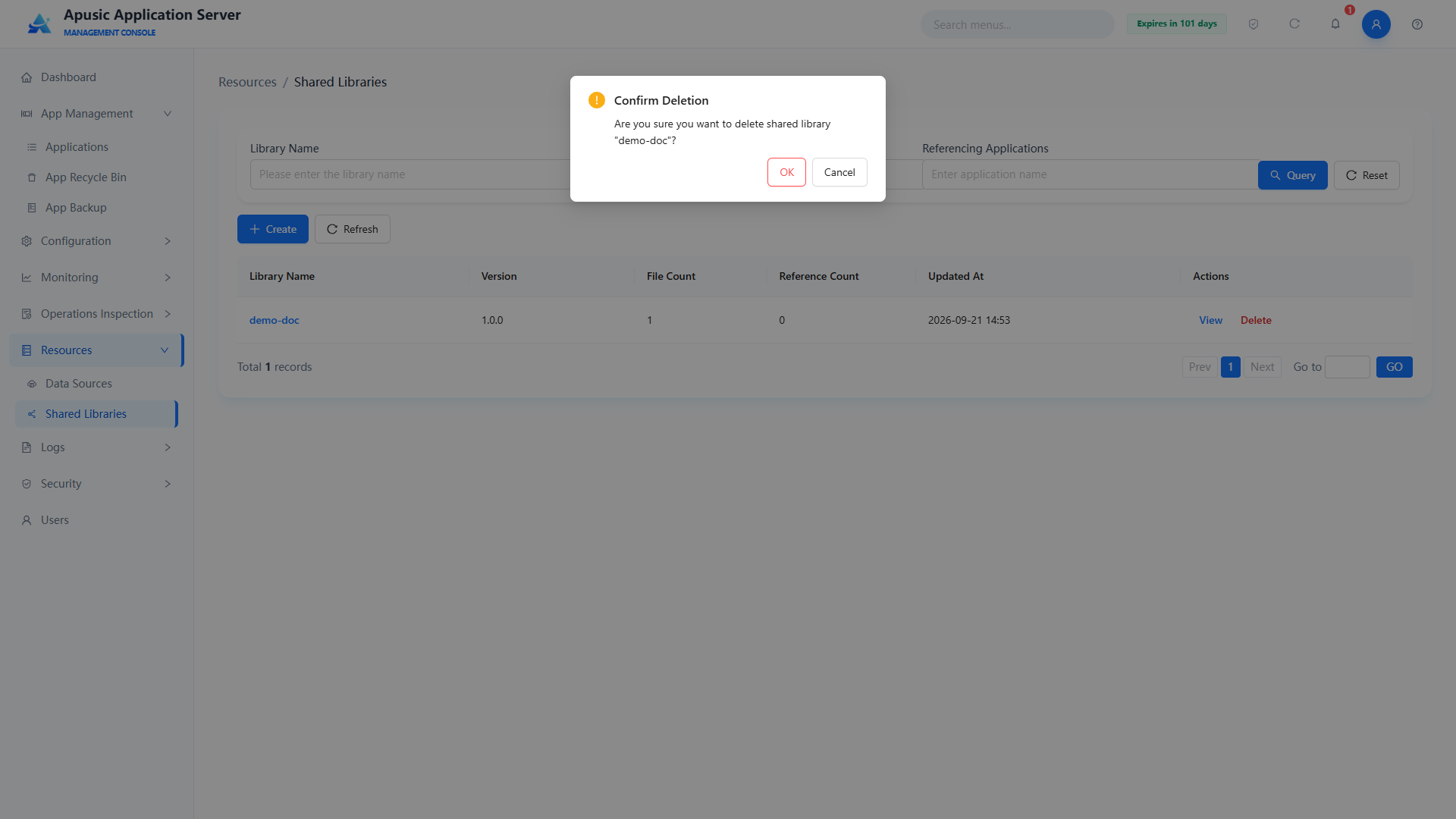
Note: Deleting a shared library that is referenced by applications affects class loading of those applications. Make sure no application references it before deleting.
# Shared Library References
Shared library references exist in two directions: "application references shared library" and "shared library views references":
- Application references shared library: in the "Shared Libraries" setting of "App Management → Deploy Application" or the application edit page, select a shared library configured in the Shared Libraries module from the dropdown; the application can then reuse the JARs in the shared library. See "App Management → Deploy Application";
- Viewing references: in the "Referencing Applications" area of the shared library details page, view the applications referencing the shared library and their shared library priorities; the "Reference Count" column in the shared library list counts the referencing applications.
# Configuration
# JVM Configuration
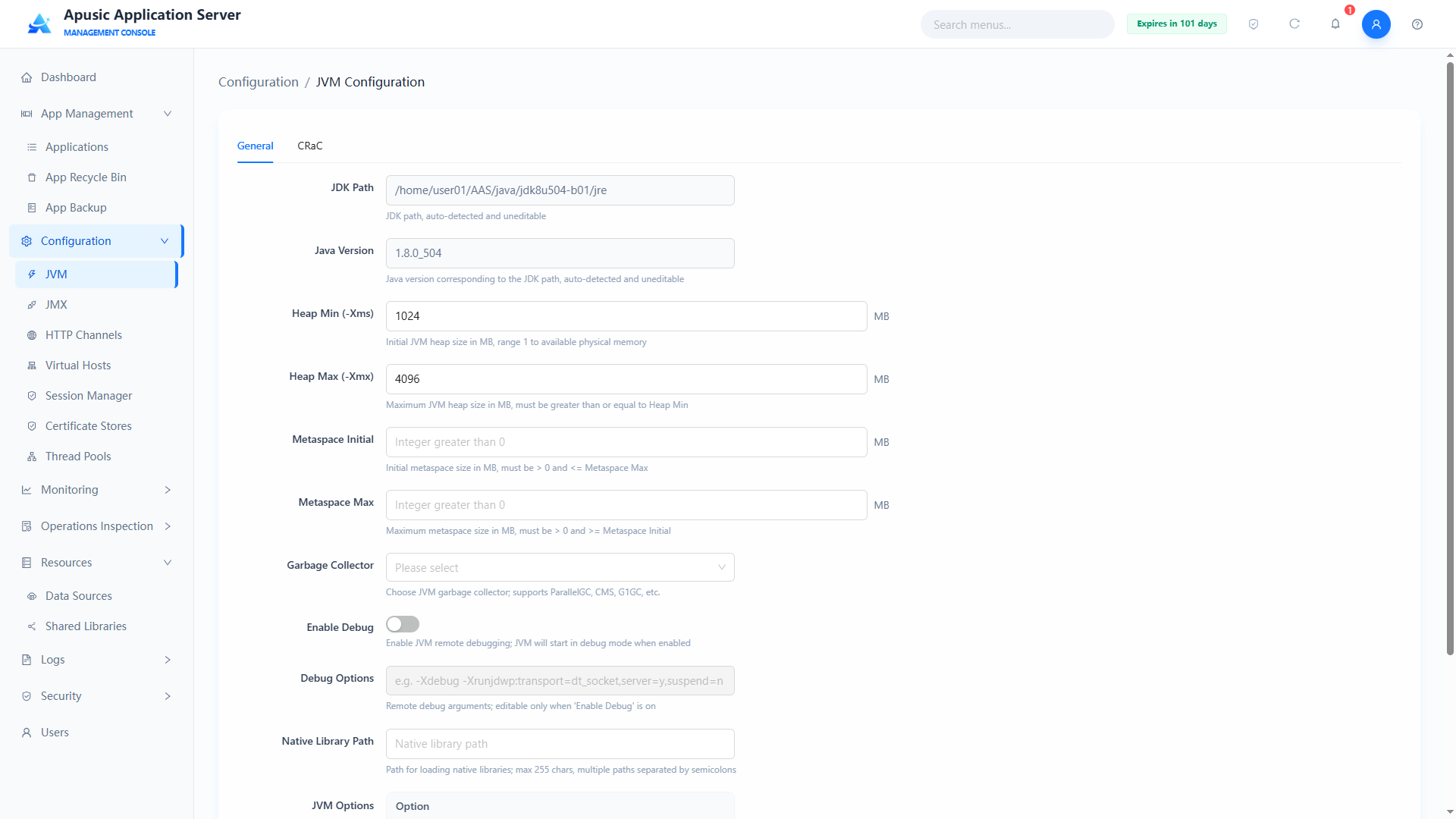
The JVM parameter configuration feature provides a visual, fine-grained interface for managing and optimizing the Java Virtual Machine (JVM) runtime environment. You can configure the JDK path, memory model (heap and metaspace), garbage collection policy, network protocol support (IPv6), remote debugging options, and underlying system properties.
Click "Configuration → JVM" in the left menu. The page contains two tabs: "Basic Properties" and "CRaC Config". The "Basic Properties" tab configures JVM runtime parameters; the "CRaC Config" tab configures JVM checkpoint/restore based on CRaC (Coordinated Restore at Checkpoint), which can greatly shorten application startup time (requires JDK support for the CRaC feature).
Note: The server must be restarted for JVM configuration changes to take effect.
# Basic Properties
Click "Configuration → JVM" in the left menu to enter the "Basic Properties" tab, where you can configure JVM runtime parameters.
Field descriptions:
| Setting | Parameter | Description |
| JDK Path | jdkPath | Absolute path of the JDK installed on the server. Purpose: identifies the JDK used by the server. Valid values: read-only, auto-detected and filled by the system, e.g. /opt/jdk1.8.0_361. Default: auto-detected. |
| Java Version | javaVersion | Java version of the JDK path. Purpose: shows the version of the current JDK. Valid values: read-only, auto-detected, e.g. 1.8.0_361. Default: auto-detected. |
| Heap Minimum (-Xms) | heapMin | Initial JVM heap size in MB, corresponding to -Xms in vm.options. Purpose: sets the heap memory allocated at JVM startup. Valid values: integer, 1 ~ available physical memory, must be less than or equal to the heap maximum; required. Default: 1024 (-Xms1024m in the installation package's vm.options). |
| Heap Maximum (-Xmx) | heapMax | Maximum JVM heap size in MB, corresponding to -Xmx in vm.options. Purpose: limits the upper bound of JVM heap growth; must be greater than or equal to the heap minimum. Valid values: integer, 1 ~ available physical memory, required. Default: 4096 (-Xmx4096m in the installation package's vm.options). |
| Metaspace Initial | metaspaceInitial | Initial JVM metaspace size in MB, corresponding to -XX:MetaspaceSize. Purpose: sets the initial metaspace allocation. Valid values: positive integer, 1 ~ available physical memory, must be less than or equal to the metaspace maximum; required. Default: empty. |
| Metaspace Maximum | metaspaceMax | Maximum JVM metaspace size in MB, corresponding to -XX:MaxMetaspaceSize. Purpose: limits the metaspace to prevent class metadata from exhausting memory; must be greater than or equal to the metaspace initial value. Valid values: positive integer, 1 ~ available physical memory, required. Default: empty. |
| Garbage Collector | gcType | JVM garbage collector type, corresponding to options such as -XX:+UseParallelGC. Purpose: selects the heap garbage collection policy. Valid values: dropdown, e.g. ParallelGC, CMS, G1GC; required. Default: ParallelGC. |
| Enable Debug | debugEnabled | Whether remote debugging is enabled. Purpose: when enabled, the JVM starts in debug mode and debuggers can connect remotely. Valid values: switch, On / Off. Default: Off. |
| Debug Options | debugOptions | Remote debugging parameters, corresponding to -agentlib:jdwp=.... Purpose: configures the debug transport and listen address; editable only when "Enable Debug" is on. Valid values: string, conforming to the JVM debugging specification, e.g. -Xdebug -Xrunjdwp:transport=dt_socket,server=y,suspend=n, up to 500 characters. Default: empty. |
| Native Library Path | nativeLibraryPath | Path where the JVM loads native libraries (.so/.dll files), corresponding to -Djava.library.path. Purpose: specifies the search directory for JNI native libraries. Valid values: string, up to 255 characters; multiple paths separated by semicolons; must be valid directories on the server. Default: empty. |
| JVM Options | jvmOptions | Custom JVM parameters. Purpose: appends arbitrary JVM startup parameters as key-value pairs; multiple entries can be added or removed. Valid values: string; supports -Dkey=value, -XX:+Option, -XX:-Option; each entry up to 255 characters. Default: empty. |
The configured JVM parameters are saved to the conf/vm.options configuration file, which is located in the same directory as apusic.conf.
# CRaC Configuration
CRaC (Coordinated Restore at Checkpoint) is based on the JVM checkpoint/restore mechanism. It creates a checkpoint image of a warmed-up JVM, so the application skips the warm-up phase when restored, achieving millisecond-level startup and greatly improving elastic scaling efficiency.
Note: CRaC only supports Linux and a compatible JDK (Apusic CRaC JDK); containers require privileged mode; the restore environment must match the snapshot environment.
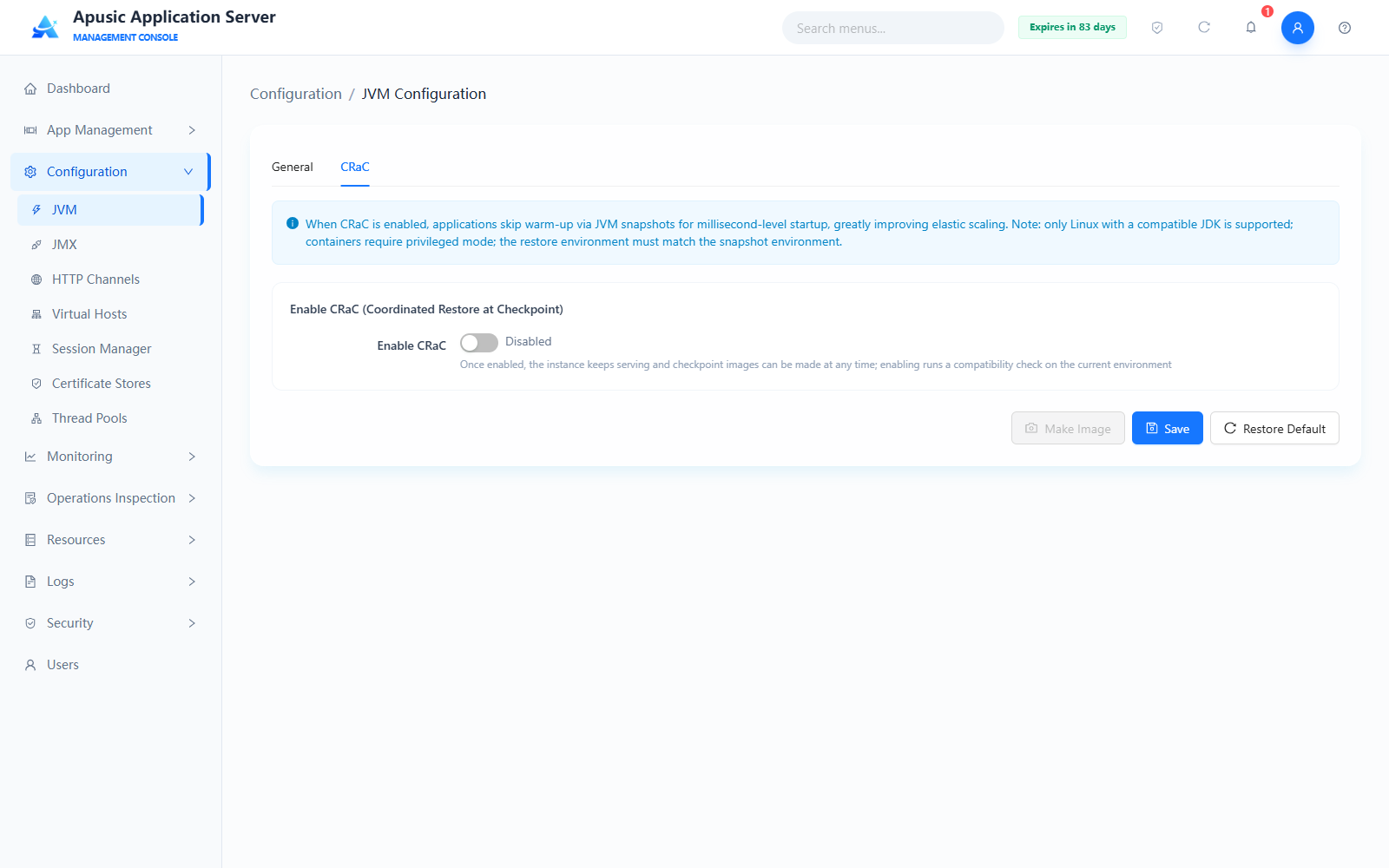
Click the "CRaC" tab. By default, the "Enable CRaC" switch is off:
When you turn on "Enable CRaC", the system automatically runs a compatibility check on the current environment and displays the environment check results (7 items in total). CRaC can only be used after all checks pass:
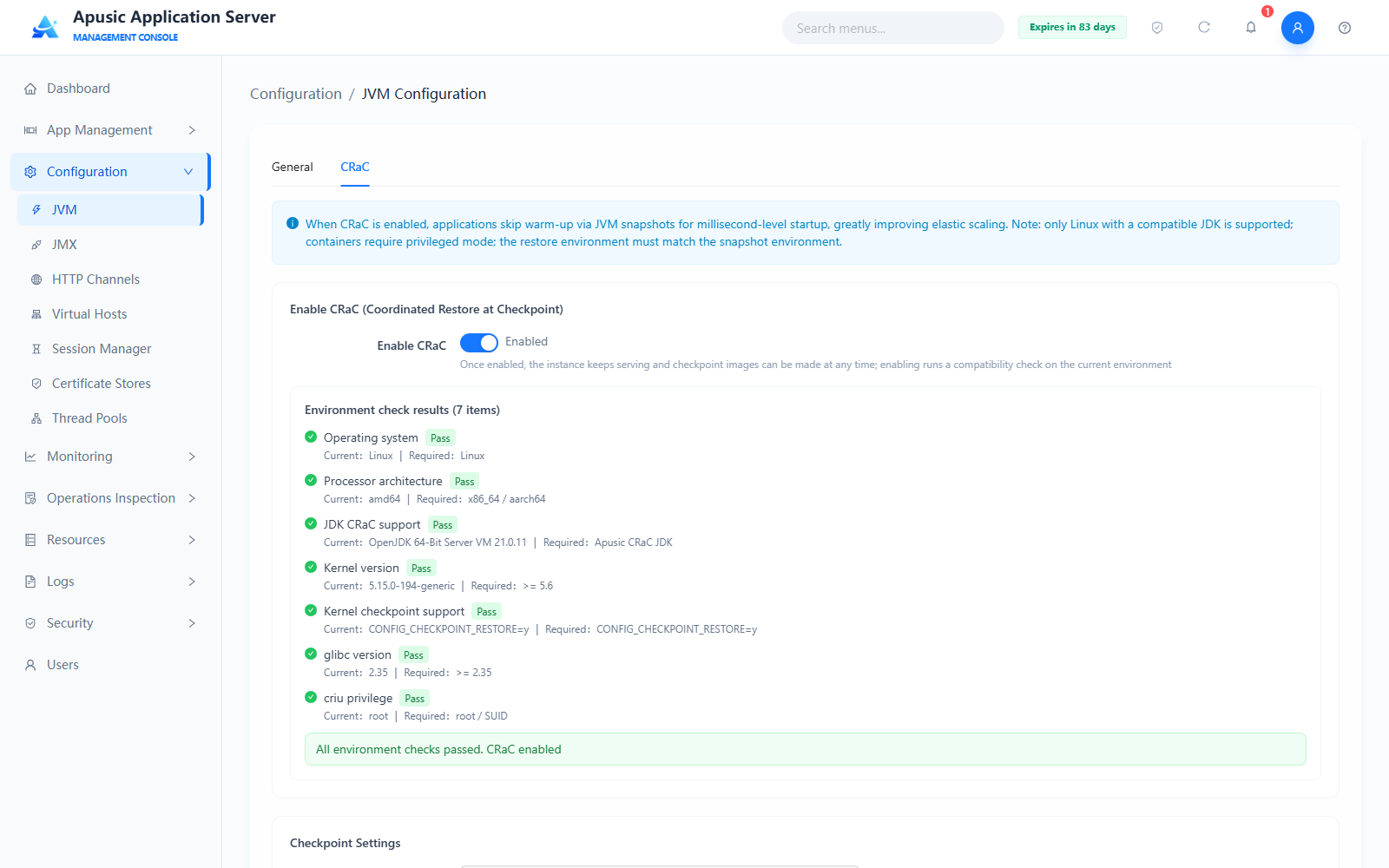
Description of environment check items:
| Check Item | Requirement | Description |
|---|---|---|
| Operating system | Linux | CRaC relies on the checkpoint/restore capability of the Linux kernel; only Linux is supported. |
| Processor architecture | x86_64 / aarch64 | The processor architecture must be x86_64 or aarch64. |
| JDK CRaC support | Apusic CRaC JDK | A CRaC-capable Apusic CRaC JDK is required. |
| Kernel version | >= 5.6 | Linux kernel version must be 5.6 or later. |
| Kernel checkpoint support | CONFIG_CHECKPOINT_RESTORE=y | The kernel must be built with the checkpoint/restore option enabled. |
| glibc version | >= 2.35 | glibc version must be 2.35 or later. |
| criu privilege | root / SUID | The CRIU tool requires root privileges or SUID elevation. |
After all checks pass, configure "Checkpoint Settings" and "Diagnostic Options" ("Diagnostic Options" is collapsed by default; click to expand):
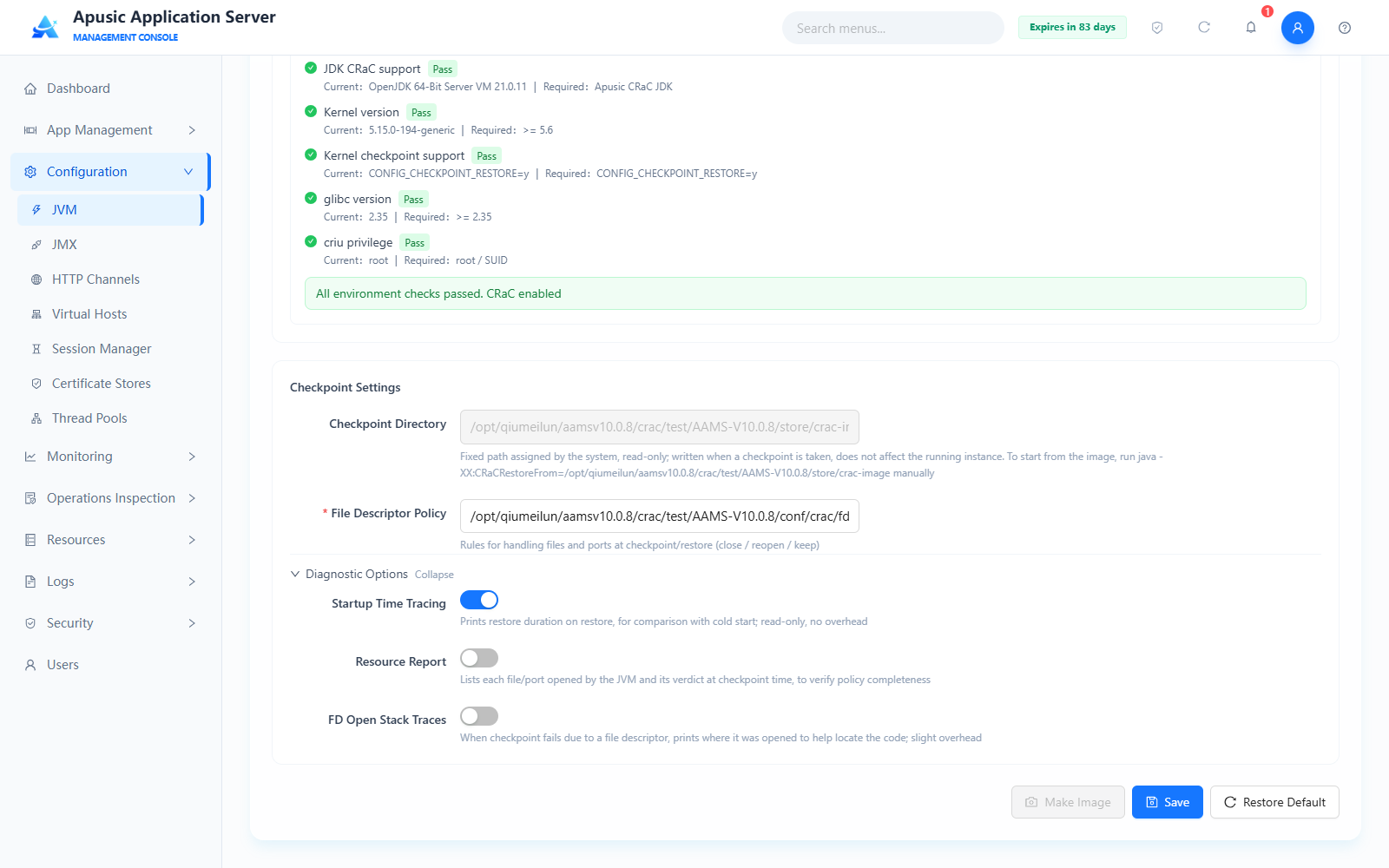
Field description:
| Setting | Parameter | Description |
| Enable CRaC | cracEnabled | Whether to enable the CRaC feature. Purpose: once enabled, the instance keeps serving and checkpoint images can be made at any time; enabling runs a compatibility check on the current environment. Valid values: switch, Enabled / Disabled. Default: Disabled. |
| Checkpoint Directory | cracCheckpointDir | Directory where checkpoint images are stored. Purpose: image files are written when a checkpoint is taken; does not affect the running instance. Valid values: fixed path assigned by the system, read-only. Default: ${APUSIC_HOME}/store/crac-image. |
| File Descriptor Policy | cracFdPolicy | Path of the file descriptor policy file. Purpose: defines the rules for handling files and ports at checkpoint/restore (close / reopen / keep). Valid values: string, valid file path; required. Default: ${APUSIC_HOME}/conf/crac/fd-policies.yaml. |
| Startup Time Tracing | cracTraceStartupTime | Prints the restore duration on restore. Purpose: used for comparison with cold start; read-only, no overhead. Valid values: switch, Enabled / Disabled. Default: Enabled. |
| Resource Report | cracPrintResources | Lists each file/port opened by the JVM and its verdict at checkpoint time. Purpose: verifies whether the file descriptor policy is complete. Valid values: switch, Enabled / Disabled. Default: Disabled. |
| FD Open Stack Traces | cracCollectFdStacktraces | When a checkpoint fails due to a file descriptor, prints where it was opened. Purpose: helps locate the code that opened the file descriptor; slight overhead. Valid values: switch, Enabled / Disabled. Default: Disabled. |
After configuration, click "Save". Once CRaC is enabled and saved, the "Make Image" button becomes available; click it to create a checkpoint image of the currently running instance, written to the checkpoint directory. Click "Restore Default" to reset the settings on this page to their default values.
To start the application from a checkpoint image, run manually:
java -XX:CRaCRestoreFrom=<checkpoint directory>
Note: The CRaC configuration takes effect only after the server is restarted.
# JMX Configuration
The JMX configuration module manages the Java Management Extensions (JMX) remote monitoring and management capability of the application server. It supports enabling/disabling the JMX service and configuring the listen address, port, authentication, and SSL/TLS encryption. Once effective, JMX clients (such as JConsole and VisualVM) can remotely monitor the runtime status of AAS and applications, including threads, memory, GC, and request statistics.
Click "Configuration → JMX" in the left menu.
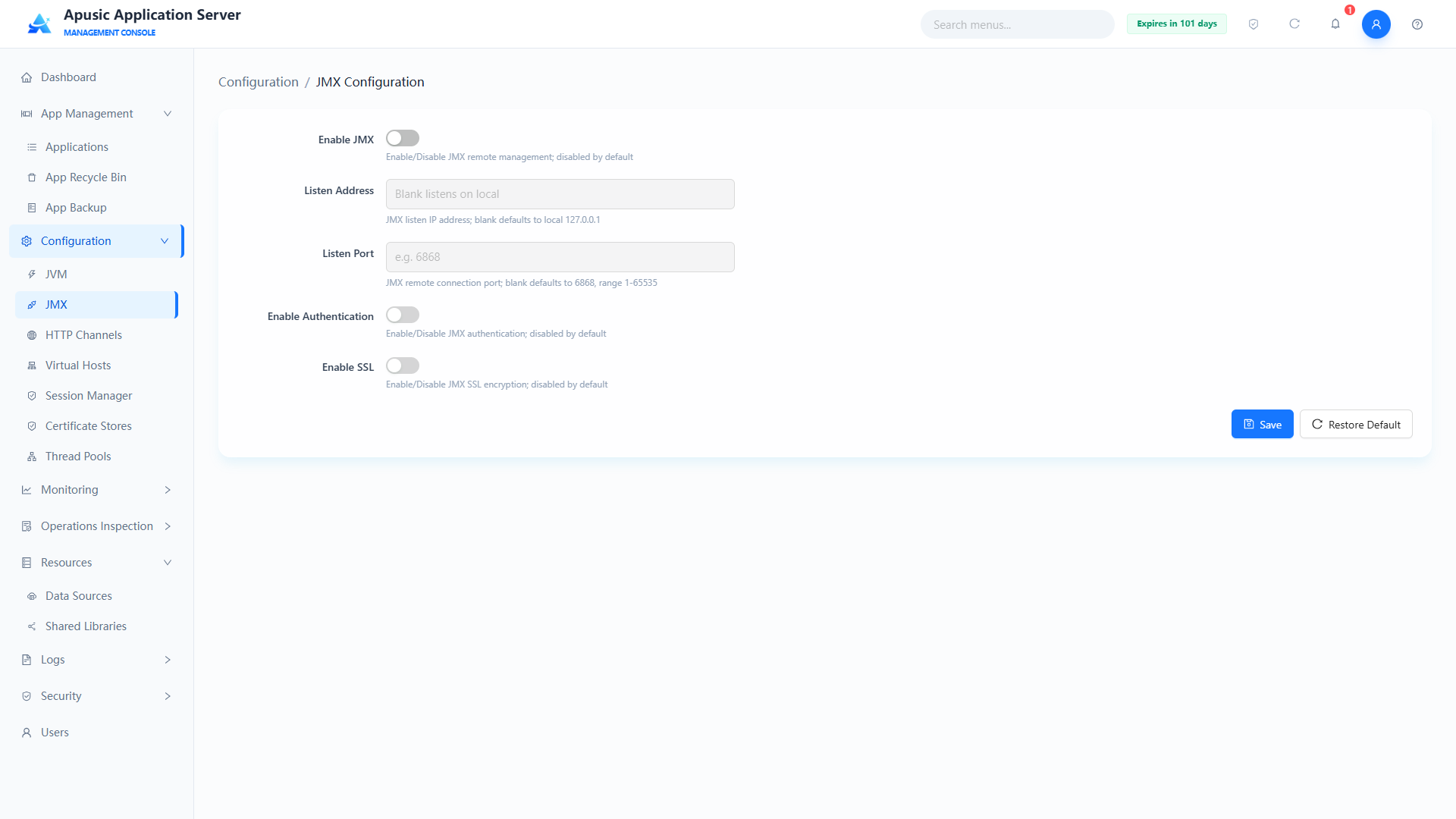
Field descriptions:
| Setting | Parameter | Description |
| Enable JMX | enable | Whether the JMX remote monitoring and management service is enabled. Purpose: when enabled, clients such as JConsole and VisualVM can connect remotely; when disabled, all JMX parameters are ineffective. Valid values: switch, Enable / Disable. Default: Disable. |
| Listen Address | host | IP address the JMX service listens on. Purpose: restricts the network interface the JMX service binds to. Valid values: up to 128 characters, valid IPv4 format (e.g. 0.0.0.0, 127.0.0.1); 0.0.0.0 listens on all interfaces; required. Default: 127.0.0.1 (accessible locally only when left empty). |
| Listen Port | port | TCP port the JMX service listens on. Purpose: JMX clients connect through this port. Valid values: integer, 1024~65535, the port must not be in use; required. Default: 6868. |
| Enable Authentication | auth | Whether JMX client authentication is enabled. Purpose: when enabled, clients must provide username/password credentials. Valid values: switch, On / Off. Default: Off. |
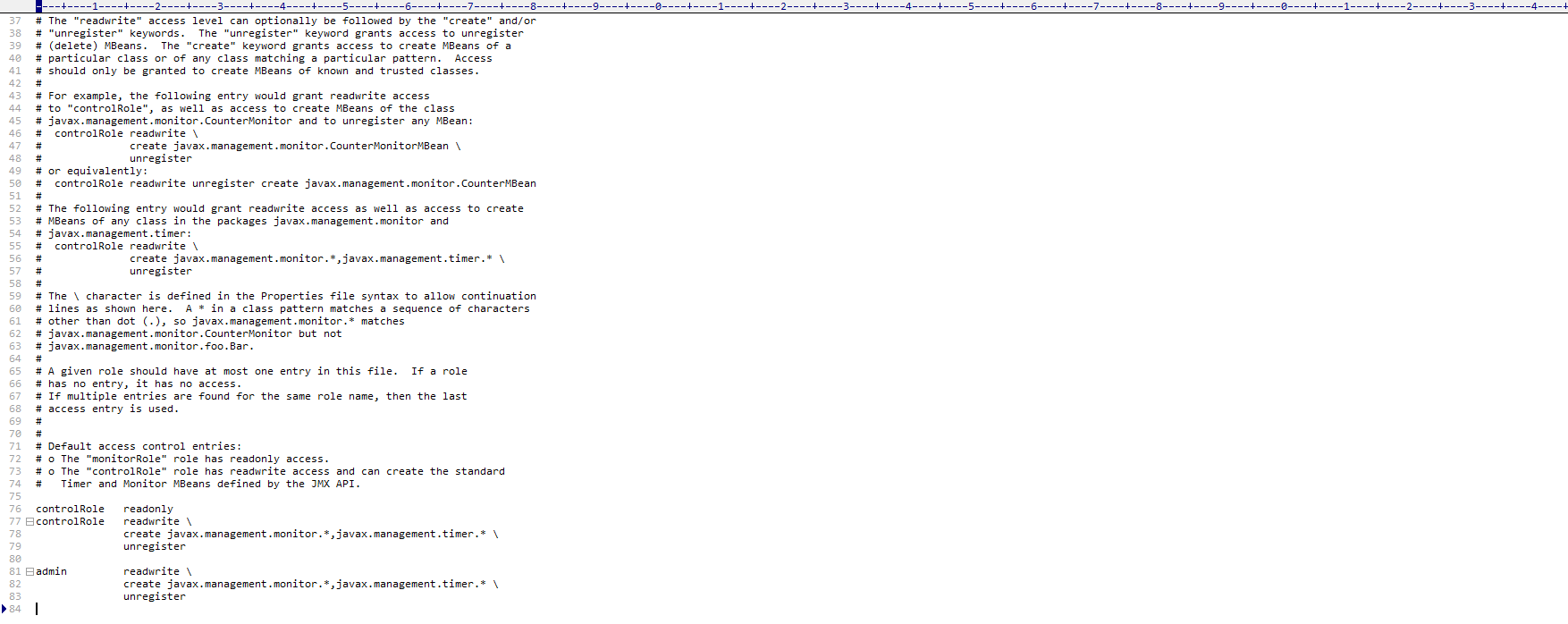
| Password File | passwordFile | Path of the JMX authentication password file. Purpose: configures the usernames and passwords allowed to connect; see the password file example below. Valid values: string, a valid file path. Default: conf/jmxremote.password. |
| Access Control File | accessFile | Path of the JMX access control file. Purpose: configures each user's access permission (readonly, readwrite); see the access control file example below. Valid values: string, a valid file path. Default: conf/jmxremote.access. |
| SSL/TLS Enabled | sslEnabled | Whether SSL/TLS encryption is enabled for JMX connections. Purpose: when enabled, JMX communication is encrypted and certificate information must be configured; the security settings are collapsed by default and expand when enabled. Valid values: switch, On / Off. Default: Off. |
| Custom Certificate | certCustom | Whether custom keystore information is used. Purpose: when off, a "Keystore Name" dropdown is shown for selecting from certificate stores; when on, inputs for keystore path and passwords are shown for manual entry. Valid values: switch, On / Off. Default: Off. |
| Keystore Name | keyStoreName | Name of the keystore in use. Purpose: select a certificate store of the "Keystore" type from Certificate Stores; shown when custom certificate is off; single choice. Valid values: dropdown of created keystores. Default: empty. |
| Keystore Path | keyStoreFile | Keystore file path, shown when custom certificate is on. Purpose: specifies the custom keystore file location. Valid values: string, up to 255 characters, supports system variable placeholders; required when SSL is on. Default: empty. |
| Keystore Password | keyStorePassword | Keystore access password, shown when custom certificate is on. Purpose: passphrase to open the keystore file. Valid values: string, 8~128 characters, hidden on the page; required when SSL is on. Default: empty. |
| Entry Password | keyPassword | Password of the certificate entry in the keystore, shown when custom certificate is on. Purpose: passphrase to access the private key entry in the keystore. Valid values: string, 8~128 characters, hidden on the page. Default: empty. |
| Keystore Type | keyStoreType | Keystore file format. Purpose: declares the storage format of the keystore. Valid values: dropdown, JKS / PKCS12. Default: JKS. |
| Client Authentication | clientAuth | Whether JMX clients are required to present certificates. Purpose: when enabled, mutual authentication is used and clients must hold certificates accepted by the truststore. Valid values: switch, On / Off. Default: Off. |
| Truststore Path | trustStoreFile | Truststore file path, shown when client authentication and custom certificate are on. Purpose: specifies the truststore used to verify client certificates. Valid values: string, up to 255 characters; required when client authentication is on. Default: empty. |
| Truststore Password | trustStorePassword | Truststore access password, shown when client authentication and custom certificate are on. Purpose: passphrase to open the truststore file. Valid values: string, 8~128 characters, hidden on the page; required when client authentication is on. Default: empty. |
| Truststore Type | trustStoreType | Truststore file format, shown when custom certificate is on. Purpose: declares the storage format of the truststore. Valid values: dropdown, JKS / PKCS12; required when client authentication is on. Default: JKS. |
| Cipher Suites | sslCipherSuites | Cipher suites used for SSL/TLS encryption. Purpose: restricts the algorithm suites allowed for encrypted JMX communication and blocks weak suites. Valid values: dual-list selection box with add/remove and search; manual input supported; multiple values separated by commas; duplicates removed on save; required when SSL is on. Default: empty (JDK default suites). |
Password file example
[username] [password]
For example: username admin, password YOUR_PASSWORD

Access control file example
[username] [authority]
For example: username admin, permission readwrite
# HTTP Channels
The Apusic application server provides full lifecycle management of HTTP/HTTPS/AJP/HTTP2 protocol channels, supporting channel creation, configuration, modification, deletion, and state management, covering multiple dimensions such as basic networking, the HTTP protocol, SSL/TLS encryption, and HTTP/2.
Click "Configuration → HTTP Channels" in the left menu:
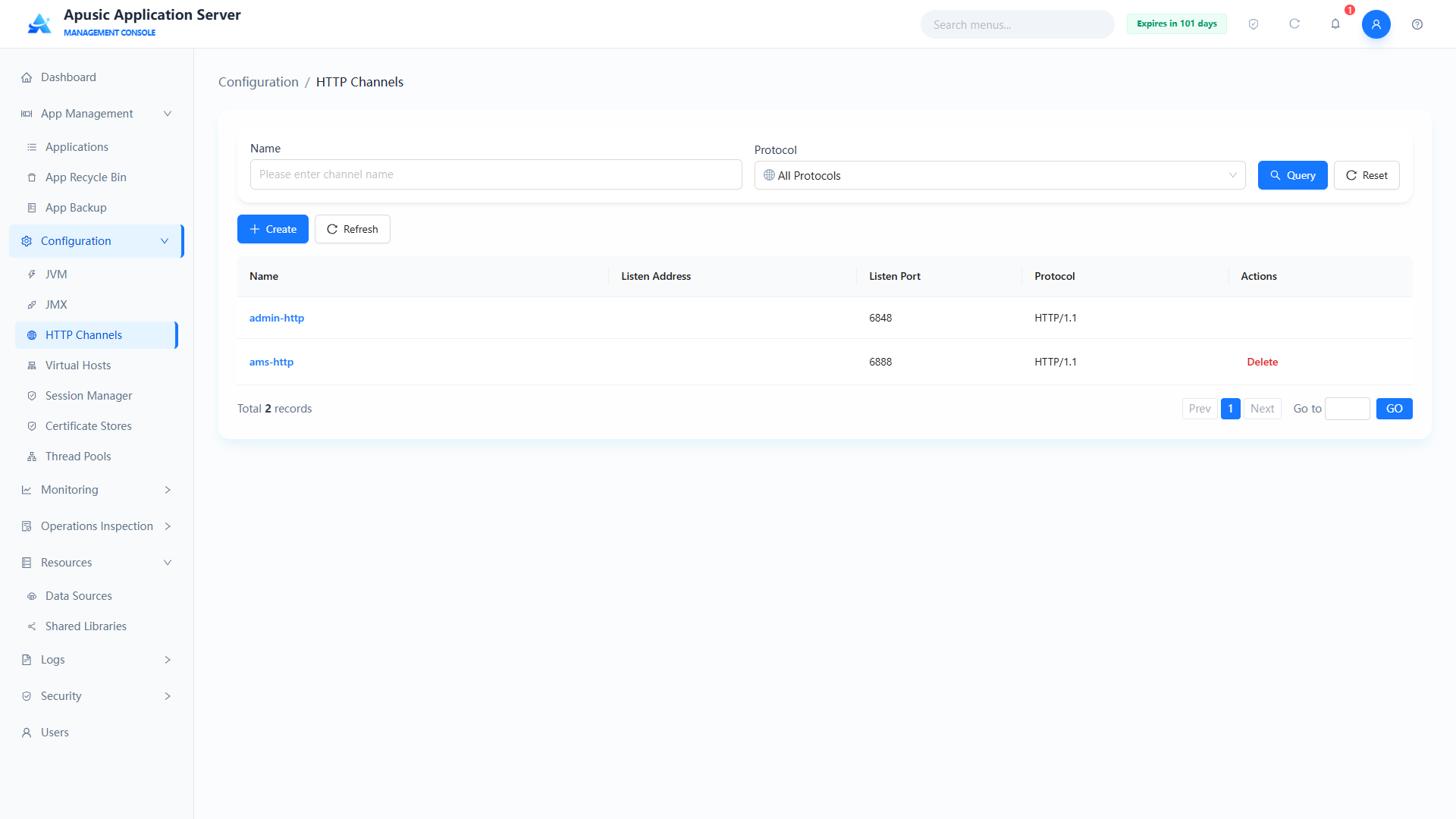
Note that admin-http is the channel dedicated to the management console and cannot be deleted.
# Creating/Editing an HTTP Channel
The management console provides a visual way to create HTTP channels, supporting the following configuration:
- Basic Config: name, IO mode, listen address, listen port, default virtual host, thread pool, buffer sizes, max connections, connection timeout, etc.
- HTTP Config: URI encoding, default response character encoding, compression, max POST bytes, max header size, etc.
- SSL Config: SSL switch, TLS protocol versions, client authentication, keystore/truststore configuration, cipher suites, etc.
- HTTP2 Config: enable HTTP/2, compression, max concurrent streams, KeepAlive timeout, etc.
Click "Configuration → HTTP Channels → Create" in the left menu to go to the create HTTP channel page:
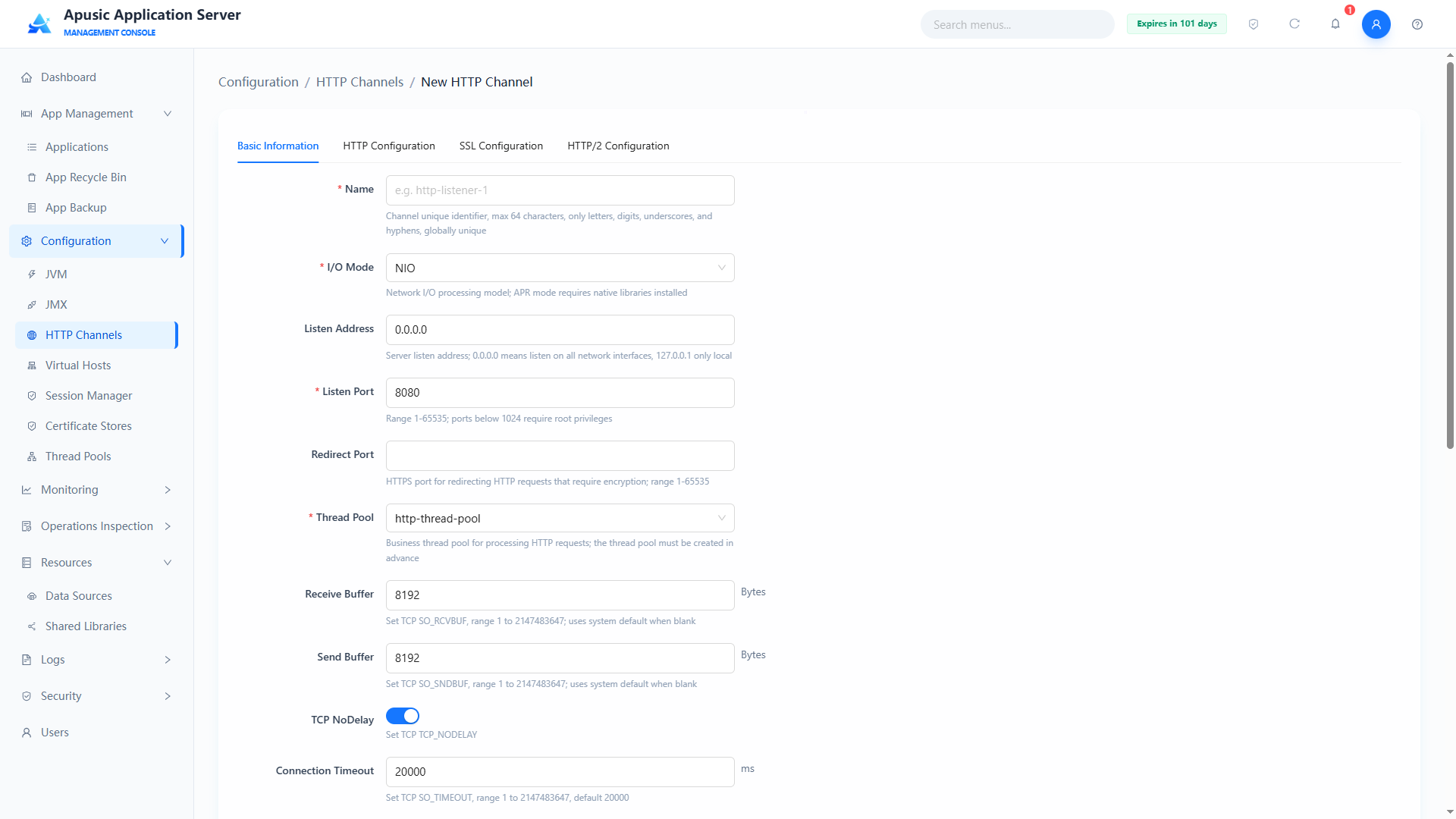
The create HTTP channel page has many parameters, organized into multiple tabs: Basic Info, HTTP Config, SSL Config, HTTP2 Config
Basic Info
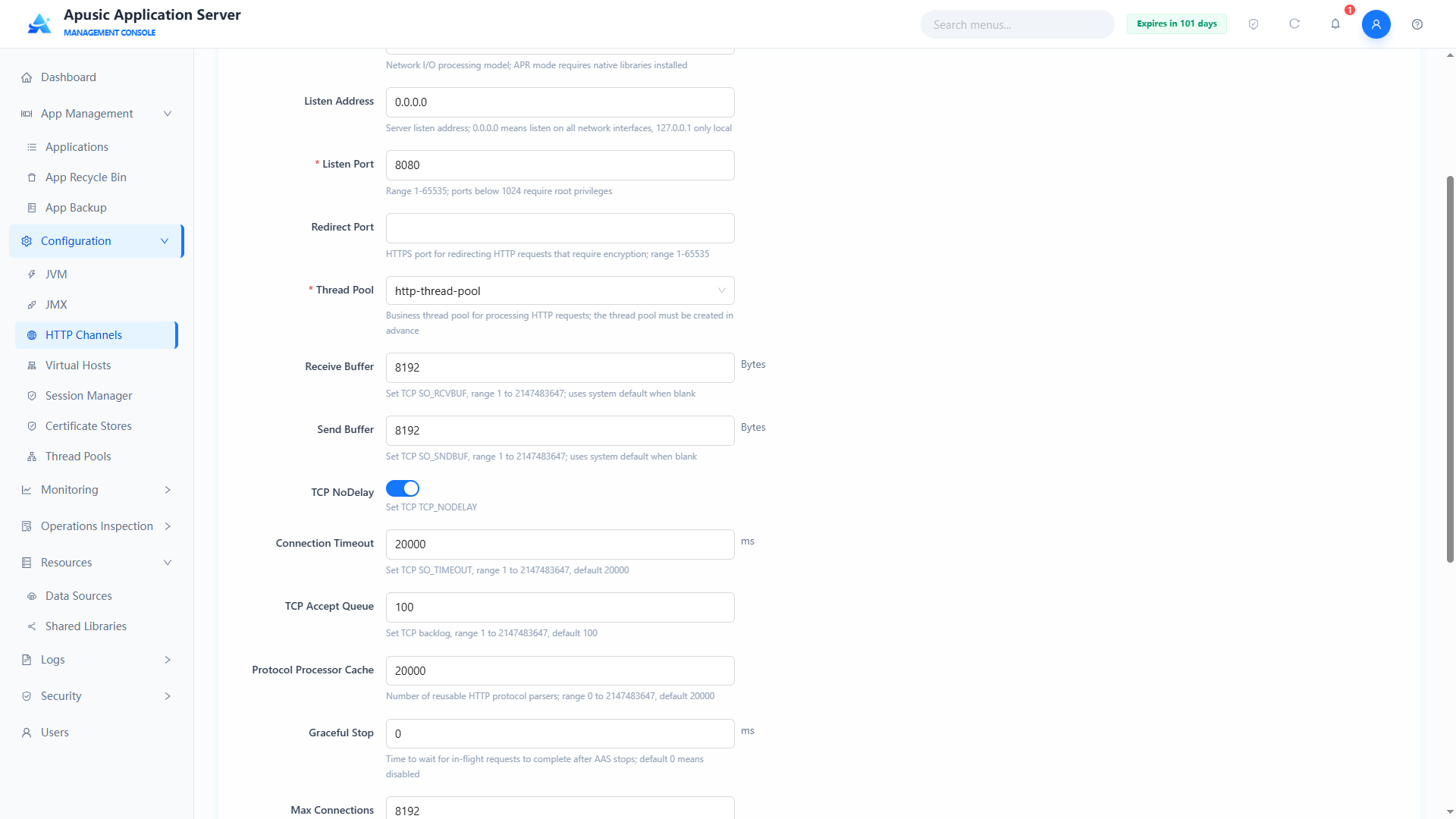
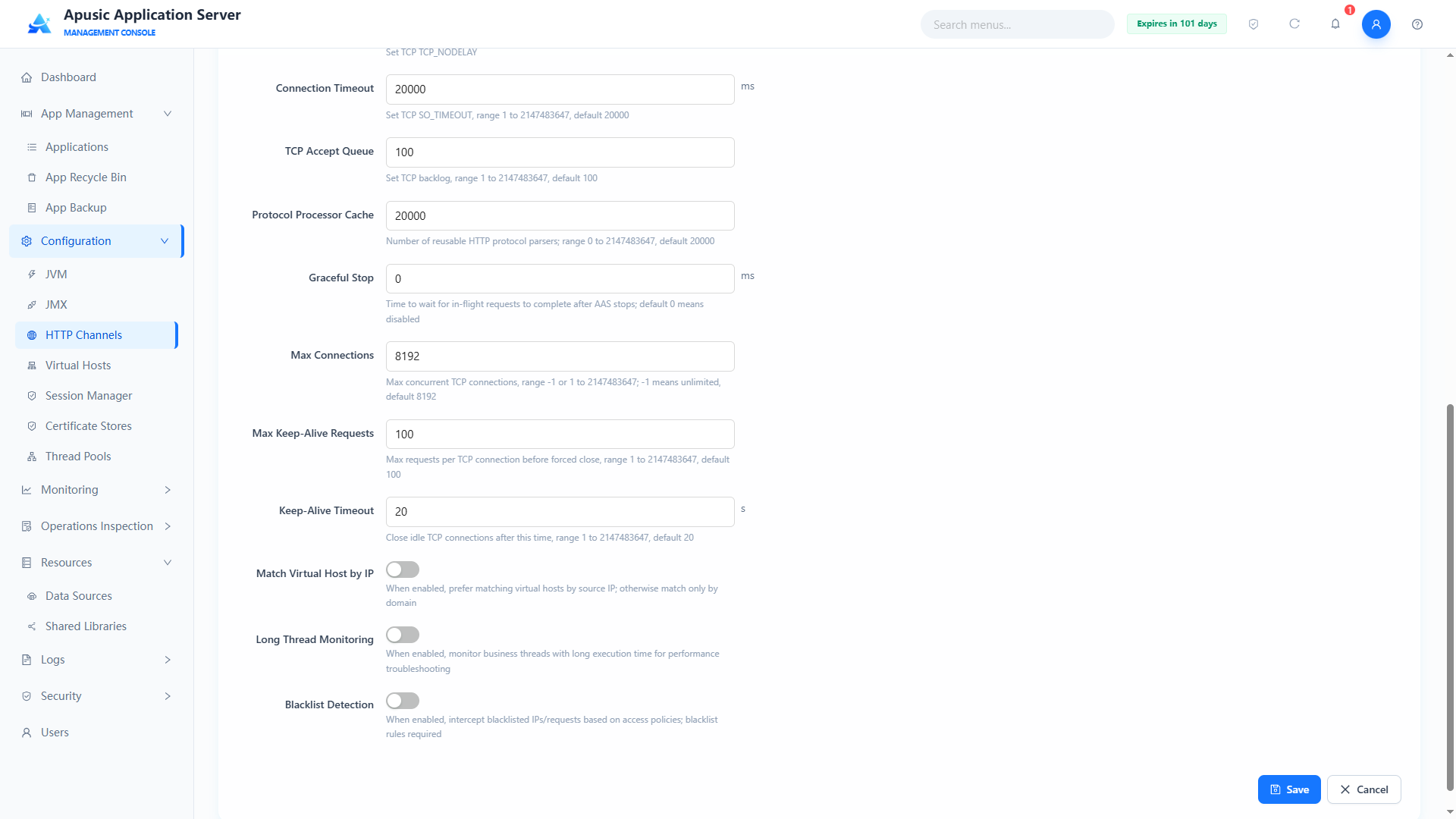
Field descriptions:
| Setting | Parameter | Description |
| Name | name | Unique identifier of the HTTP channel. Purpose: distinguishes channels in the configuration; cannot be changed when editing. Valid values: string, up to 64 characters; only letters, digits, underscores, and hyphens; globally unique; required. Default: empty. |
| IO Mode | ioMode | Network IO processing model of the channel. Purpose: determines how the underlying network reads and writes; it must match the server environment; APR requires the native library to be installed in advance. Valid values: dropdown, NIO / NIO2 / APR (only modes supported by the server are shown); required. Default: NIO. |
| Listen Address | host | Server IP address the channel binds to. Purpose: restricts which network interface the channel listens on; 0.0.0.0 listens on all interfaces, 127.0.0.1 is local only. Valid values: string, up to 128 characters, valid IPv4 format; required. Default: 0.0.0.0. |
| Listen Port | port | TCP port the channel listens on. Purpose: clients access the service through this port; ports below 1024 require root privileges. Valid values: integer, 1~65535, the port must not be in use; required. Default: empty. |
| Redirect Port | redirectPort | HTTPS redirect port. Purpose: when a request requires SSL but the current channel is not SSL, the request is redirected to this port; ports below 1024 require root privileges. Valid values: integer, 1~65535. Default: empty. |
| Thread Pool | threadPool | Business thread pool bound to the channel. Purpose: HTTP requests are processed by threads in this pool, which must be created in Thread Pools in advance. Valid values: single-select dropdown of configured thread pools; required. Default: http-thread-pool. |
| Receive Buffer | receiveBufferSize | Socket read buffer size in bytes. Purpose: controls the TCP receive buffer; too small increases IO round trips, too large wastes memory; 0 uses the VM default. Valid values: integer, 0~1048576; required. Default: 8192. |
| Send Buffer | sendBufferSize | Socket write buffer size in bytes. Purpose: controls the TCP send buffer; 0 uses the VM default. Valid values: integer, 0~1048576; required. Default: 8192. |
| Max Connections | maxConnections | Maximum concurrent TCP connections allowed on the listen port. Purpose: new connections queue once the limit is reached. Valid values: integer, 1~9999999, -1 means unlimited; required. Default: -1 (unlimited). |
| Connection Timeout | connectionTimeout | TCP connection idle timeout in milliseconds. Purpose: idle connections with no data are closed automatically after this duration. Valid values: integer, 1~3600000; required. Default: 20000. |
| TCP Accept Queue Size | acceptCount | Length of the OS kernel TCP listen queue. Purpose: when the connection limit is reached, controls how many connections completing the three-way handshake can queue. Valid values: integer, 1~10000; required. Default: 100. |
| TCP NoDelay | tcpNoDelay | Whether the Nagle algorithm is disabled. Purpose: when on, small packets are sent immediately, reducing latency; recommended for long-lived connections with frequent small packets. Valid values: switch, On / Off. Default: On. |
| Max KeepAlive Requests | maxKeepAliveRequests | Maximum HTTP requests a single KeepAlive connection may process. Purpose: the connection is forcibly closed when the limit is reached. Valid values: integer, 1~10000; required. Default: 100. |
| KeepAlive Timeout | keepAliveTimeout | KeepAlive idle timeout in seconds. Purpose: the server actively closes the TCP channel after a keep-alive connection is idle for this duration. Valid values: integer, 1~3600; required. Default: 20. |
| Use IP VHosts | useIPVHosts | Whether the request source IP is used to match virtual hosts. Purpose: when on, virtual hosts are matched by IP first; when off, only by domain name. Valid values: switch, On / Off. Default: Off. |
| Processor Cache | processorCache | Cache capacity for reused HTTP protocol parsers. Purpose: caches and reuses protocol handler objects to reduce the overhead of creating parsers frequently. Valid values: integer, 0~2147483647; required. Default: 20000. |
| Graceful Stop | gracefulStopAwaitMillis | Graceful shutdown wait duration in milliseconds. Purpose: after AAS stops, the maximum time to wait for in-progress client requests to finish. Valid values: integer, 0~2147483647; 0 disables the feature. Default: 0. |
| Slow Thread Monitor | longThreadEnabled | Whether business threads that take too long are monitored. Purpose: when on, the stack of slow request threads is recorded for performance troubleshooting. Valid values: switch, On / Off. Default: Off. |
| Slow Thread Threshold | longThreadThreshold | Threshold for identifying a slow thread, in seconds; shown when Slow Thread Monitor is on. Purpose: a request that takes longer than this threshold is identified as a slow thread and recorded. Valid values: integer, in seconds. Default: 60. |
| Slow Thread Check Period | longThreadCycleTime | Slow thread check period in seconds; shown when Slow Thread Monitor is on. Purpose: scans in-flight threads for timeouts once per period. Valid values: integer, in seconds. Default: 3. |
| Check Interval | longThreadRollingInterval | Slow thread log rolling interval in minutes; shown when Slow Thread Monitor is on. Purpose: controls time-based rolling of slow thread log files. Valid values: integer, in minutes. Default: 5. |
| Log Directory | longThreadLogDir | Output directory of slow thread logs; shown when Slow Thread Monitor is on. Purpose: specifies where slow thread log files are stored. Valid values: string, a valid directory path. Default: empty. |
| Blacklist Detection | sdosEnabled | Whether blacklist protection based on access policy is enabled. Purpose: when on, attack behavior is detected and malicious IPs are added to the blacklist. Valid values: switch, On / Off. Default: Off. |
| Blacklist Threshold | sdosThreshold | Blacklist trigger threshold in times; shown when Blacklist Detection is on. Purpose: an IP is blacklisted once its attack count exceeds this threshold. Valid values: integer. Default: 3. |
| Time Window | sdosTimeWindowMinutes | Attack statistics time window in minutes; shown when Blacklist Detection is on. Purpose: counts the attacks of the same IP within this window; exceeding the threshold blacklists the IP. Valid values: integer, in minutes. Default: 30. |
| Expiration | sdosBlacklistTtlMinutes | Blacklist entry expiration in minutes; shown when Blacklist Detection is on. Purpose: blacklisted IPs are released automatically after this duration. Valid values: integer, in minutes. Default: 30. |
| Max Packet Interval | sdosMaxPacketInterval | Maximum interval between two packets in milliseconds; shown when Blacklist Detection is on. Purpose: requests whose interval exceeds this value are recorded as attack events. Valid values: integer, in milliseconds. Default: 0 (detection disabled). |
| Flush Interval | sdosBlacklistFlushMinutes | Blacklist file flush interval in minutes; shown when Blacklist Detection is on. Purpose: controls how often the blacklist is persisted to file. Valid values: integer, in minutes. Default: 10. |
| Protection Mode | sdosMode | Blacklist protection mode; shown when Blacklist Detection is on. Purpose: selects the handling when the blacklist is hit — "Protect" blocks directly, "Alert" only records an alert. Valid values: dropdown, Protect / Alert. Default: Alert. |
HTTP Config
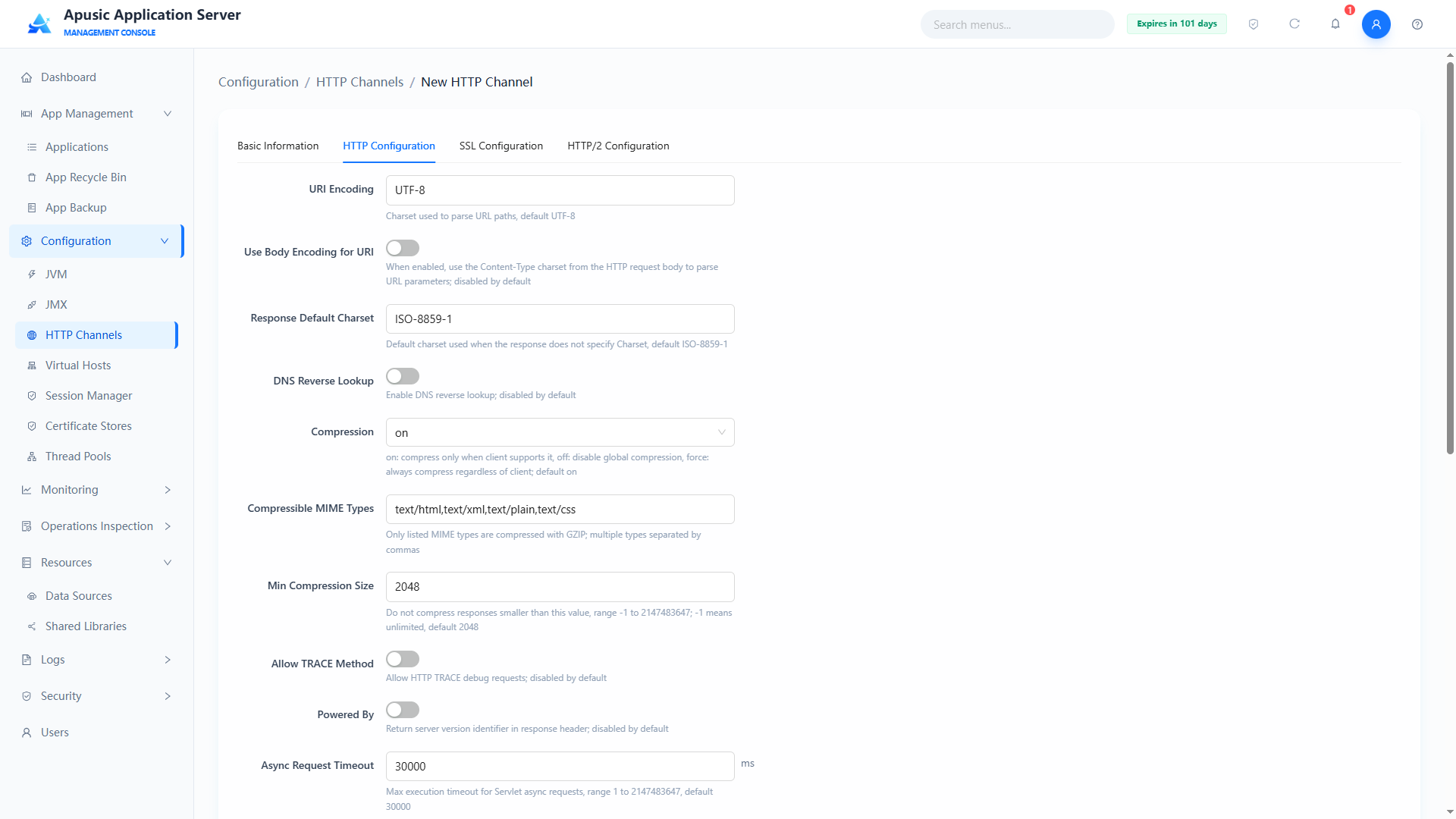
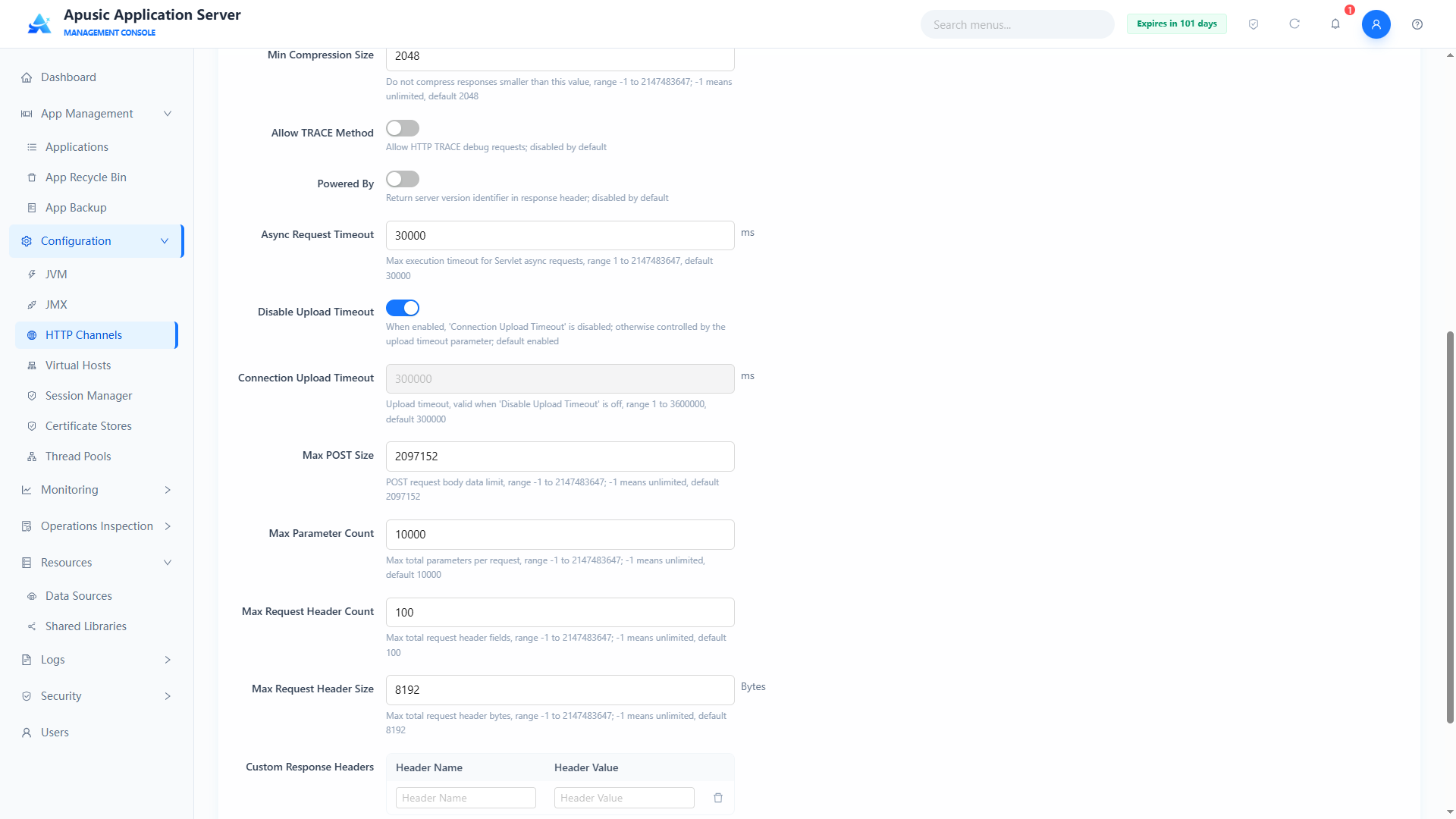
Field descriptions:
| Setting | Parameter | Description |
| URI Encoding | uriEncoding | Character encoding used to parse URL paths. Purpose: determines how URLs and query parameters are decoded; UTF-8 is recommended uniformly for Chinese business scenarios. Valid values: dropdown, a valid charset encoding (UTF-8 / GBK etc.); required. Default: UTF-8. |
| Use Body Encoding For URI | useBodyEncodingForURI | Whether the request body encoding is used to parse URI parameters. Purpose: when on, URL parameters are parsed with the encoding from the HTTP request body's Content-Type; when off, only the URI encoding setting is used. Valid values: switch, On / Off. Default: Off. |
| Response Character Encoding | responseCharacterEncoding | Encoding used by default when the response does not specify a charset. Purpose: responses that do not declare a character set are output in this encoding. Valid values: dropdown, a standard charset encoding; required. Default: ISO-8859-1. |
| DNS Lookups | enableLookups | Whether DNS reverse lookup is performed on client IPs. Purpose: when on, host names are recorded in logs and request attributes; reverse lookup affects performance, keeping it off is recommended. Valid values: switch, On / Off. Default: Off. |
| Compression | compression | HTTP response GZIP compression policy. Purpose: off disables compression globally; on compresses when the client supports it; force compresses regardless of client; when on, the compressible MIME types must be configured. Valid values: dropdown, off / on / force; required. Default: on. |
| Compressible MIME Types | compressibleMimeType | List of resource MIME types allowed to be compressed. Purpose: only resource types in the list are GZIP-compressed. Valid values: string, multiple types separated by commas; required when compression is on. Default: text/html,text/xml,text/plain,text/css. |
| Compression Min Size | compressionMinSize | Minimum response body size in bytes that triggers compression. Purpose: responses smaller than this are not compressed (compressing small files can enlarge them). Valid values: integer, -1 ~ 2147483647, -1 means unlimited; required when compression is on. Default: 2048. |
| Allow TRACE | httpTrace | Whether the HTTP TRACE request method is allowed. Purpose: TRACE is for debugging; enabling it risks information leakage; keep it off in production. Valid values: switch, On / Off. Default: Off. |
| Powered By | poweredBy | Whether the server version identifier is returned in response headers. Purpose: turning it off hides the server fingerprint and improves security. Valid values: switch, On / Off. Default: Off. |
| Async Timeout | asyncTimeout | Maximum execution timeout of Servlet asynchronous requests in milliseconds. Purpose: asynchronous requests are interrupted automatically after this duration. Valid values: integer, 1~2147483647; required. Default: 30000. |
| Disable Upload Timeout | disableUploadTimeout | Whether the connection upload timeout limit is disabled. Purpose: when on, the "Connection Upload Timeout" parameter is ignored and uploads are not time-limited; when off, the upload timeout applies. Valid values: switch, On / Off. Default: On. |
| Connection Upload Timeout | connectionUploadTimeout | Timeout for upload data stream transfer in milliseconds. Purpose: the connection is closed if no data chunk arrives for this duration; effective when "Disable Upload Timeout" is off. Valid values: integer, 1~3600000; required. Default: 300000. |
| Max POST Size | maxPostSize | Maximum data size allowed in an HTTP POST body, in bytes. Purpose: POST requests larger than this are rejected. Valid values: integer, 1~2147483647, -1 means unlimited; required. Default: 2097152 (2MB). |
| Max Parameter Count | maxParameterCount | Maximum total parameter key-value pairs per request (URL + form). Purpose: defends against parameter overflow attacks. Valid values: integer, 1~2147483647, -1 means unlimited; required. Default: 10000. |
| Max Header Count | maxHeaderCount | Maximum number of header fields allowed in a single HTTP request. Purpose: defends against header overflow attacks. Valid values: integer, 1~2147483647, -1 means unlimited; required. Default: 100. |
| Max Header Size | maxHttpHeaderSize | Maximum total bytes of all request headers combined. Purpose: requests exceeding this limit are rejected outright. Valid values: integer, 1~2147483647, -1 means unlimited; required. Default: 8192. |
| Custom Response Headers | customResponseHeaders | Custom HTTP response header key-value pairs. Purpose: uniformly appends response headers to responses passing through this channel, e.g. X-Frame-Options=SAMEORIGIN. Valid values: key-value table; header names may contain only letters, digits, and !#$%&'*+-.^_|~; entries can be added or removed. Default: empty. |
SSL Config
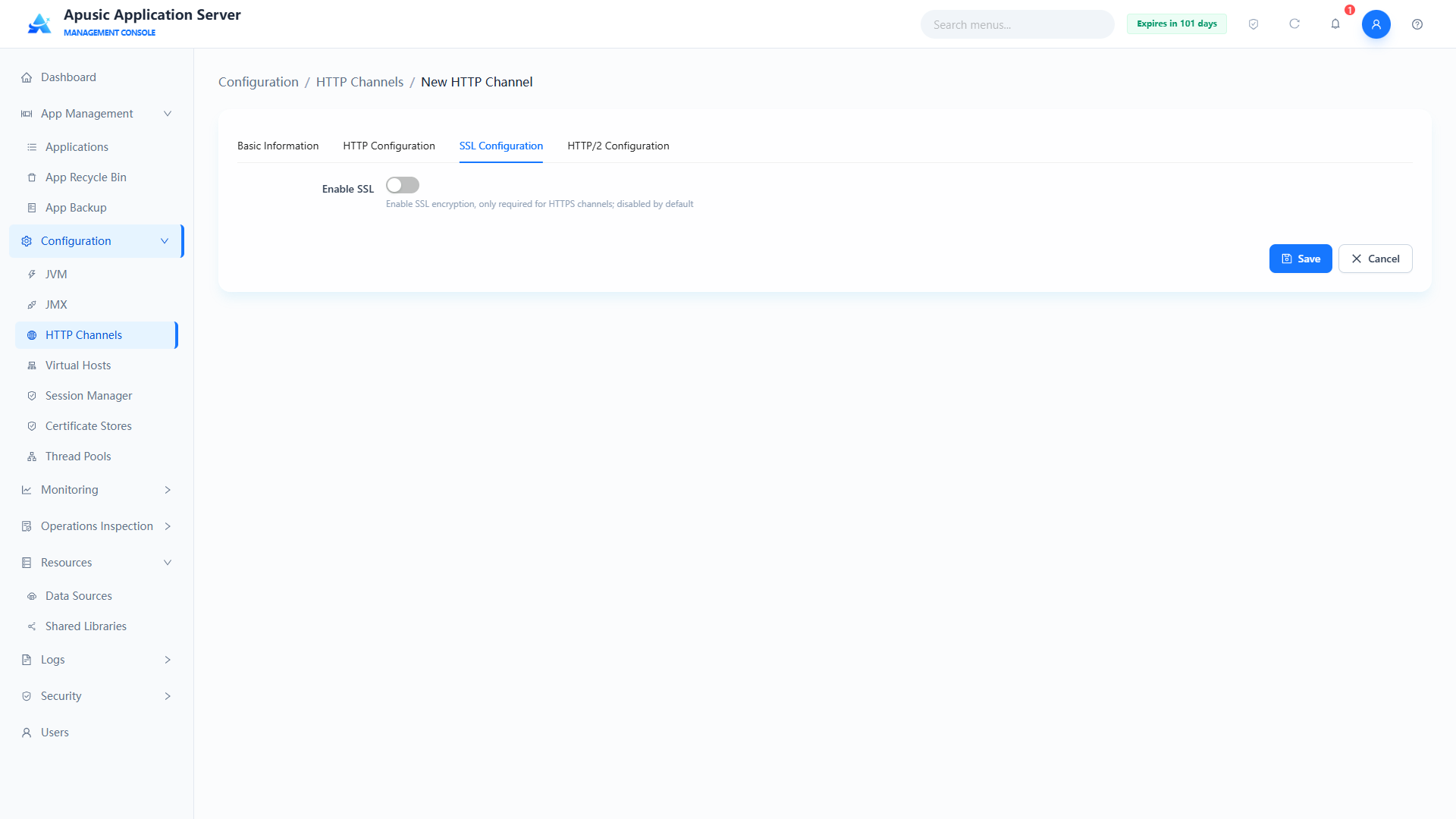
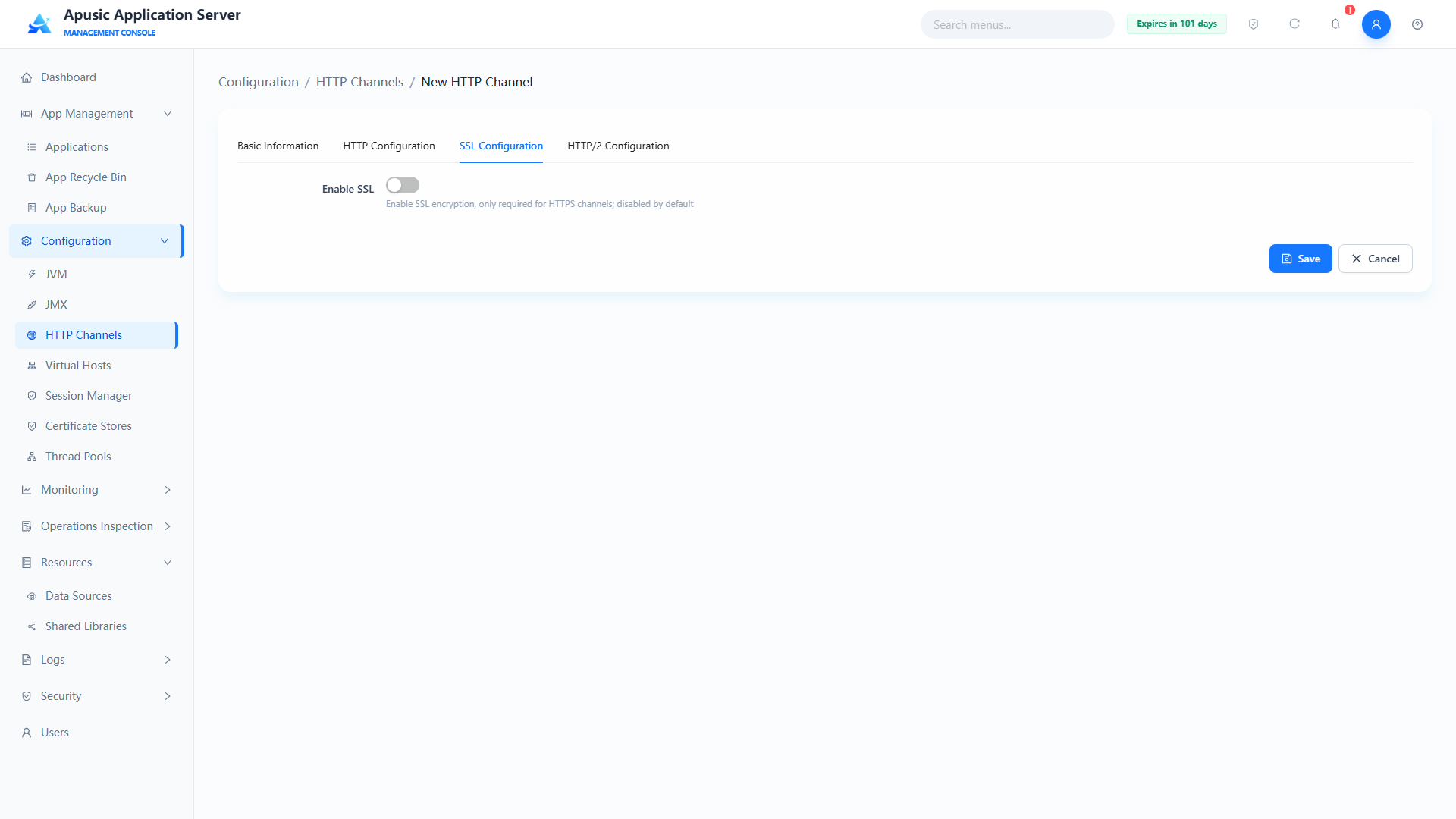
Field descriptions:
| Setting | Parameter | Description |
| SSL Enabled | sslEnabled | Whether SSL/TLS encryption is enabled. Purpose: when on, the channel provides encrypted communication over HTTPS and certificate information must be configured. Valid values: switch, On / Off. Default: Off. |
| SM (Guomi) Authentication | gmEnabled | Whether SM (Chinese national cryptography) suite authentication is enabled. Purpose: when on, the configured SM certificates are validated and encrypted connections use SM algorithms. Valid values: switch, On / Off. Default: Off. |
| Redirect Port | redirectPort | HTTPS redirect port. Purpose: non-SSL requests that require encryption are redirected to this port. Valid values: integer, 1~65535. Default: empty. |
| Proxy Server Name | proxyName | Proxy server hostname in reverse proxy scenarios. Purpose: the externally exposed hostname when the channel is behind a reverse proxy. Valid values: string, 1~128 characters. Default: empty. |
| Proxy Server Port | proxyPort | Proxy server port in reverse proxy scenarios. Purpose: the externally exposed port when the channel is behind a reverse proxy. Valid values: integer, 1~65535. Default: empty. |
| TLS Protocols | tlsProtocolsArr | Allowed TLS protocol versions; hidden when SM authentication is on. Purpose: restricts the protocol versions negotiable during the SSL handshake; only TLS1.2/TLS1.3 are recommended in production. Valid values: checkbox group, TLS1.0 / TLS1.1 / TLS1.2 / TLS1.3; required when SSL is on. Default: TLS1.2 and TLS1.3 checked. |
| Client Authentication | clientAuth | Client certificate verification level. Purpose: controls whether clients must present a certificate; "Required" means mutual authentication. Valid values: dropdown, Disabled / Optional / Required; required when SSL is on. Default: Disabled. |
| Custom Certificate | certificateCustom | Whether custom keystore information is used. Purpose: when off, a certificate store dropdown is shown for selecting from Certificate Stores; when on, inputs for keystore path and passwords are shown for manual entry. Valid values: switch, On / Off. Default: Off. |
| Keystore Name | keyStoreName | Name of the keystore in use; shown when custom certificate is off. Purpose: select a certificate store of the "Keystore" type from Certificate Stores. Valid values: single-select dropdown of created keystores. Default: empty. |
| Keystore Entry | keyStoreEntry | Certificate entry in the keystore; shown when custom certificate is off. Purpose: lists all certificate entries under the selected keystore; choose the certificate used for SSL. Valid values: single-select dropdown. Default: empty. |
| Truststore Name | trustStoreName | Name of the truststore in use; shown when custom certificate is off. Purpose: select a certificate store of the "Truststore" type from Certificate Stores, used to verify client certificates. Valid values: single-select dropdown of created truststores. Default: empty. |
| Truststore Entry | trustStoreEntry | Certificate entry in the truststore; shown when custom certificate is off. Purpose: lists all certificate entries under the selected truststore; choose the trusted certificate. Valid values: single-select dropdown. Default: empty. |
| Certificate Alias | alias | Alias of the certificate; shown when custom certificate is on. Purpose: specifies the alias of the keystore entry used for SSL. Valid values: string, 1~255 characters. Default: empty. |
| Keystore Path | keyStorePath | Keystore file path; shown when custom certificate is on. Purpose: specifies the custom keystore file location. Valid values: string, 1~255 characters, supports system variable placeholders; required when SSL is on. Default: empty. |
| Keystore Password | keyStorePassword | Keystore access password; shown when custom certificate is on. Purpose: passphrase to open the keystore file. Valid values: string, 8~128 characters, hidden on the page; required when SSL is on. Default: empty. |
| Keystore Type | keyStoreType | Keystore file format; shown when custom certificate is on. Purpose: declares the storage format of the keystore. Valid values: string, e.g. JKS / PKCS12. Default: empty. |
| Truststore Path | truststorePath | Truststore file path; shown when custom certificate is on. Purpose: specifies the truststore file used to verify client certificates. Valid values: string, 1~255 characters; required when client authentication is "Required / Optional". Default: empty. |
| Truststore Password | truststorePassword | Truststore access password; shown when custom certificate is on. Purpose: passphrase to open the truststore file. Valid values: string, 8~128 characters, hidden on the page. Default: empty. |
| Truststore Type | truststoreType | Truststore file format; shown when custom certificate is on. Purpose: declares the storage format of the truststore. Valid values: string, e.g. JKS / PKCS12. Default: empty. |
| Cipher Suites | sslCipherSuites | Cipher suites used for SSL/TLS encryption. Purpose: restricts the algorithm suites allowed for encrypted communication and blocks weak suites. Valid values: dual-list selection box with add/remove and search; manual input supported; multiple values separated by commas; duplicates removed on save; required when SSL is on. Default: empty (JDK default suites). |
HTTP2 Config
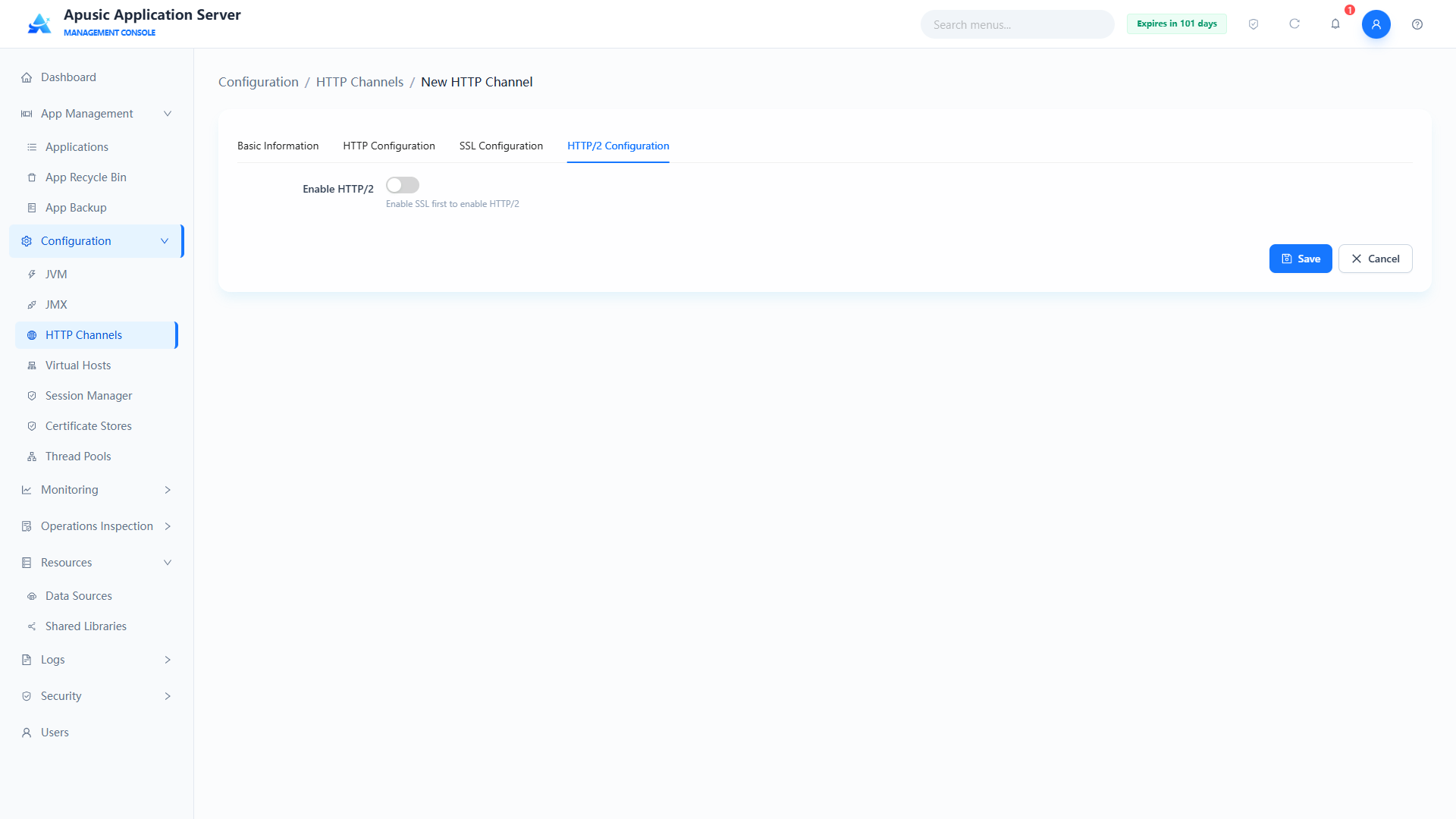
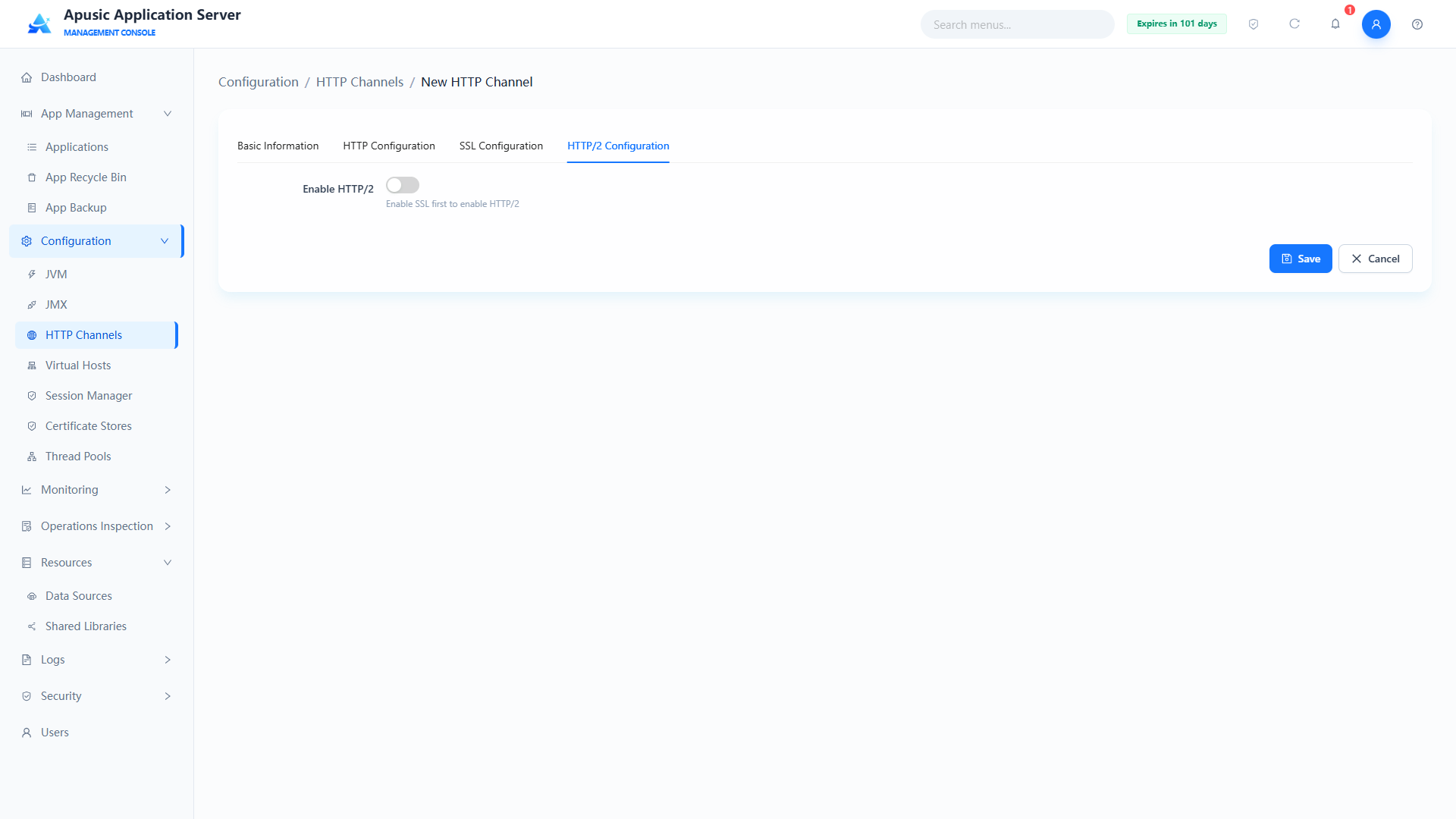
Field descriptions:
| Setting | Parameter | Description |
| Enable HTTP/2 | http2Enabled | Whether the HTTP/2 protocol is enabled. Purpose: when on, the channel supports HTTP/2 multiplexing; HTTPS channels only. Valid values: switch, On / Off. Default: Off. |
| Compression | http2Compression | Independent HTTP/2 compression policy, taking precedence over the HTTP tab compression setting. Purpose: controls GZIP compression of HTTP/2 responses. Valid values: dropdown, off / on / force; required when HTTP/2 is enabled. Default: on. |
| Compressible MIME Types | http2CompressibleMimeType | Resource MIME types allowed to be compressed under HTTP/2, independent of the HTTP/1 configuration. Purpose: only resource types in the list are compressed. Valid values: string, multiple types separated by commas; required when HTTP/2 is enabled. Default: text/html,text/xml,text/plain,text/css,text/javascript,application/javascript,application/json etc. |
| No-Compression User Agents | http2NoCompressionUserAgents | Regular expression of client User-Agents for which compression is not performed. Purpose: compression is disabled for matching clients. Valid values: string, regular expression format. Default: empty. |
| Compression Min Size | http2CompressionMinSize | Minimum HTTP/2 response body size in bytes that triggers compression. Purpose: GZIP compression starts once the response body reaches this size. Valid values: integer, 1~1048576; required when HTTP/2 is enabled. Default: 2048. |
| Max Concurrent Streams | http2MaxConcurrentStreams | Upper limit of request streams processed in parallel within a single HTTP/2 TCP connection. Purpose: controls the concurrency of multiplexing. Valid values: integer, 1~10000; required when HTTP/2 is enabled. Default: 100. |
| Max Concurrent Executing Streams | http2MaxConcurrentExecutingStreams | Upper limit of HTTP/2 streams executing business logic concurrently in the same connection. Purpose: limits server thread pressure. Valid values: integer, 1~10000; required when HTTP/2 is enabled. Default: 20. |
| Max Header Size | http2MaxHeaderSize | Maximum total bytes of HTTP/2 request header binary frames. Purpose: defends against oversized header attacks. Valid values: integer, 1~1048576; required when HTTP/2 is enabled. Default: 8192. |
| Max Header Count | http2MaxHeaderCount | Upper limit of header fields in a single HTTP/2 request. Purpose: defends against header overflow attacks. Valid values: integer, 1~1000; required when HTTP/2 is enabled. Default: 100. |
| Max Trailer Size | http2MaxTrailerSize | Maximum bytes of HTTP/2 trailing trailer frame data. Purpose: limits the size of trailer frames. Valid values: integer, 1~1048576; required when HTTP/2 is enabled. Default: 8192. |
| Max Trailer Count | http2MaxTrailerCount | Upper limit of trailer fields per request. Purpose: limits the number of trailer fields. Valid values: integer, 1~1000; required when HTTP/2 is enabled. Default: 100. |
| Initial Window Size | http2InitialWindowSize | Initial HTTP/2 flow control window size in bytes. Purpose: controls the transfer rate of a single stream. Valid values: integer, 1~1073741824; required when HTTP/2 is enabled. Default: 65535. |
| KeepAlive Timeout | http2KeepAliveTimeout | HTTP/2 connection idle timeout in milliseconds. Purpose: the TCP connection is closed automatically when no data flows for this duration. Valid values: integer, 1~3600000; required when HTTP/2 is enabled. Default: 20000. |
| Socket Read Timeout | http2SocketReadTimeout | HTTP/2 socket frame read timeout threshold in milliseconds. Purpose: the connection is closed when reading takes longer than this. Valid values: integer, 1~3600000; required when HTTP/2 is enabled. Default: 20000. |
| Socket Write Timeout | http2SocketWriteTimeout | HTTP/2 socket frame write timeout threshold in milliseconds. Purpose: the connection is closed when writing takes longer than this. Valid values: integer, 1~3600000; required when HTTP/2 is enabled. Default: 20000. |
| Stream Read Timeout | http2StreamReadTimeout | Independent timeout for reading data of a single HTTP/2 request stream, in milliseconds. Purpose: the stream is interrupted when reading exceeds this duration. Valid values: integer, 1~3600000; required when HTTP/2 is enabled. Default: 20000. |
| Stream Write Timeout | http2StreamWriteTimeout | Independent timeout for writing response data of a single HTTP/2 request stream, in milliseconds. Purpose: the stream is interrupted when writing exceeds this duration. Valid values: integer, 1~3600000; required when HTTP/2 is enabled. Default: 20000. |
# Deleting an HTTP Channel
Deleting an HTTP channel opens a confirmation dialog; click OK to delete it.
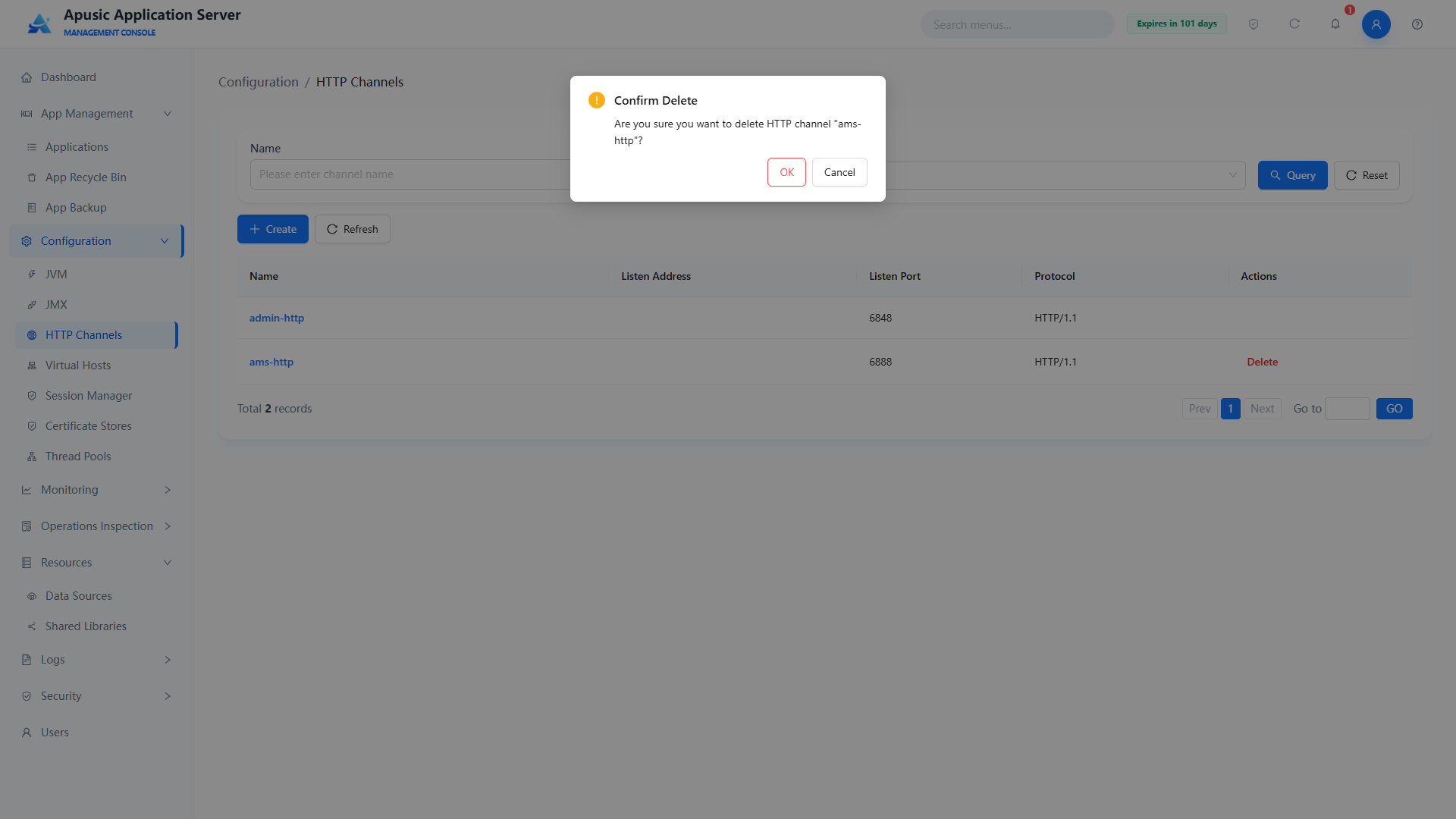
# Virtual Hosts
Provides full lifecycle management of virtual hosts, supporting creation, configuration, modification, deletion, and state management. Virtual hosts bind domain name/IP aliases to HTTP channels to achieve isolated deployment of multiple domains and sites, and also support access control, log configuration, SSO integration, and custom extensions.
# Virtual Host List
Click "Configuration → Virtual Hosts" in the left menu:
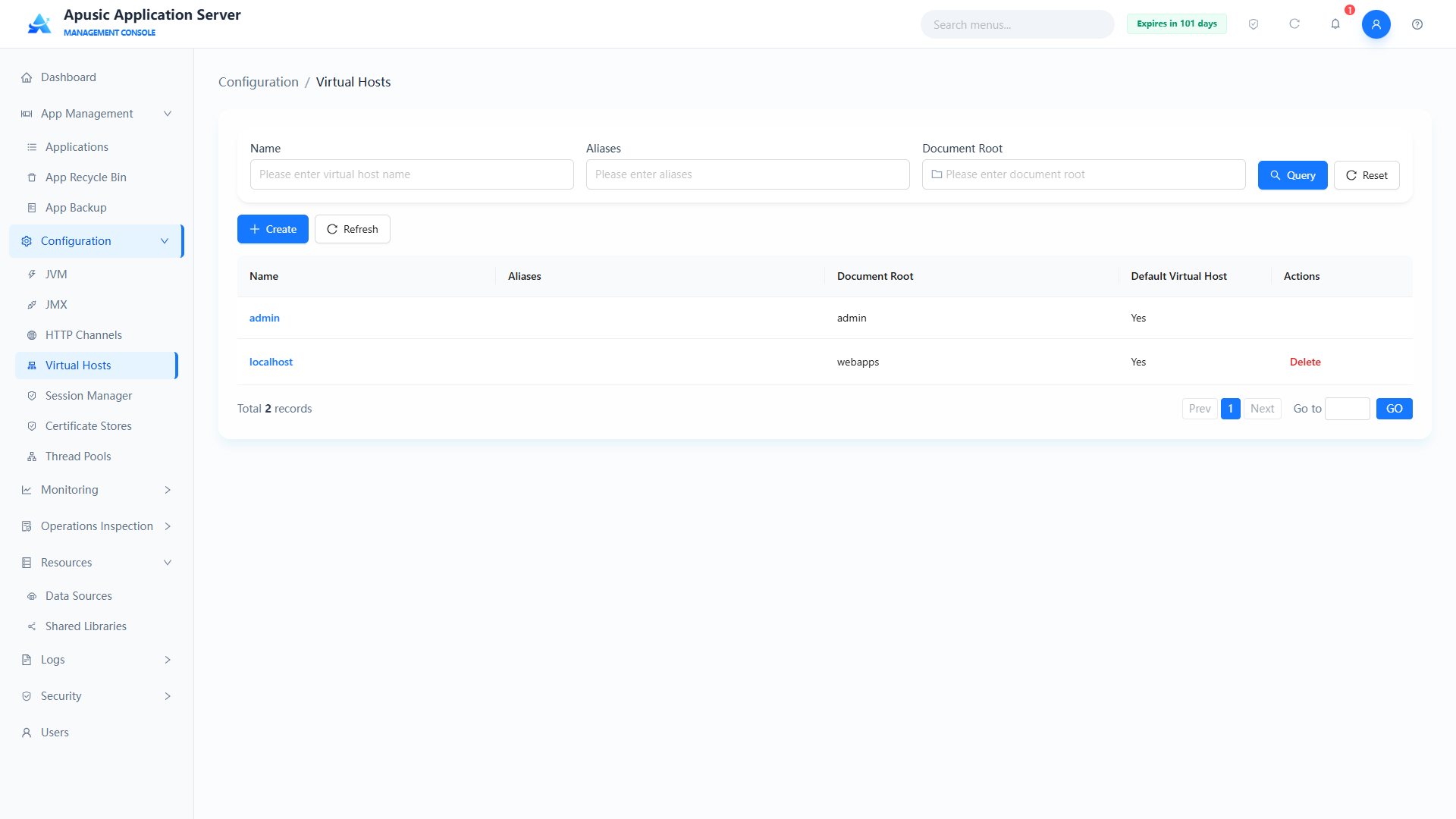
Query conditions:
| Query Condition | Description | Example |
|---|---|---|
| Name | Matches the virtual host name; the input hint is "Please enter virtual host name" | admin |
| Alias | Matches access domain aliases; the input hint is "Please enter alias" | www.example.com |
| Document Root | Matches the document root directory path; click the folder icon inside the input to select a directory; the hint is "Please enter document root" | webapps |
After entering conditions, click "Query" to filter the list; click "Reset" to clear all query conditions. Above the list are "Create" and "Refresh" buttons; below the list are the total record count and pagination controls.
List fields:
| Field | Description |
|---|---|
| Name | Unique business identifier of the virtual host; click the name to open the edit page |
| Alias | List of domain/IP aliases matched by this virtual host |
| Document Root | Base directory for static resources and application deployment |
| Default Virtual Host | Whether it is the system default virtual host: Yes / No |
| Actions | Delete; the default virtual host provides no delete action |
adminis the default virtual host used by the management console itself and cannot be deleted;localhostis also a default virtual host.
# Creating a Virtual Host
- In the virtual host list, click "Create" to open the "Configuration / Virtual Hosts / Create Virtual Host" page;
- Fill in the name (required), document root, aliases, and other basic parameters; configure SSO and access control policies as needed;
- To attach response headers, click "Add Response Header" and fill in "Header Name / Header Value" row by row; click the delete icon at the row end to remove extra rows;
- Click "Save" to finish creating, or "Cancel" to discard this configuration and return to the list.
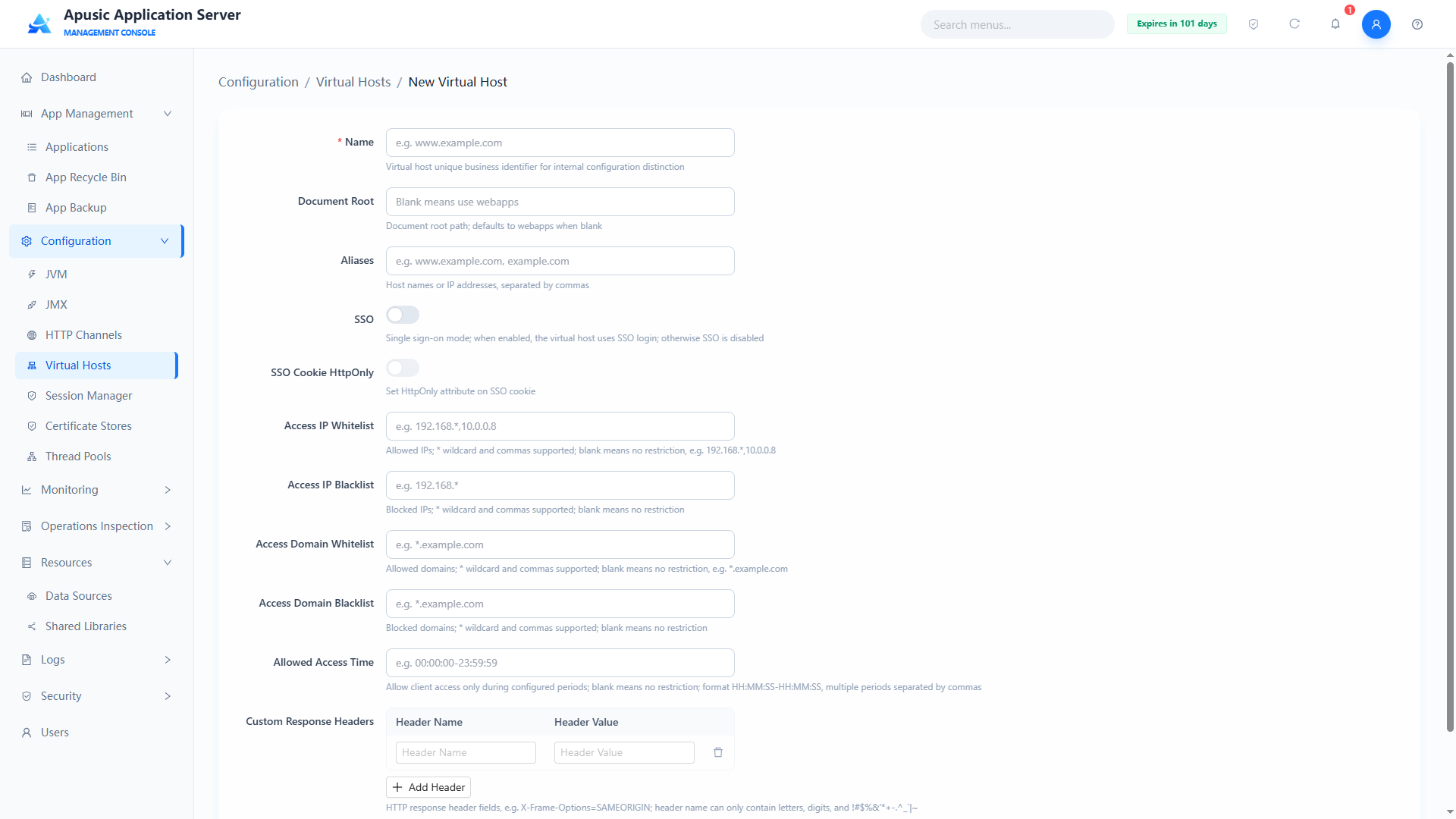
Parameter descriptions:
| Setting | Parameter | Description |
| Name | name | Unique business identifier of the virtual host. Purpose: distinguishes virtual hosts in the configuration; domain-name style naming is supported; cannot be changed when editing. Valid values: string; only letters, digits, ., -; globally unique; no maximum length (≤64 characters recommended); required. Default: empty. |
| Alias | alias | Access domain matching list of the virtual host. Purpose: a request whose Host header matches any domain in the list is routed to this virtual host; supports main domain plus wildcard subdomains. Valid values: string; multiple domains separated by commas; each segment must comply with DNS naming rules; total length ≤256 characters recommended; required. Default: empty. |
| Document Root | docBase | Root document directory of the virtual host. Purpose: specifies the base directory for static resources and application deployment under this virtual host. Valid values: string; relative or absolute path; ≤255 characters; required. Default: webapps. |
| SSO | sso | Whether single sign-on is enabled. Purpose: when on, SSO login logic is enabled for this virtual host and applications on the same host share the login state. Valid values: switch, On / Off. Default: Off. |
| SSO Cookie HttpOnly | ssoHttpOnly | Whether the SSO cookie carries the HttpOnly attribute. Purpose: when on, frontend JavaScript cannot read the cookie, defending against XSS credential theft; effective only when SSO is on. Valid values: switch, On / Off. Default: Off. |
| IP Whitelist | accessIpWhitelist | Access IP whitelist policy. Purpose: only clients matching an IP regex in the list can access; empty means no restriction; if the whitelist and blacklist have the same value, the blacklist is void. Valid values: string; multiple IP regexes separated by commas; each a standard IP regex; 1~255 characters. Default: empty. |
| IP Blacklist | accessIpBlacklist | Access IP blacklist interception rules. Purpose: clients matching an IP regex in the list are denied directly; if the whitelist and blacklist have the same value, the blacklist is void. Valid values: string; multiple IP regexes separated by commas; standard IP regex syntax. Default: empty. |
| Domain Whitelist | accessDomainWhitelist | Host domain whitelist. Purpose: only matching domains can access; if the whitelist and blacklist have the same value, the blacklist is void. Valid values: string; domain regexes separated by commas; standard domain regex syntax. Default: empty. |
| Domain Blacklist | accessDomainBlacklist | Host domain interception blacklist. Purpose: Host requests matching the regex are rejected with 403; if the whitelist and blacklist have the same value, the blacklist is void. Valid values: string; domain regexes separated by commas. Default: empty. |
| Allowed Access Time | accessTime | Service access time restriction. Purpose: clients may access only within the configured periods; requests outside the periods are intercepted; empty means open 24 hours. Valid values: string; period format HH:mm:ss-HH:mm:ss; multiple periods separated by commas; time range 00:00:00 ~ 23:59:59; 1~128 characters. Default: empty. |
| Custom Response Headers | extraProps | Custom HTTP response headers. Purpose: appends the specified response headers to responses of this virtual host as key-value pairs, e.g. Cache-Control : no-cache. Valid values: multi-line text, one key : value pair per line. Default: empty. |
The fields on the create virtual host page are the same as on the edit page.
# Editing a Virtual Host
Click a virtual host name to go to the virtual host edit page:
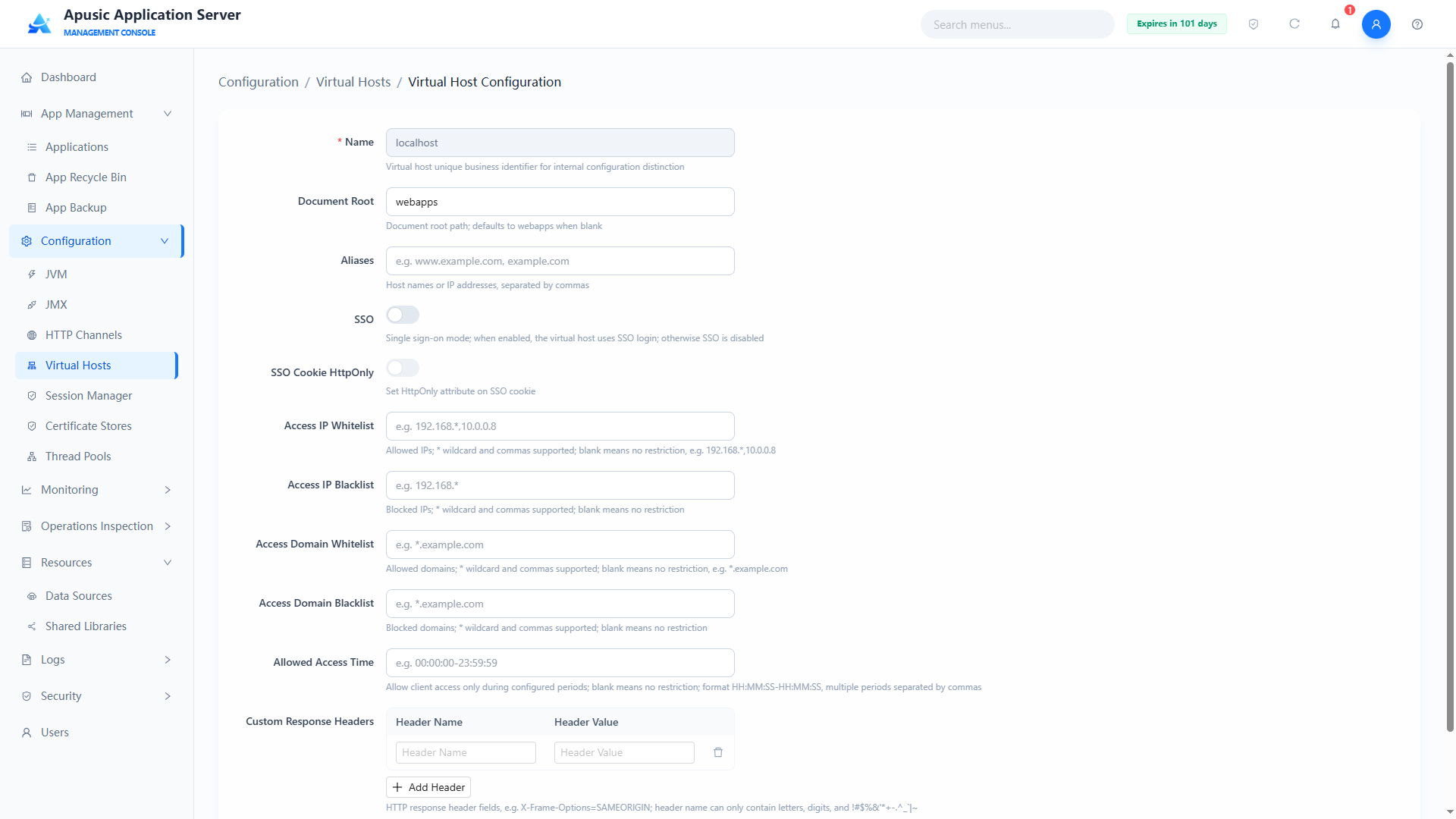
The edit page fields are the same as the create page, except that "Name", as the unique business identifier, cannot be changed. After modifying, click "Save" to apply the configuration, or "Cancel" to discard the changes and return to the list.
# Deleting a Virtual Host
- In the list, click "Delete" in the Actions column of the target virtual host;
- The "Confirm Delete" dialog appears with the message 'Are you sure you want to delete virtual host "localhost"? The deletion takes effect after the server is restarted; associated HTTP channels or applications may not work properly';
- After verification, click "OK" to delete, or "Cancel" to abort.
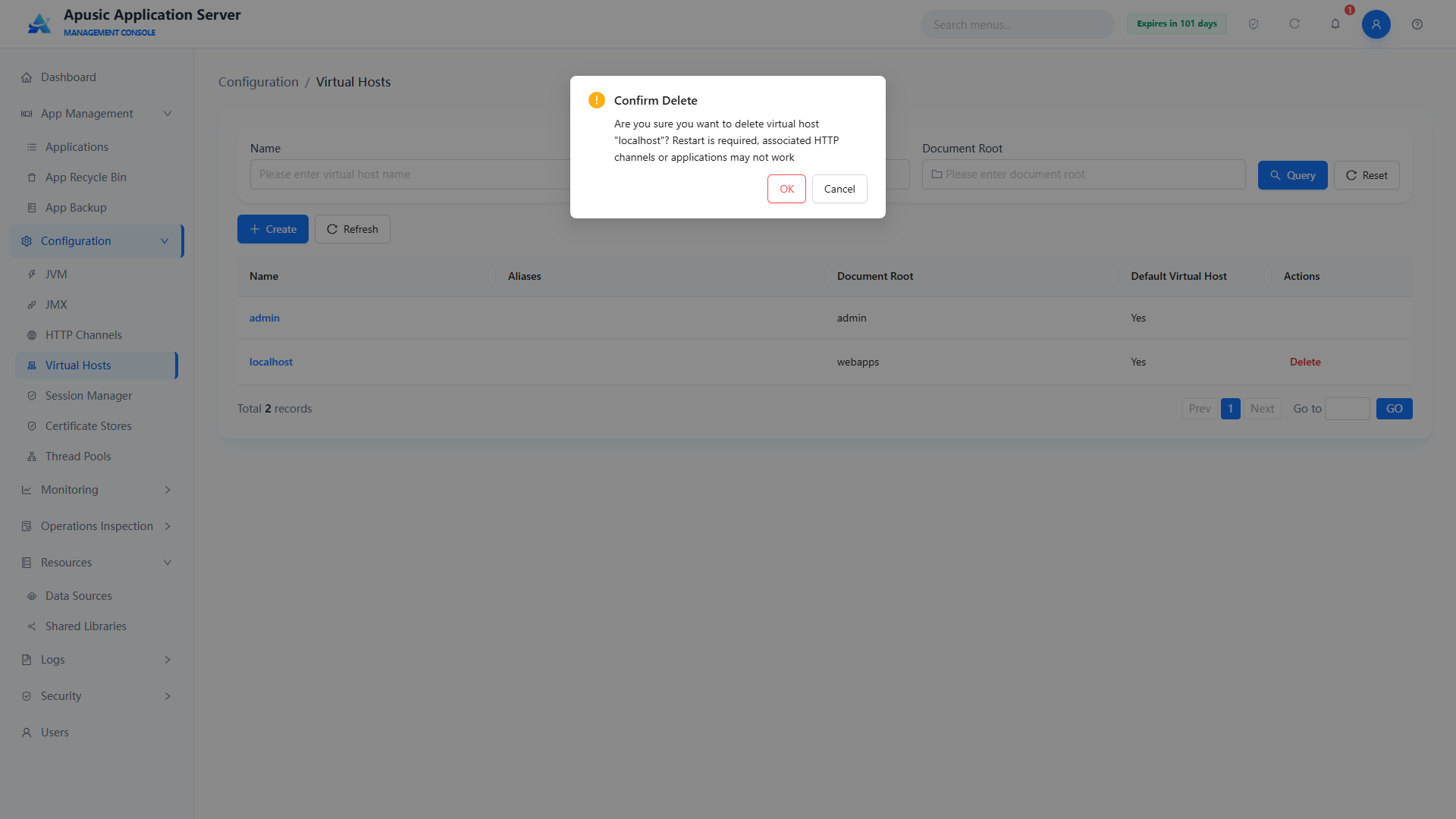
Deleting a virtual host takes effect after a server restart. Before deleting, make sure no application or HTTP channel depends on the virtual host; default virtual hosts cannot be deleted.
# Session Manager
The session manager configures the session management policy of web applications, including the session storage type, maximum sessions, and session persistence. It supports four storage types — Memory, File, Redis, and Database — which applications can reference as needed at deployment.
# Session Manager List
Click "Configuration → Session Manager" in the left menu:
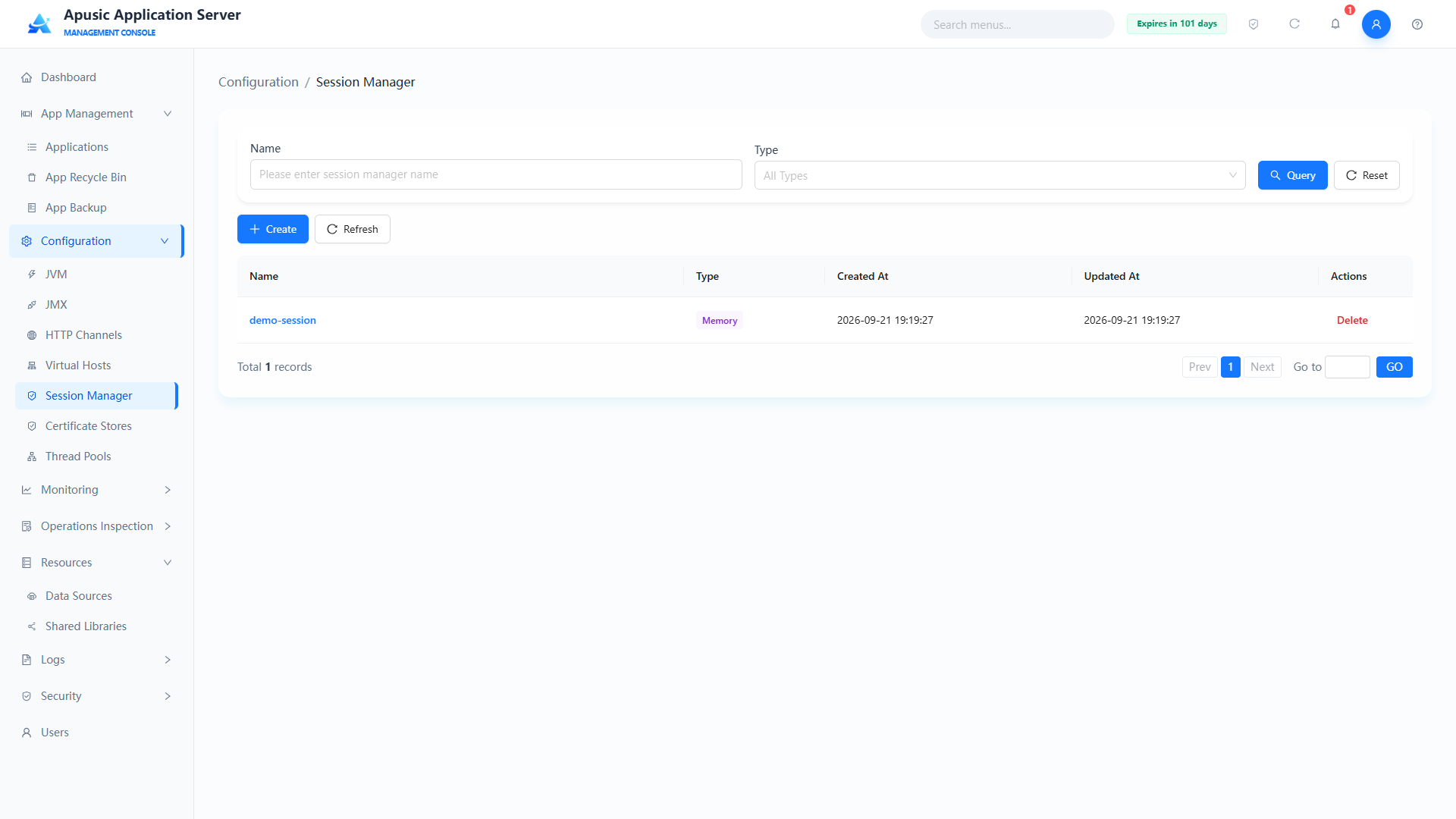
Query conditions:
| Query Condition | Description | Example |
|---|---|---|
| Name | Matches the session manager name; the input hint is "Please enter session manager name" | default |
| Type | Filters by session storage type; the dropdown defaults to "All Types" | Memory |
After entering conditions, click "Query" to filter the list; click "Reset" to clear the query conditions. Above the list are "Create" and "Refresh" buttons; below the list are the total record count and pagination controls.
List fields:
| Field | Description |
|---|---|
| Name | Unique identifier of the session manager |
| Type | Session storage type: Memory, File, Redis, Database |
| Created At | Creation time of the session manager |
| Updated At | Time of the most recent modification |
| Actions | Maintenance operations for the created session manager |
# Creating a Session Manager
Click "Create" to go to the create session manager page. All types share the common attributes below; each type has its own storage attributes, and the "Advanced Attributes" section at the bottom of the page applies to all types.
Common attributes:
| Setting | Parameter | Description |
| Name | name | Unique identifier of the session manager. Purpose: globally identifies the session manager; applications reference it by this name at deployment. Valid values: string, letters / digits / underscores / hyphens only, max 64 characters, globally unique, required. Default: empty. |
| Type | type | Session storage type. Purpose: determines how session data is stored; cannot be modified after creation — create a new manager if a change is needed. Valid values: dropdown — Memory, File, Redis, Database; required. Default: Memory. |
| Max Sessions | maxSessions | Maximum number of sessions the server allows. Purpose: limits the total number of active sessions to prevent memory exhaustion. Valid values: integer, -1 or a positive integer, max 2147483647, required. Default: -1 (unlimited). |
# Memory
The Memory type keeps sessions in server memory and supports a session persistence file used to restore sessions after a normal AAS shutdown or restart:
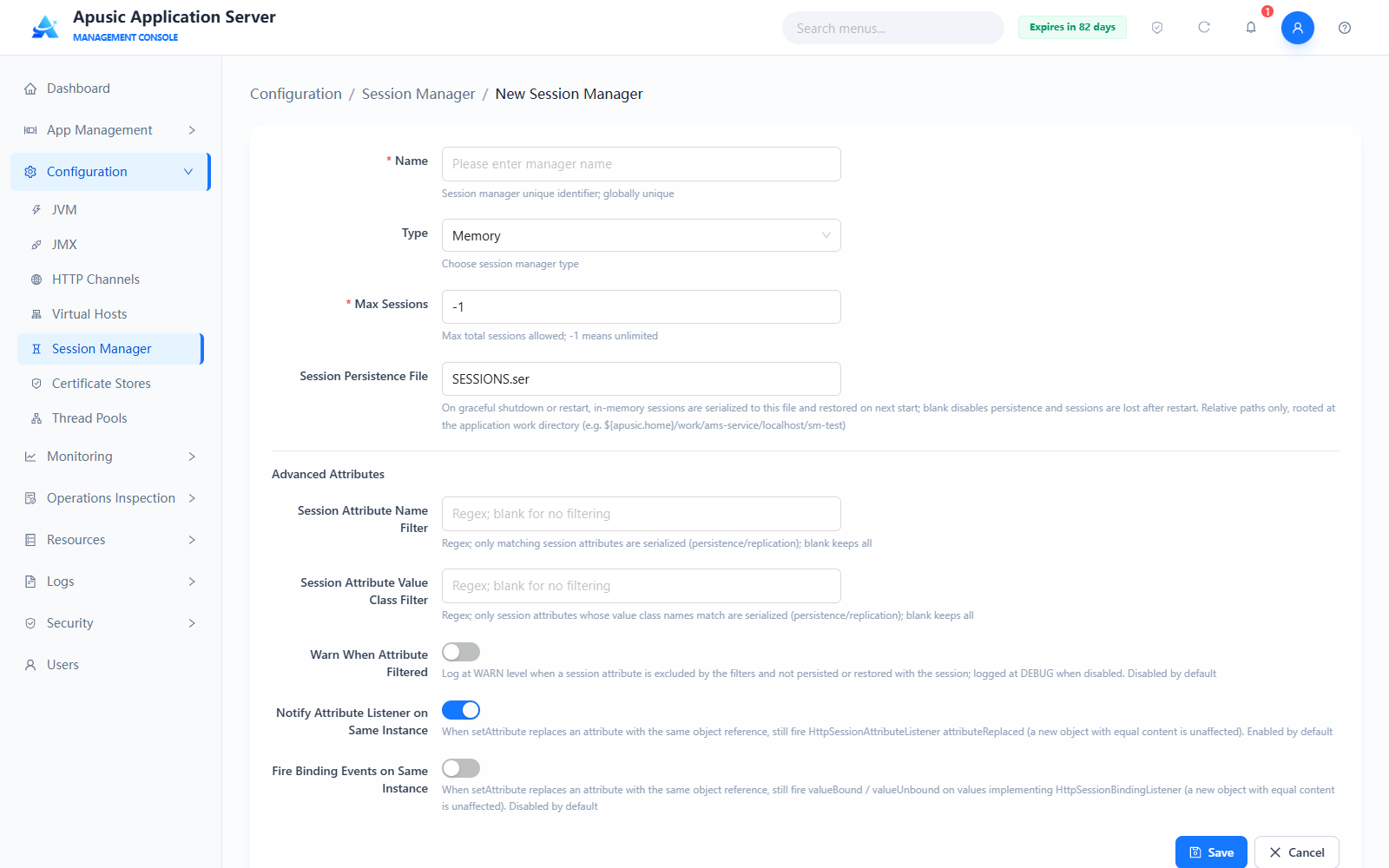
| Setting | Parameter | Description |
| Session Persistence File | persistPath | On a normal AAS shutdown or restart, in-memory sessions are serialized to this file and restored at the next startup. Purpose: implements session persistence; blank disables it and all sessions become invalid after a restart. Valid values: string, relative path only (absolute paths and .. segments are not allowed); the root directory is the application's work directory (e.g. ${apusic.home}/work/ams-service/localhost/sm-test); max 256 characters. Default: SESSIONS.ser. |
# File
Building on in-memory management, the File type supports idle backup, idle swap-out, and a persistence directory, moving long-idle sessions to disk to free memory:
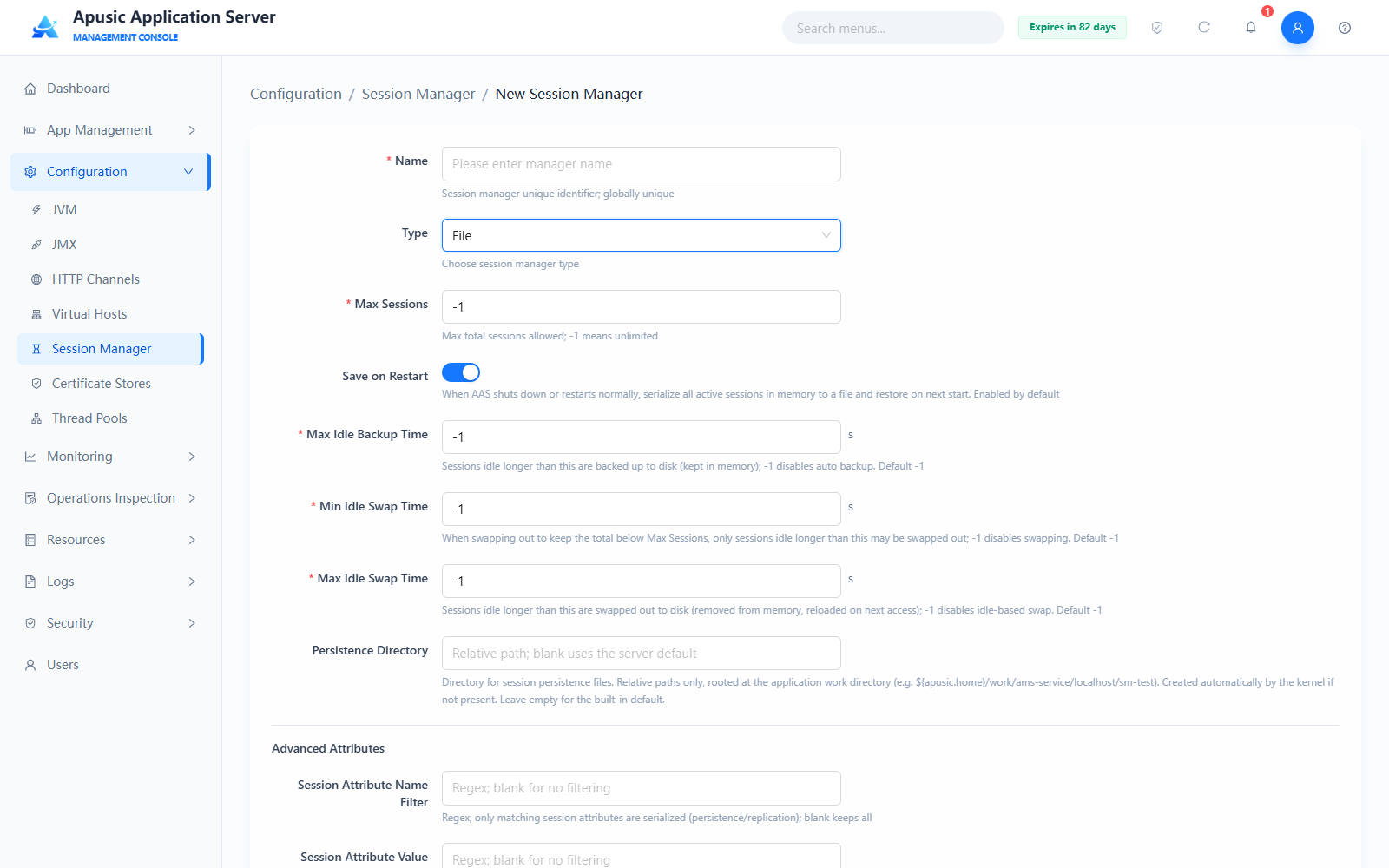
| Setting | Parameter | Description |
| Save on Restart | saveOnRestart | Whether all active in-memory sessions are serialized to files on a normal AAS shutdown or restart and deserialized at the next startup. Valid values: switch, On / Off. Default: On. |
| Max Idle Backup Time | maxIdleBackup | A session idle longer than this time is automatically backed up to disk (it remains in memory). Purpose: idle sessions can be restored from disk after a failure without affecting in-memory access speed. Valid values: integer, in seconds; -1 disables automatic backup. Default: -1. |
| Min Idle Swap Time | minIdleSwap | When sessions are swapped out to keep the total under Max Sessions, only sessions idle longer than this time may be swapped out. Purpose: avoids frequently swapping out active sessions. Valid values: integer, in seconds; -1 disables swap-out. Default: -1. |
| Max Idle Swap Time | maxIdleSwap | A session idle longer than this time is swapped out to disk (removed from memory and reloaded on next access). Purpose: frees memory held by long-idle sessions. Valid values: integer, in seconds; -1 disables idle-based swap-out. Default: -1. |
| Persistence Directory | persistenceDir | Directory where session persistence files are stored. Purpose: specifies the on-disk location for File-type sessions; the directory is created automatically if it does not exist; blank uses the server's built-in default directory. Valid values: string, relative path only (absolute paths and .. segments are not allowed); the root directory is the application's work directory (e.g. ${apusic.home}/work/ams-service/localhost/sm-test); max 512 characters. Default: empty (server default directory). |
# Redis
The Redis type stores sessions in a Redis server and supports Standalone and Sentinel architecture modes, suitable for sharing sessions across multiple instances.
To use the Redis type, first install the Redis session plugin (
aas-redis-package.zip) underplugins/redisof the AAS installation directory. If the plugin has not been loaded by the server, saving automatically configurescommon.loader, and AAS must be restarted for it to take effect.
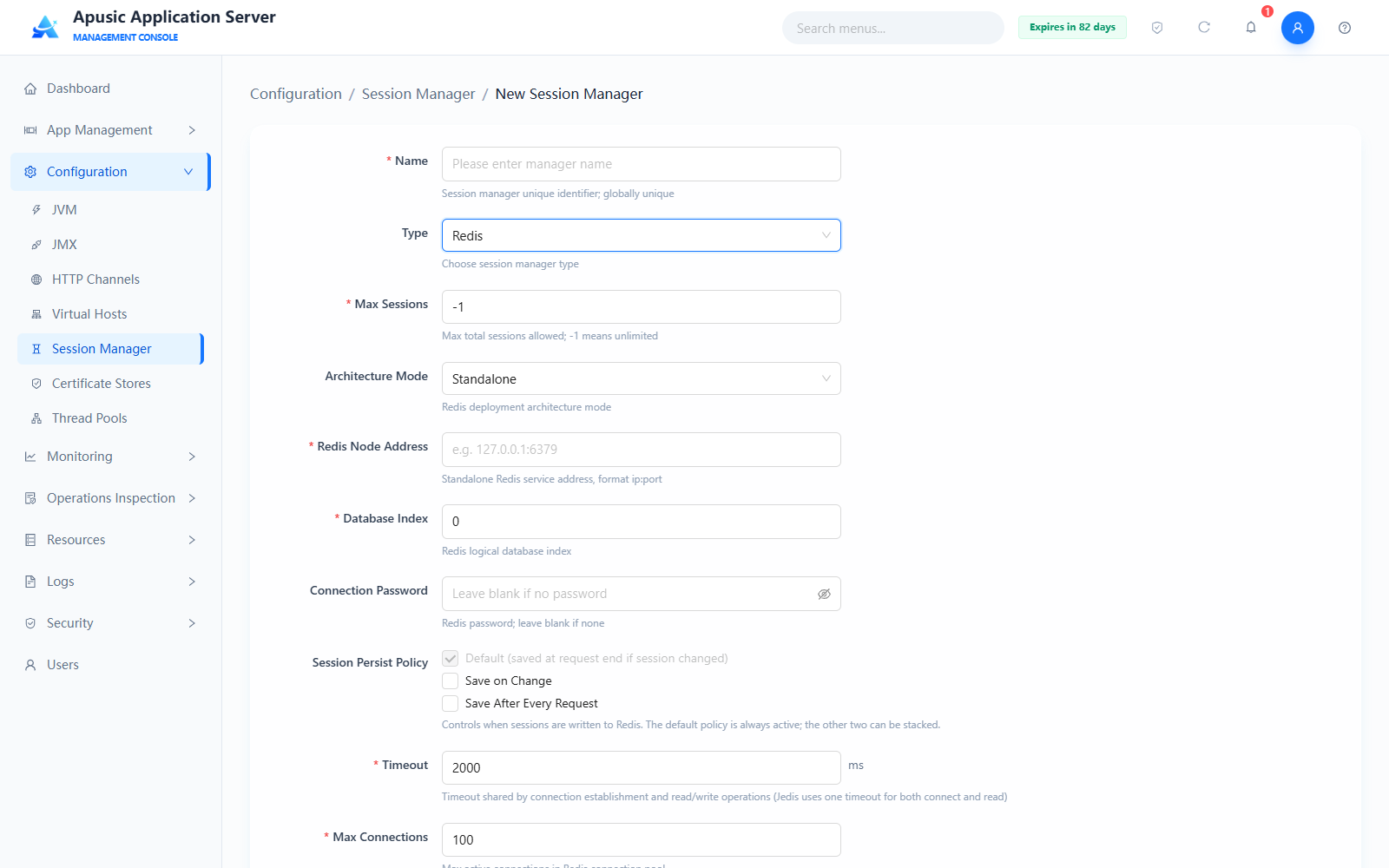
| Setting | Parameter | Description |
| Architecture Mode | redisMode | Redis deployment architecture mode. Purpose: selects how Redis is deployed and accessed. Valid values: dropdown — Standalone / Sentinel. Default: Standalone. |
| Redis Node Address | redisNodes | Address of the standalone Redis service; shown when Architecture Mode is Standalone. Valid values: string, format ip:port, required. Default: empty. |
| Sentinel Node List | redisNodes | Addresses of multiple sentinel instances; shown when Architecture Mode is Sentinel. Valid values: string, format ip:port, multiple nodes separated by commas, required. Default: empty. |
| Master Name | redisMasterName | Master library name configured in the sentinel cluster; shown when Architecture Mode is Sentinel. Valid values: string, max 256 characters, required. Default: empty. |
| Database Index | redisDatabase | Redis logical database index. Purpose: isolates session data of different applications or environments. Valid values: integer, 0–15, required. Default: 0. |
| Connection Password | redisPassword | Redis connection password; leave blank if none. Valid values: string, max 256 characters. Default: empty. |
| Session Persist Policy | sessionPersistPolicies | Controls when sessions are written to Redis. The Default policy is always in effect (saved at request end if the session changed); the other two can be enabled additionally. Valid values: multi-select — Default (saved at request end if session changed) / Save on Change / Save After Every Request. Default: Default. |
| Timeout | redisConnectTimeout | Timeout shared by connection establishment and read/write operations (Jedis uses one timeout for both connect and read). Valid values: integer, in milliseconds, non-negative, max 2147483647, required. Default: 2000. |
| Max Connections | redisMaxConn | Maximum number of active connections in the Redis connection pool. Valid values: positive integer, max 2147483647, required. Default: 100. |
| Min Idle Connections | redisMinIdle | Minimum number of idle connections kept in the Redis connection pool. Valid values: non-negative integer, max 2147483647, required. Default: 10. |
| Max Idle Connections | redisMaxIdle | Maximum number of idle connections allowed in the pool; connections beyond this limit are closed when returned. Valid values: positive integer; leave blank to use the kernel default. Default: empty (kernel default 8). |
| Max Wait Time | redisMaxWait | How long a request blocks waiting for a connection when the pool has no idle connection available. Valid values: integer, in milliseconds, non-negative, max 2147483647, required. Default: 3000. |
# Database
The Database type persists sessions to a database session table; prepare a data source in advance and execute the session table DDL in the database:
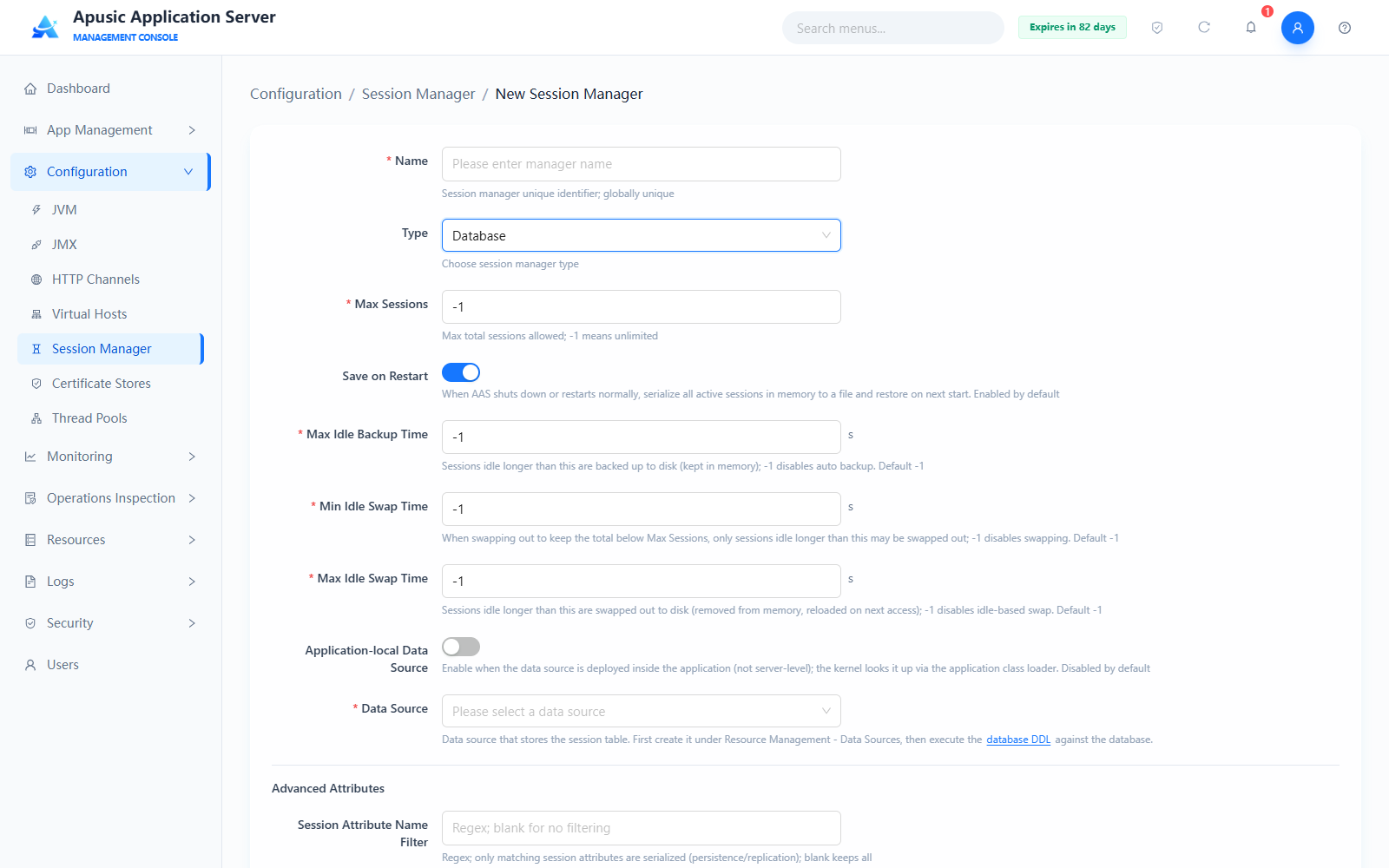
| Setting | Parameter | Description |
| Save on Restart | saveOnRestart | Whether all active in-memory sessions are serialized to files on a normal AAS shutdown or restart and deserialized at the next startup. Valid values: switch, On / Off. Default: On. |
| Max Idle Backup Time | maxIdleBackup | A session idle longer than this time is automatically backed up to disk (it remains in memory). Purpose: idle sessions can be restored from disk after a failure without affecting in-memory access speed. Valid values: integer, in seconds; -1 disables automatic backup. Default: -1. |
| Min Idle Swap Time | minIdleSwap | When sessions are swapped out to keep the total under Max Sessions, only sessions idle longer than this time may be swapped out. Purpose: avoids frequently swapping out active sessions. Valid values: integer, in seconds; -1 disables swap-out. Default: -1. |
| Max Idle Swap Time | maxIdleSwap | A session idle longer than this time is swapped out to disk (removed from memory and reloaded on next access). Purpose: frees memory held by long-idle sessions. Valid values: integer, in seconds; -1 disables idle-based swap-out. Default: -1. |
| Application-local Data Source | localDataSource | Turn on when the data source is deployed inside the application (rather than at server level); the kernel looks up the data source through the application class loader. Valid values: switch, On / Off. Default: Off. |
| Data Source | dataSourceName | Data source holding the session table. Purpose: specifies where the session table is stored; create it under "Resources → Data Sources" first, and execute the "Session Table DDL" provided on the page in the database (table name aas$sessions; column names and order must not be changed). When "Application-local Data Source" is on, enter the application-local data source JNDI name. Valid values: dropdown of created data sources, or an application-local JNDI name, max 256 characters, required. Default: empty. |
Advanced attributes (common to all types):
| Setting | Parameter | Description |
| Session Attribute Name Filter | sessionAttributeNameFilter | Filters session attributes to persist by attribute name. Purpose: uses a regular expression to limit which session attributes participate in persistence, reducing overhead. Valid values: string, regular expression, max 512 characters. Default: empty (no filtering). |
| Session Attribute Value Class Filter | sessionAttributeValueClassNameFilter | Filters session attributes to persist by attribute value class name. Purpose: uses a class-name regular expression to limit which attribute value types participate in persistence. Valid values: string, class-name regular expression, max 512 characters. Default: empty (no filtering). |
| Warn When Attribute Filtered | warnOnFilterFailure | Whether a warning log is output when a session attribute is filtered out. Purpose: when on, a WARN-level log is recorded when an attribute fails the filter, making missing persistence easier to troubleshoot; otherwise only DEBUG is logged. Valid values: switch, On / Off. Default: Off. |
| Notify Attribute Listener on Same Instance | notifyAttributeOnUnchanged | Whether setAttribute replacing an attribute with the same object still fires the HttpSessionAttributeListener attributeReplaced event (a new object with equal content is unaffected). Valid values: switch, On / Off. Default: On. |
| Fire Binding Events on Same Instance | notifyBindingOnUnchanged | Whether setAttribute replacing an attribute with the same object still fires valueBound / valueUnbound events on values implementing HttpSessionBindingListener (a new object with equal content is unaffected). Valid values: switch, On / Off. Default: Off. |
After filling in the fields, click "Save" to create the session manager. After creation it can be referenced in an application's session configuration. If the session manager is already bound to applications, saving automatically restarts the bound applications for the new configuration to take effect.
# Certificate Stores
The Apusic application server provides full lifecycle management of certificate stores, supporting creation, import, viewing, download, and deletion of certificate stores as well as management of certificate entries, meeting the certificate configuration needs of server HTTPS, SSL/TLS mutual authentication, and other security scenarios. The module supports mainstream certificate store formats such as JKS and PKCS12, distinguishes keystores from truststores, and provides certificate import, details viewing, download, and deletion, ensuring secure and compliant server communication.
Click "Configuration → Certificate Stores" in the left menu:
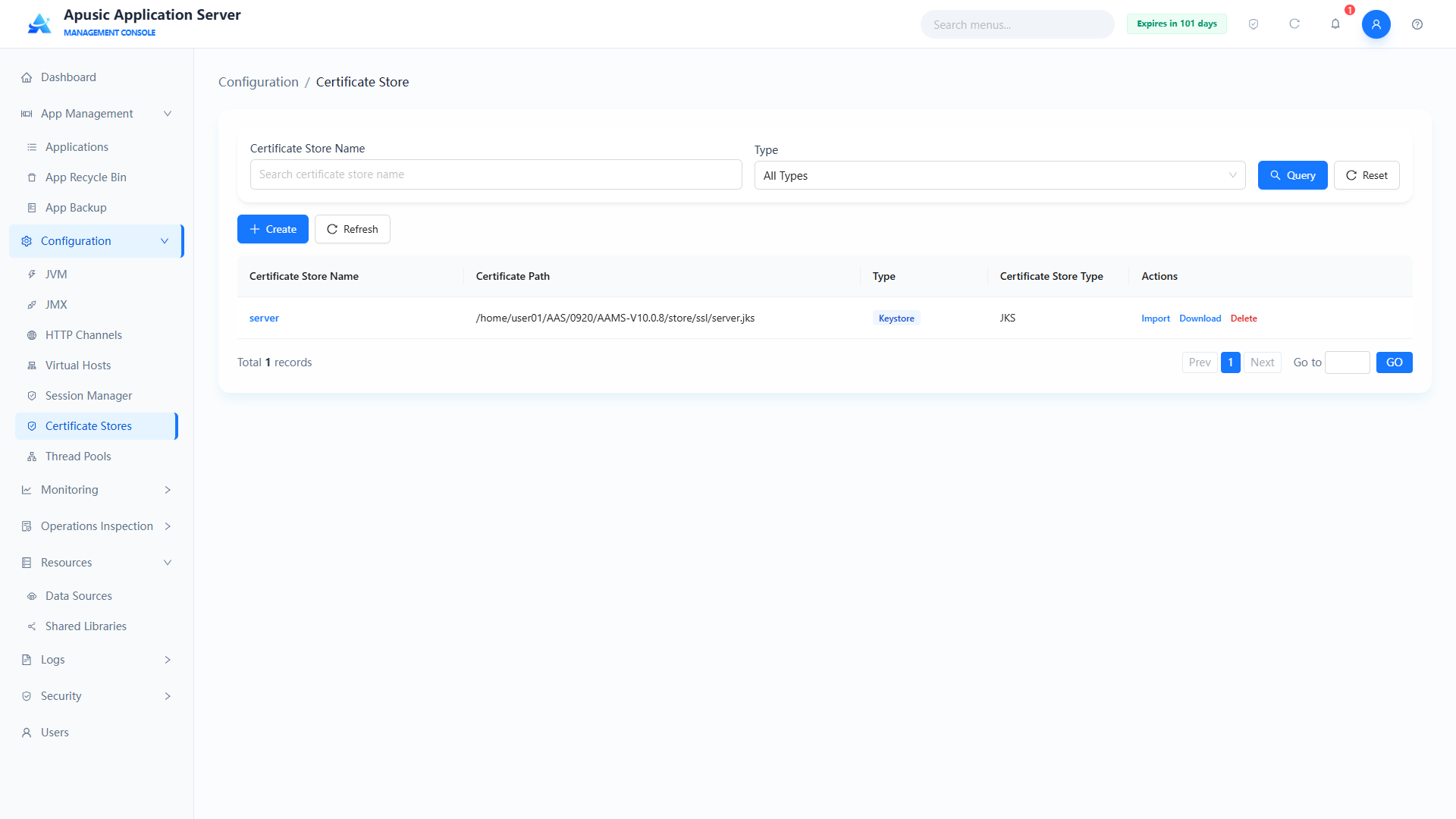
# Creating a Certificate Store
You can create a truststore or a keystore; the store format can be JKS or PKCS12.
Click "Create" to go to the create certificate store page:
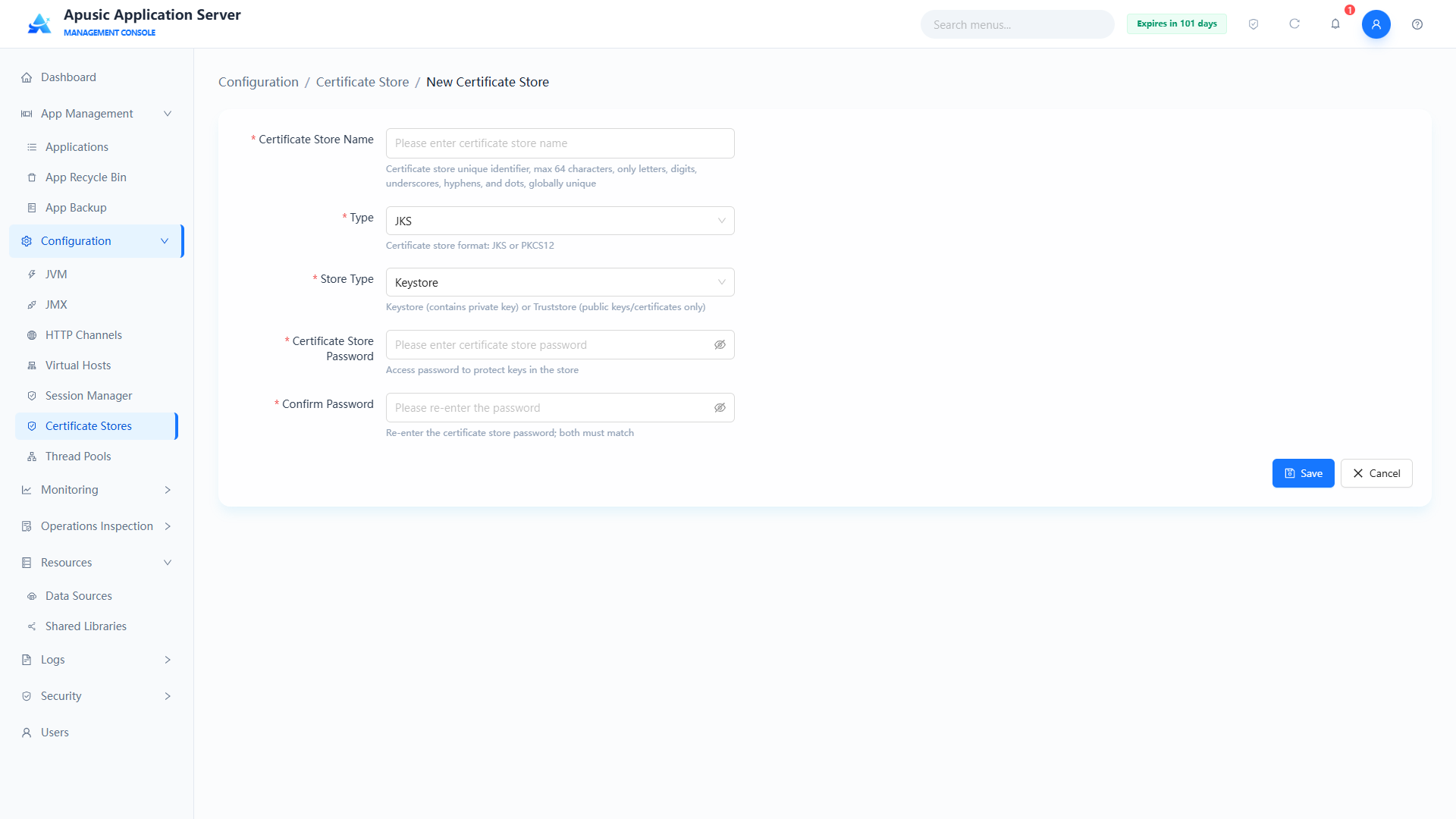
Field descriptions:
| Setting | Parameter | Description |
| Name | name | Unique identifier of the certificate store. Purpose: globally identifies the certificate store; SSL/JMX and other configurations reference it by this name. Valid values: string, up to 64 characters; only letters, digits, underscores, hyphens, and dots; globally unique; required. Default: empty. |
| Type | type | Certificate store file format. Purpose: determines the storage format of the certificate store. Valid values: dropdown, JKS / PKCS12; required. Default: JKS. |
| Store Type | storeType | Purpose type of the certificate store. Purpose: controls the store's use — a keystore holds private keys and certificates (for the server identity), a truststore holds trusted public key certificates (for verifying the peer). Valid values: dropdown, Keystore / Truststore; required. Default: Keystore. |
| Password | password | Access password of the certificate store. Purpose: protects the store contents and is verified on read and write. Valid values: string, 8~32 characters; must contain letters, digits, and special characters; hidden on the page; required. Default: empty. |
| Confirm Password | confirmPassword | Re-enter the certificate store password. Purpose: confirms the password was entered correctly. Valid values: string, must match the Password field; required. Default: empty. |
# Importing Content into a Certificate Store
Click "Import" to go to the import page. Whether a certificate or a key is imported depends on whether the current store is a keystore or a truststore.
# Importing a Certificate
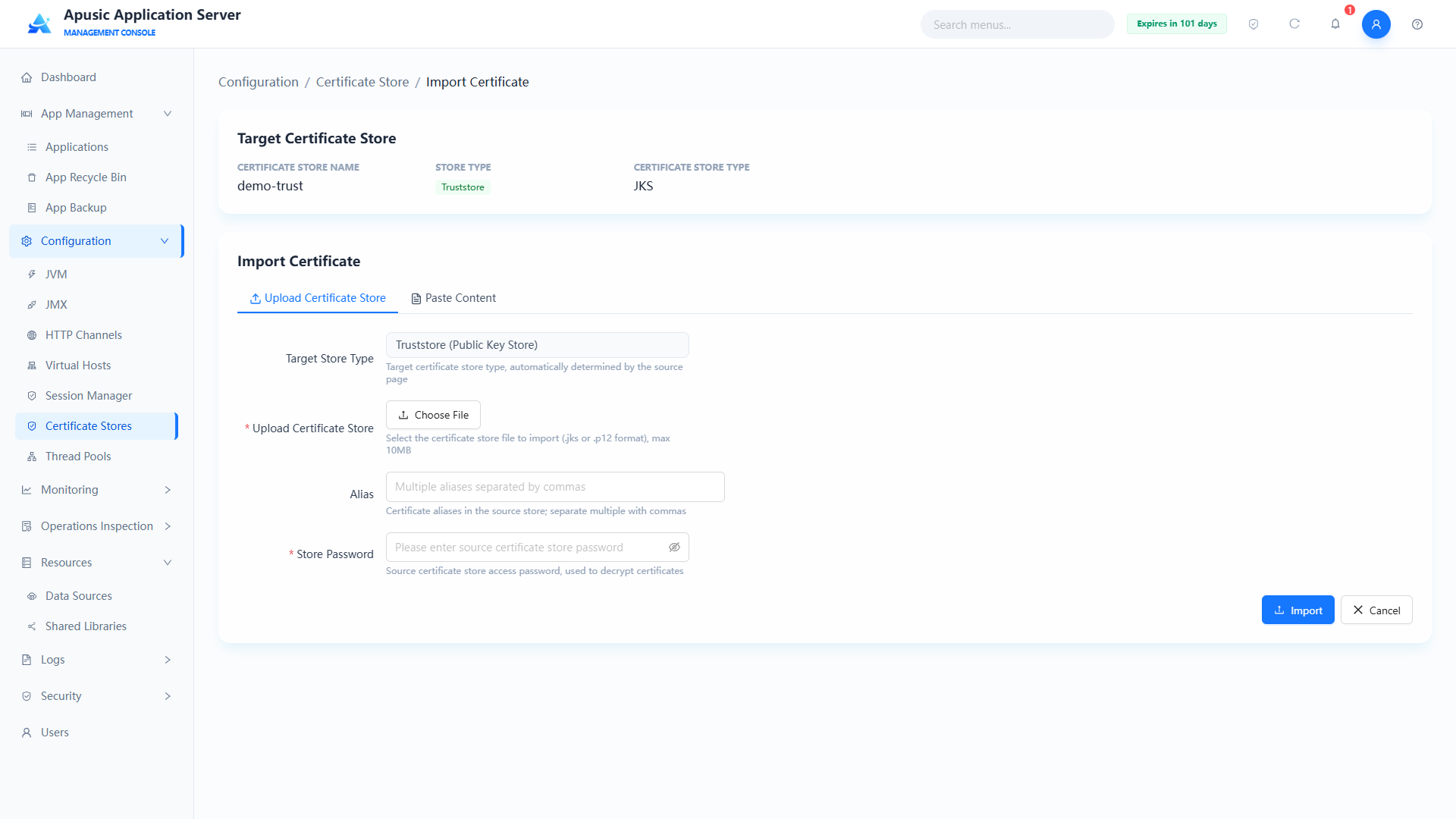
You can upload a certificate store file and export the contents of that store into the truststore you created.
Field descriptions:
| Setting | Parameter | Description |
| Target Store Info | — | Name, store type, and type of the target certificate store. Purpose: shows the target of the import operation. Valid values: read-only, cannot be modified. Default: the currently selected certificate store information. |
| Target Store Type | — | Store type of the target certificate store, e.g. "Truststore (public key store)". Purpose: confirms the import direction. Valid values: read-only, cannot be modified. Default: the store type of the currently selected certificate store. |
| Upload Store | file | Source certificate store file to upload. Purpose: imports the certificate entries from the source store into the target truststore. Valid values: file upload; JKS / PKCS12 formats; no larger than 10MB; required. Default: empty. |
| Store Type | type | File format of the uploaded certificate store. Purpose: declares the format of the uploaded file; it must match the actual file. Valid values: dropdown, JKS / PKCS12; required. Default: JKS. |
| Alias | alias | Alias of the certificate to import from the source store. Purpose: imports only a specific certificate entry; when empty, all certificate entries are imported by default. Valid values: string, must exist in the source store. Default: empty (import all entries). |
| Store Password | sourcePassword | Access password of the source certificate store. Purpose: used to read the source store contents. Valid values: string, hidden on the page. Default: empty. |
You can also paste the certificate content directly (usually a .pem or .crt file) and import it into the truststore directly:
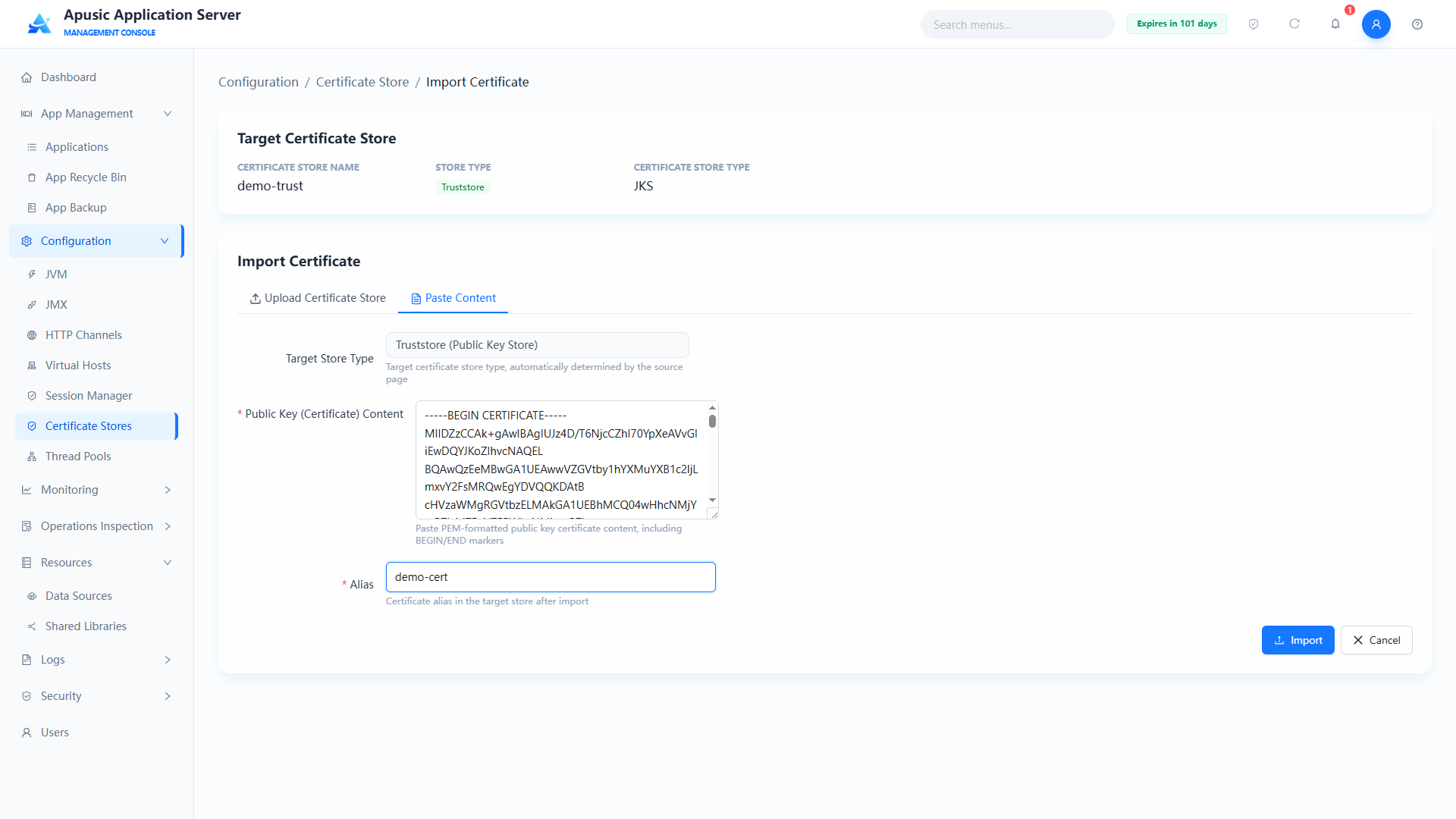
Field descriptions:
| Setting | Parameter | Description |
| Target Store Info | — | Name, store type, and type of the target certificate store. Purpose: shows the target of the import operation. Valid values: read-only, cannot be modified. Default: the currently selected certificate store information. |
| Target Store Type | — | Store type of the target certificate store, e.g. "Truststore (public key store)". Purpose: confirms the import direction. Valid values: read-only, cannot be modified. Default: the store type of the currently selected certificate store. |
| Public Key (Certificate) Content | content | Pasted certificate text content. Purpose: imports the certificate directly as text. Valid values: multi-line text; PEM and DER formats supported; required. Default: empty. |
| Alias | alias | Alias of the certificate in the target store after import. Purpose: identifies the imported certificate entry; when empty, all certificate entries are imported by default. Valid values: string. Default: empty. |
After importing, click the certificate store to go to its details page, where all entries of the store can be viewed:
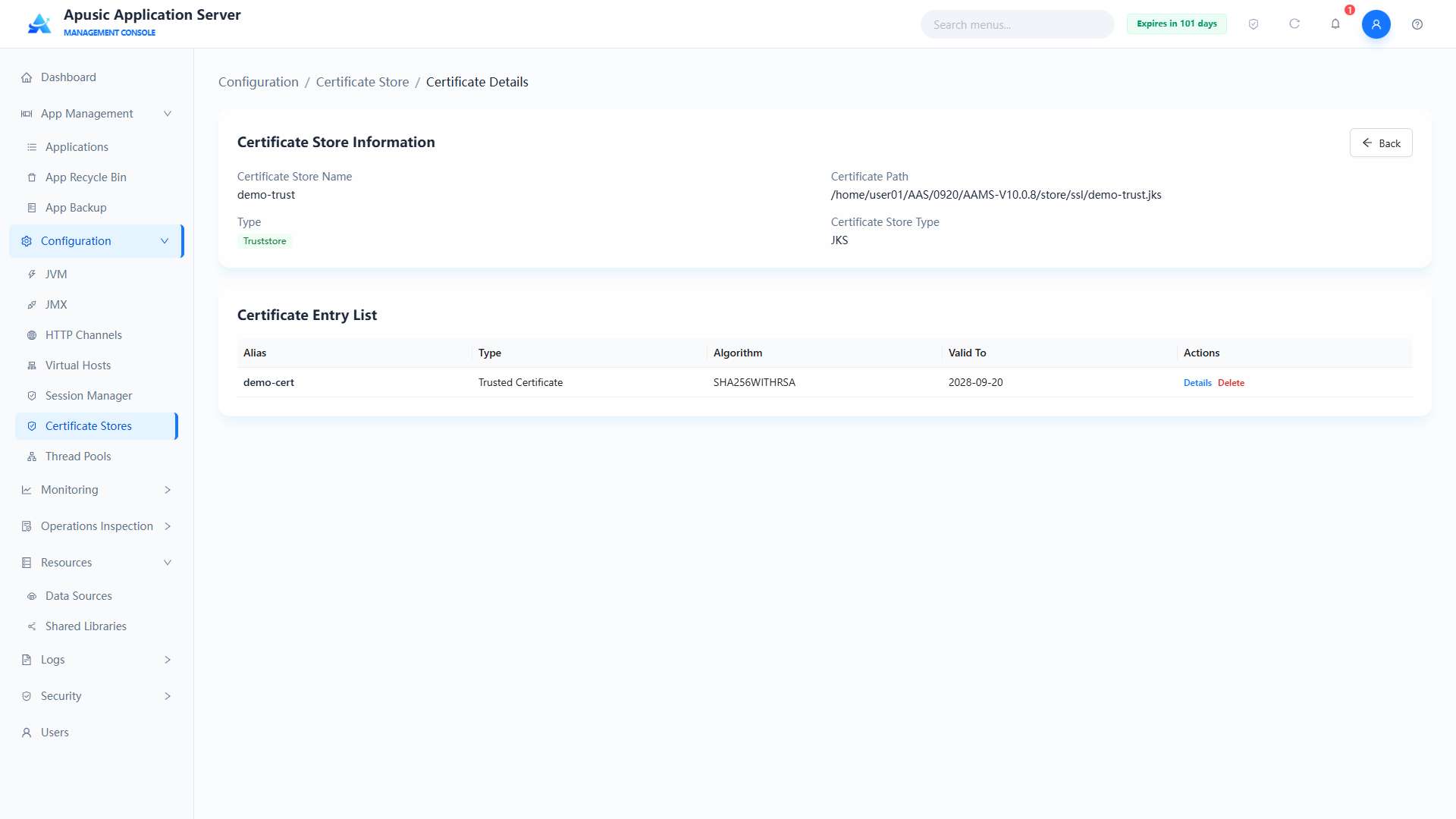
Click "Details" to open a popup with the entry's information, including signature algorithm, validity period, owner, issuer, etc.
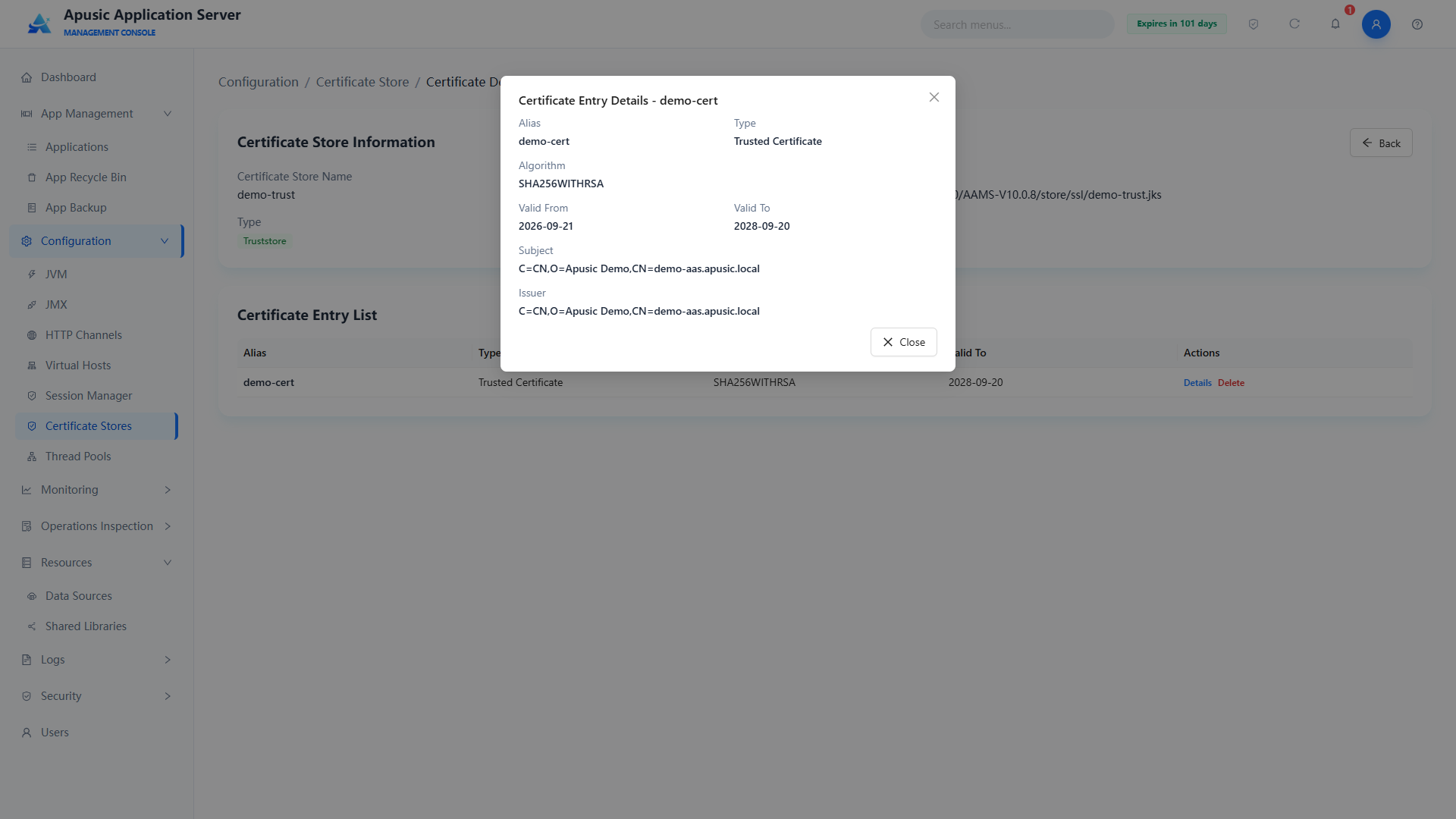
Click "Delete" to open a confirmation dialog; clicking "OK" deletes the entry.
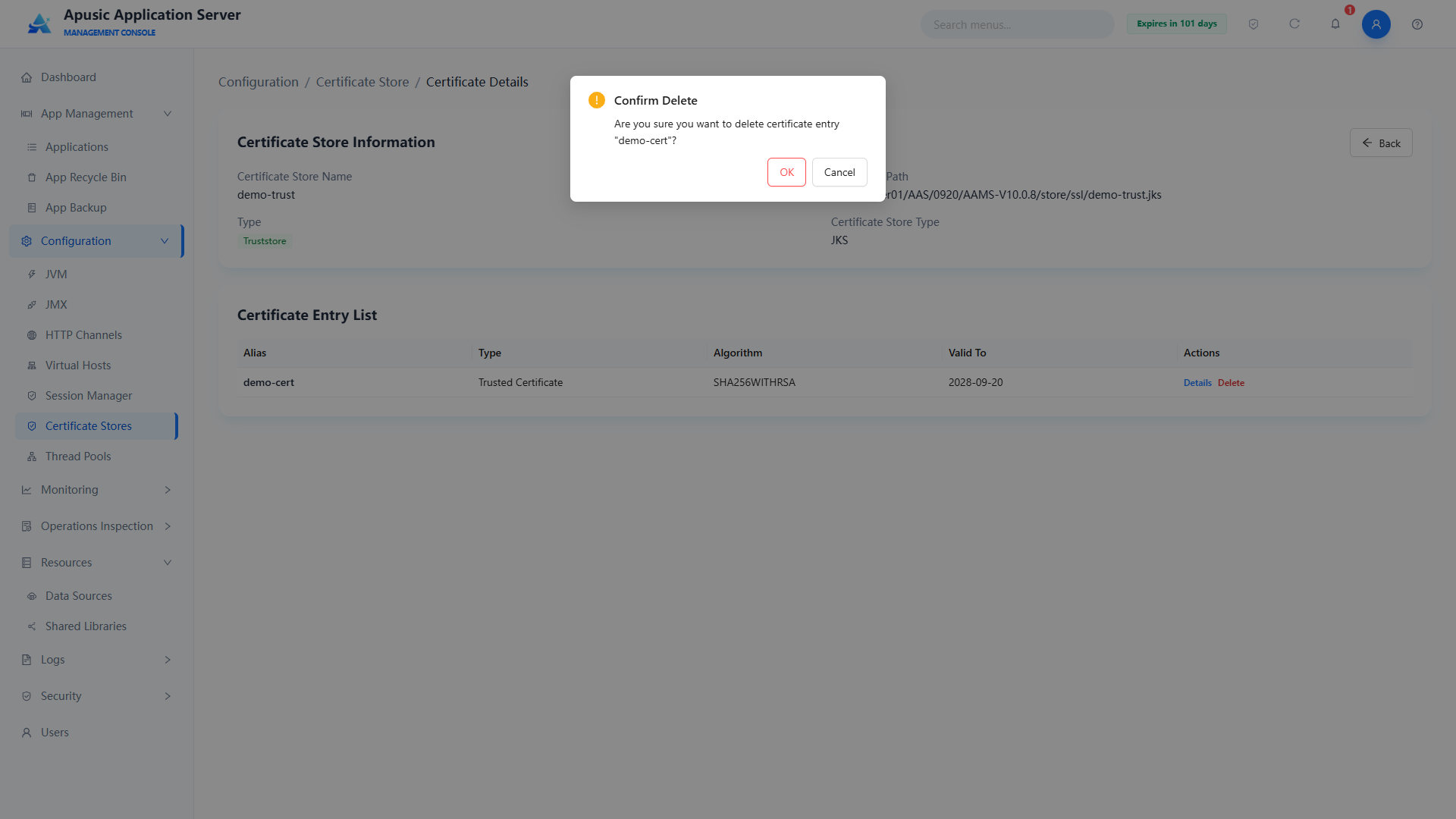
# Importing a Key
You can upload a keystore file and export the contents of that store into the keystore you created.
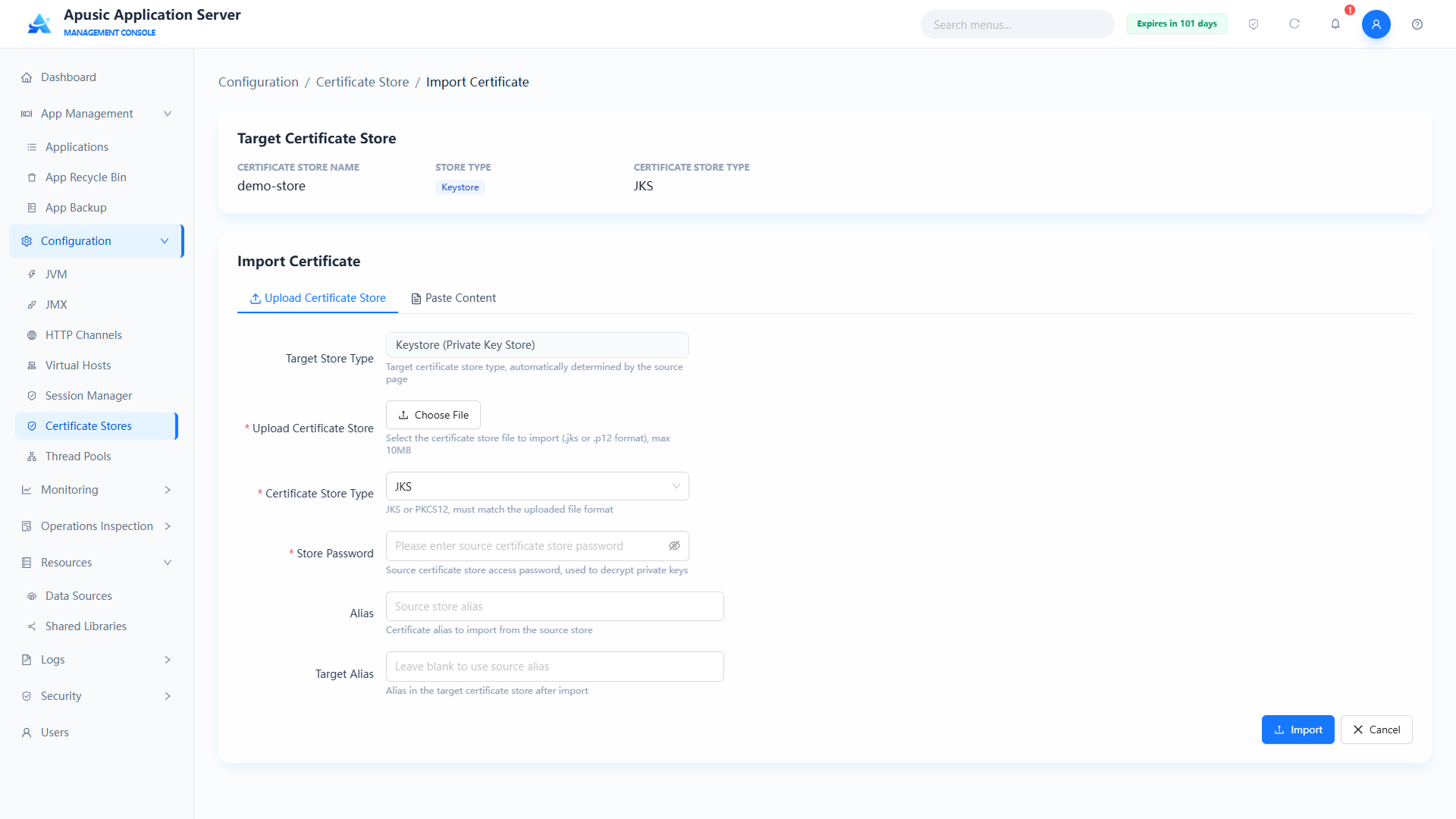
Field descriptions:
| Setting | Parameter | Description |
| Target Store Info | — | Name, store type, and type of the target certificate store. Purpose: shows the target of the import operation. Valid values: read-only, cannot be modified. Default: the currently selected certificate store information. |
| Target Store Type | — | Store type of the target certificate store, e.g. "Keystore (private key store)". Purpose: confirms the import direction. Valid values: read-only, cannot be modified. Default: the store type of the currently selected certificate store. |
| Upload Store | file | Source keystore file to upload. Purpose: imports the key entries from the source keystore into the target keystore. Valid values: file upload; JKS / PKCS12 formats; no larger than 10MB; required. Default: empty. |
| Store Type | type | File format of the uploaded keystore. Purpose: declares the format of the uploaded file; it must match the actual file. Valid values: dropdown, JKS / PKCS12; required. Default: JKS. |
| Store Password | sourcePassword | Access password of the source keystore. Purpose: used to read the source keystore contents. Valid values: string, hidden on the page; required. Default: empty. |
| Entry Password | keyPassword | Password that unlocks a specific private key entry in the source keystore; shown when the target store type is PKCS12. Purpose: PKCS12 allows a separate password per key entry, while JKS has only the store password. Valid values: string, hidden on the page. Default: empty. |
| Alias | alias | Alias of the key entry to import from the source keystore. Purpose: imports only a specific key entry; when empty, all entries are imported by default. Valid values: string, must exist in the source keystore. Default: empty (import all entries). |
| Target Alias | targetAlias | Alias in the target certificate store after import. Purpose: identifies the imported key entry. Valid values: string, must be unique in the target store. Default: empty. |
| Private Key Password (target store) | targetKeyPassword | Password for storing the private key in the target certificate store; shown when the target store type is PKCS12. Purpose: PKCS12 allows a separate password per key entry, while JKS has only the store password. Valid values: string, hidden on the page. Default: empty. |
| Confirm Password (target store) | confirmTargetKeyPassword | Re-enter the private key password of the target certificate store; shown when the target store type is PKCS12. Purpose: confirms the private key password was entered correctly. Valid values: string, must match the private key password. Default: empty. |
You can also paste the key content directly (usually a .pem or .key file) and import it into the keystore directly (note that the content must be unencrypted and must not contain "ENCRYPTED PRIVATE KEY"):
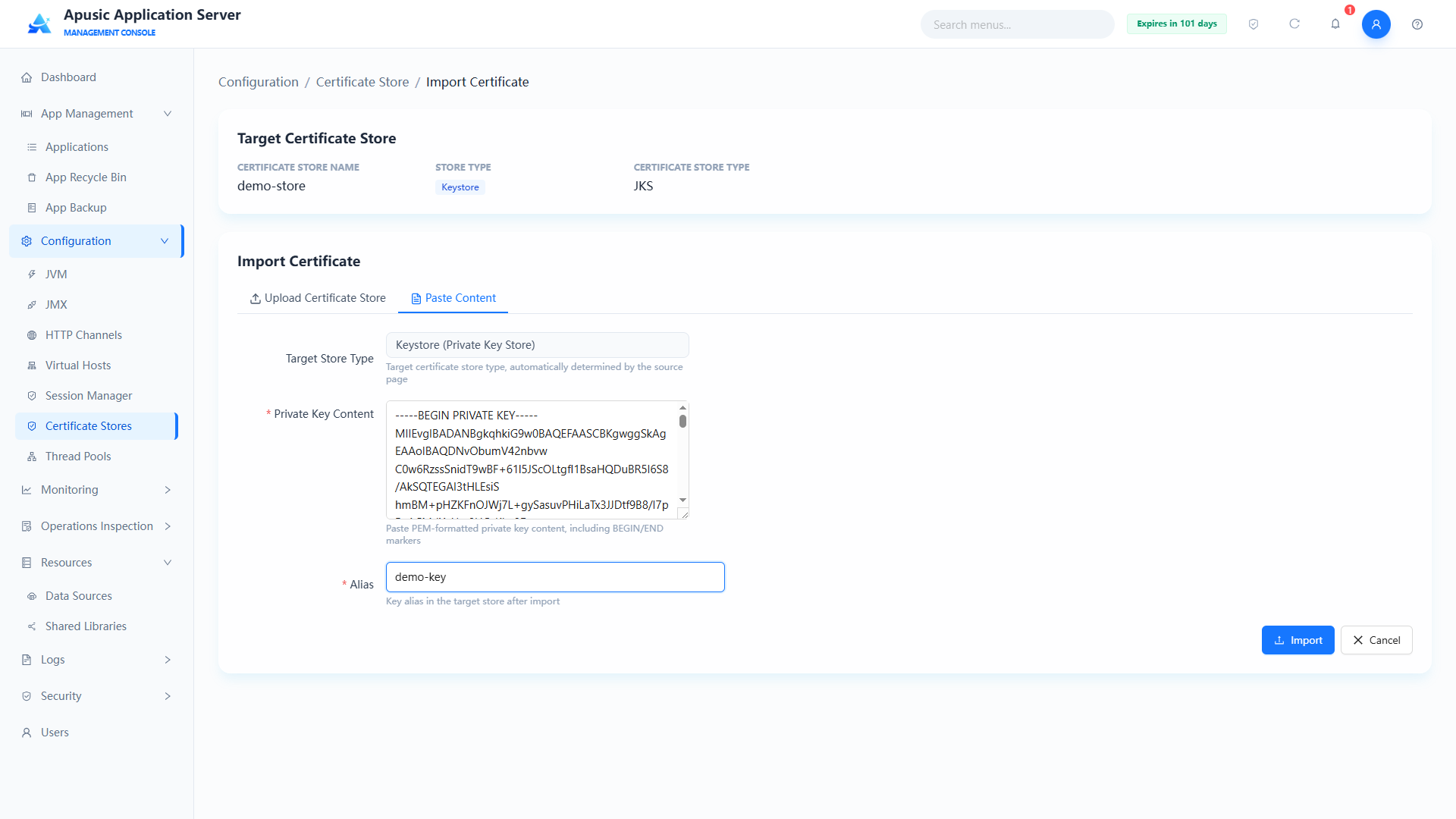
After importing, click the certificate store name to view the imported entries:
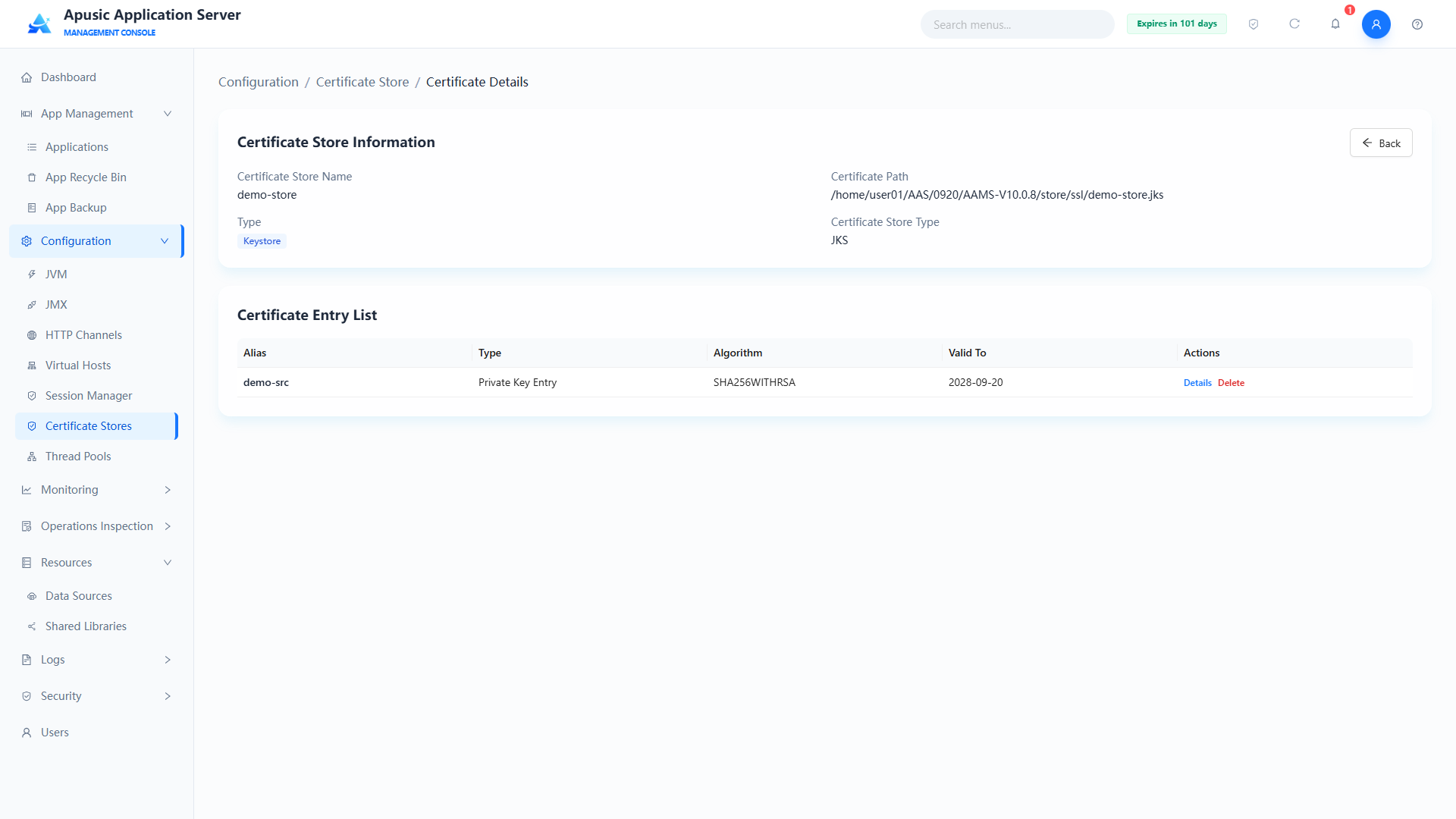
Click an entry to delete it; a confirmation dialog appears, and clicking Confirm deletes the entry:
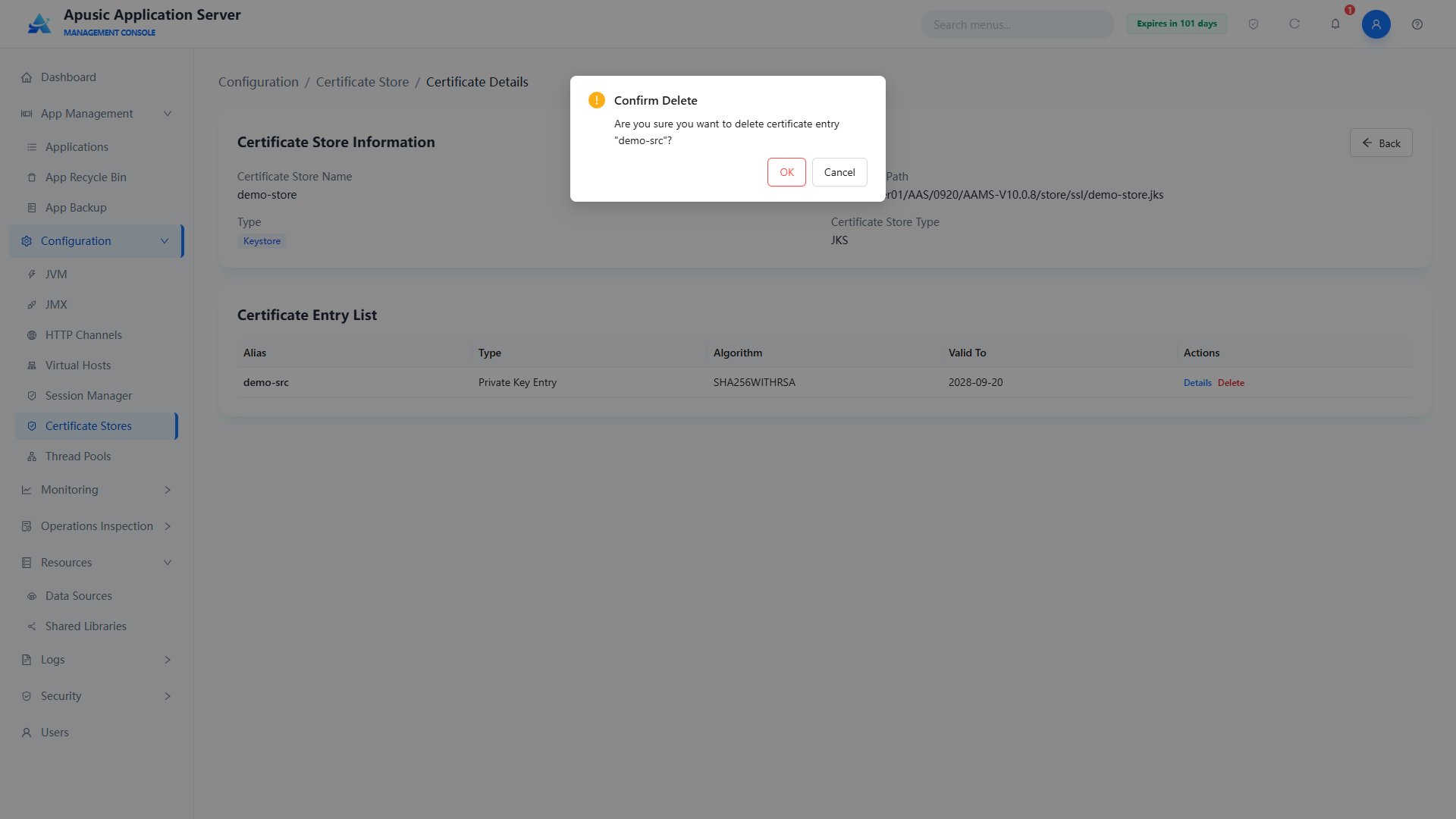
# Downloading a Certificate Store
Downloads the certificate store file to the local machine. The downloaded file contains all certificate entries.
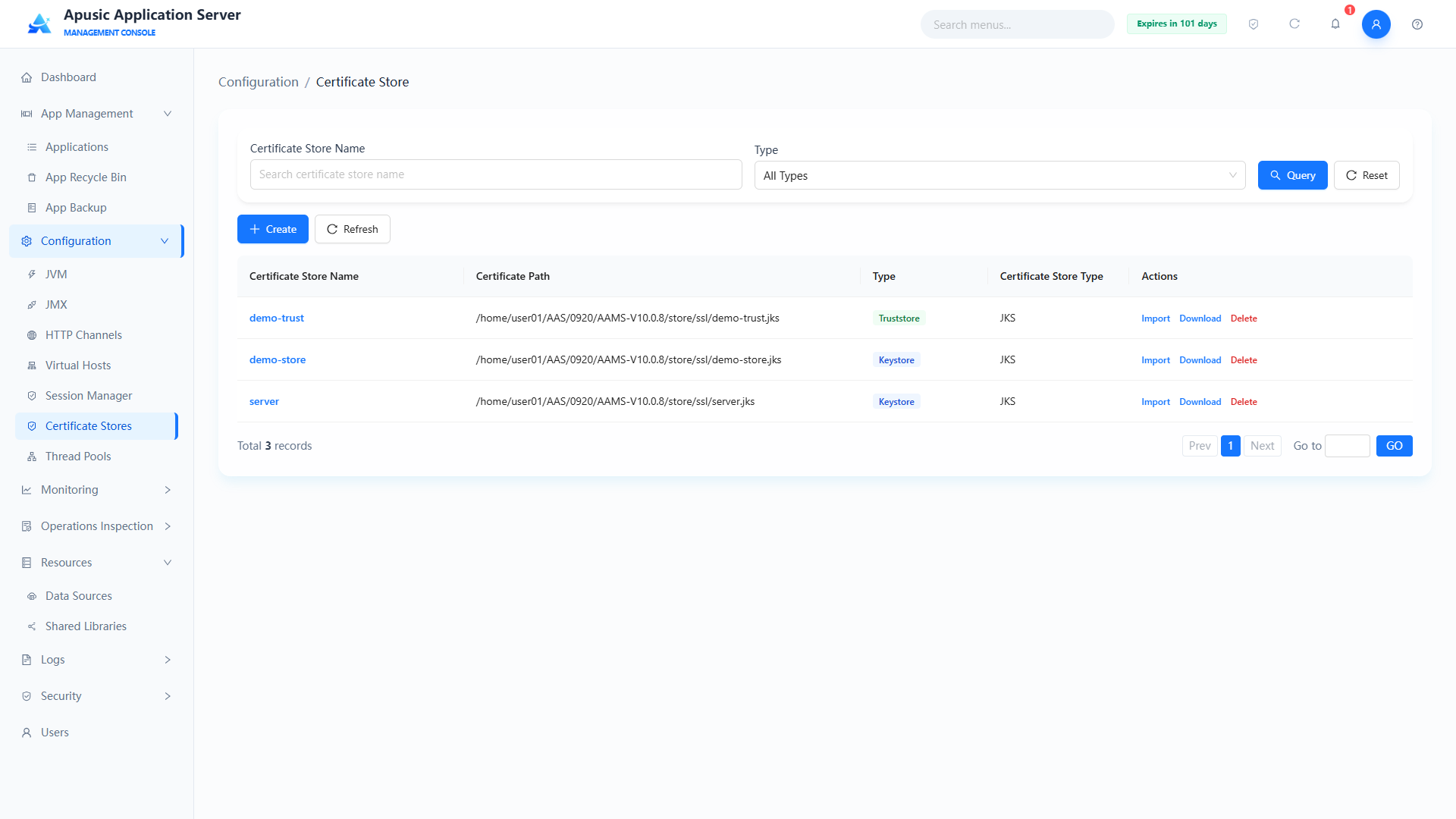
# Deleting a Certificate Store
Before deletion, the system checks whether the store is referenced by an HTTP channel; if it is referenced, the deletion fails.
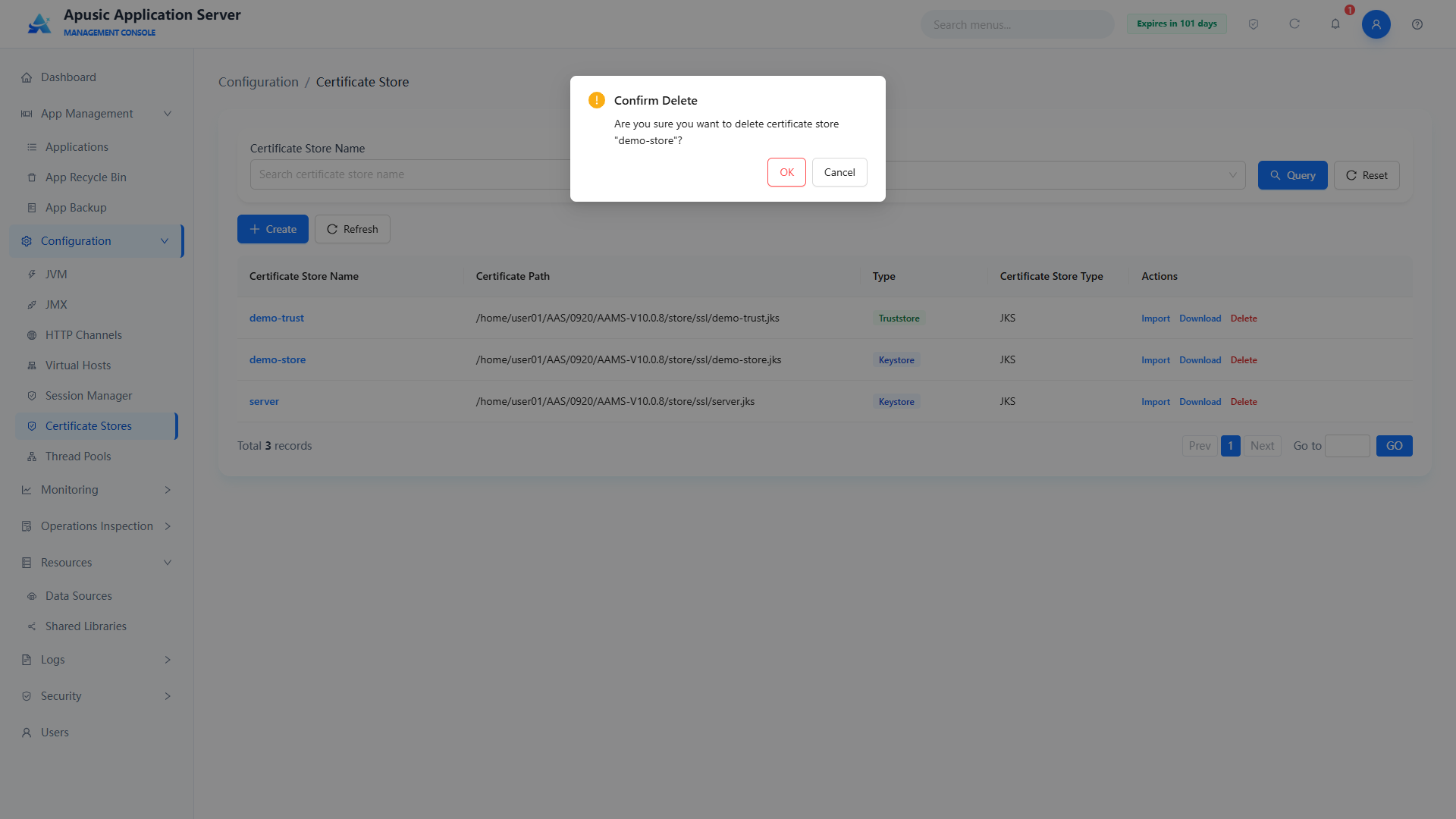
# Viewing a Certificate Store
Shows the basic information of a certificate store and its certificate entry list, and supports viewing the details of a single certificate (algorithm, validity period, type, etc.).
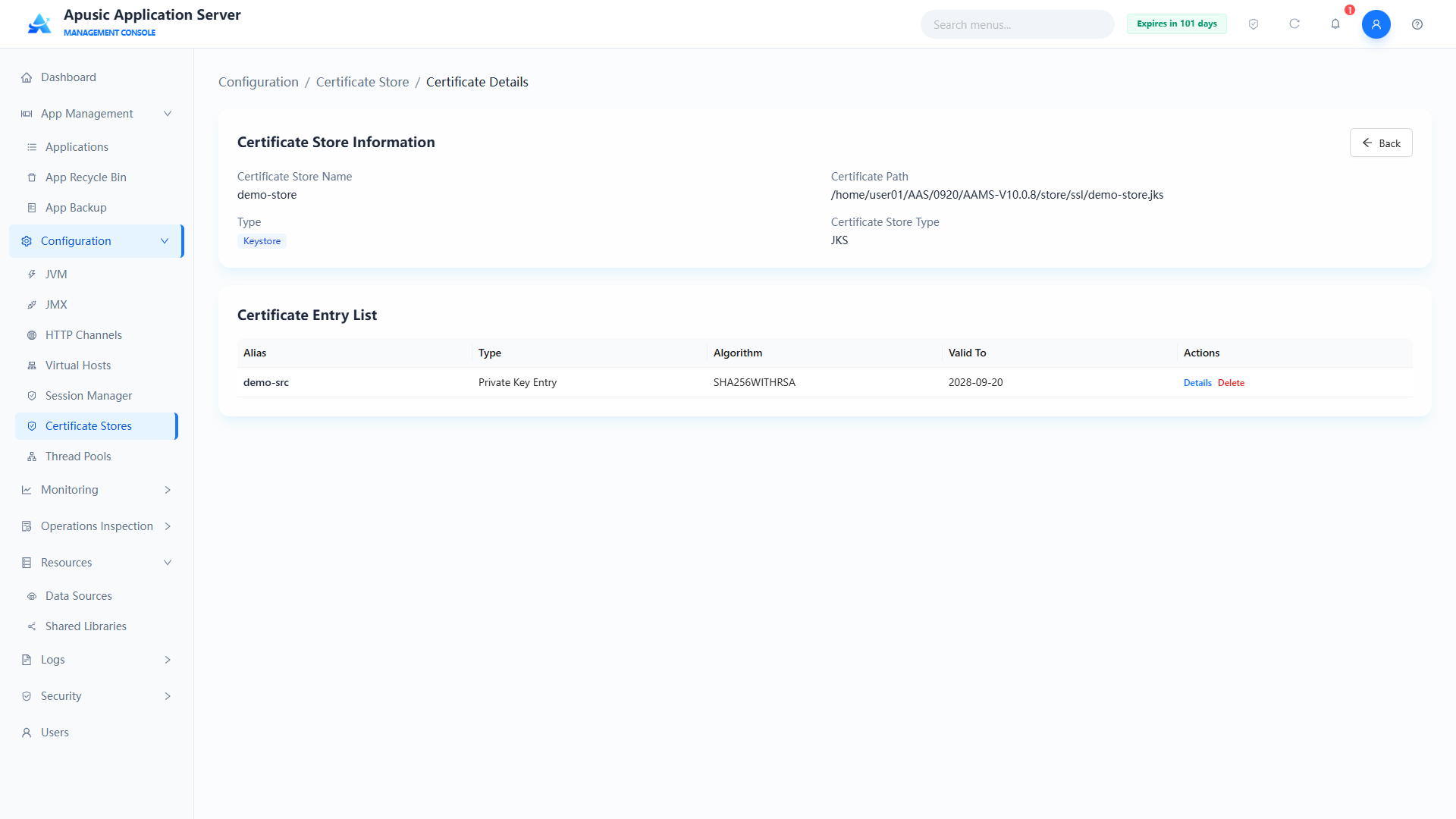
Click the Details button to view the entry's validity period, signature algorithm, owner, issuer, and other information:
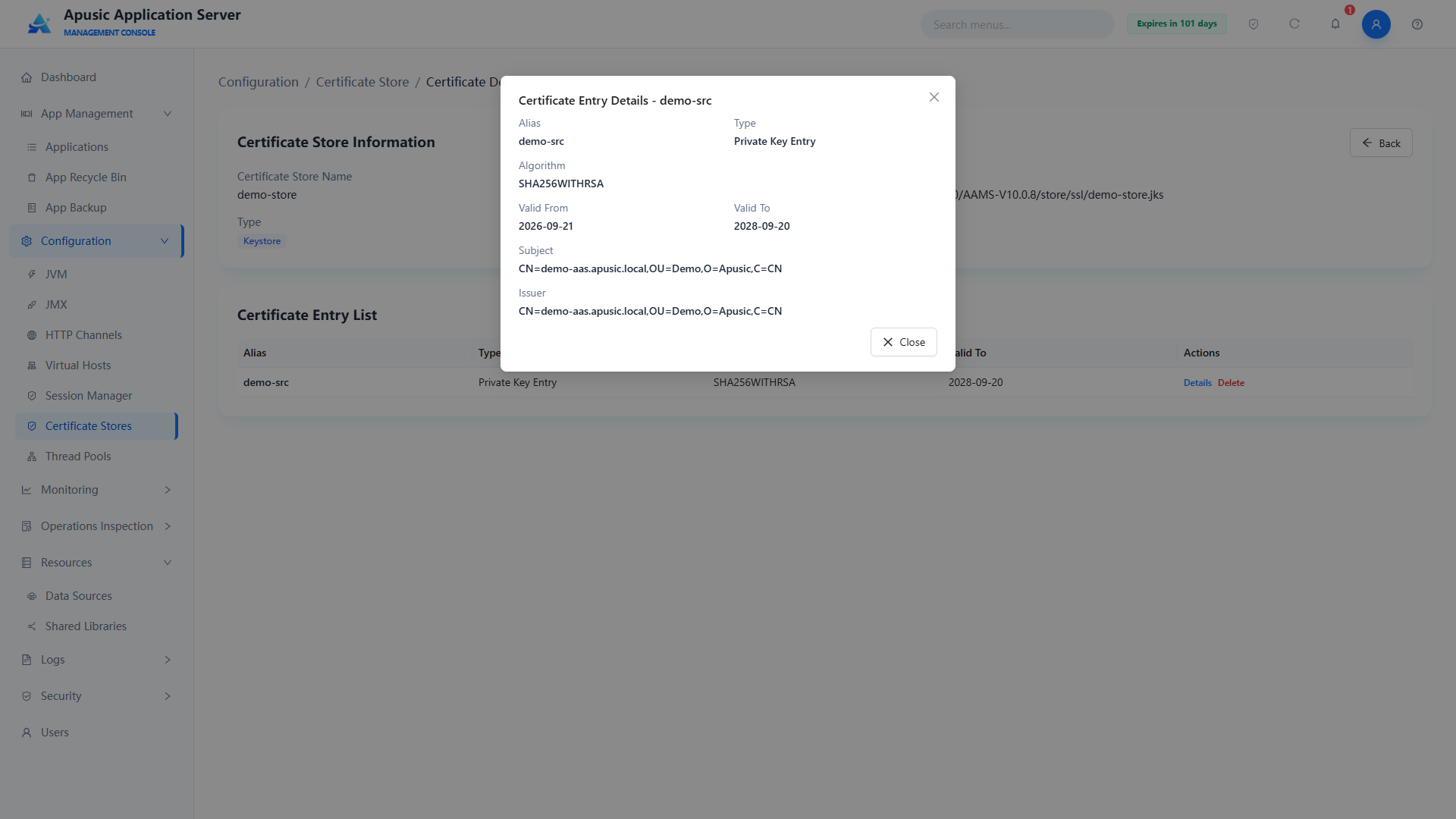
# Thread Pools
The Apusic application server management console provides full lifecycle management of thread pools, supporting creation, configuration, modification, deletion, and state management of thread pools. Through thread pool parameter tuning, server resources are allocated reasonably and concurrent requests are handled efficiently, preventing thread exhaustion or frequent creation and destruction, and ensuring service stability and performance. It supports fine-grained configuration of the core thread pool parameters (core threads, max threads, queue size, idle time, priority) to meet the concurrency requirements of different business scenarios.
Click "Configuration → Thread Pools" in the left menu to configure thread pool parameters of all kinds, including core threads, max threads, queue size, idle timeout, thread priority, etc.
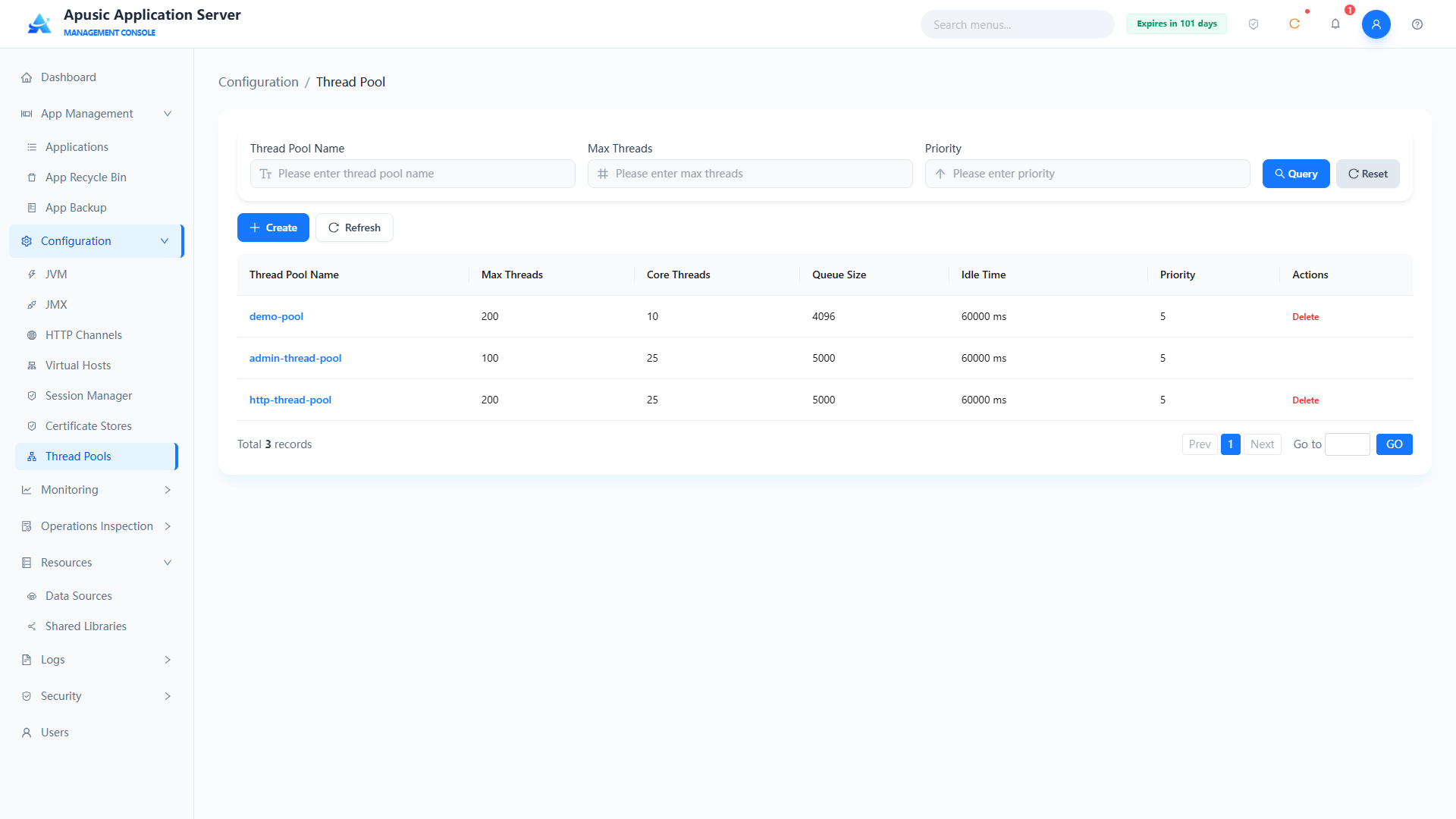
# Creating a Thread Pool
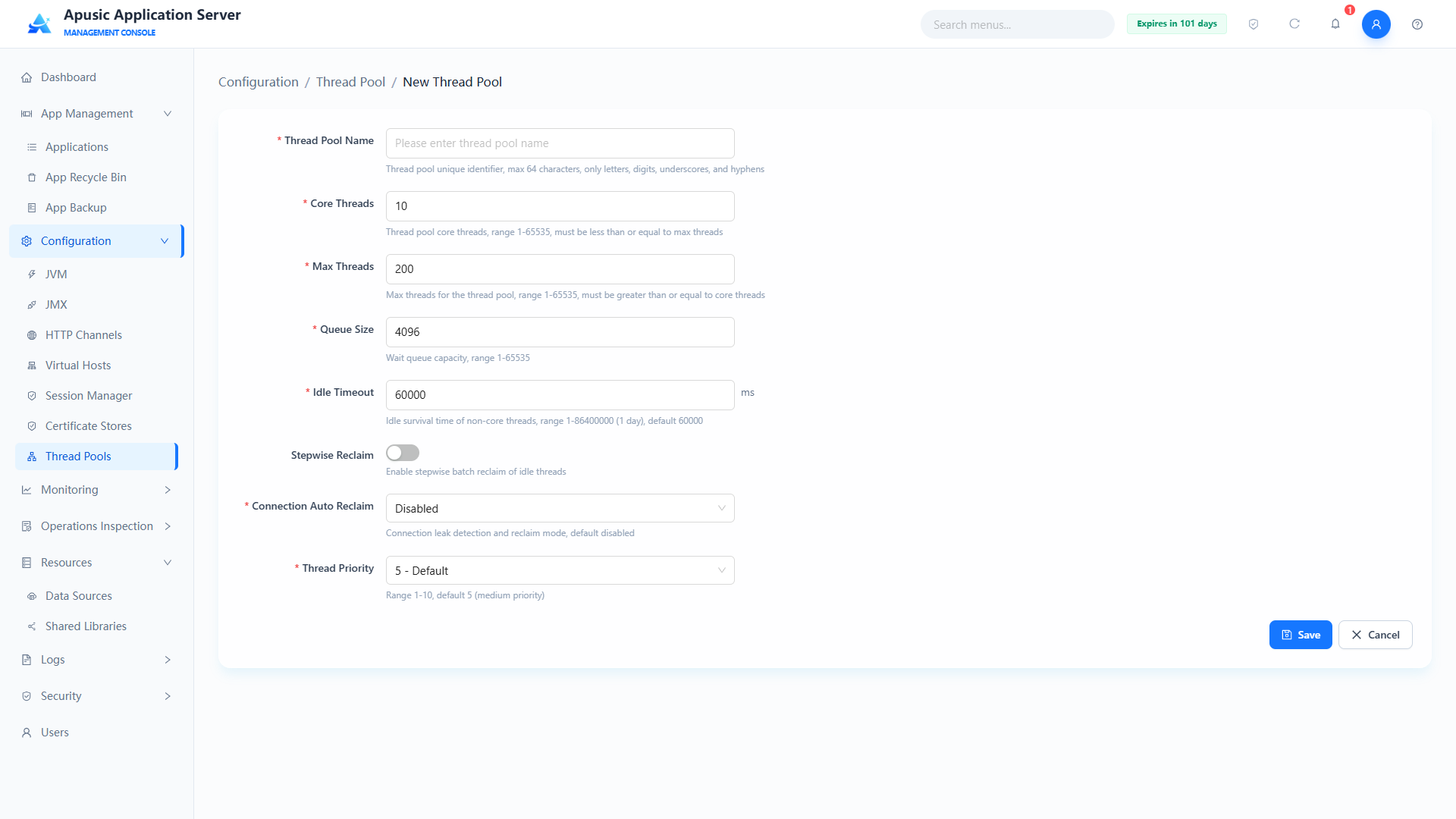
Field descriptions:
| Setting | Parameter | Description |
| Name | name | Unique identifier of the thread pool. Purpose: globally identifies the thread pool; HTTP channels and other configurations reference it by this name; cannot be changed when editing. Valid values: string, 1~64 characters; only letters, digits, underscores, hyphens; globally unique; required. Default: empty. |
| Min Threads | minThreads | Core number of threads of the pool. Purpose: the minimum number of threads the pool keeps at all times. Valid values: integer, 1~65535, must be less than or equal to Max Threads; required. Default: 10. |
| Max Threads | maxThreads | Maximum number of threads the pool may create. Purpose: limits the upper bound of threads processing requests concurrently. Valid values: integer, 1~65535, must be greater than or equal to Min Threads; required. Default: 200. |
| Queue Size | queueSize | Capacity of the waiting queue. Purpose: holds request tasks that have not yet been processed. Valid values: integer, 1~65535; required. Default: 4096. |
| Idle Timeout | maxIdleTime | Idle keep-alive time of non-core threads, in milliseconds. Purpose: idle threads are reclaimed after this duration. Valid values: integer, 1~86400000 (1 day); required. Default: 60000. |
| Step Reclaim | threadStepReclaim | Whether stepped batch reclamation of idle threads is enabled. Purpose: when on, idle threads are reclaimed in batches step by step, avoiding a sudden drop in thread count. Valid values: switch, On / Off. Default: Off. |
| Reclaim Count | threadStepSize | Number of idle threads reclaimed per batch during step reclamation; shown when Step Reclaim is on. Purpose: controls the number of threads reclaimed per batch. Valid values: integer, 1~65535. Default: 20. |
| Reclaim Interval | threadStepTime | Interval between step-reclaim batches, in milliseconds; shown when Step Reclaim is on. Purpose: controls the interval between adjacent batches. Valid values: integer, 1~86400000 (1 day). Default: 10000. |
| Connection Auto Reclaim | connectionAutoReclaim | Auto reclamation policy for data source connections. Purpose: controls how connections are reclaimed after a request ends — "Auto" reclaims connections automatically when the request ends, "Detect Only" only detects leaks and allows manual reclamation. Valid values: dropdown, Disabled / Auto / Detect Only; required. Default: Disabled. |
| Priority | priority | CPU scheduling priority of threads. Purpose: a larger number means a higher chance of being scheduled by the CPU first. Valid values: dropdown, 1~10. Default: 5. |
# Editing a Thread Pool
In the thread pool list, click the thread pool name to open the "Thread Pools" edit page:
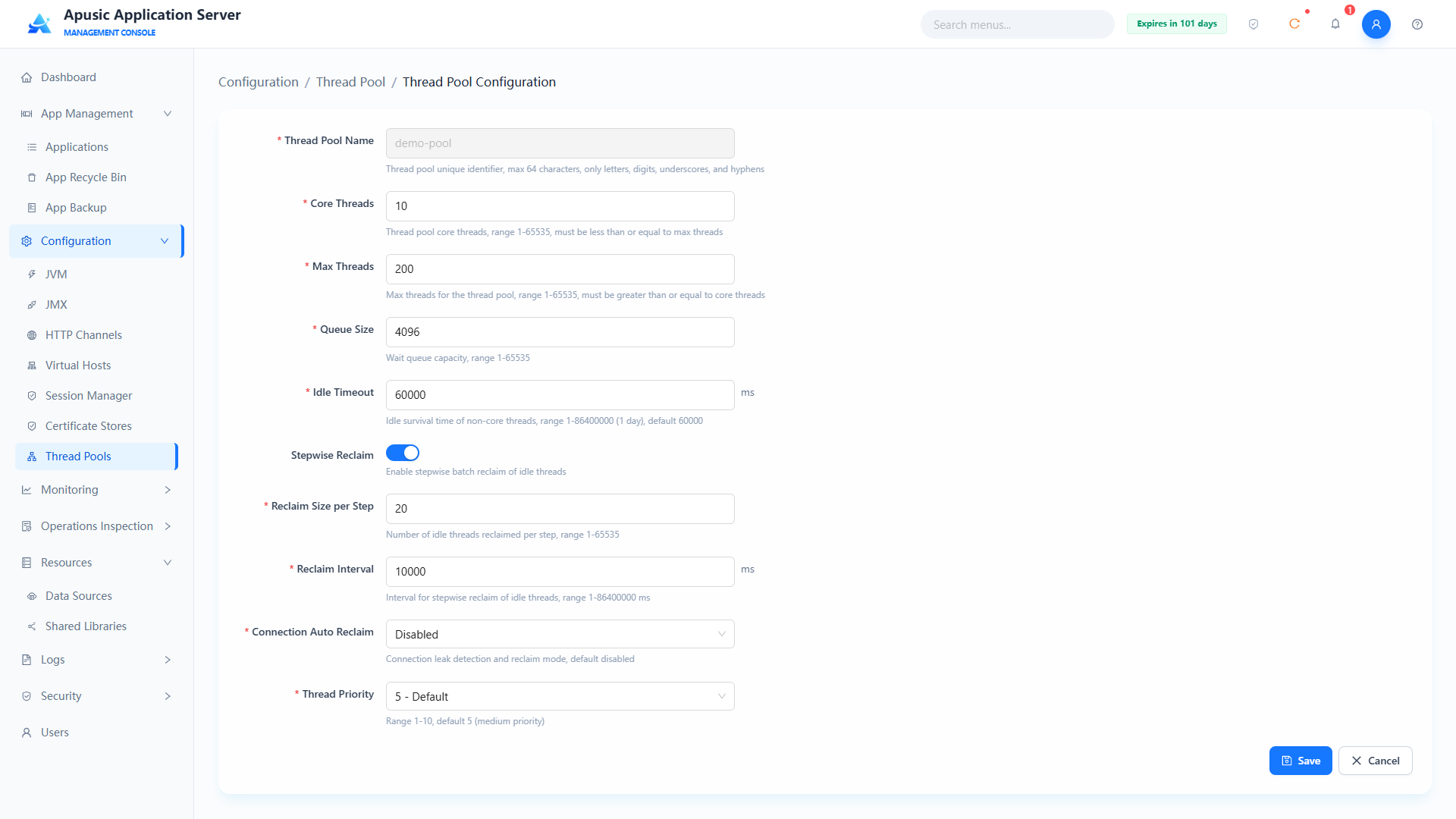
The edit page has the same fields as the create page, except that Name is read-only and cannot be changed. After modifying the other parameters, click "Save" to apply, or "Cancel" to discard the changes.
The server must be restarted for thread pool parameter changes to take effect.
# Deleting a Thread Pool
In the thread pool list, click "Delete" in the Actions column; the thread pool is deleted after confirmation.
Built-in thread pools (such as
admin-thread-pool) provide no delete entry; before deleting, make sure no HTTP channel or other configuration references the thread pool, otherwise associated features may fail.
# Monitoring and Diagnostics
# Monitor Config
The application server management console provides fine-grained performance monitoring and diagnostics. By configuring the monitoring service, you can enable real-time data collection for core components such as the JVM, web container, thread pools, data sources (JDBC connection pools), and HTTP channels.
Click "Monitoring → Monitor Config" in the left menu. The page contains four tabs: "Monitoring Service", "Alert Settings", "API Services", and "SNMP Config".
# Monitoring Service
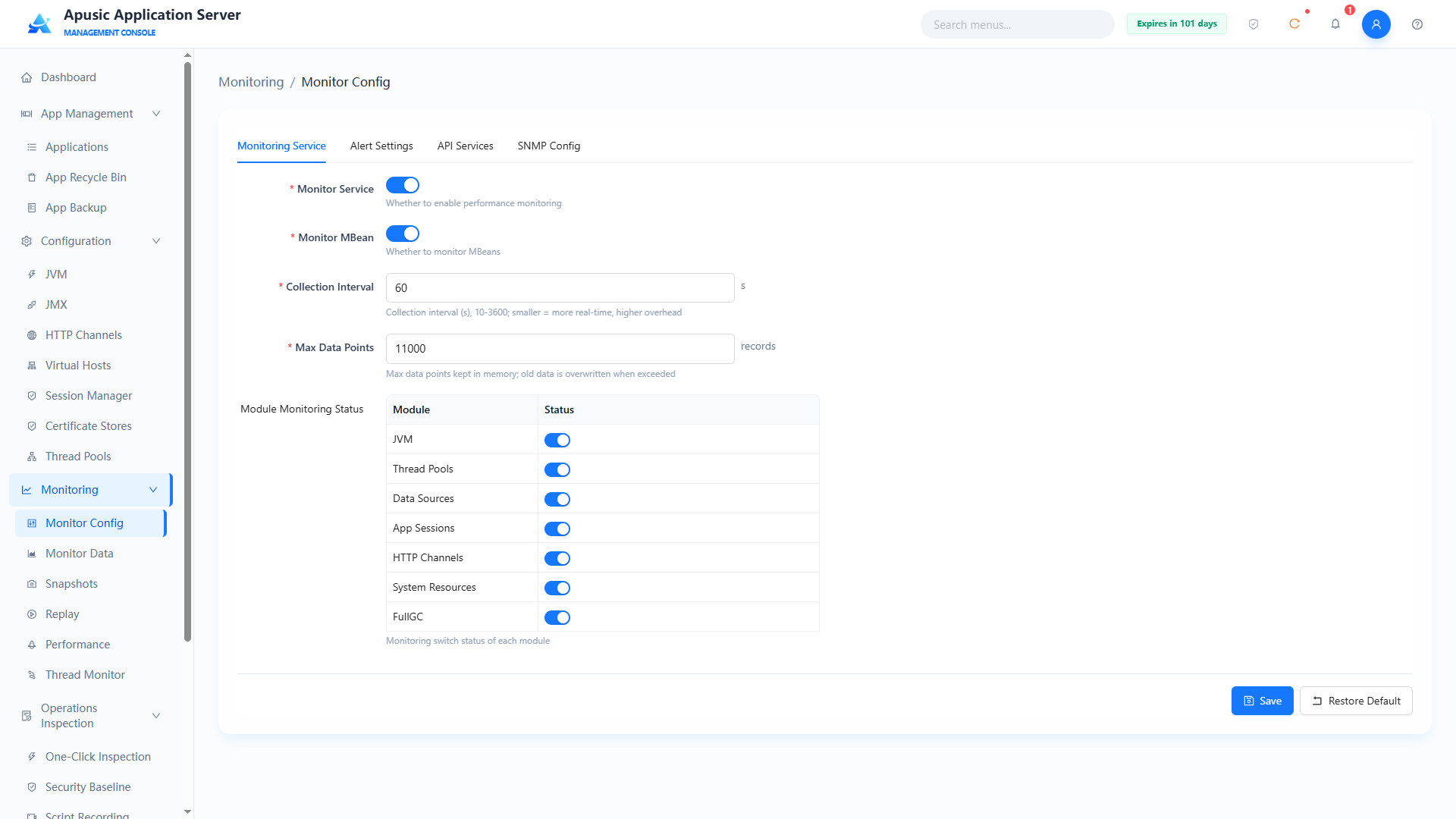
You can configure the monitoring service switch, the collection interval, and the per-module monitoring status (data sources, HTTP channels, thread pools, application sessions, Full GC, JVM, CPU, memory, etc.).
Field descriptions:
| Setting | Parameter | Description |
| Monitor Service | monitorService | Master switch of the monitoring service. Purpose: when on, monitoring data of each module is collected at the collection interval; when off, collection stops for all monitoring data. Valid values: switch, On / Off. Default: Off. |
| Monitor MBean | monitorMbean | Whether MBean monitoring is enabled. Purpose: when on, more fine-grained runtime metrics are collected through MBeans. Valid values: switch, On / Off. Default: Off. |
| Collection Interval | collectInterval | Monitoring data collection interval, in seconds. Purpose: controls the sampling frequency; a shorter interval means denser data and higher overhead. Valid values: integer, 10~3600. Default: 10. |
| Max Data Points | maxDataPoints | Maximum number of data points retained for monitoring data. Purpose: limits the scale of historical data shown in monitoring charts. Valid values: integer. Default: empty (system default limit). |
| Module Status | moduleStatus | Independent switches for monitoring each module (data sources, HTTP channels, thread pools, application sessions, Full GC, JVM, CPU, memory, etc.). Purpose: enables monitoring for the corresponding modules on demand; only enabled modules produce monitoring data. Valid values: switch, On / Off (set per module). Default: Off. |
Only the enabled monitoring items produce the corresponding monitoring data.
# Alert Settings
Alert Settings proactively notify operations personnel when monitored metrics become abnormal. An alert is triggered when "current value > threshold" and "consecutive occurrences >= the configured count".
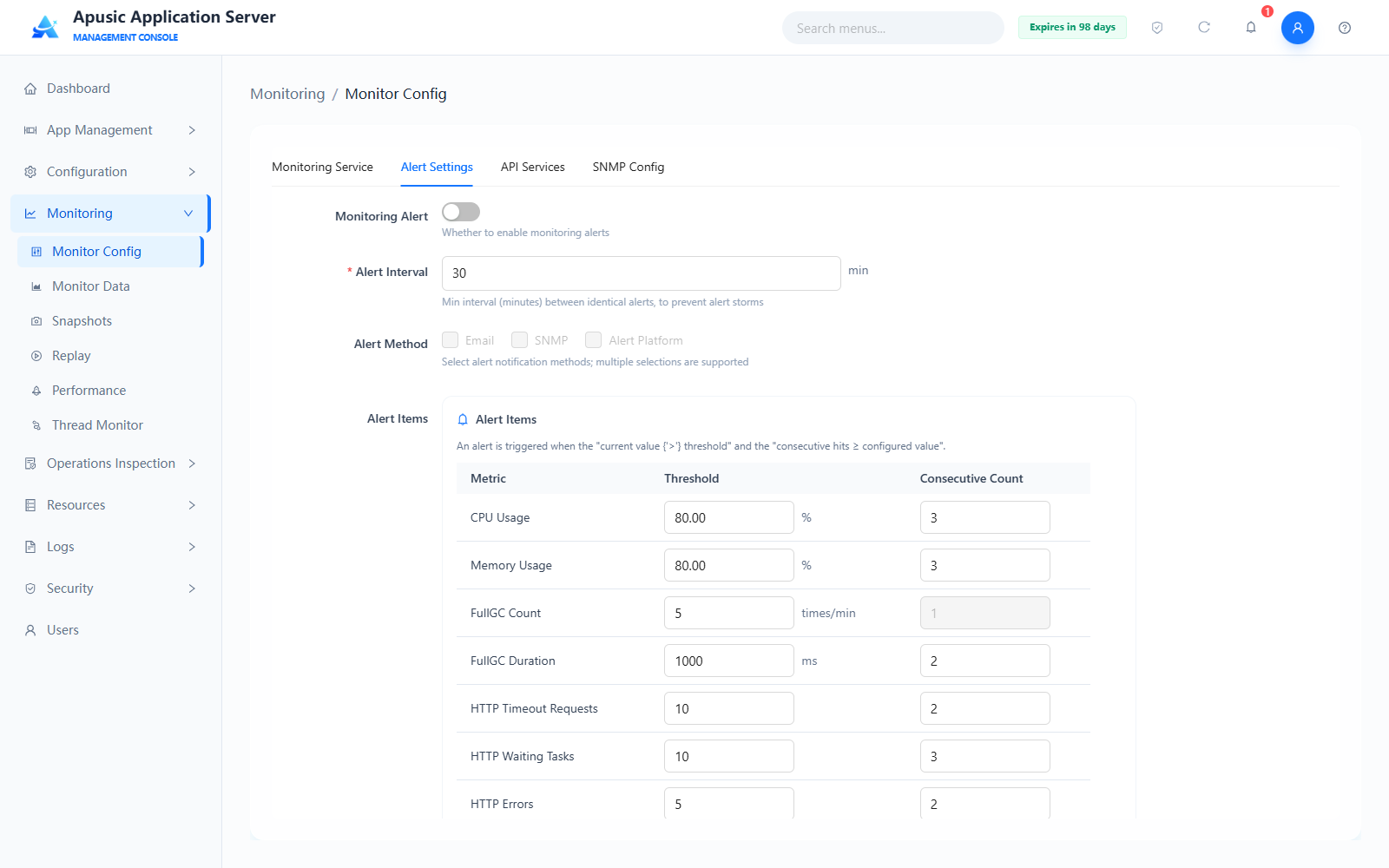
Field descriptions:
| Setting | Description |
|---|---|
| Monitoring Alert | Master switch of monitoring alerts. When on, alerts are detected and sent according to the alert item rules; when off, no alerts are produced. Default: Off. |
| Alert Interval | Minimum interval (in minutes) between identical alerts, used to prevent alert storms. Valid values: positive integer. Default: 30. |
| Alert Method | Alert notification method; multiple selections supported: Email / SNMP / Alert Platform. |
| Alert Items | List of metrics to check, each with a threshold and a consecutive-occurrence count: CPU Usage (%, default 80, 3 times), Memory Usage (%, default 80, 3 times), Full GC Count (times/minute, default 5), Full GC Time (ms, default 1000, 2 times), HTTP Timeout Requests (default 10, 2 times), HTTP Waiting Tasks (default 10, 3 times), HTTP Errors (default 5, 2 times). |
Click "Save" to apply the configuration; click "Restore Defaults" to reset this page to factory defaults.
# API Services
API Services expose the server's monitoring data through standard interfaces, making it easy to integrate third-party monitoring platforms such as Prometheus and Grafana.
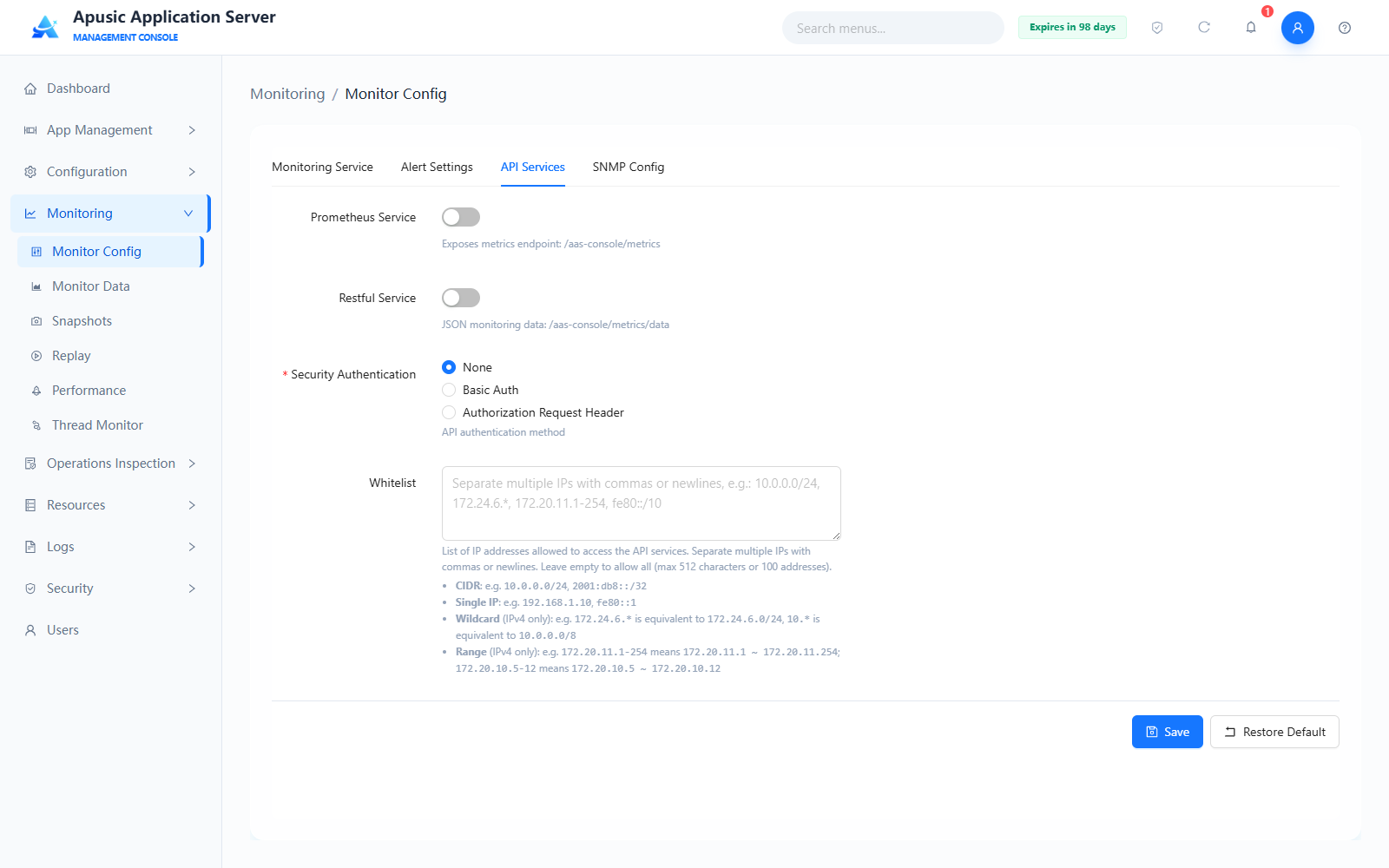
Field descriptions:
| Setting | Description |
|---|---|
| Prometheus Service | When on, exposes the metrics endpoint /aas-console/metrics for Prometheus to scrape monitoring metrics. Default: Off. |
| Restful Service | When on, provides the JSON monitoring data interface /aas-console/metrics/data. Default: Off. |
| Security Authentication | Authentication method for the interfaces: None / Basic Auth / Authorization Request Header. Default: None. Enabling authentication is recommended in production. |
| Whitelist | List of IP addresses allowed to access the API services. Separate multiple IPs with commas or line breaks; leave empty for no restriction (up to 512 characters or 100 addresses). Supported formats: CIDR (e.g. 10.0.0.0/24, 2001:db8::/32), single IP (e.g. 127.0.0.1, fe80::1), wildcard (IPv4 only), range (IPv4 only). |
Click "Save" to apply the configuration; click "Restore Defaults" to reset this page to factory defaults.
# SNMP Config
SNMP Config enables the SNMP agent service so that third-party network management systems can collect server monitoring data over the SNMP protocol.
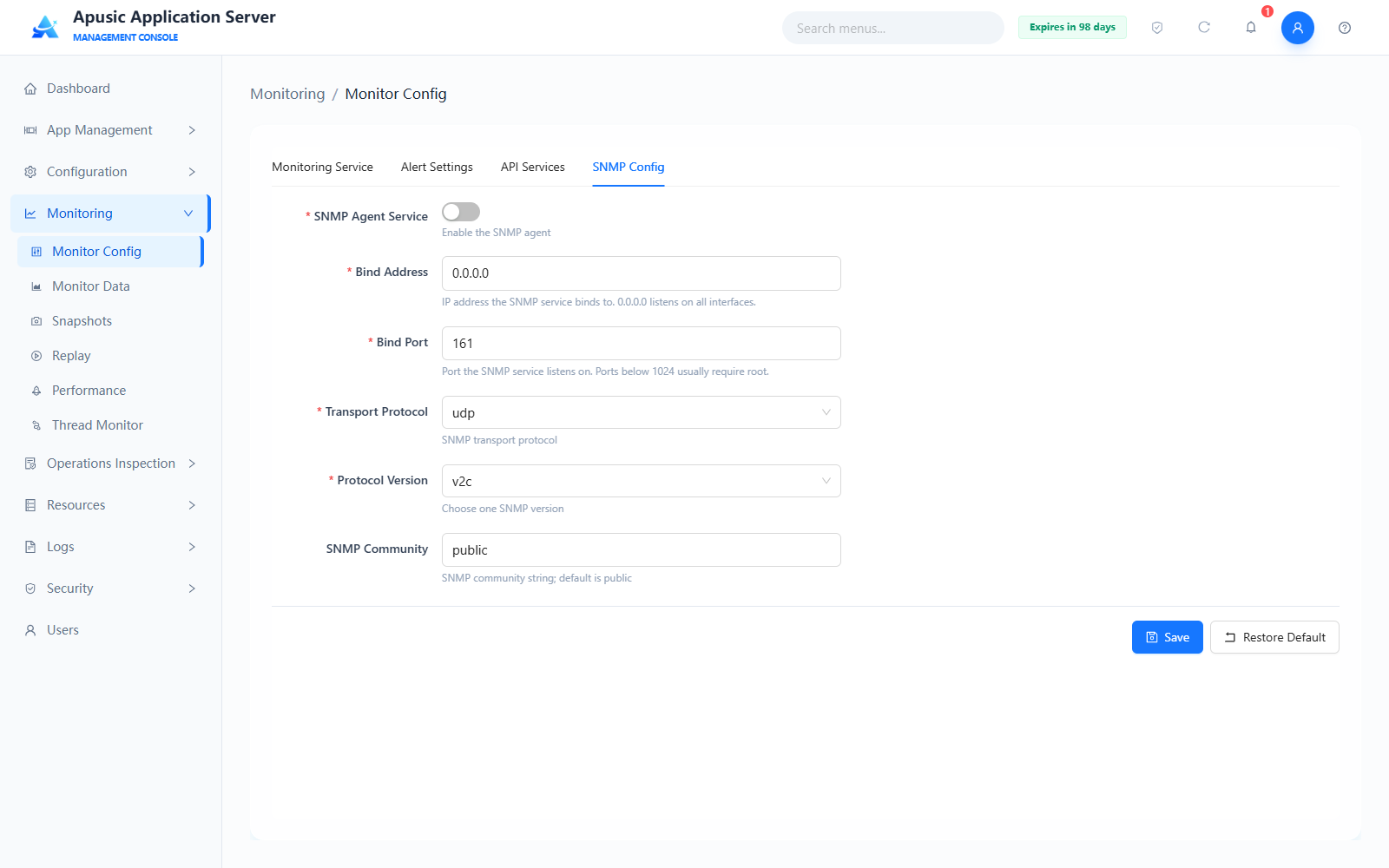
Field descriptions:
| Setting | Description |
|---|---|
| SNMP Agent Service | Whether the SNMP agent is enabled. Default: Off. |
| Bind Address | IP address the SNMP service binds to; 0.0.0.0 means listening on all available network interfaces. Default: 0.0.0.0. |
| Bind Port | Port the SNMP service binds to; ports below 1024 usually require root privileges. Default: 161. |
| Transport Protocol Type | Transport protocol type of SNMP. Default: udp. |
| Protocol Version | SNMP version; only one can be set. Default: v2c. |
| SNMP Community Name | SNMP community name. Default: public. Changing the default community name is recommended in production. |
Click "Save" to apply the configuration; click "Restore Defaults" to reset this page to factory defaults.
Appendix:SNMP-OID Monitoring Item Mapping
# Monitor Data
Displays real-time data of core components such as system resources, JVM, data sources, application sessions, HTTP channels, and thread pools in chart form, and provides dedicated diagnostics such as SQL Trace, Class Loading Trace, and Full GC monitoring.
# System Resources
Perceives the CPU load, memory usage, and disk space status of the server node in real time.
Click "Monitoring → Monitor Data" in the left menu:
If it shows that the monitoring service is off, enable system resource monitoring in Monitor Config first.
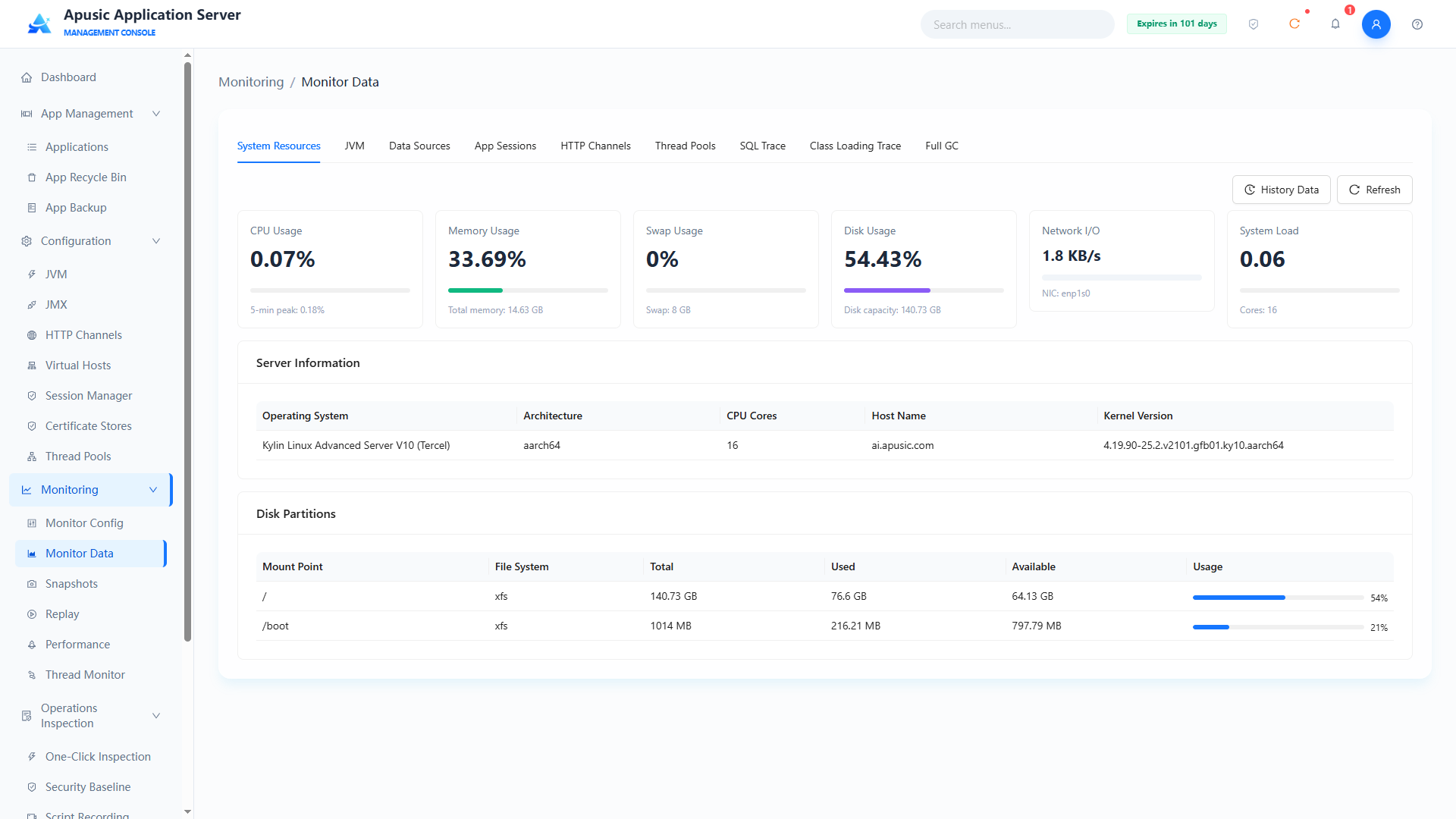
Click "Historical Data" to view the collected historical data.
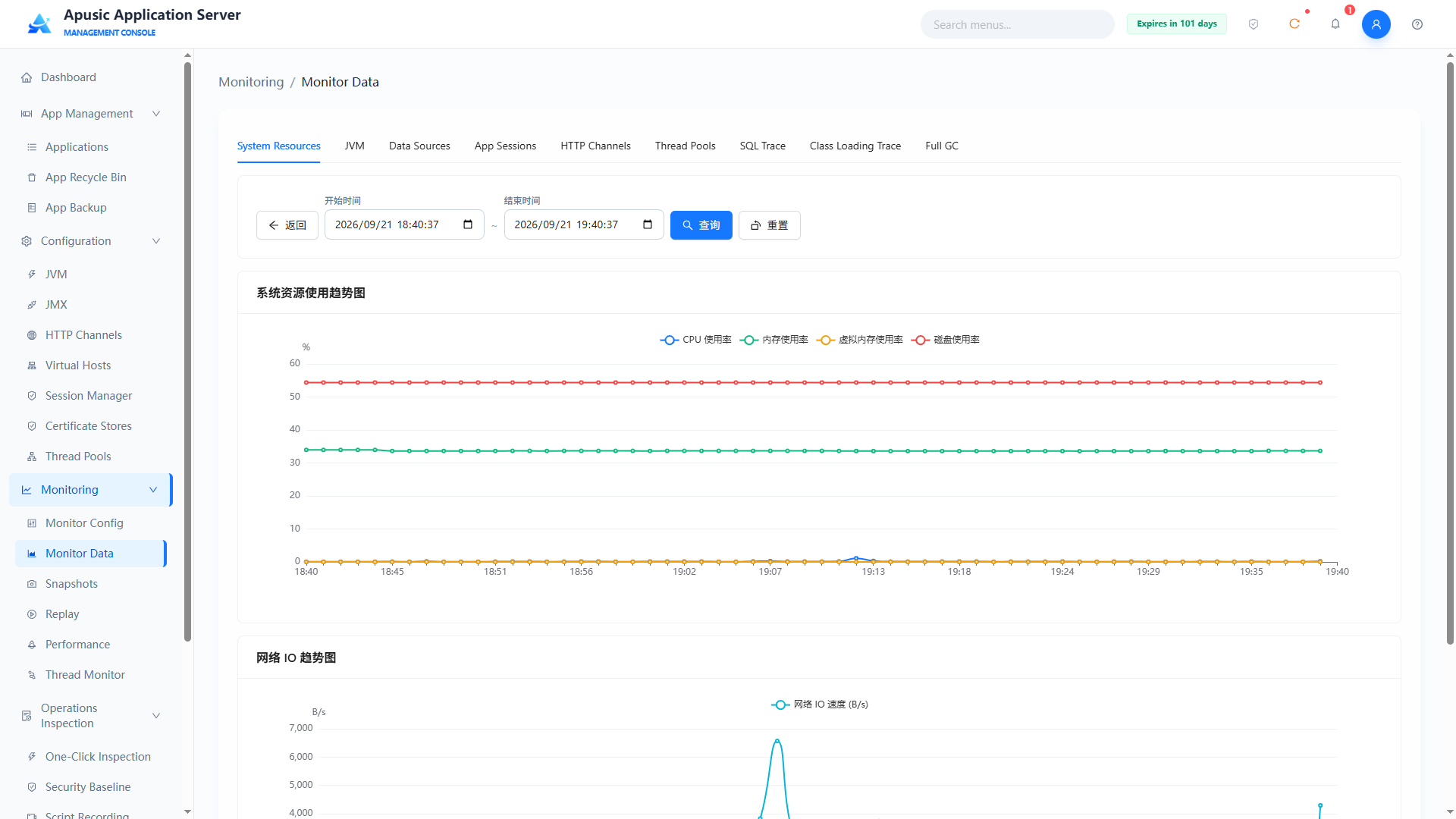
- CPU monitoring: monitors the overall CPU usage of the system in real time;
- Memory monitoring: monitors total, used, free, and cached physical memory; monitors the usage of the swap partition;
- Disk monitoring: monitors the space usage (%) and remaining free space (GB) of all mounted partitions;
- Virtual memory monitoring: monitors virtual memory usage;
- Server basic information: operating system, CPU architecture, CPU cores, etc.;
- System load: average load of the CPU task queue over 15 minutes;
- Network IO: real-time uplink/downlink traffic rate of the server network interfaces.
# JVM Monitoring
Shows key JVM metrics such as heap memory, non-heap memory, class loading, thread status, and garbage collection.
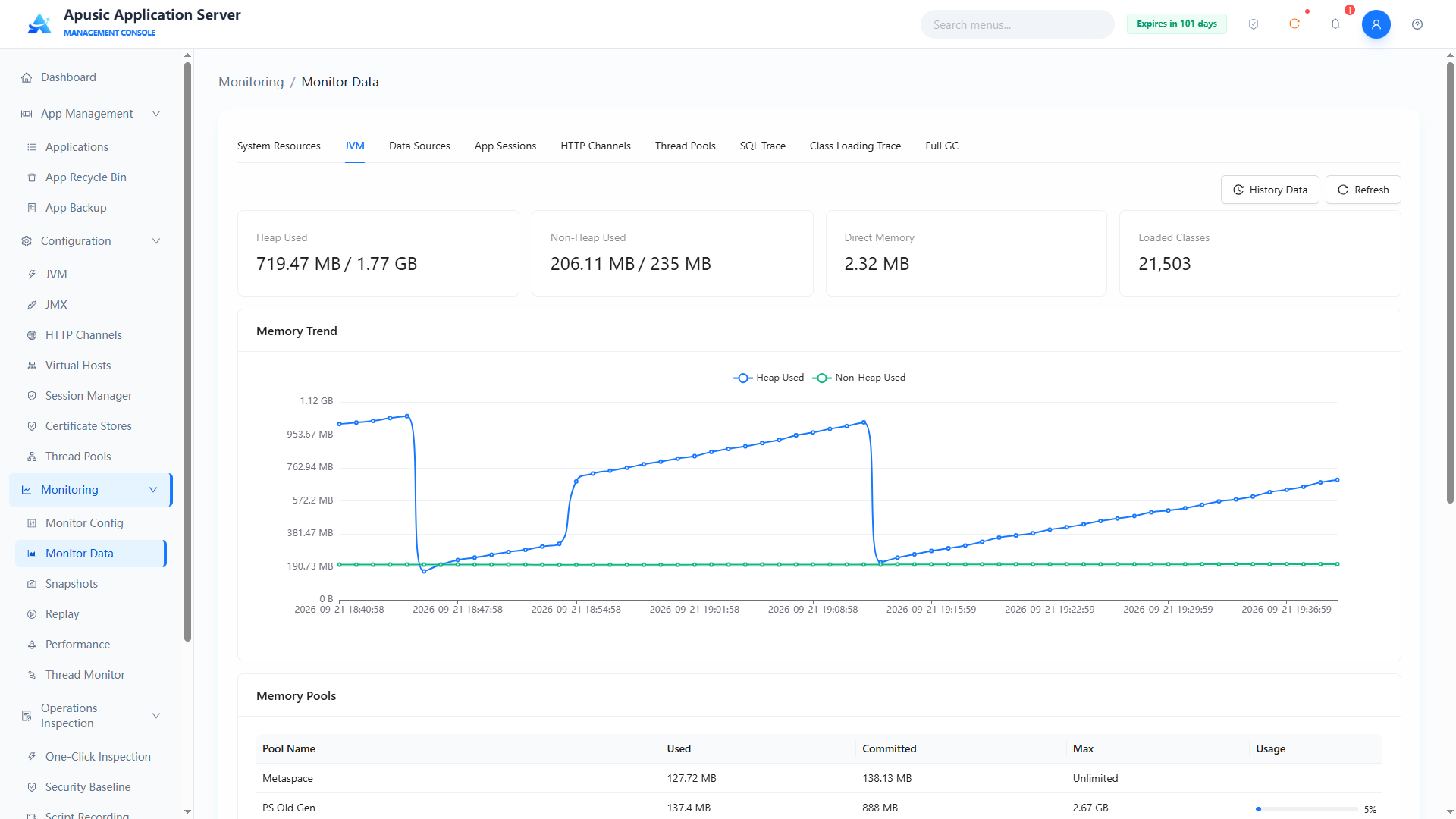
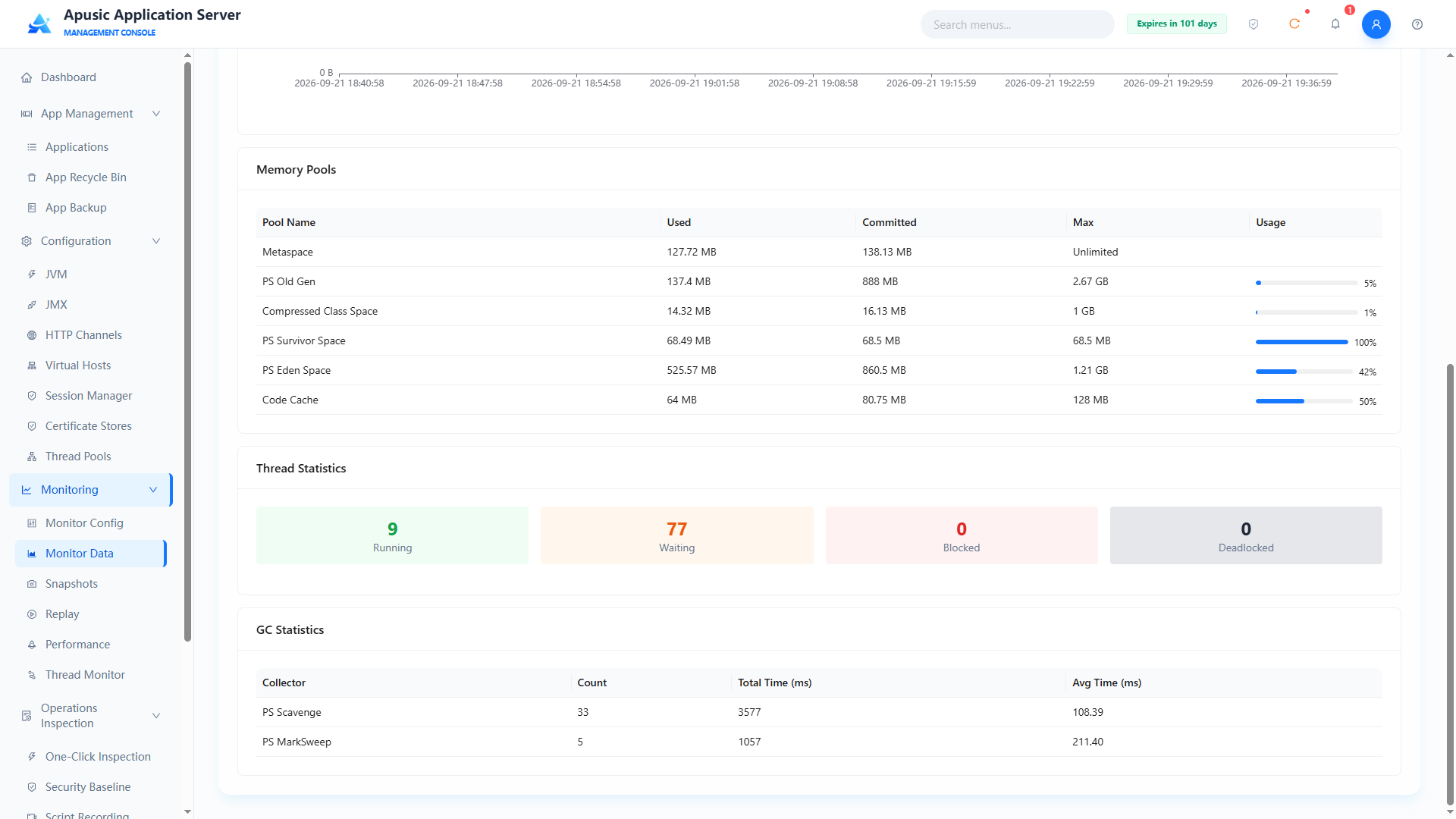
- Memory monitoring: distinguishes heap from non-heap memory, with fine-grained monitoring of memory pools (such as Code Cache, Metaspace).
- Thread monitoring: monitors the thread count in real time, provides deadlock detection, and can show detailed thread stacks.
- GC monitoring: monitors the frequency and duration of Young GC and Full GC.
# Data Source Monitoring
Monitors the running status of connection pools in real time: current active connections, idle connections, connections waiting to be acquired, and suspected leaks.
When no data source is configured, this page shows "No data".
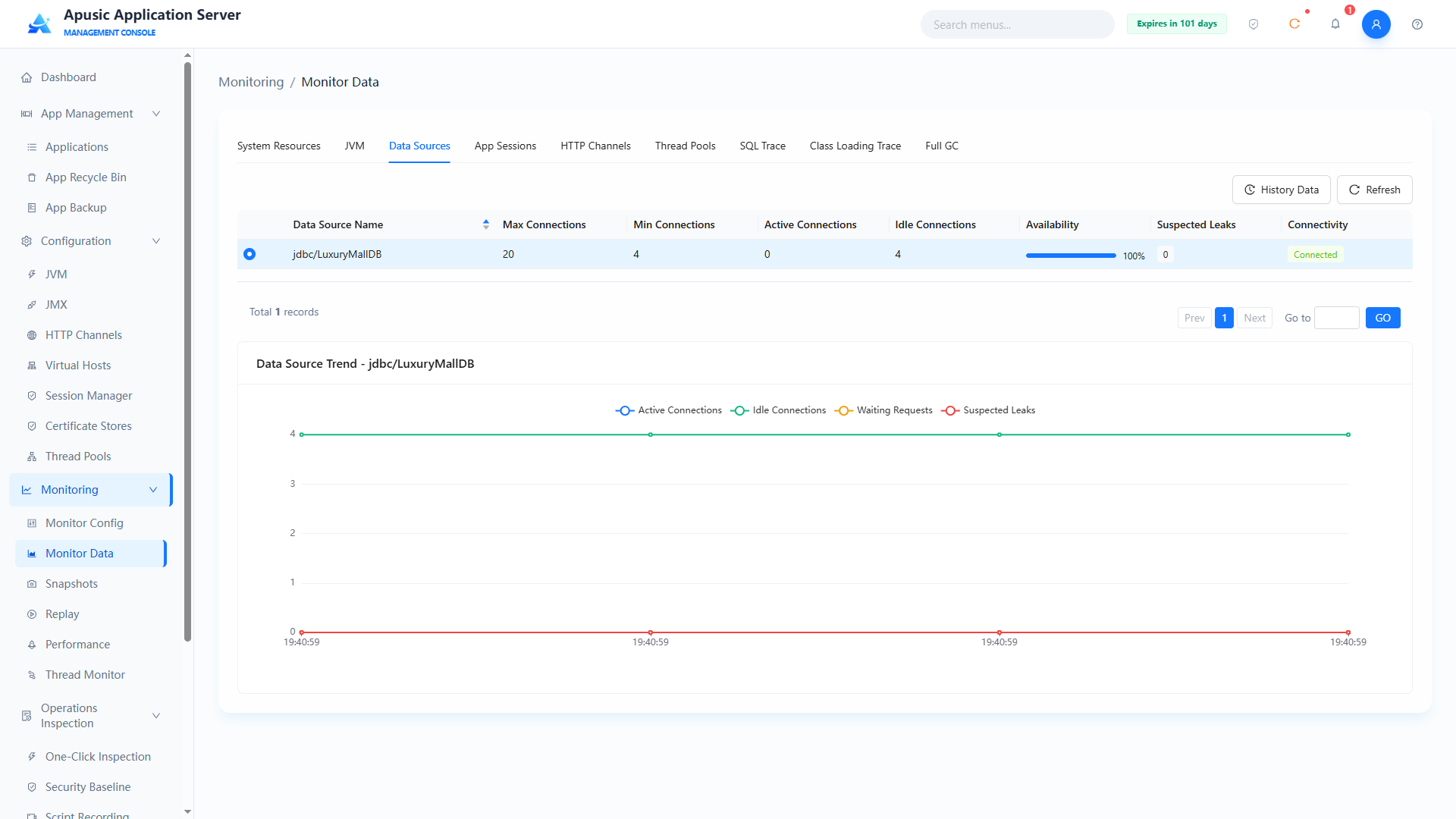
# Application Sessions
Monitors, for each application in real time, the number of created sessions, expired sessions, active sessions, rejected sessions, and passivated sessions.
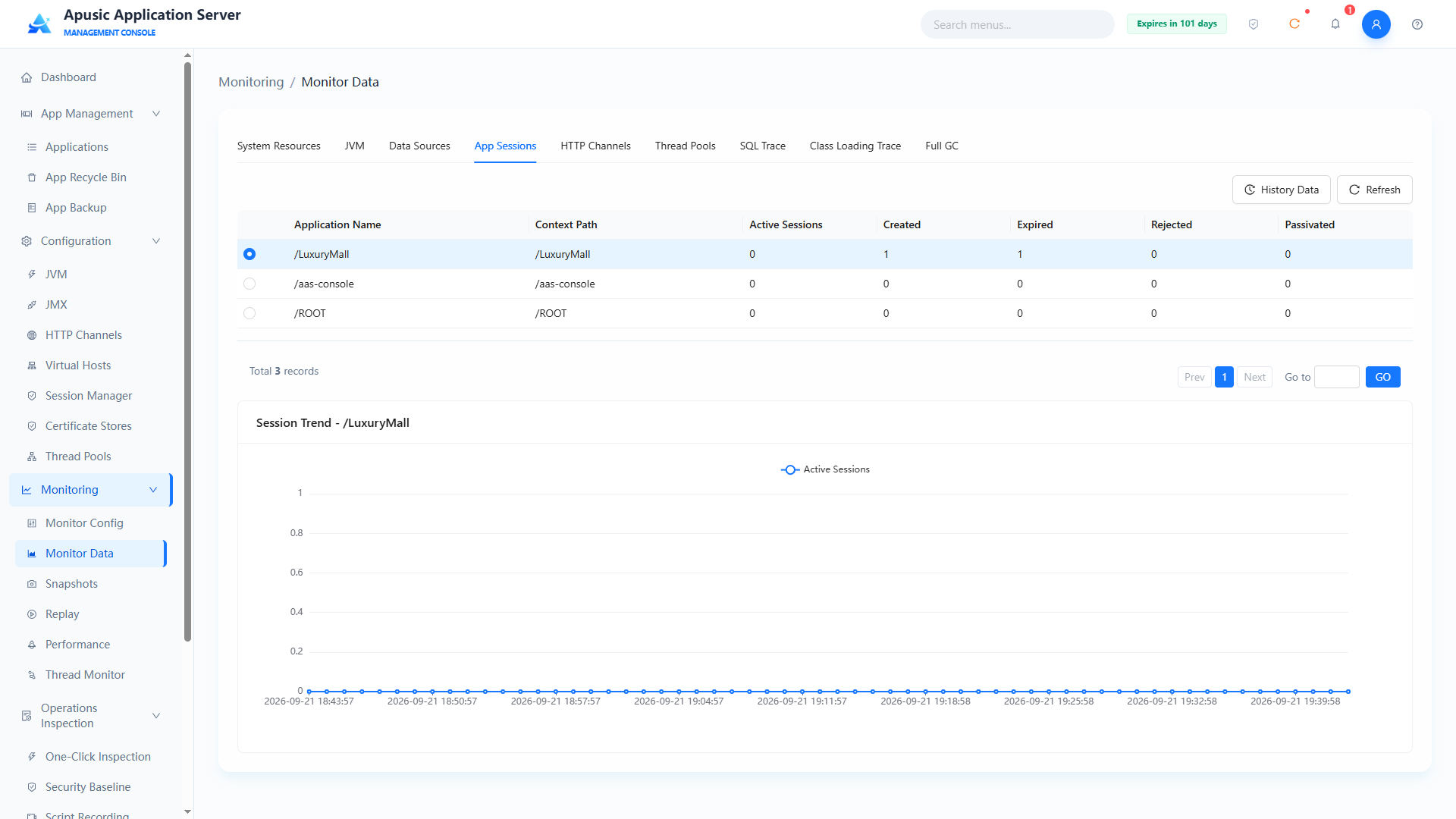
# HTTP Channels
Monitors current connections, total processed requests, errors, bytes sent and received, total processing time, and maximum processing time in real time.
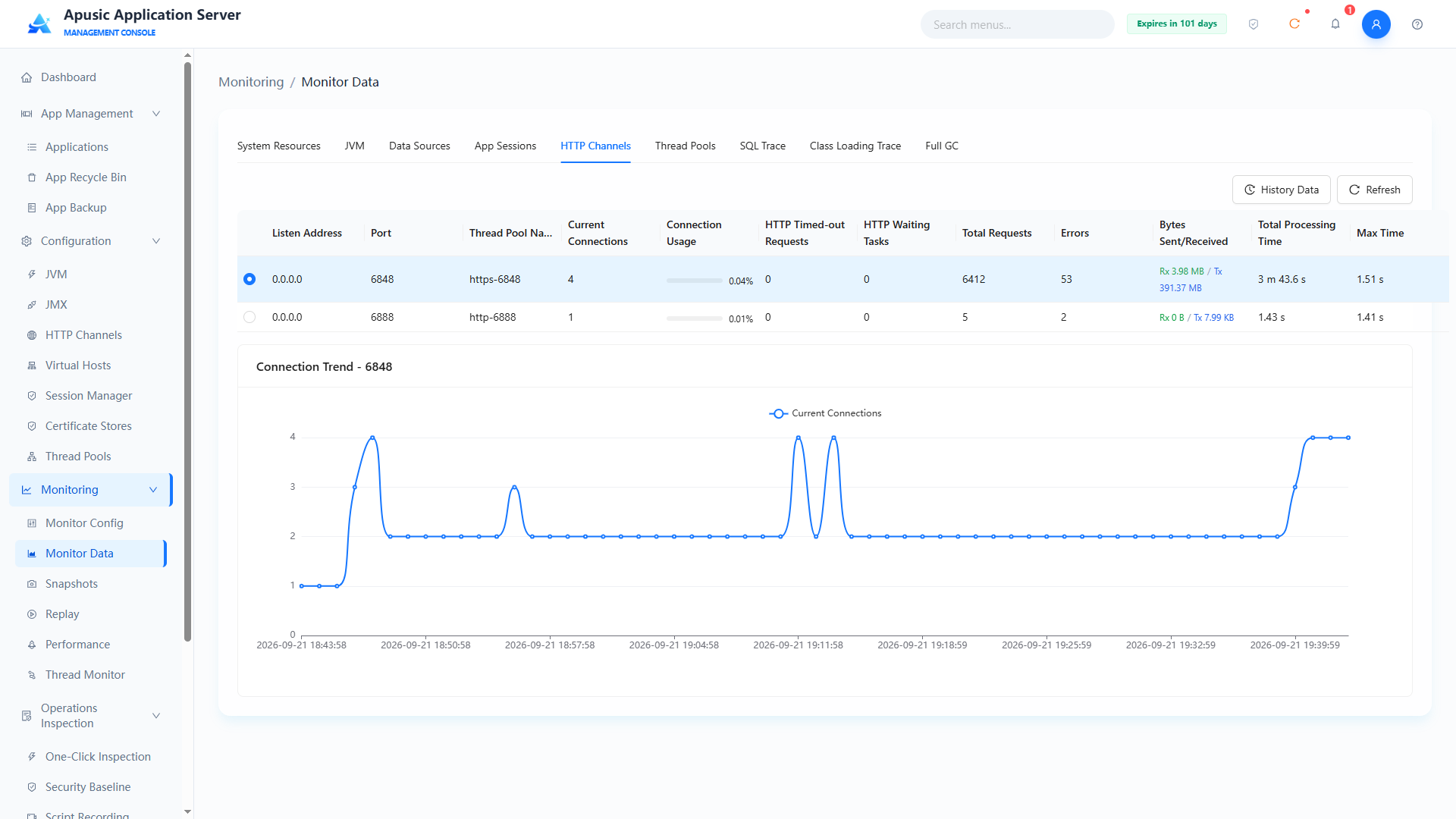
# Thread Pools
Collects and displays the running status of thread pools in real time, including the core configuration (max/min threads) and runtime metrics (active threads, idle threads, task queue backlog, etc.).
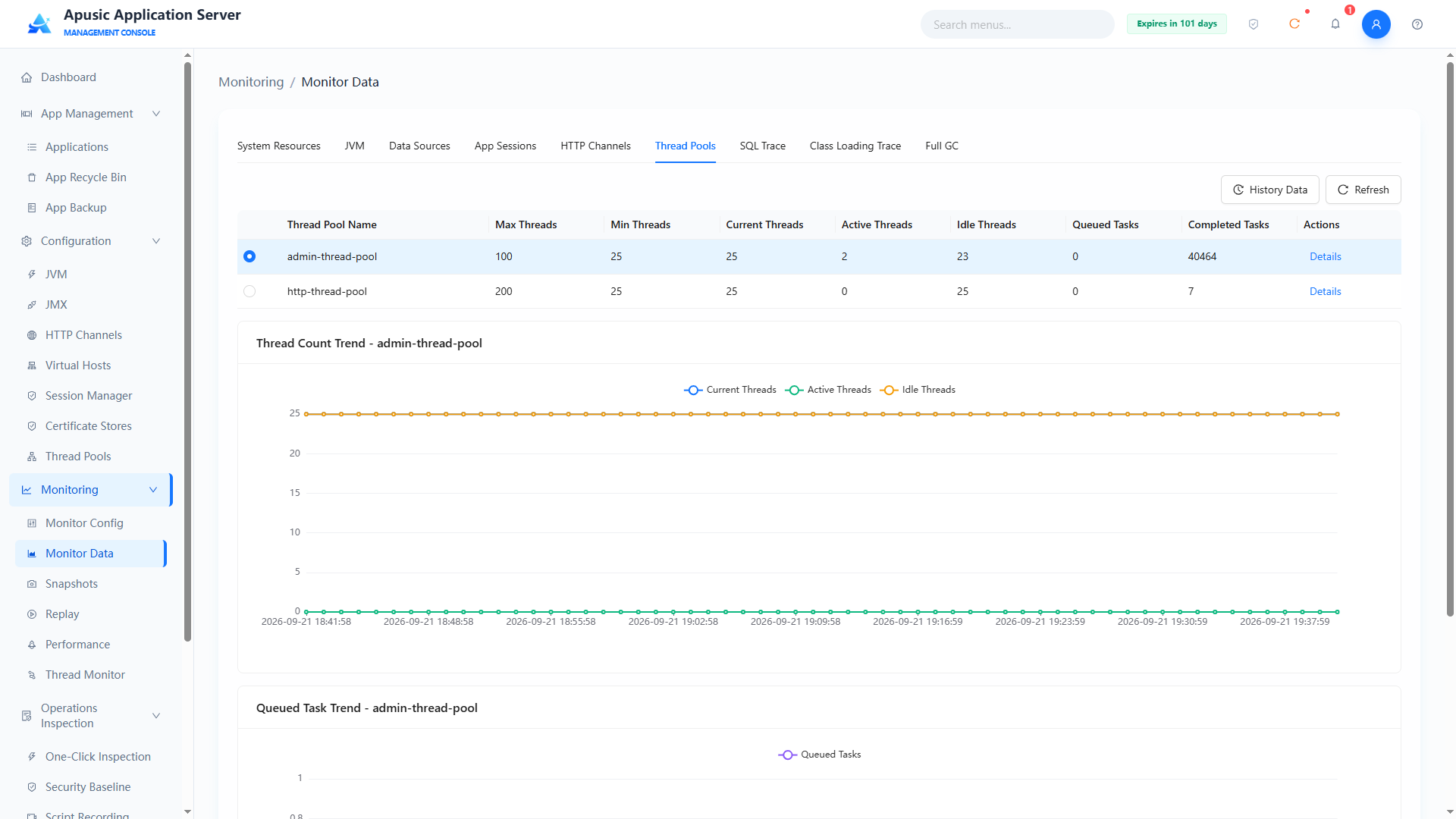
Click "Details" to show other monitoring content of the thread pool.
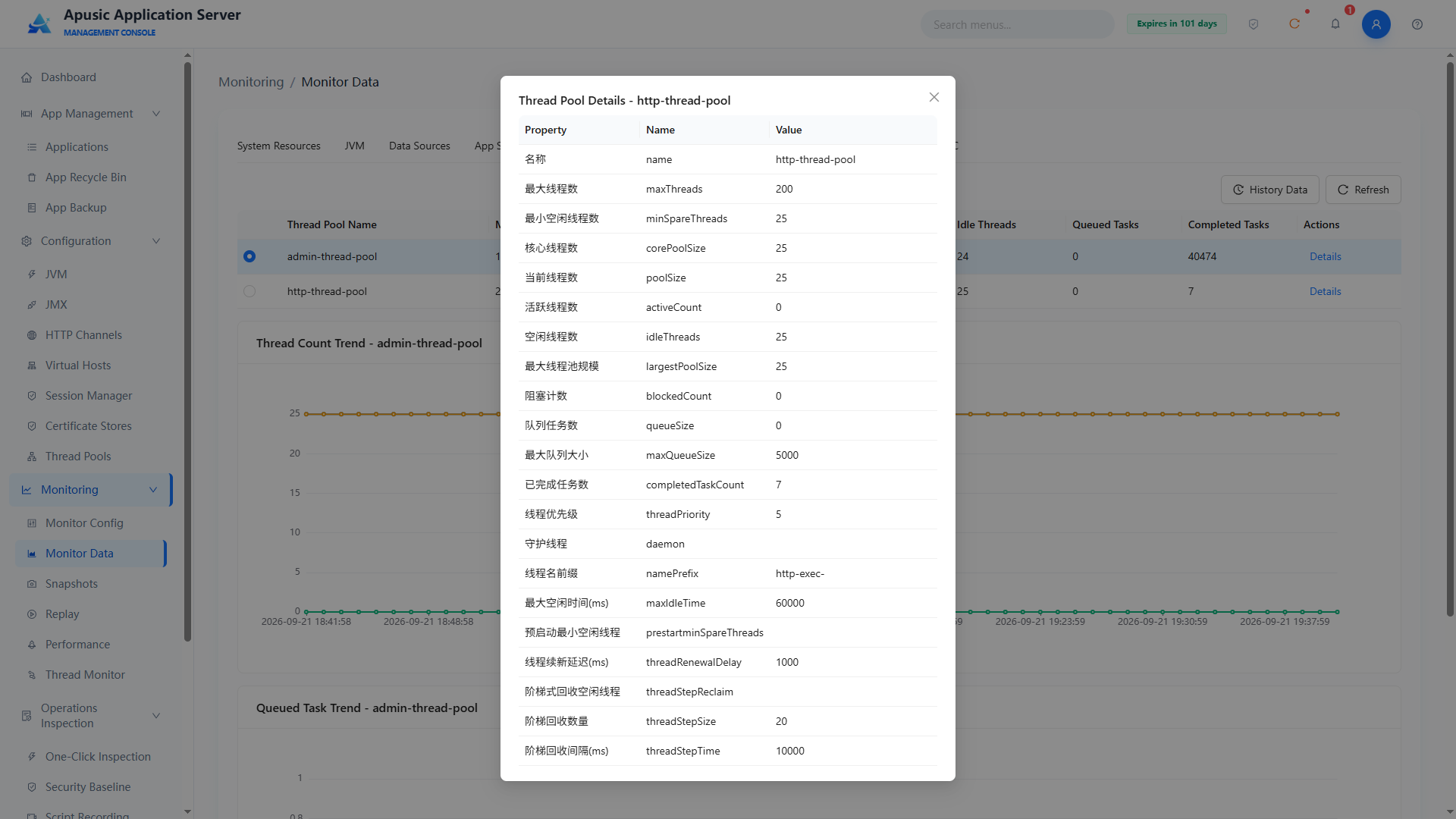
# SQL Trace
SQL Trace captures SQL statements executed through data sources together with their execution time, helping locate slow SQL statements and database access performance problems.
Click "Monitoring → Monitor Data" in the left menu and switch to the "SQL Trace" tab:
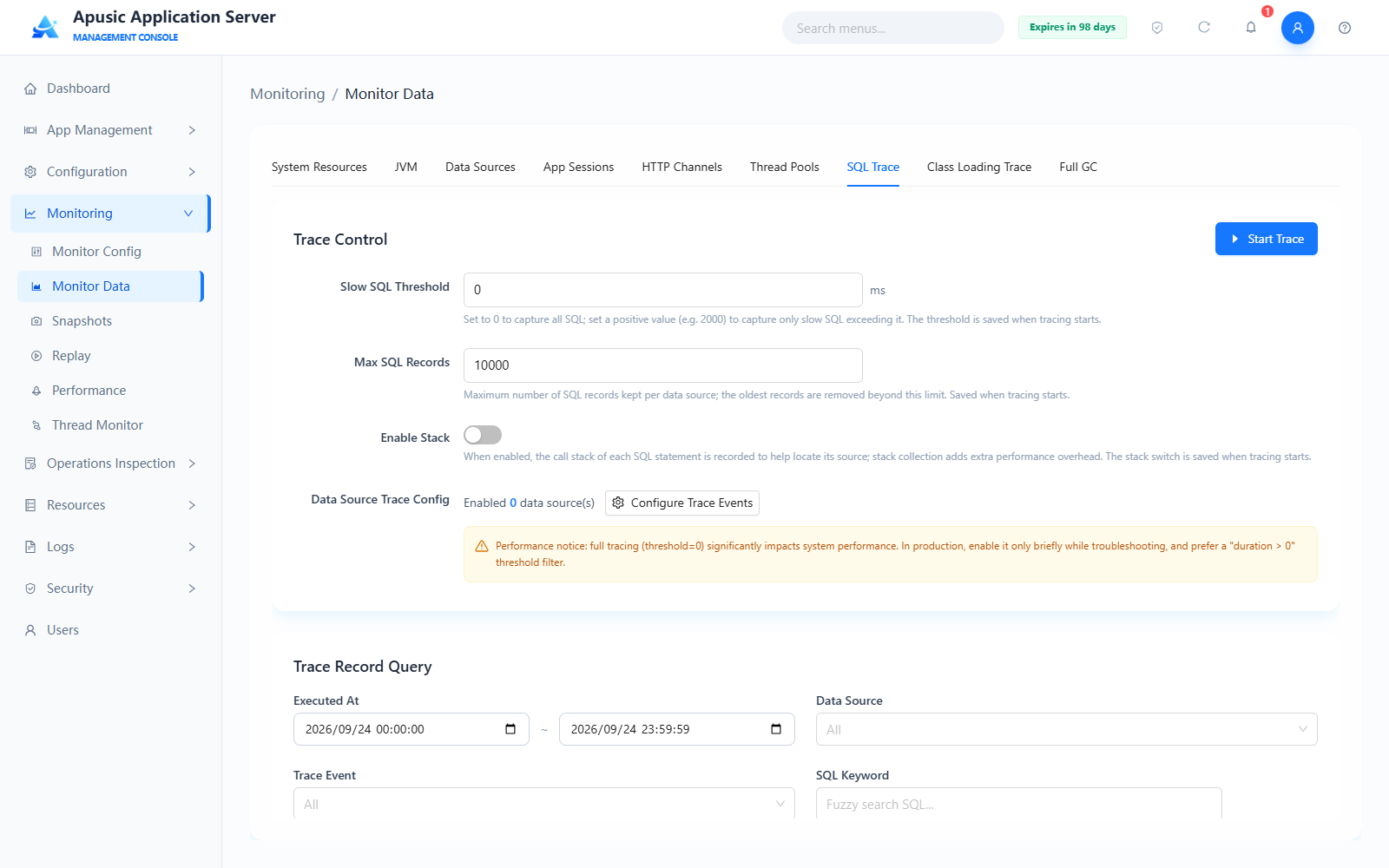
Trace Control
| Setting | Description |
|---|---|
| Slow SQL Threshold | In milliseconds. Set to 0 to capture all SQL statements; set to a positive value (e.g. 2000) to capture only slow SQL statements whose execution time exceeds the threshold. The threshold is saved when tracing is started. Default: 0. |
| Max SQL Records | Maximum number of SQL records retained per data source; the oldest records are deleted automatically when the limit is exceeded. Saved when tracing is started. Default: 10000. |
| Enable Stack | When on, records the call stack of each SQL statement to help locate where the SQL is invoked; stack collection adds extra performance overhead. The stack switch is saved when tracing is started. Default: Off. |
| Data Source Trace Config | Click "Configure Trace Events" to configure the events to trace per data source in the "Data Source Trace Parameters" dialog; when no data source is configured, "No data source" is shown. |
Performance impact notice: full tracing (threshold = 0) has a significant impact on system performance. In production, enable it only briefly while troubleshooting, and prefer filtering with a "duration > 0" threshold.
Click "Start Trace" to begin capturing SQL; click again to stop tracing.
Trace Record Query
Supports combined queries of trace records by execution time range, data source, trace event, and SQL keyword (fuzzy search). Trace record list fields: Trace Event, SQL Statement, Execution Count, Duration (ms), Max Duration (ms), Execution Time, Data Source, Actions. Click "Export" to export trace records locally; click "Refresh" to get the latest records.
# Class Loading Trace
Class Loading Trace shows the hierarchy of class loaders inside the server and the details of each class loader, helping troubleshoot class conflicts and class loading order issues.
Click "Monitoring → Monitor Data" in the left menu and switch to the "Class Loading Trace" tab:
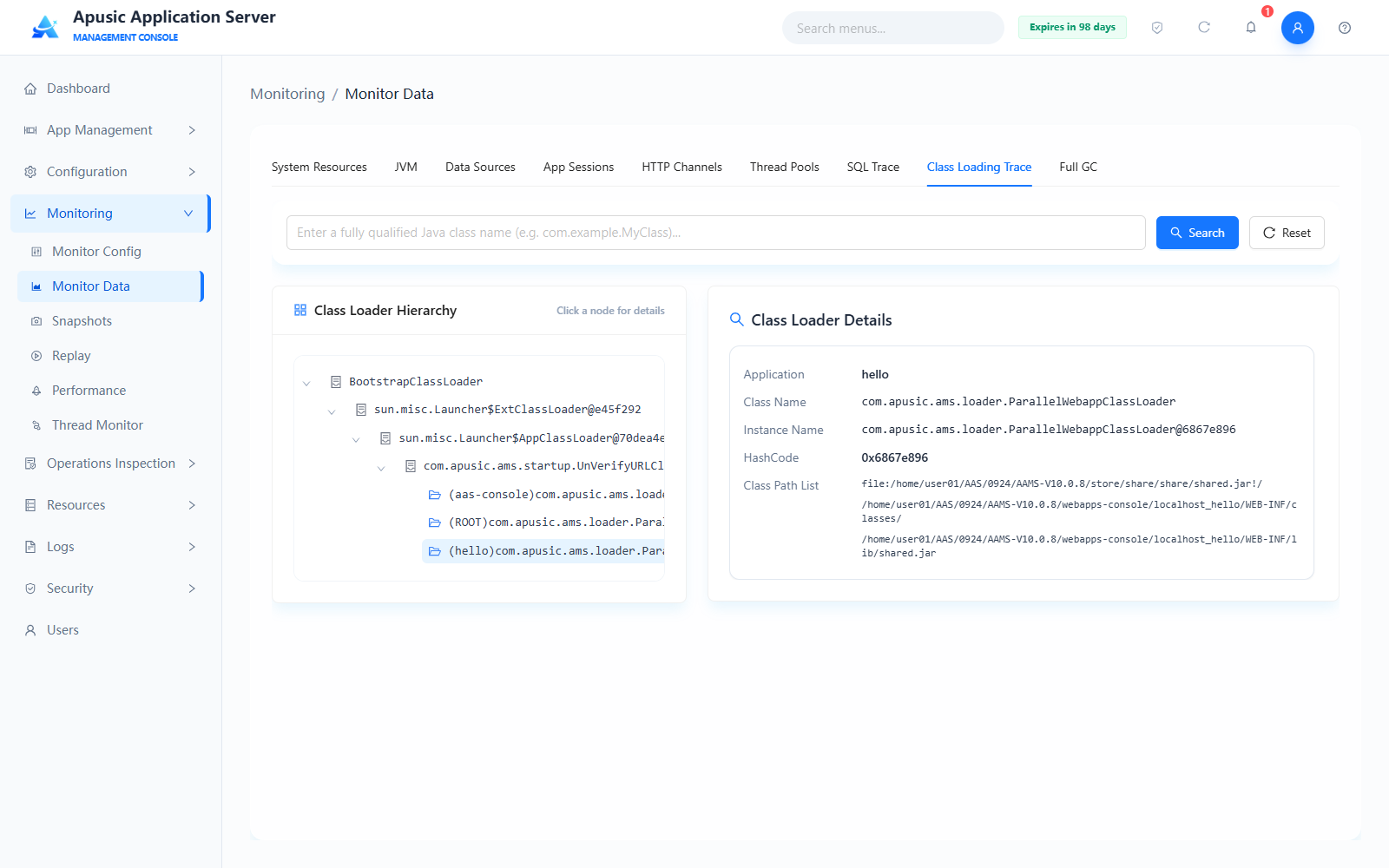
- At the top of the page, enter a fully qualified Java class name (e.g.
com.example.MyClass) to search; click "Reset" to clear the search criteria; - The "Class Loader Hierarchy" tree on the left shows the hierarchy from BootstrapClassLoader down to each application's class loader; click a node to view its details on the right;
- "Class Loader Details" on the right shows the selected class loader's application, class name, instance name, HashCode identity, and class path list.
# Full GC Monitoring
Full GC Monitoring captures Full GC / Mixed GC events in real time to assist memory problem analysis.
Click "Monitoring → Monitor Data" in the left menu, switch to the "Full GC" tab, and click "Start Monitoring" to begin capturing GC events:
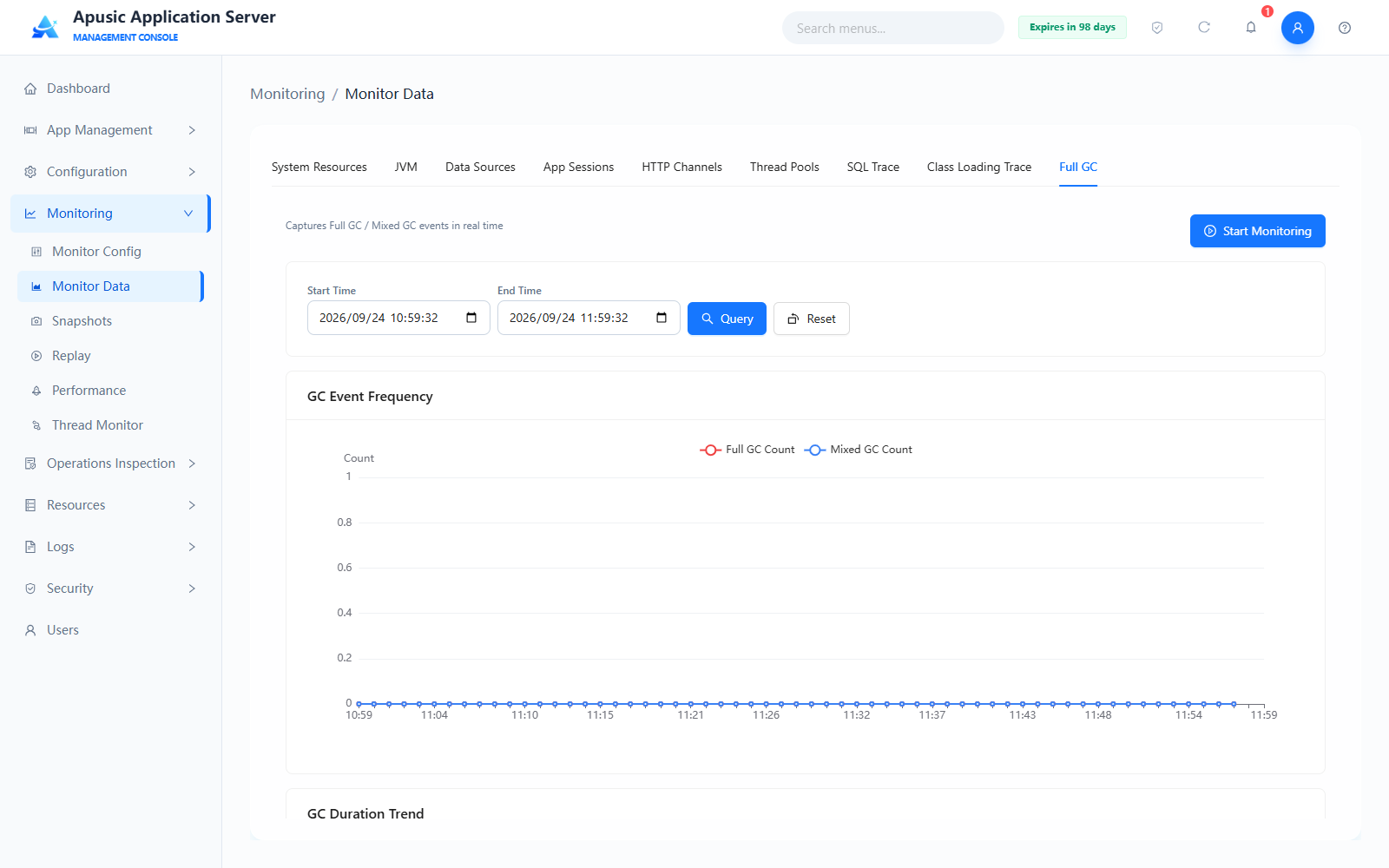
Page content:
- Query conditions: filter GC events by start time and end time; click "Search" to apply the filter and "Reset" to restore the default time range;
- GC Event Frequency chart: shows the trend of Full GC count and Mixed GC count over time;
- GC Duration chart: shows the trend of GC duration over time;
- Memory Region Usage: shows the usage of each memory region;
- GC Event Details and Diagnosis: list fields include Start Time, GC Type, Duration (ms), Cause, Before/After (MB), Total Count, Actions; supports exporting CSV and viewing the associated Heap Dump.
# Snapshots
Snapshot management packages and exports the server's diagnostic information with one click, for problem reporting and offline analysis. It supports manual snapshot generation as well as automatic snapshot policies.
Click "Monitoring → Snapshots" in the left menu. The page contains two tabs: "Snapshot List" and "Auto Snapshot".
# Snapshot List
The "Snapshot List" tab shows the snapshots generated so far:
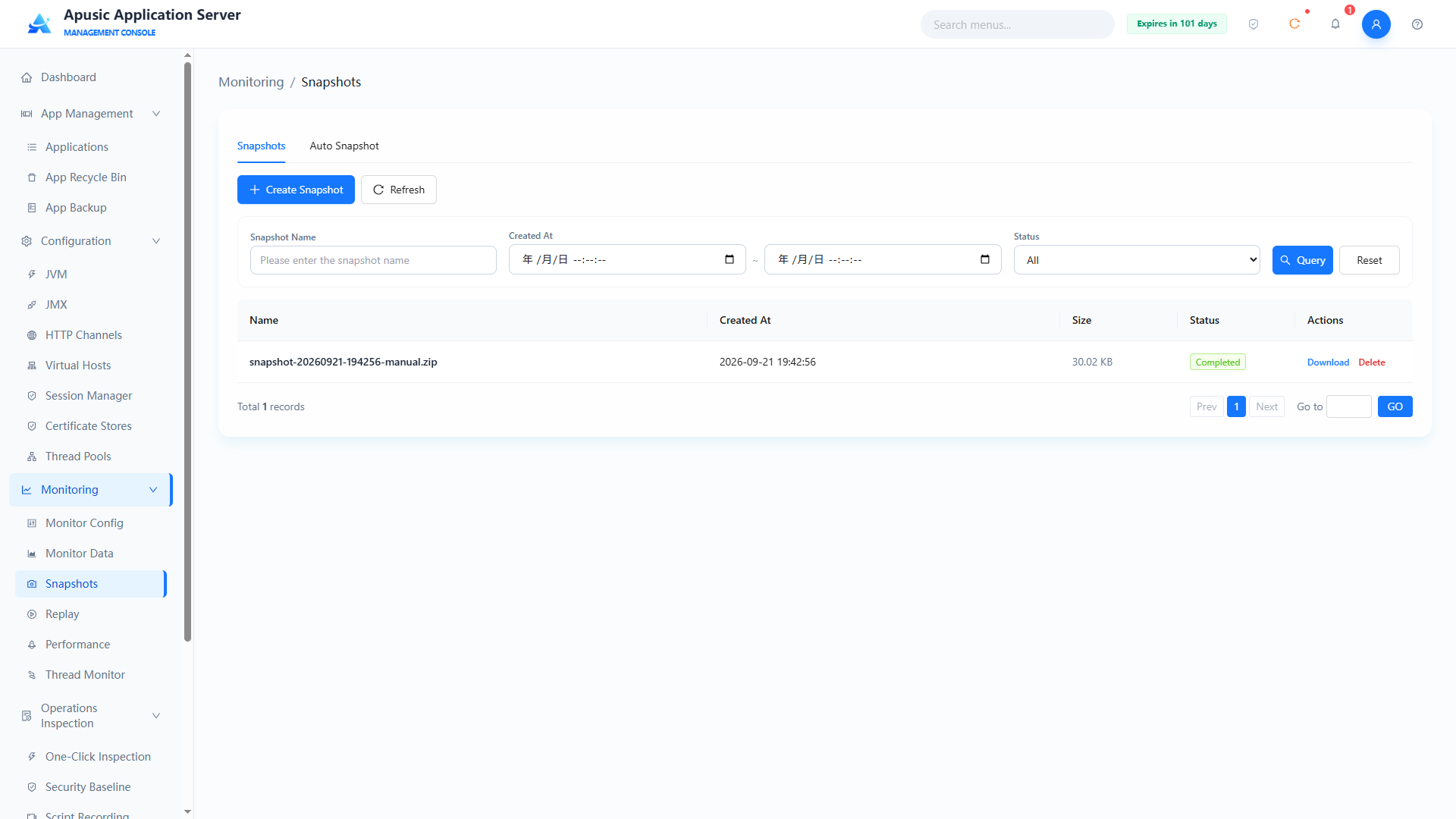
Query conditions
| Query Condition | Description | Example |
|---|---|---|
| Snapshot Name | Fuzzy query by snapshot name | snapshot-2026 |
| Created At | Filter by creation time range | 2026-09-01 ~ 2026-09-21 |
| Status | Filter by snapshot status: All / Pending / Generating / Completed / Failed / Partially Failed | All |
List fields
| Field | Description |
|---|---|
| Name | Snapshot name |
| Created At | Creation time of the snapshot |
| Size | Size of the snapshot package |
| Status | Pending / Generating / Completed / Failed / Partially Failed |
| Actions | Download / Delete |
# Generating a Snapshot
Click "Generate Snapshot" to check the diagnostic content to package and configure the corresponding parameters:
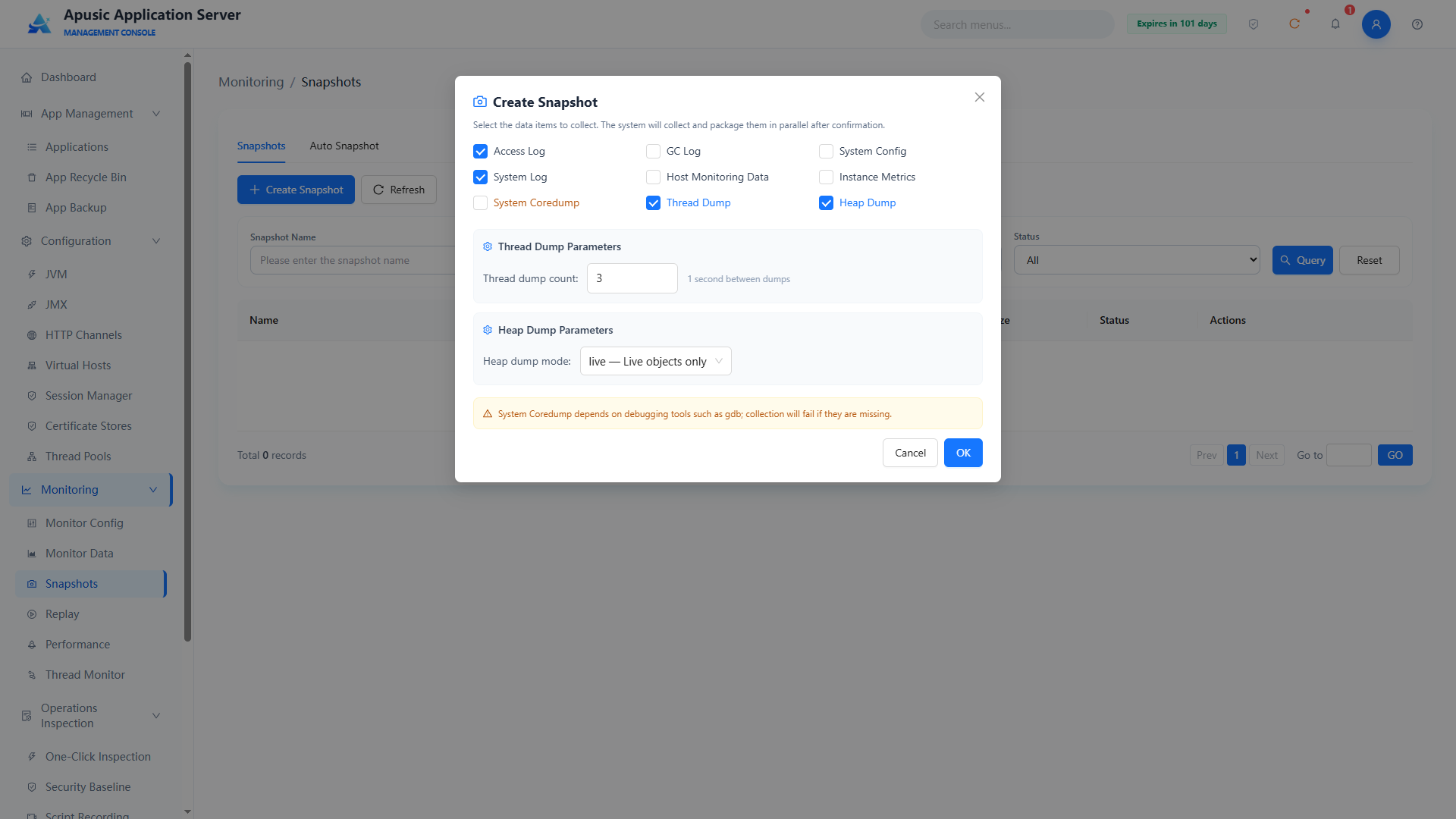
Selectable snapshot content:
| Snapshot Content | Description |
|---|---|
| Access Logs | Packages HTTP access logs |
| GC Logs | Packages garbage collection logs |
| System Configuration | Packages server configuration information |
| System Logs | Packages system runtime logs |
| Host Monitoring Data | Packages host resource monitoring data |
| Instance Monitoring Metrics | Packages instance monitoring metric data |
| System Coredump | Packages system core dump files (depends on debugging tools such as gdb; the page shows a hint) |
| Thread Stacks | Packages thread stack information; the capture count (default 3) and interval between captures (default 1 second) can be configured |
| Heapdump | Packages the heap dump file; the mode can be selected (live: live objects only) |
After the configuration is done, click OK to generate the snapshot. While it is being generated the status is "Generating"; when done the status becomes "Completed".
# Downloading and Deleting a Snapshot
- Download: click "Download" in the Actions column of the snapshot list to download the snapshot package locally for problem reporting and offline analysis;
- Delete: click "Delete" in the Actions column of the snapshot list and confirm in the dialog to delete the snapshot package.
# Auto Snapshot
The "Auto Snapshot" tab configures the automatic snapshot policy, which consists of a basic policy and trigger conditions:
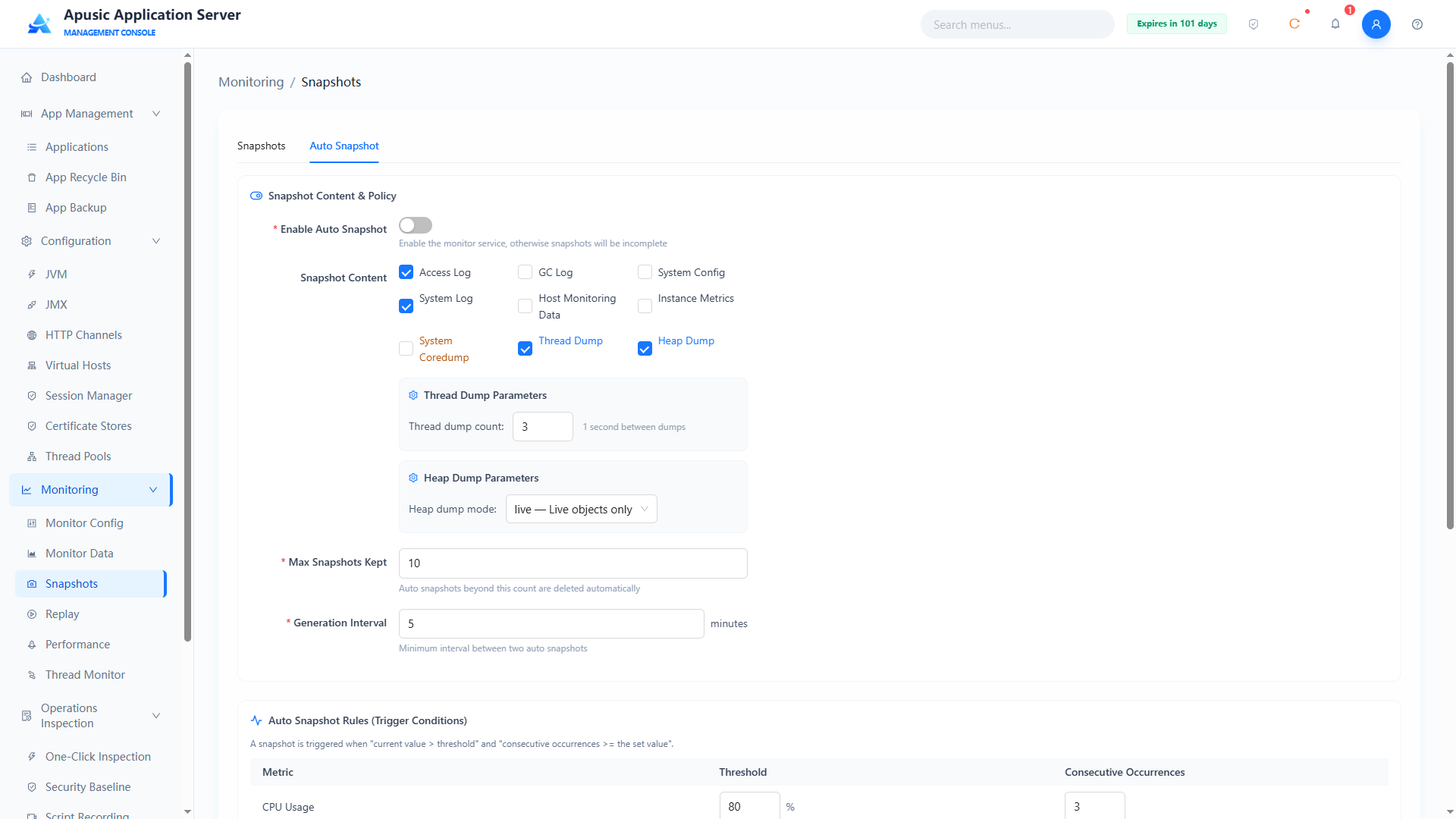
| Setting | Description |
|---|---|
| Enable Auto Snapshot | Master switch of auto snapshots; the monitoring service must be enabled, otherwise a complete snapshot cannot be obtained |
| Snapshot Content | The content to package in auto snapshots (Access Logs, GC Logs, System Configuration, System Logs, Host Monitoring Data, Instance Monitoring Metrics, System Coredump, Thread Stacks, Heapdump); Thread Stacks allows configuring the capture count (default 3, 1 second apart) and Heapdump the mode (live: live objects only) |
| Max Snapshots Retained | Upper limit of retained auto snapshots; auto snapshots beyond this count are deleted automatically |
| Generation Interval | Minimum time difference between two auto snapshots, in minutes |
| Trigger Conditions | A snapshot is triggered when "current value > threshold" and "consecutive occurrences ≥ the configured count"; thresholds and consecutive occurrence counts can be configured per metric (such as CPU usage, memory usage, etc.) |
# Replay
Replay shows historical monitoring data on a timeline, making it easy to review and analyze the system's running status within a period.
Click "Monitoring → Replay" in the left menu:

- Tabs: System Resources, JVM Monitoring, Data Sources, Application Sessions, HTTP Channels, Thread Pools;
- Supports selecting a time range to query historical data;
- Playback controls: play/pause, next frame, timeline slider dragging, playback speed selection (1x etc.);
- Displays the metrics at the selected time point in charts (such as CPU usage, memory usage, virtual memory usage, etc.).
# Performance
Performance collection samples and analyzes server performance based on async-profiler and generates result files such as flame graphs, used to locate CPU hotspots, lock contention, and other performance issues.
Click "Monitoring → Performance" in the left menu. The page contains two tabs: "Data Collection" and "Trace Analysis".
# Environment Precheck
After entering the "Data Collection" tab, the system first performs an environment precheck to confirm that the server meets the sampling conditions:
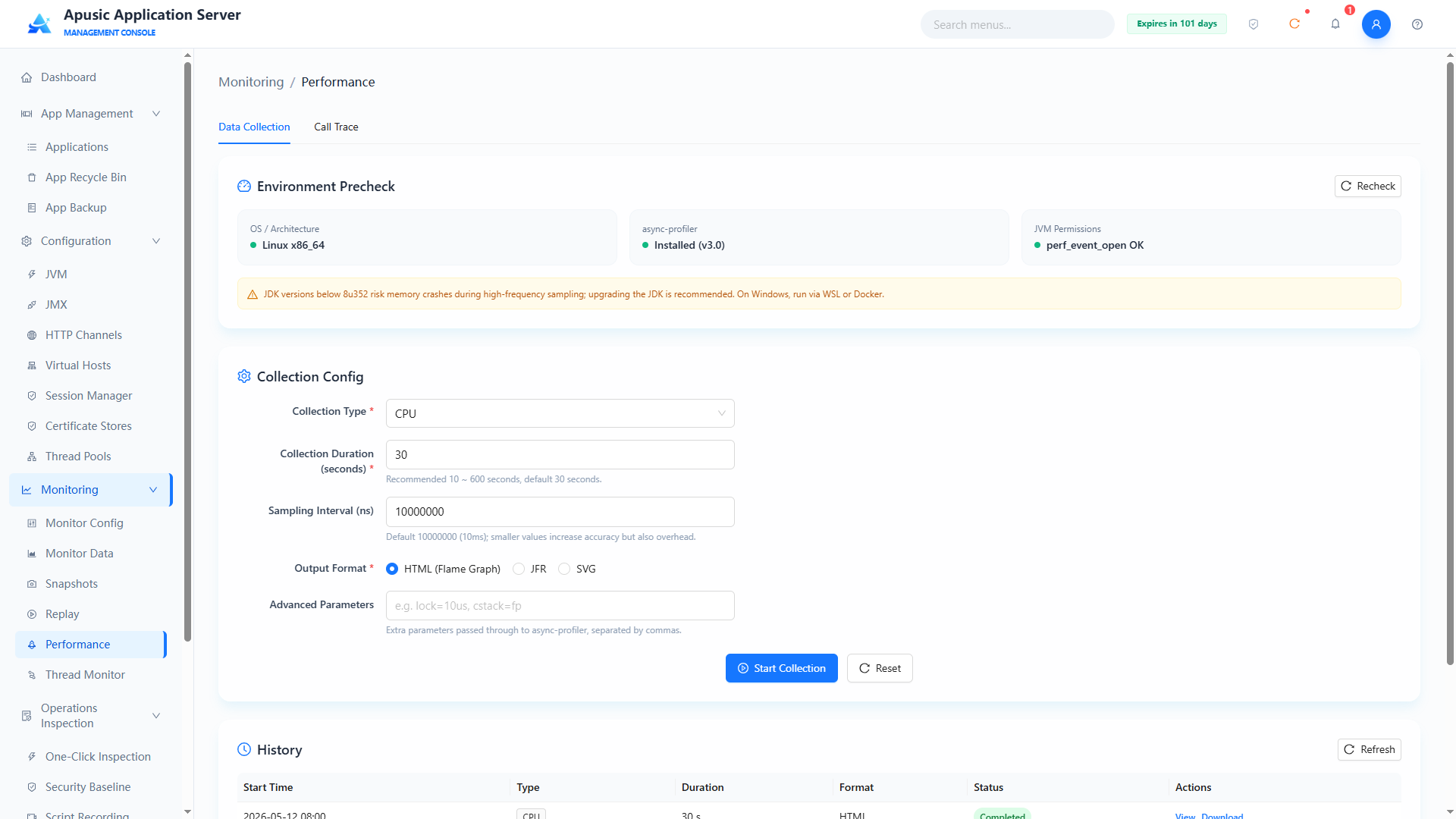
- Operating system architecture: checks whether the current server architecture (such as Linux x86_64) supports performance collection;
- async-profiler installation status: shows whether the component is installed and its version (the figure shows v3.0 installed);
- perf_event_open permission: checks whether the kernel sampling permission is normal;
- JDK version risk hint: with JDK versions below 8u352, high-frequency sampling has a crash risk, and the page shows a warning.
# Collection Configuration and Execution
- Select the collection type, e.g. CPU;
- Set the collection duration, default 30 seconds (10~600 seconds recommended);
- Set the sampling interval, default 10000000 nanoseconds (10ms);
- Select the output format: HTML flame graph, JFR, SVG;
- For fine control of sampling behavior, fill in collection parameters such as
lock=10us,cstack=fpin the advanced parameters; - Click "Start Collection" to start sampling; when done, the result file can be viewed / downloaded; click "Reset" to restore the default configuration.
# Trace Analysis
Click the "Trace Analysis" tab to enter the trace configuration page:
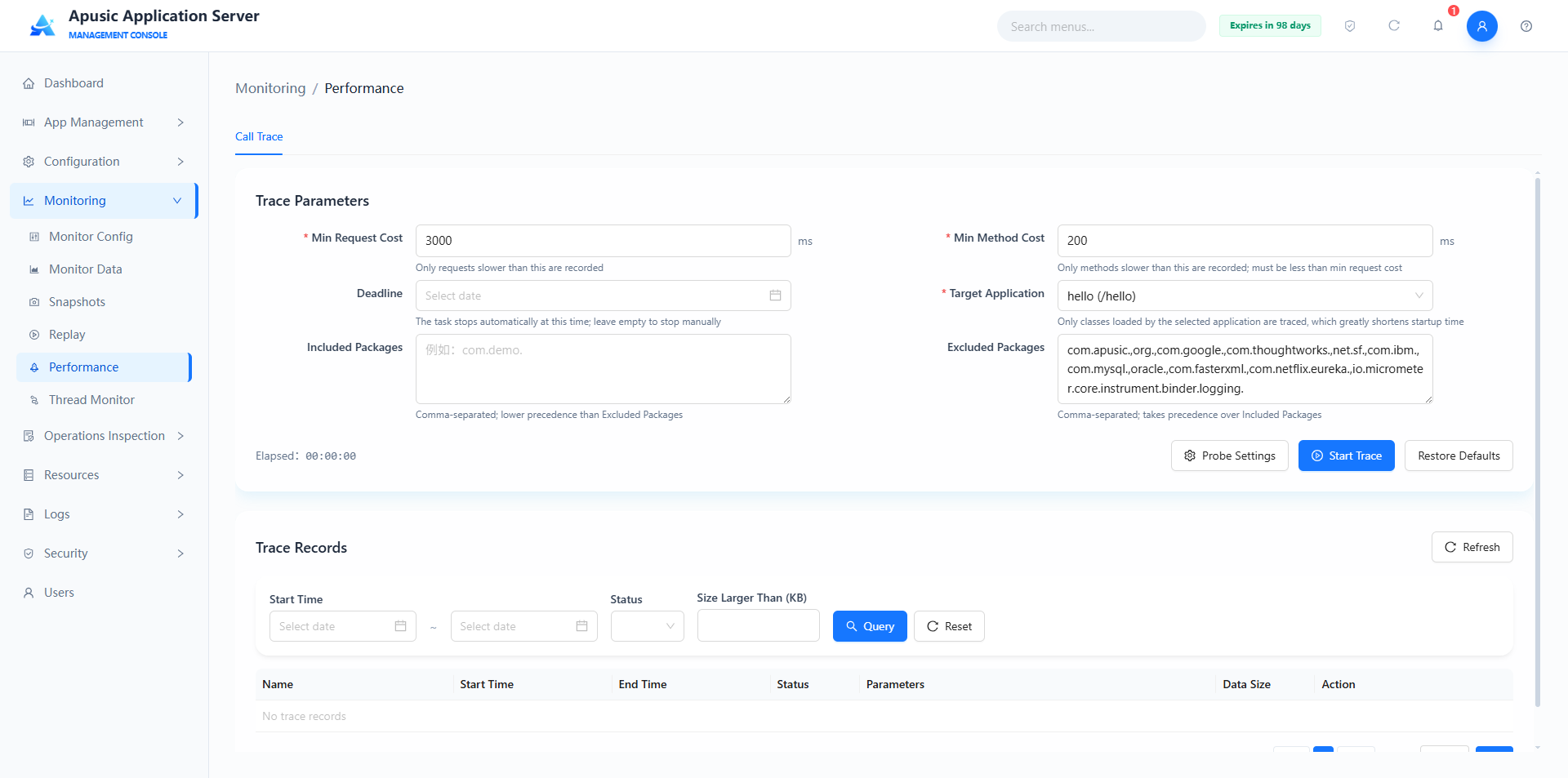
Trace parameter configuration:
| Setting | Description | Example |
|---|---|---|
| Min Request Duration | Only requests exceeding this value are recorded, in milliseconds | 3000 |
| Min Method Duration | Only methods exceeding this value are recorded; should be less than the min request duration, in milliseconds | 200 |
| Deadline | The task stops automatically at this time; when left empty it must be stopped manually | Select a date |
| Target Application | Only traces classes loaded in the selected application, which can greatly shorten the startup time | LuxuryMall (/LuxuryMall) |
| Included Packages | Multiple package names separated by commas; lower priority than "Excluded Packages" | com.demo. |
| Excluded Packages | Multiple package names separated by commas; higher priority than "Included Packages" | com.apusic.,org.,com.google. |
Probe settings:
Click the "Probe Settings" button to configure the APM probe directory:
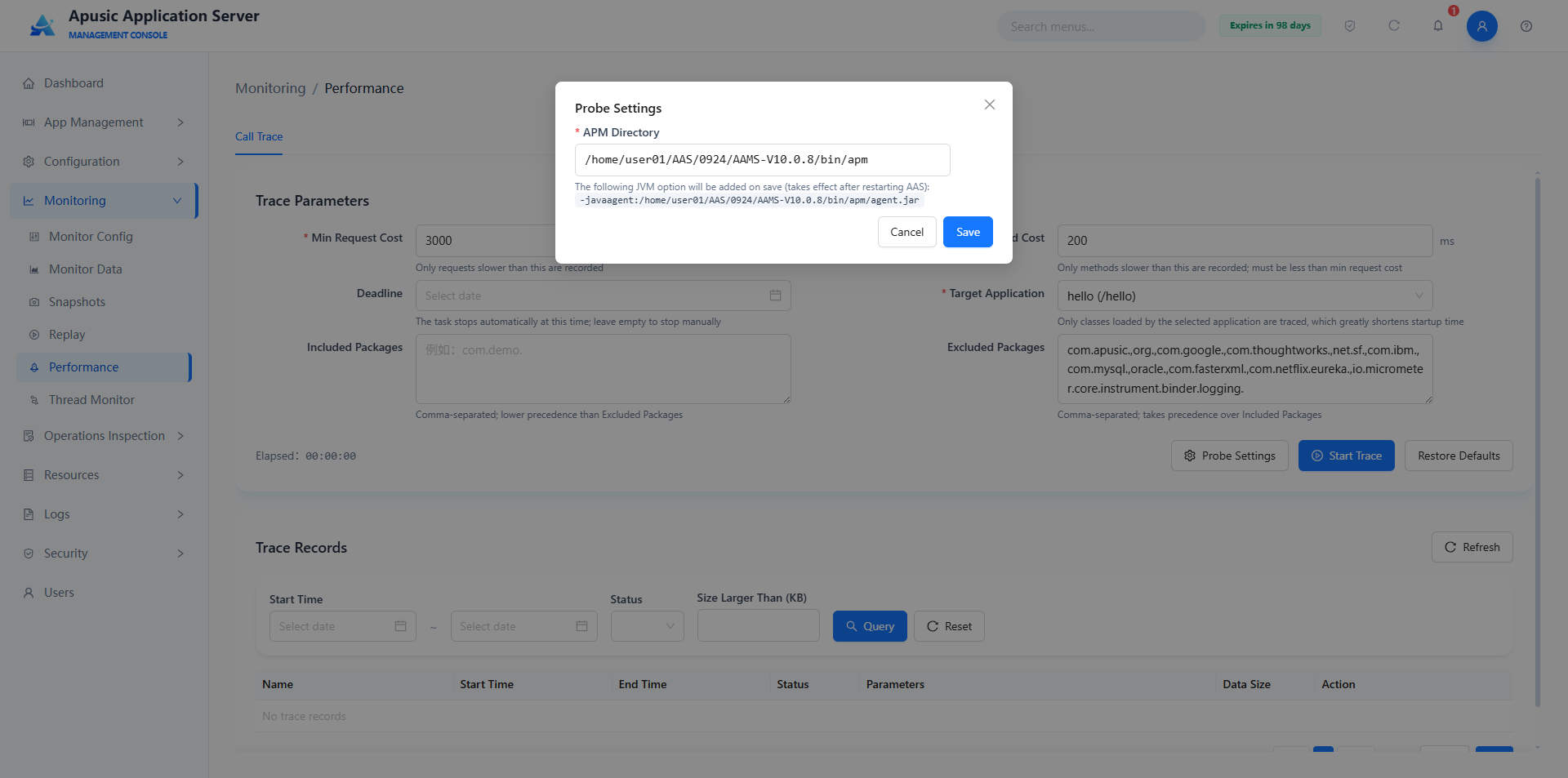
- APM directory: specifies the directory path of the APM probe;
- After saving, the JVM parameter
-javaagent:<APM directory>/agent.jaris added automatically; AAS must be restarted for it to take effect.
Running a trace:
- After completing the trace parameter configuration, click "Start Trace" to start trace data collection;
- The page shows the "Trace Duration" timer in real time;
- When the deadline is reached or the trace is stopped manually, the trace data is saved to the "Trace Records" list.
Trace record query:
| Query Condition | Description |
|---|---|
| Start Time | Filters trace records by date range |
| Status | Filters by trace task status |
| Data Size Greater Than (KB) | Filters by a lower bound of data size |
Trace record list fields: Name, Start Time, End Time, Status, Trace Parameters, Data Size, Actions (View / Download / Delete).
# Thread Monitor
Thread Monitor periodically samples server threads and displays the thread count changes, each thread's CPU usage, memory allocation, and the request being processed, in real time; it also supports thread diagnosis.
Click "Monitoring → Thread Monitor" in the left menu. The page contains two tabs: "Thread Monitor" and "Thread Diagnosis":

# Starting Thread Monitoring
- Configure the sampling parameters: sampling interval (default 3 seconds), sample data size (default 10MB);
- Click "Start Monitoring" to begin sampling; the page shows the thread count trend chart in real time (total threads, active HTTP threads, system CPU trend) and thread pool cards (e.g. http-thread-pool, showing working threads, created threads, max threads; figure: working threads 0 / created 25 / max 200);
- During sampling you can click "Export Monitoring Data" to export the sampled data for offline analysis.
# Filtering and Viewing Thread Information
The thread information list supports the following filters:
| Filter | Options |
|---|---|
| Thread Type | All / HTTP Threads / Others |
| Thread Status | All Statuses / RUNNABLE / BLOCKED / WAITING / TIMED_WAITING |
| CPU Usage | All / ≥20% / ≥40% / ≥60% / ≥80% |
List fields:
| Field | Description |
|---|---|
| Thread Name | Name identifier of the server thread |
| ID | Unique number of the thread |
| Status | Current running status of the thread, e.g. RUNNABLE, WAITING |
| CPU Usage | CPU usage percentage of the thread within the sampling period |
| Accumulated CPU | Total CPU time consumed by the thread since startup |
| Allocated Memory | Memory allocated by the thread |
| Thread Pool | The pool the thread belongs to, e.g. http-thread-pool |
| Current Request | The request address the thread is processing |
| Current Request Duration | Time elapsed processing the current request |
| Actions | Terminate / Stack |
# Thread Diagnosis
Click the "Thread Diagnosis" tab to enter the thread diagnosis page:
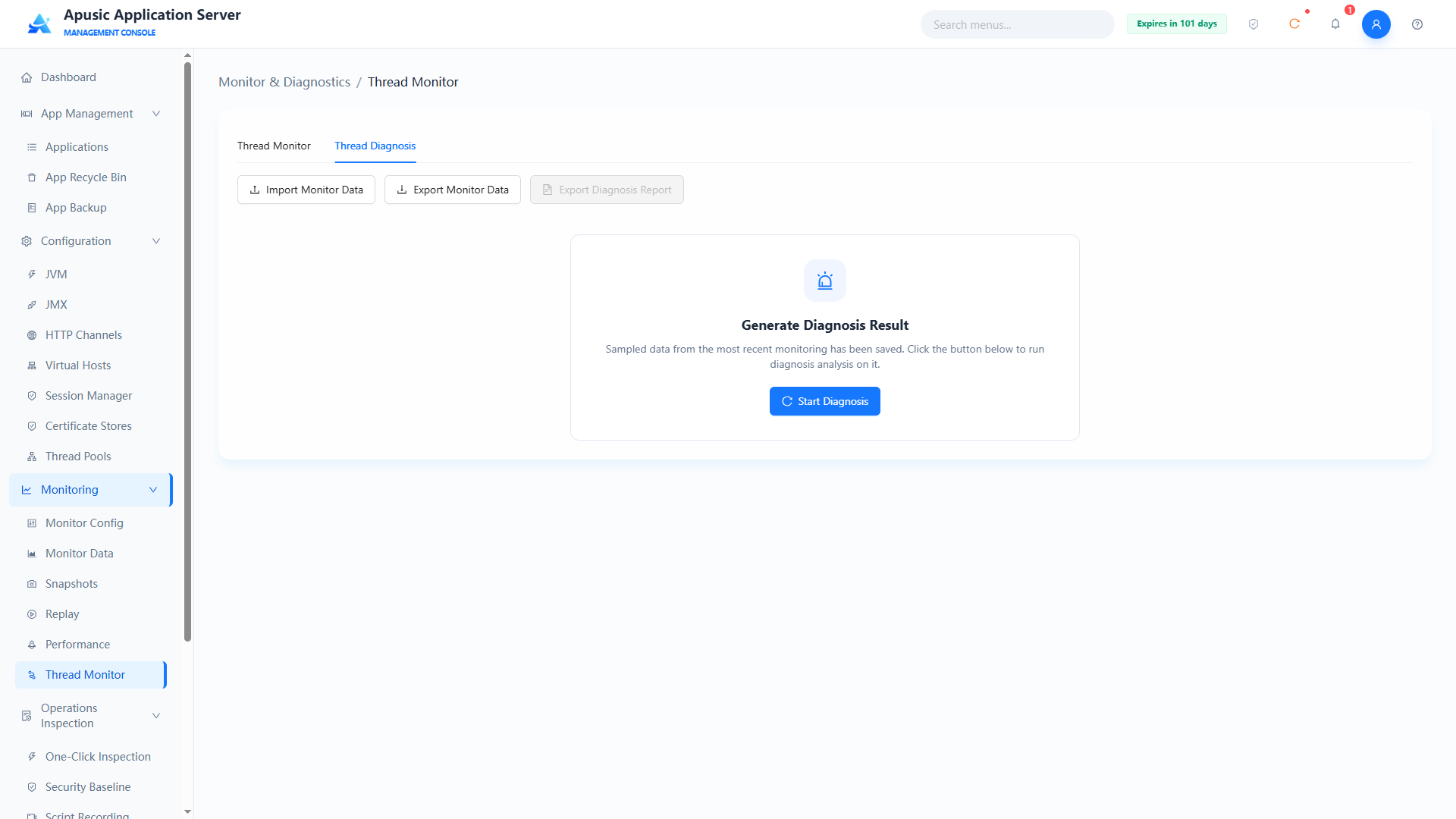
Initial-state actions:
| Action | Description |
|---|---|
| Import Monitoring Data | Imports thread monitoring sample data collected externally for offline diagnosis |
| Export Monitoring Data | Exports the current monitoring sample data |
| Export Diagnosis Report | Exports the diagnosis report after diagnosis is complete (unavailable before diagnosis) |
| Start Diagnosis | Runs diagnosis analysis on the most recent monitoring sample data |
Diagnosis result page:
After clicking "Start Diagnosis", the system analyzes the sample data and produces the diagnosis result:
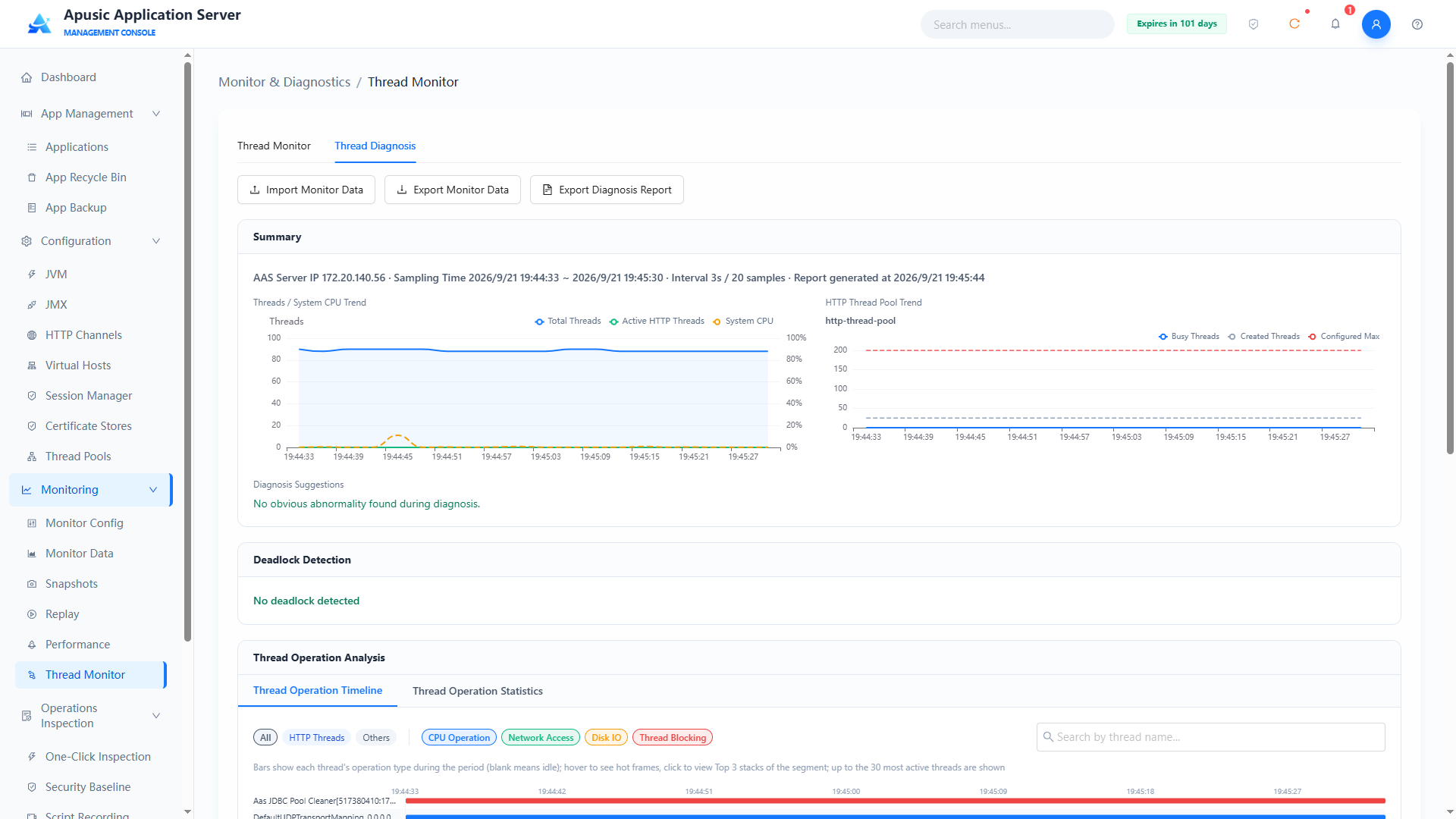
The diagnosis result contains the following modules:
- Summary: shows the server IP, sampling time range, sampling interval, number of samples, and report generation time; includes a "Thread Count / System CPU Trend" line chart (total threads, active HTTP threads, system CPU) and an "HTTP Thread Pool Trend" line chart (working threads, created threads, configured max);
- Diagnosis Opinion: the diagnostic conclusion automatically produced from the sample data, e.g. "No obvious abnormality was found during the diagnosis period";
- Deadlock Detection: automatically detects whether thread deadlocks occurred during sampling, e.g. "No deadlock detected";
- Thread Operation Analysis: contains two sub-tabs, "Thread Operation Timeline" and "Thread Operation Statistics".
Thread operation analysis:
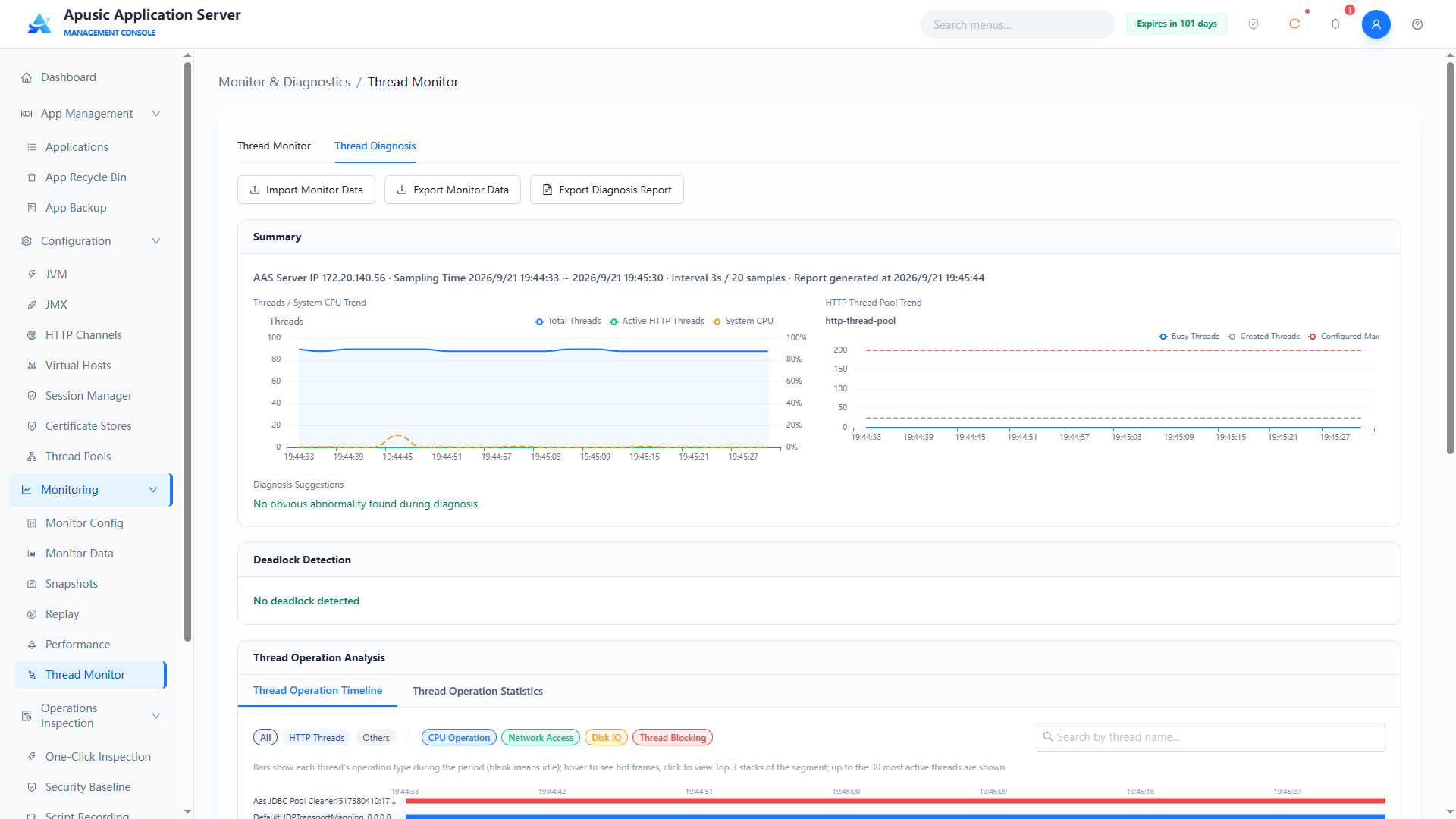
- Thread Operation Timeline: shows each thread's operation records on a timeline; supports filtering by thread type (All / HTTP Threads / Others) and operation type (CPU operations / Network access / Disk IO / Thread blocking), and fuzzy query by thread name;
- Thread Operation Statistics: shows aggregated operation data of each thread in a statistical view.
Note: Thread diagnosis depends on the sample data collected in the "Thread Monitor" tab. Start monitoring and complete sampling in the "Thread Monitor" tab first, then switch to the "Thread Diagnosis" tab to run the diagnosis analysis.
# Operations Inspection
The Operations Inspection module provides automated inspection and security checking of the server, including one-click inspection, class resource analysis, security baseline checking, script recording, and more, helping administrators quickly understand the server's health and security compliance status.
# One-Click Inspection
One-click inspection collects the running status data of the current Apusic application server and generates a corresponding inspection report.
Click "Operations Inspection → One-Click Inspection" in the left menu:
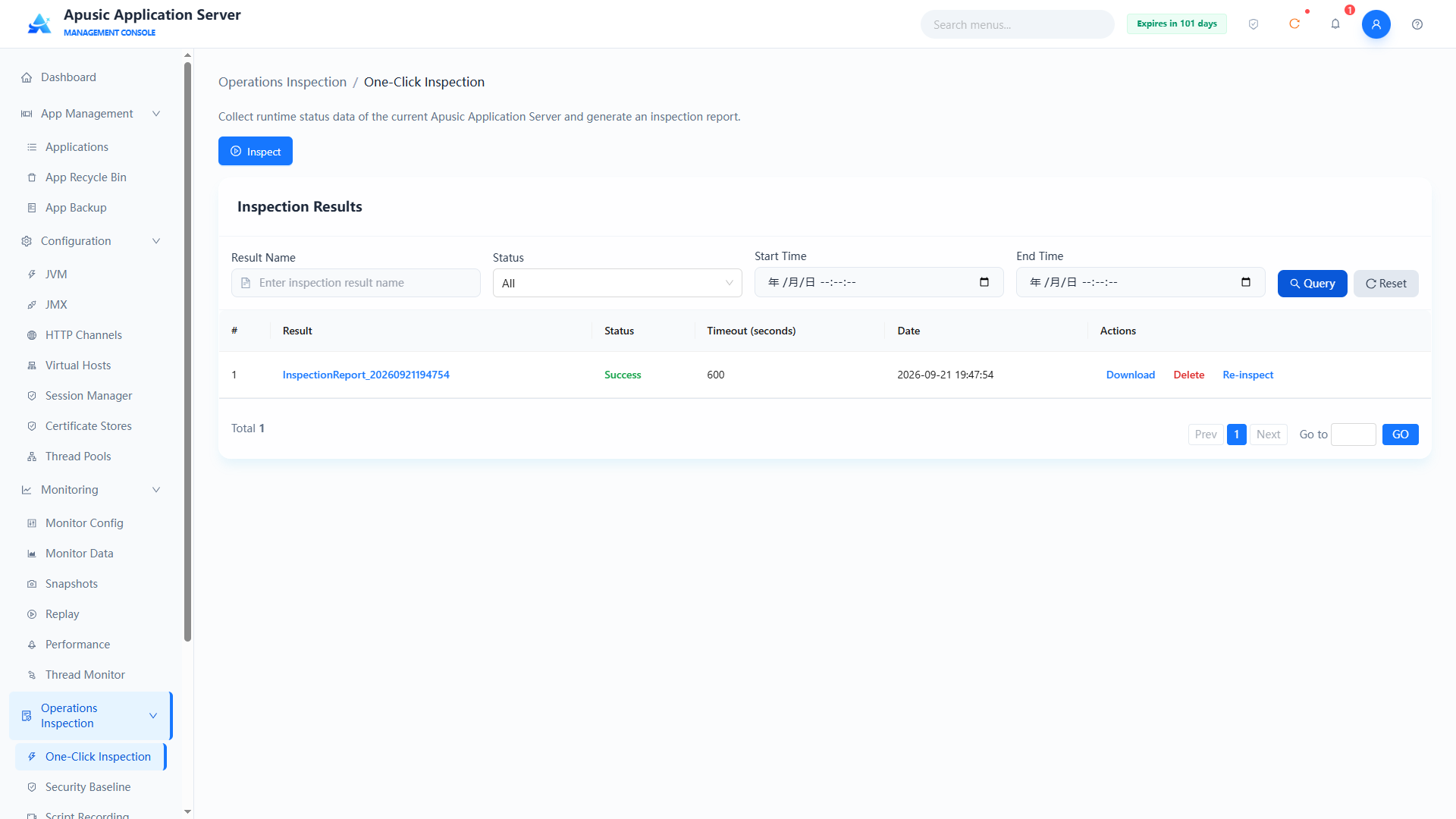
# Running an Inspection
Click the "Inspect" button to trigger an inspection task. The system collects the server's running status data and, when the inspection finishes, generates an inspection report in the "Inspection Result List".
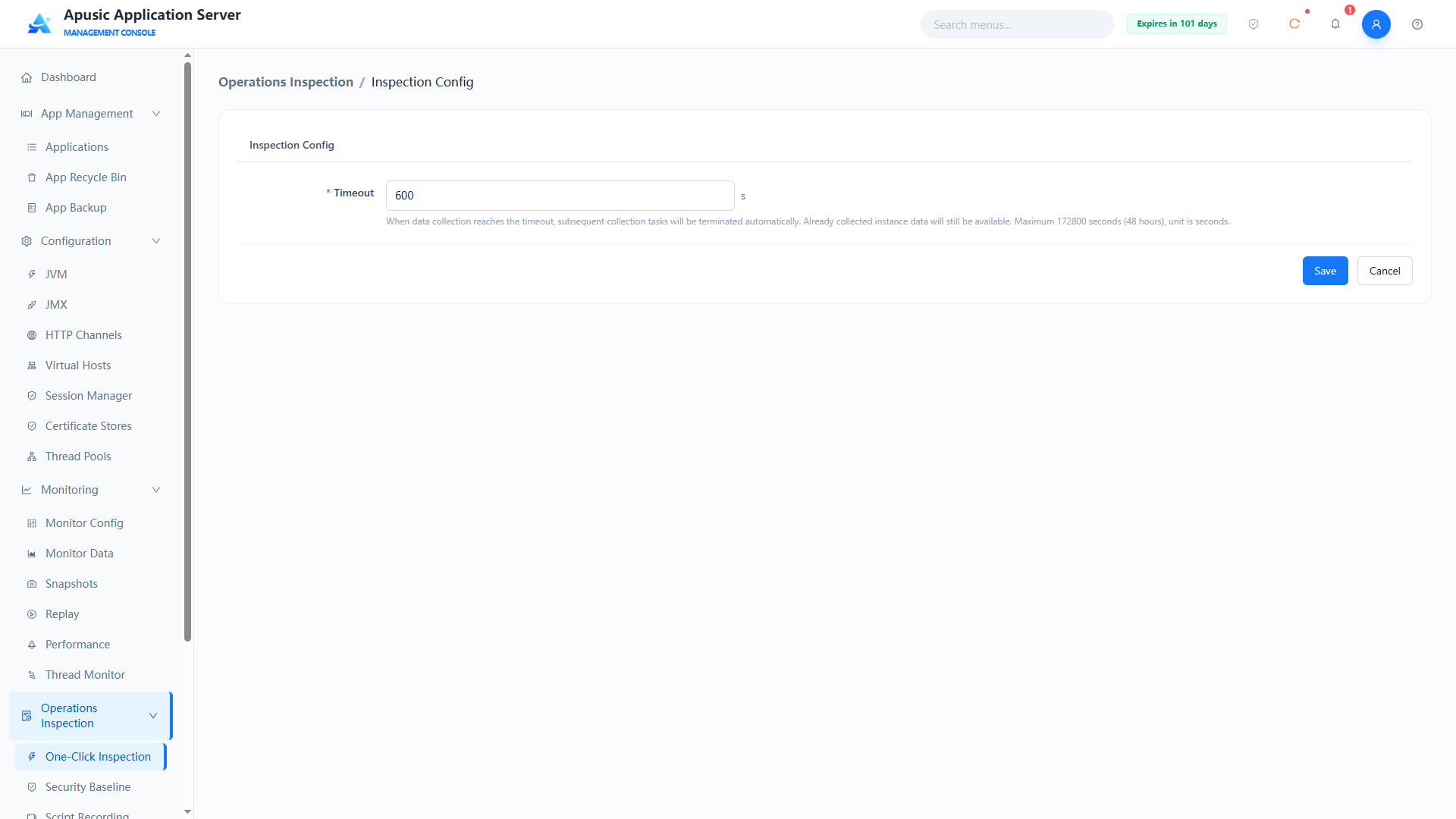
| Setting | Parameter | Description |
| Timeout | timeout | Timeout of the inspection task, in seconds. Purpose: when data collection reaches this limit, subsequent collection tasks are terminated automatically; after termination, the instance data already collected is still available. Valid values: integer, ≥1, up to 172800 seconds (48 hours). Default: 600. |
# Querying and Downloading Inspection Results
Query conditions
| Query Condition | Description | Example |
|---|---|---|
| Inspection Result | Fuzzy query by inspection result name | inspection-2026 |
| Status | Filter by inspection task status | All |
| Start Time / End Time | Filter by inspection start and end time range | 2026-09-01 ~ 2026-09-21 |
List fields
| Field | Description |
|---|---|
| No. | Sequence number of the inspection result |
| Inspection Result | Inspection result name |
| Status | Execution status of the inspection task |
| Timeout (seconds) | Timeout configured for this inspection |
| Date | Execution date of the inspection |
| Actions | Download / Delete / Re-inspect |
Click "Download" to download the inspection report locally for analysis; click "Re-inspect" to run another inspection based on that result; click "Delete" and confirm in the dialog to delete the inspection result.
# Class Resource Analysis
Class Resource Analysis inspects class loading of applications to detect class conflicts and redundant dependencies, helping troubleshoot runtime exceptions caused by duplicate classes or inconsistent versions. You can select a deployed application or upload a new application package for real-time analysis.
Click "Operations Inspection → Class Resource Analysis" in the left menu. The page contains two tabs: "Online Analysis" and "Analysis Records".
# Online Analysis
The "Online Analysis" tab is used to start a class resource analysis task:
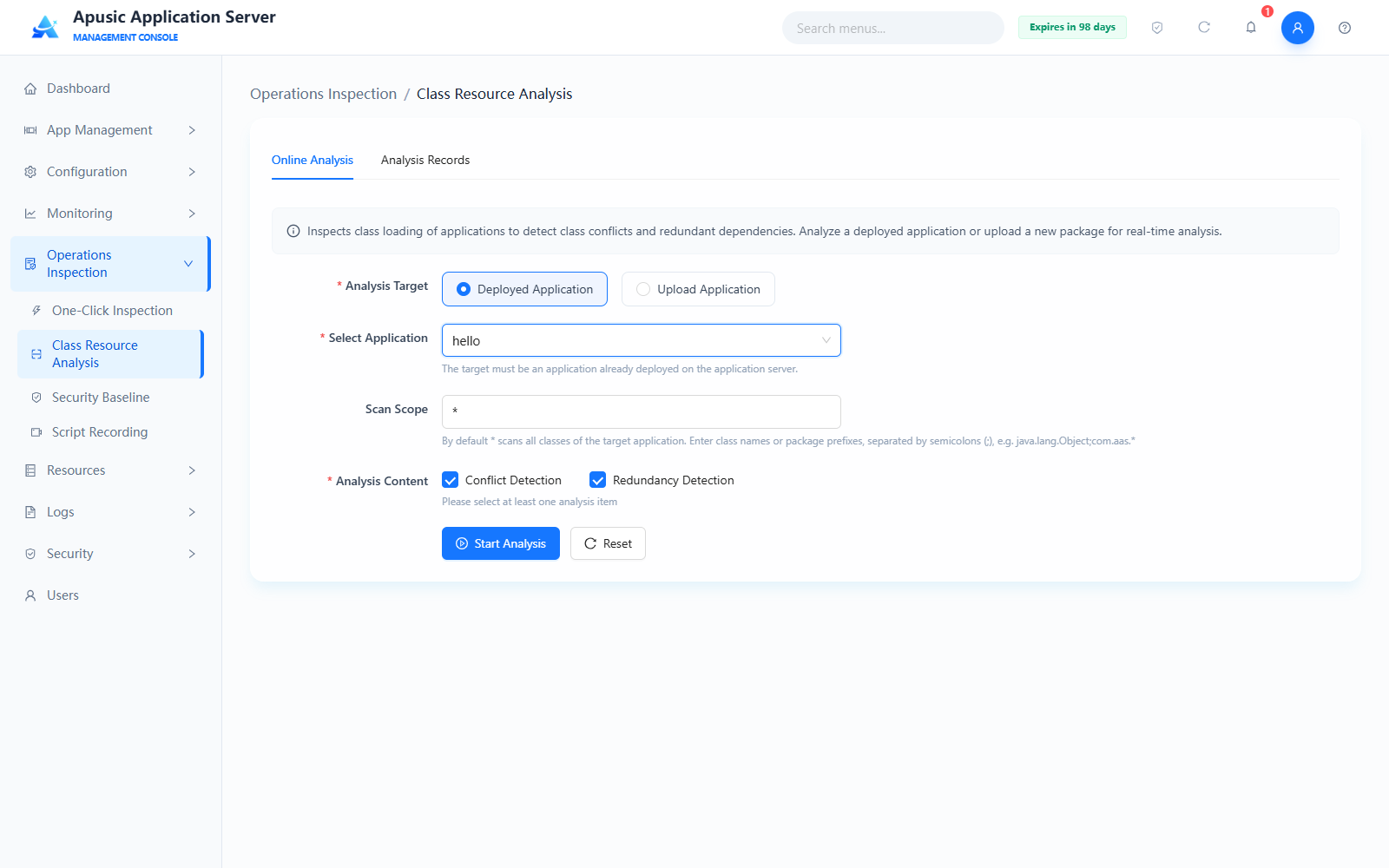
Field descriptions:
| Setting | Description |
|---|---|
| Analysis Target | Required. Either "Deployed Application" or "Upload Application". Default: Deployed Application. |
| Select Application | Required when the analysis target is "Deployed Application". Select from the dropdown an application already deployed on the application server; the target must be an application already deployed on the application server. |
| Application File | Required when the analysis target is "Upload Application". Application files in .war / .jar / .zip format are supported; the recommended file size is no more than 500 MB. |
| Scan Scope | The default * scans all classes of the target application. Enter class names or package prefix wildcards, separated by semicolons (😉, e.g. java.lang.Object;com.aas.*. |
| Analysis Content | Required; at least one item must be selected: Conflict Detection / Redundancy Detection. Both are selected by default. |
When "Upload Application" is selected, the page provides a file upload entry:
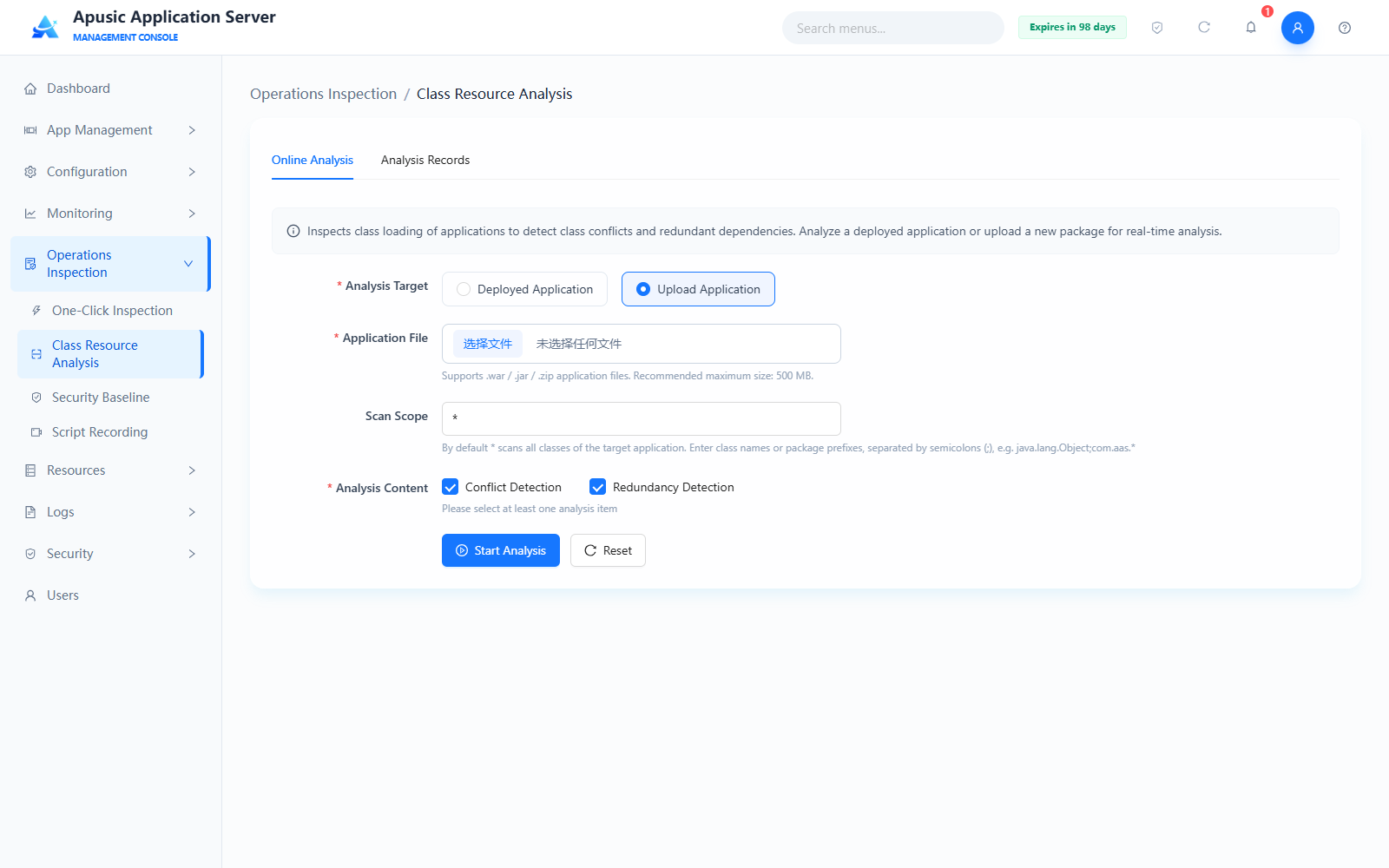
After completing the configuration, click "Start Analysis" to run the analysis; click "Reset" to clear what you have entered. When the analysis finishes, the page automatically switches to the "Analysis Records" tab.
# Analysis Records
The "Analysis Records" tab shows the results of previous analysis tasks and supports combined queries by analysis time range, analysis target, and application/file name:
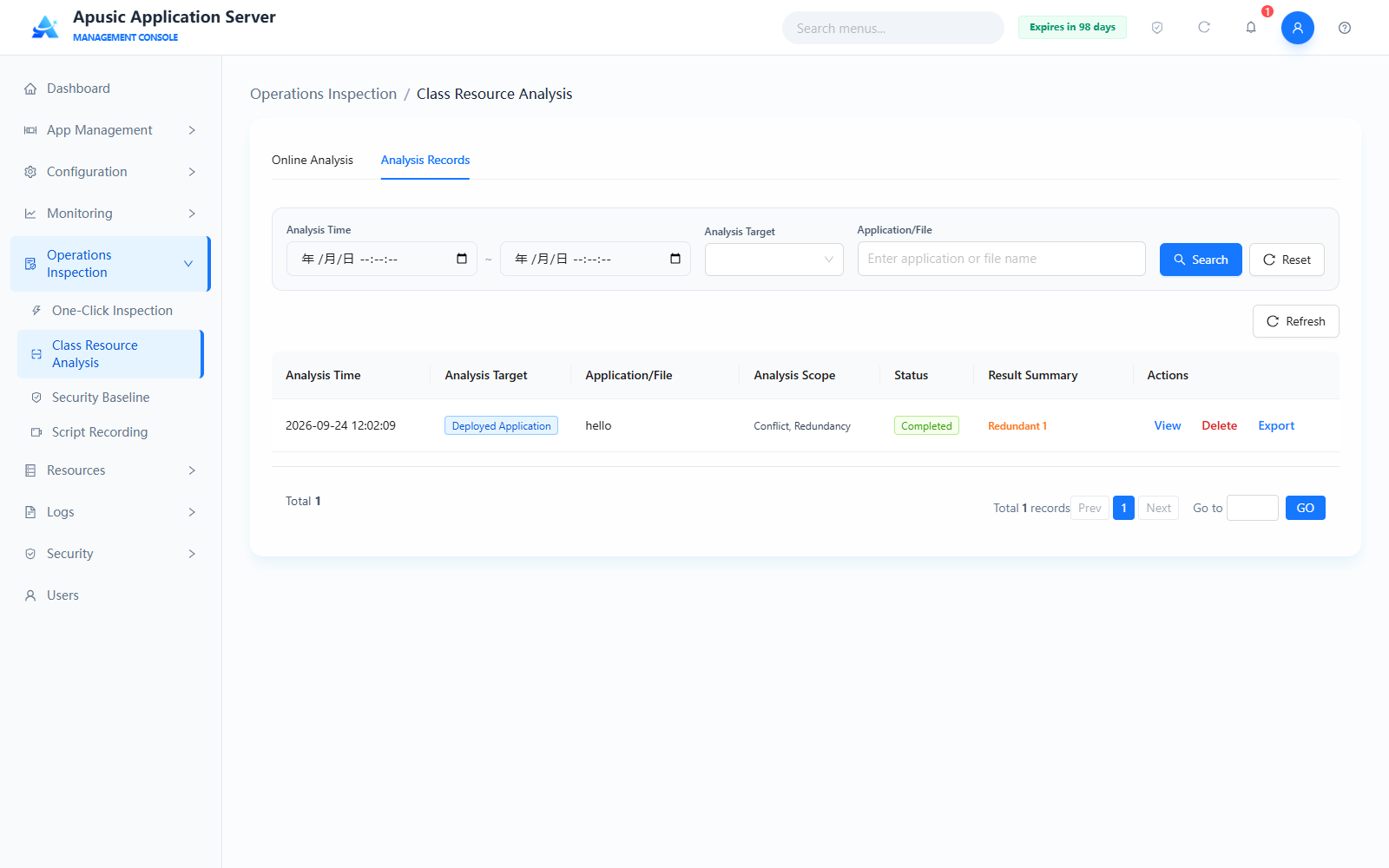
List fields:
| Field | Description |
|---|---|
| Analysis Time | Execution time of the analysis task |
| Analysis Target | Deployed Application / Upload Application |
| Application/File | Name of the analyzed application or uploaded file |
| Analysis Content | Analysis items selected for this analysis (Conflict, Redundancy) |
| Status | Execution status of the analysis task (Running / Completed / Failed) |
| Result Summary | Summary of the detection result, e.g. "Redundant 1" |
| Actions | View / Delete / Export Report |
Click "View" to open the analysis detail page, which shows the issue list and, for each problematic class, its sources, type, and resolution advice:
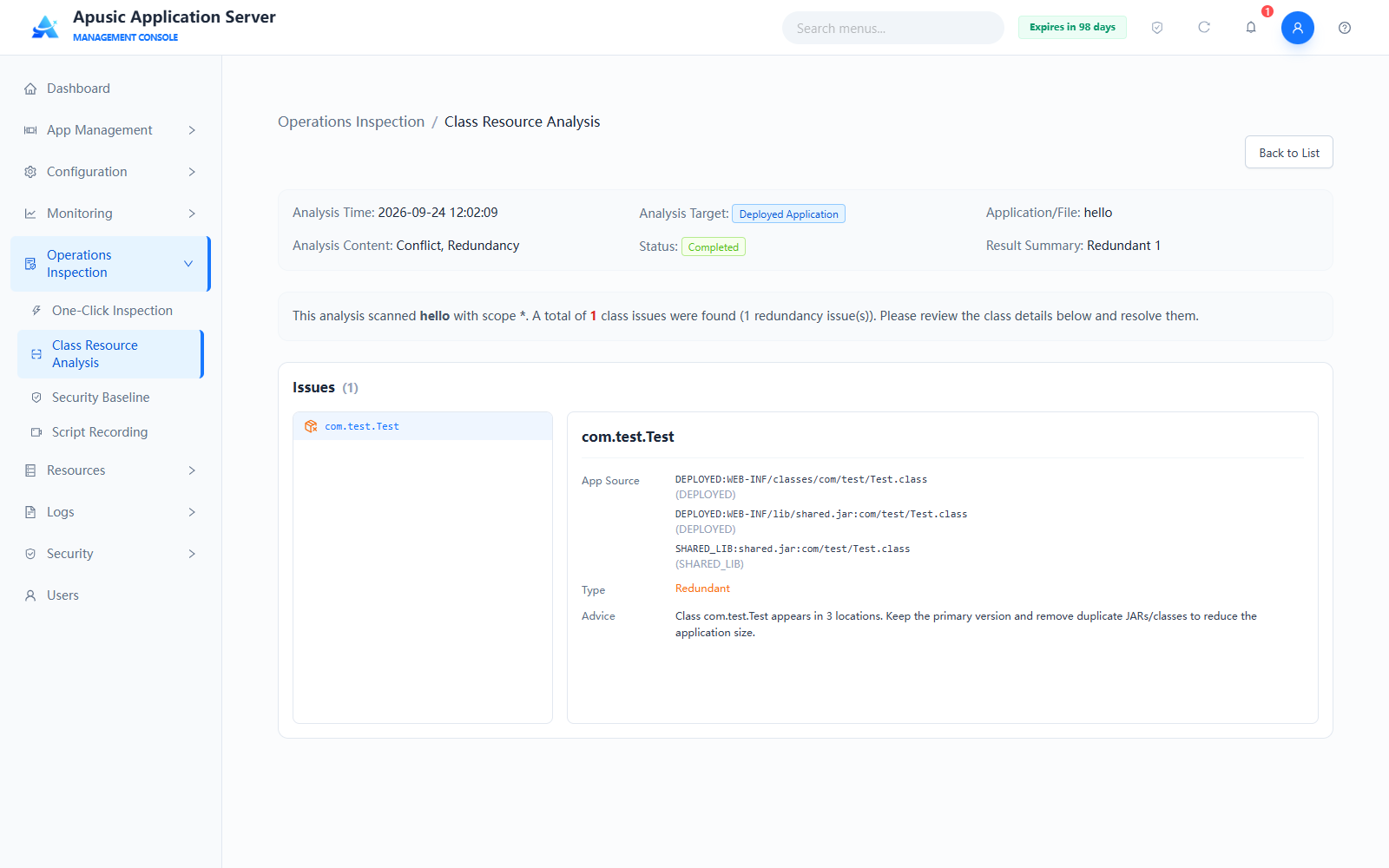
Click "Export Report" to export the analysis result locally; click "Delete" and confirm to delete the analysis record.
# Security Baseline
Security Baseline provides compliance checking of the server's security configuration, with built-in common detection rules and support for custom rules, running checks, and generating detection reports.
Click "Operations Inspection → Security Baseline" in the left menu. The page contains two tabs: "Detection Rules" and "Detection Reports".
# Detection Rule List
The "Detection Rules" tab shows all detection rules and supports filtering and batch operations:
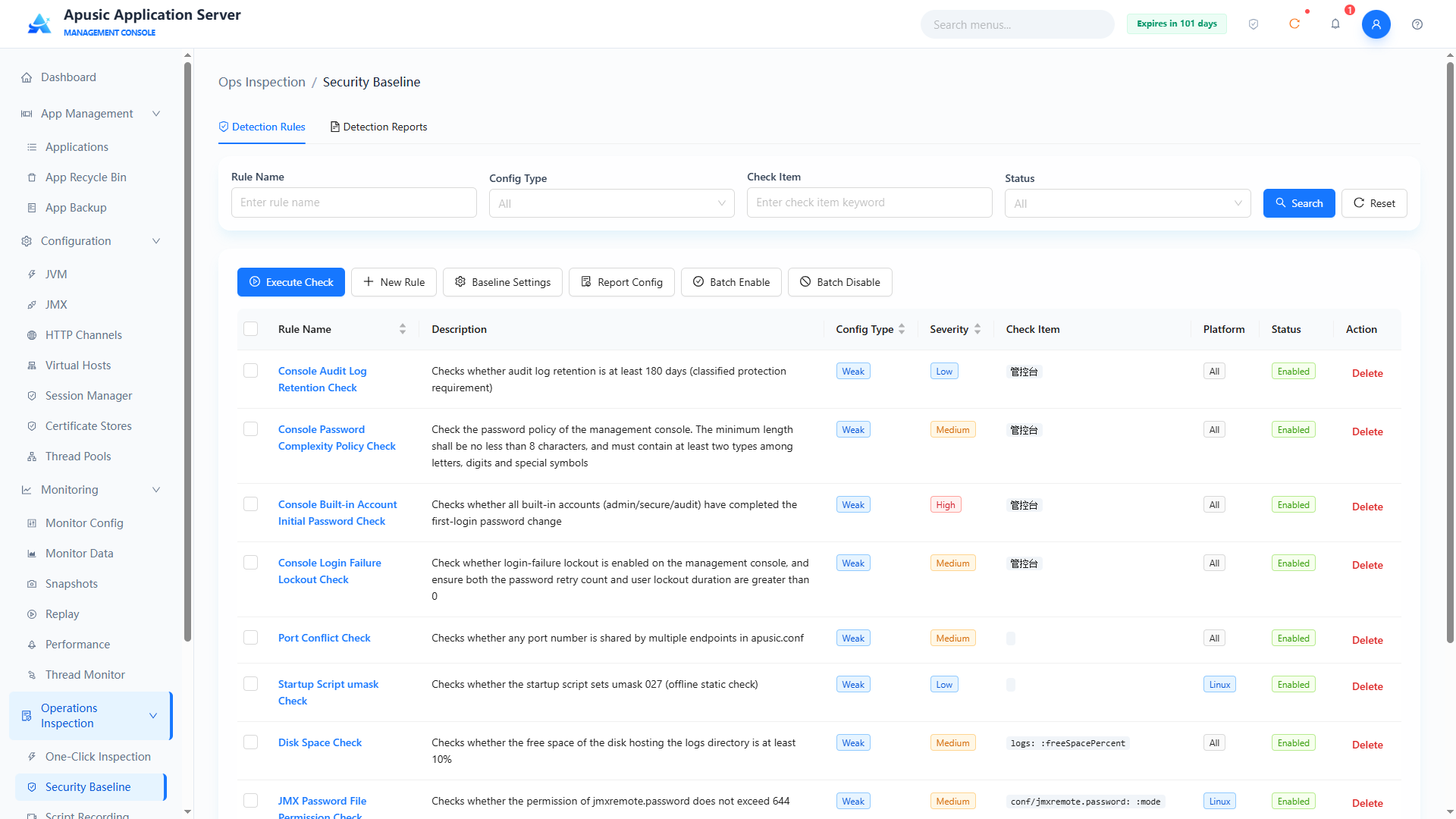
Query conditions
| Query Condition | Description | Example |
|---|---|---|
| Rule Name | Fuzzy query by rule name | Port conflict check |
| Config Type | Filter by strong config / weak config | All |
| Check Item | Fuzzy query by check item keyword | endpoint |
| Status | Filter by enabled / disabled | All |
List fields
| Field | Description |
|---|---|
| Rule Name | Detection rule name; click to view the rule configuration |
| Description | Description of what the rule checks |
| Config Type | Strong config / weak config. A non-compliant strong config causes the instance to fail to start; a non-compliant weak config does not affect startup but outputs an exception log |
| Severity | Low / Medium / High — the severity when non-compliant, used to calculate the overall report result |
| Check Item | Locating information of the configuration item the rule checks |
| Applicable Platform | All / Linux etc.; rules not applicable to the platform get the result "Not applicable" |
| Status | Enabled / Disabled; disabled rules do not participate in checks |
| Actions | Delete |
Page action buttons: Run Check, Add Rule, Baseline Settings, Report Config, Batch Enable, Batch Disable.
Examples of built-in detection rules:
- Console audit log retention check: checks that the audit log retention period is no less than 180 days (MLPS requirement);
- Console password complexity policy check: checks the console password policy — minimum length no less than 8 characters and containing at least 2 of letters, digits, and special symbols;
- Console built-in account initial password check: checks that the built-in accounts (admin/secure/audit) have all completed the first-login password change;
- Console login failure lockout check: checks that login failure lockout is enabled for the console and that both the password retry count and the user lock duration are greater than 0;
- Port conflict check: checks whether the ports of all endpoints in apusic.conf are duplicated;
- Startup script umask check: checks whether the startup script sets umask 027 (offline static check);
- Disk space check: checks that the free space of the disk holding the log directory is no less than 10%;
- JMX password file permission check: checks that the permissions of the jmxremote.password file do not exceed 644.
# Running a Check
Run Check immediately executes a compliance check on the selected rules and generates a detection report:
- In the detection rule list, check the rules to check (multiple selection supported);
- Click the "Run Check" button; if no rule is selected, the top of the page prompts "Please select rules to check first":
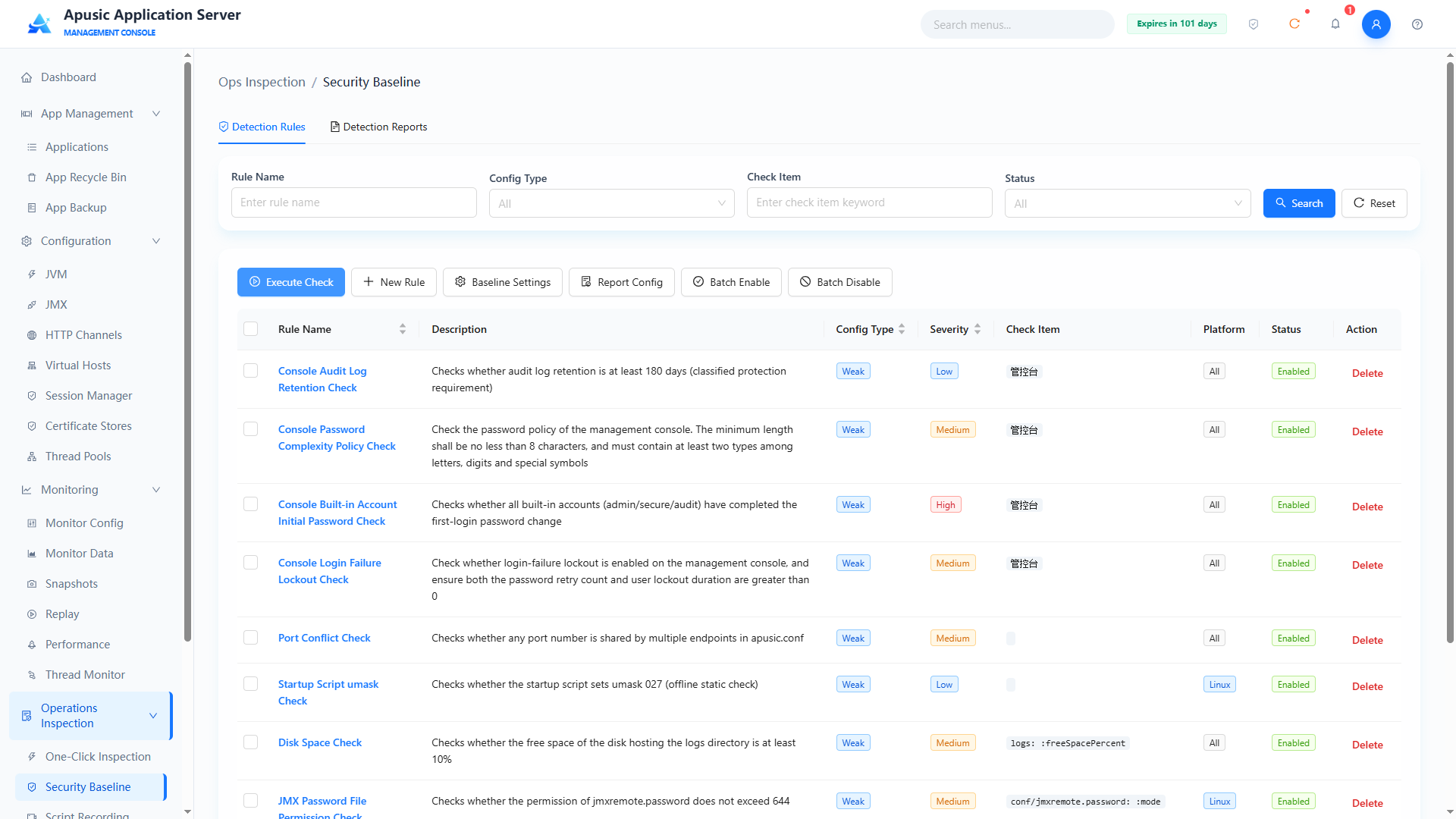
- After selecting rules, click "Run Check"; the system checks configuration compliance rule by rule:
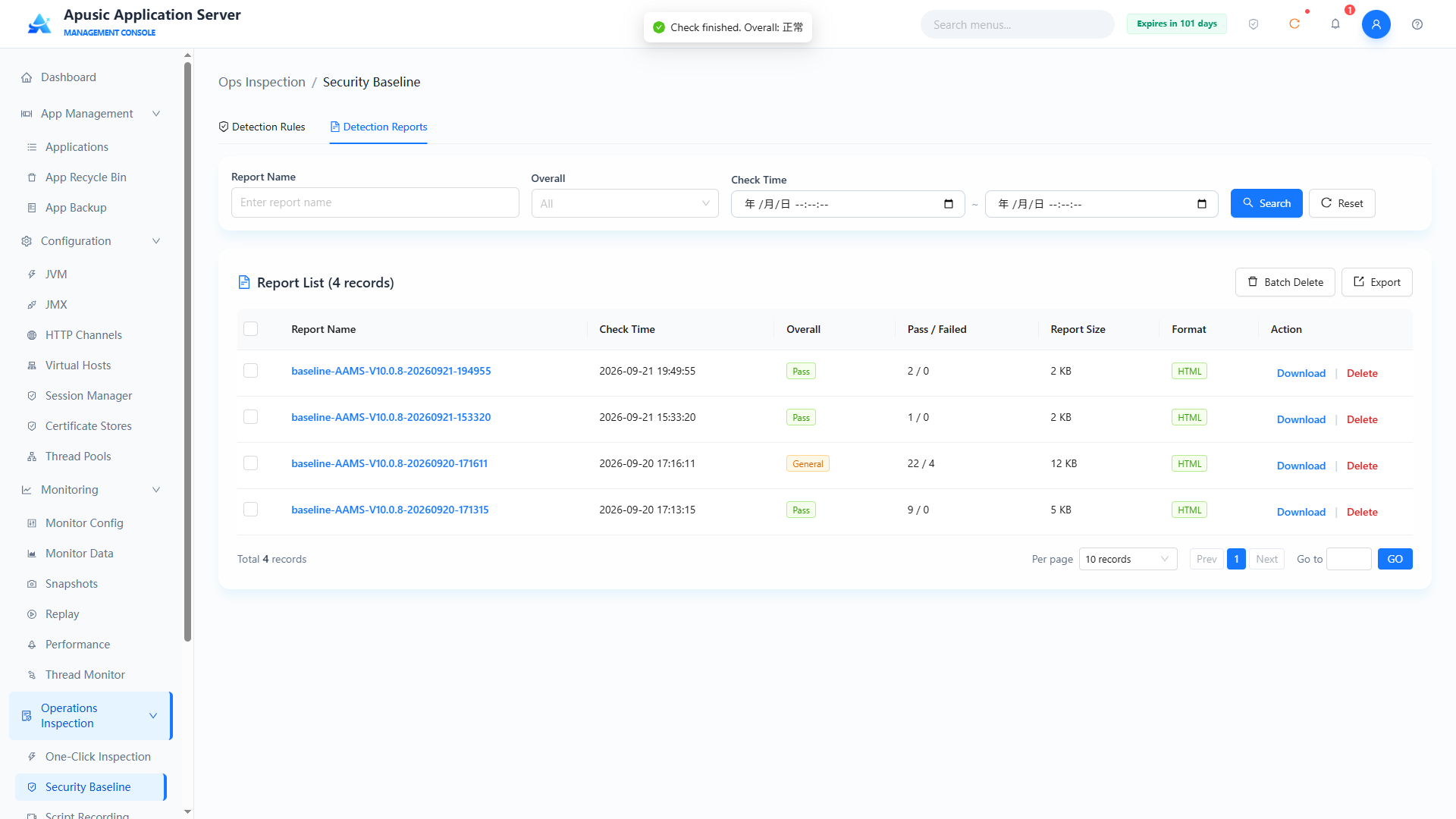
- When the check completes, the page switches to the "Detection Reports" tab automatically and a new report is generated in the report list; see "Detection Reports".
# Adding a Rule
Click "Add Rule" to enter the "Add Detection Rule" page. The form has three groups: "Basic Information", "Check Configuration", and "Remediation Advice":
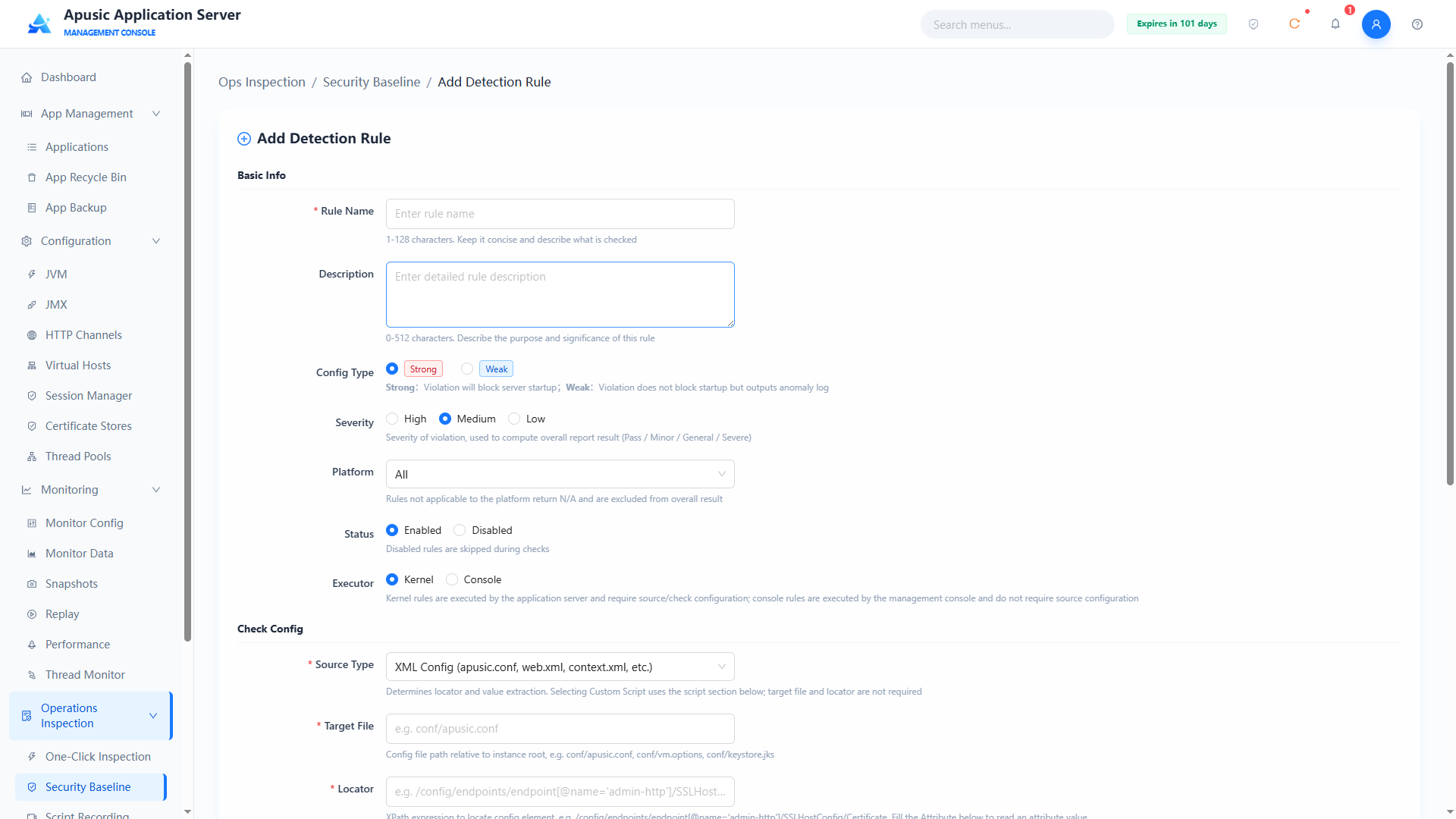
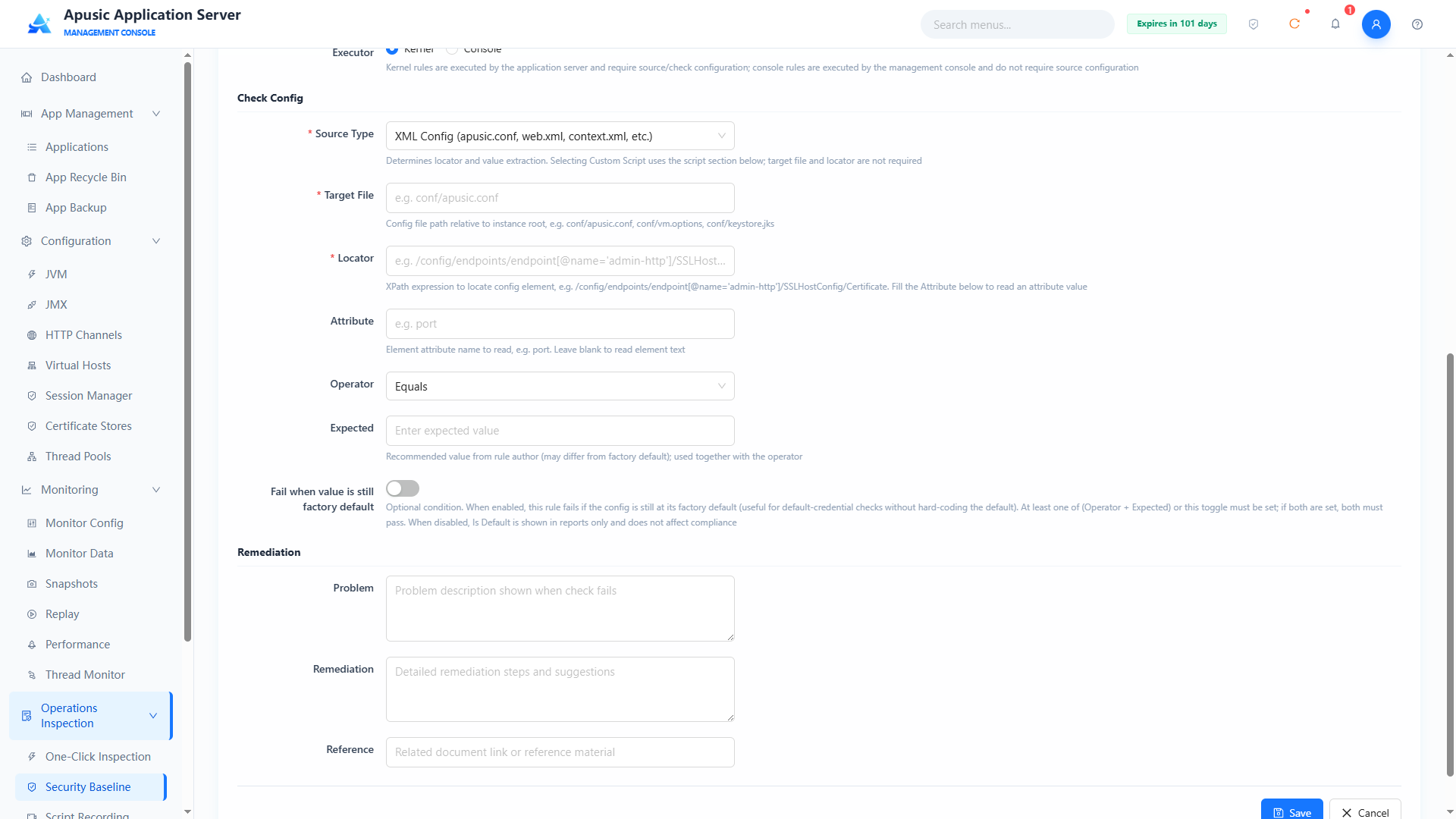
Basic Information
| Setting | Parameter | Description |
| Rule Name | ruleName | Name of the detection rule. Purpose: uniquely identifies a detection rule. Valid values: string, 1~128 characters; should briefly and clearly describe what is checked; required. Default: empty. |
| Rule Description | ruleDesc | Detailed description of the rule. Purpose: describes the purpose and meaning of the check. Valid values: string, 0~512 characters. Default: empty. |
| Config Type | configType | Configuration strength of the rule. Purpose: a non-compliant strong config causes the instance to fail to start; a non-compliant weak config does not affect startup but outputs an exception log. Valid values: single choice, Strong Config / Weak Config. Default: Strong Config. |
| Severity | severity | Severity when non-compliant. Purpose: used to calculate the overall report result (Normal / Minor Abnormality / General Abnormality / Severe Abnormality). Valid values: single choice, High / Medium / Low. Default: Medium. |
| Applicable Platform | platform | Operating system platform the rule applies to. Purpose: rules not applicable to the platform get the result "Not applicable" and are excluded from the overall result statistics. Valid values: dropdown, e.g. All, Linux. Default: All. |
| Status | status | Enabled state of the rule. Purpose: disabled rules do not participate in checks. Valid values: single choice, Enabled / Disabled. Default: Enabled. |
| Executor | executor | Executor of the rule. Purpose: kernel rules are executed by the application server and require a check source and check mode; console rules are executed by the management console and need no check source configuration. Valid values: single choice, Kernel / Console. Default: Kernel. |
Check Configuration
| Setting | Parameter | Description |
| Source Type | sourceType | Source type of the check data. Purpose: determines the meaning of the locator and attribute as well as the form fields displayed. Valid values: dropdown, one of XML Config (apusic.conf, web.xml, context.xml, etc.), Properties Config (apusic.properties, logging.properties, etc.), Text Content (regex match), JVM Args (vm.options), File Attributes (permission / owner / size, etc.), Custom Script; required. Default: XML Config (apusic.conf, web.xml, context.xml, etc.). |
| Target File | targetFile | Path of the file to check. Purpose: locates the file to check; the value is a path relative to the instance root directory. Valid values: string, e.g. conf/apusic.conf, conf/vm.options, conf/logging.properties, conf/keystore.jks; a directory (e.g. logs) may be entered when the source type is "File Attributes (permission / owner / size, etc.)"; not required when "Custom Script" is selected; required for the other types. Default: empty. |
| Locator | locator | Locating expression of the configuration element. Purpose: locates the content to check within the target file; the syntax varies with the source type. Valid values: for XML Config, an XPath expression such as /config/endpoints/endpoint[@name='admin-http']; for Properties Config, a property key such as java.util.logging.ConsoleHandler.level; for Text Content, a regular expression such as jdwp|-Xdebug; for JVM Args, a single argument name without the - prefix, such as Xmx, Dfile.encoding; not applicable to the File Attributes and Custom Script types. Default: empty. |
| Attribute | attrName | Name of the attribute to read. Purpose: for the XML Config type, the XML attribute name of the element — when left empty, the element's text content is taken, e.g. port; for the File Attributes type, a file attribute name: mode (permission), owner, group, size, mtime (modification time), freeSpacePercent (free disk space percentage); not applicable to the other types. Default: empty. |
| Ignore Comment Lines | ignoreComments | Whether to skip comment lines during the check. Purpose: shown only for the "Text Content (regex match)" type; when on, # comment lines are skipped before matching to avoid false positives from commented content. Valid values: switch, On / Off. Default: Off. |
| Operator | checkMode | How the actual value is compared with the expected value. Purpose: works with the expected value to determine compliance. Valid values: dropdown, one of Equals, Not equals, Greater than, Greater than or equals, Less than, Less than or equals, Contains, Regex matches, Regex not matches, Exists, Not exists; "Exists / Not exists" requires no expected value; when "Regex not matches" is selected and no expected value is entered, a locator hit is judged as a violation. Default: Equals. |
| Expected | expectedValue | Recommended value given by the rule author. Purpose: used together with the operator; may differ from the factory default. Valid values: string; for the JVM Args source type, enter the value in the original JVM argument format, e.g. 1024m; for switch-type arguments, + / - is used as the expected value. Default: empty. |
| Fail when value is still factory default | defaultAsViolation | Optional judgment condition. Purpose: when on, the rule is judged non-compliant if the configuration item is still at its factory default (suitable for scenarios such as default passwords); at least one of "operator + expected value" and this switch must be configured, and when both are configured both conditions must be met; when off, "is default" is only marked in the report and does not affect the compliance judgment. Valid values: switch, On / Off. Default: Off. |
When "Custom Script" is selected as the source type, the "Check Config" group shows only the source type, and the remaining parameters are replaced by the "Custom Check Script" group:
Custom Check Script
| Setting | Parameter | Description |
| Script Type | scriptType | Type of the check script. Purpose: determines the content format and execution mode of the script. Valid values: dropdown; currently Groovy is supported. Default: Groovy. |
| Script Name | scriptName | Name of the script file. Purpose: a file name without a directory; after saving, the script is stored in the instance's conf/baseline/checkers/ directory. Valid values: string, e.g. port-conflict.groovy. Default: empty. |
| Check Script | scriptContent | Content of the check script. Purpose: write the custom check logic; for the writing conventions see "Custom Check Script Conventions". Valid values: Groovy script code; required. Default: empty. |
Remediation Advice
| Setting | Parameter | Description |
| Problem Description | problemDesc | Problem description shown when the check fails. Valid values: string. Default: empty. |
| Fix Advice | fixAdvice | Detailed remediation steps and suggestions. Valid values: string. Default: empty. |
| Reference | reference | Related document link or reference material. Valid values: string. Default: empty. |
After filling in, click "Save" to create the rule, or "Cancel" to abort and return to the list.
# Source Type and Parameter Differences
The locator syntax, the meaning of the attribute, and the form fields displayed differ across source types, summarized as follows:
| Source Type | Locator Syntax | Attribute | Form Differences | Typical Check Scenarios |
|---|---|---|---|---|
| XML Config (apusic.conf, web.xml, context.xml, etc.) | XPath expression | XML attribute name; the element text is taken when left empty | Shows all check parameters | SSLEnabled of the management channel, session timeout |
| Properties Config (apusic.properties, logging.properties, etc.) | Property key | Not applicable | Attribute not shown | Log level and other key-value configurations |
| Text Content (regex match) | Regular expression | Not applicable | Attribute not shown; Ignore Comment Lines shown | Remote debugging arguments and other "presence means violation" items |
| JVM Args (vm.options) | Single argument name without the - prefix | Not applicable | Attribute not shown | Heap memory lower bound, GC arguments, system properties |
| File Attributes (permission / owner / size, etc.) | Not applicable | mode / owner / group / size / mtime / freeSpacePercent | Locator not shown; the target file may be a directory | Keystore permissions, free space of the log directory |
| Custom Script | Not applicable | Not applicable | Target File, Locator, Operator, and Expected not shown; the Custom Check Script group is shown | Port conflict and other checks that require custom logic |
# Source Type Configuration Examples
# Example 1: XML Config — Mandatory HTTPS check for the management console
Checks whether SSL is enabled on admin-http, the dedicated channel of the management console; if not enabled, the check fails:
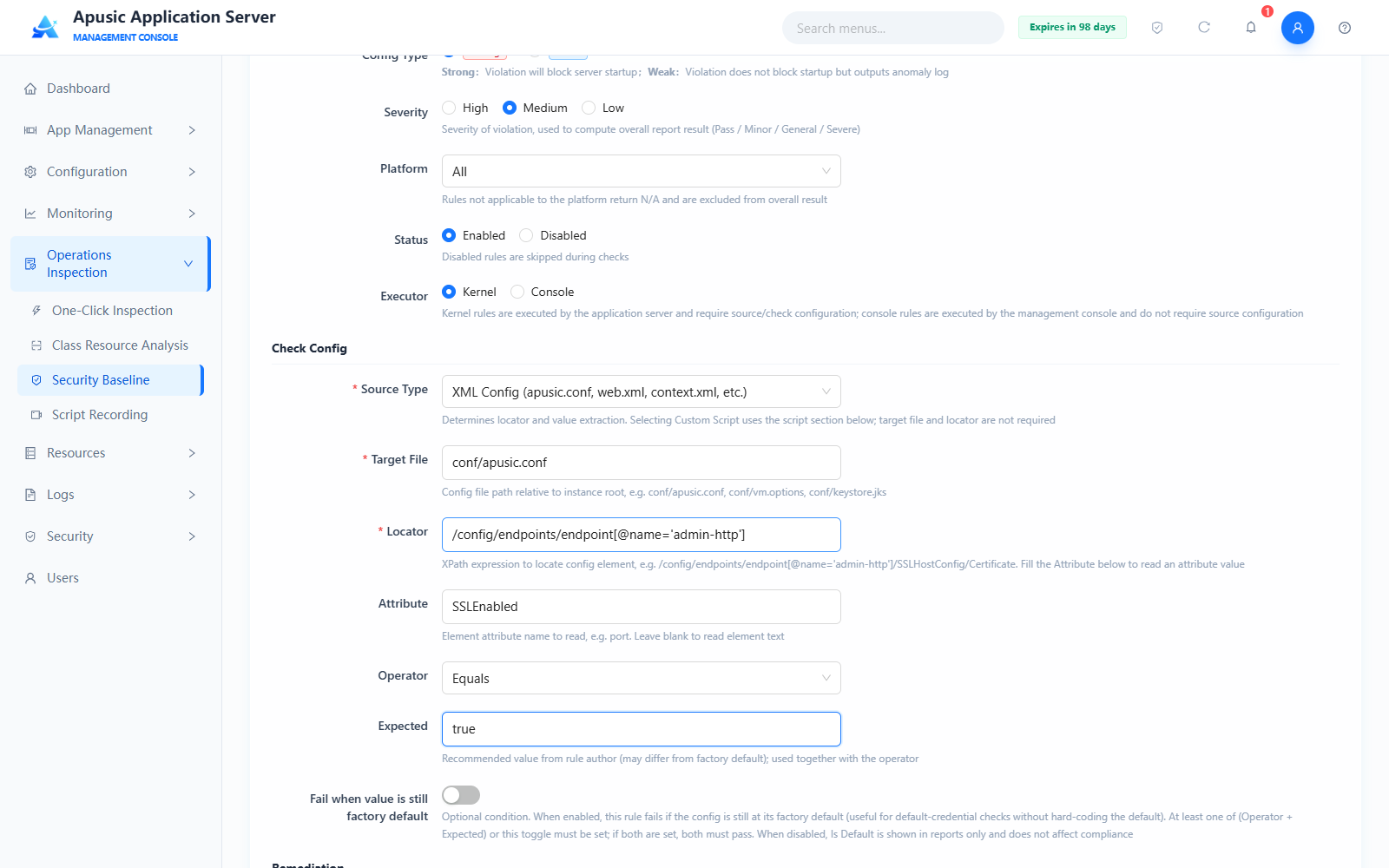
Check Config values:
| Setting | Value |
|---|---|
| Source Type | XML Config (apusic.conf, web.xml, context.xml, etc.) |
| Target File | conf/apusic.conf |
| Locator | /config/endpoints/endpoint[@name='admin-http'] |
| Attribute | SSLEnabled |
| Operator | Equals |
| Expected | true |
Check logic: the XPath locates the endpoint element named admin-http, reads its SSLEnabled attribute, and judges the rule compliant if the value equals true; otherwise non-compliant.
# Example 2: Properties Config — Console log level check
Checks whether the console log output level is INFO:
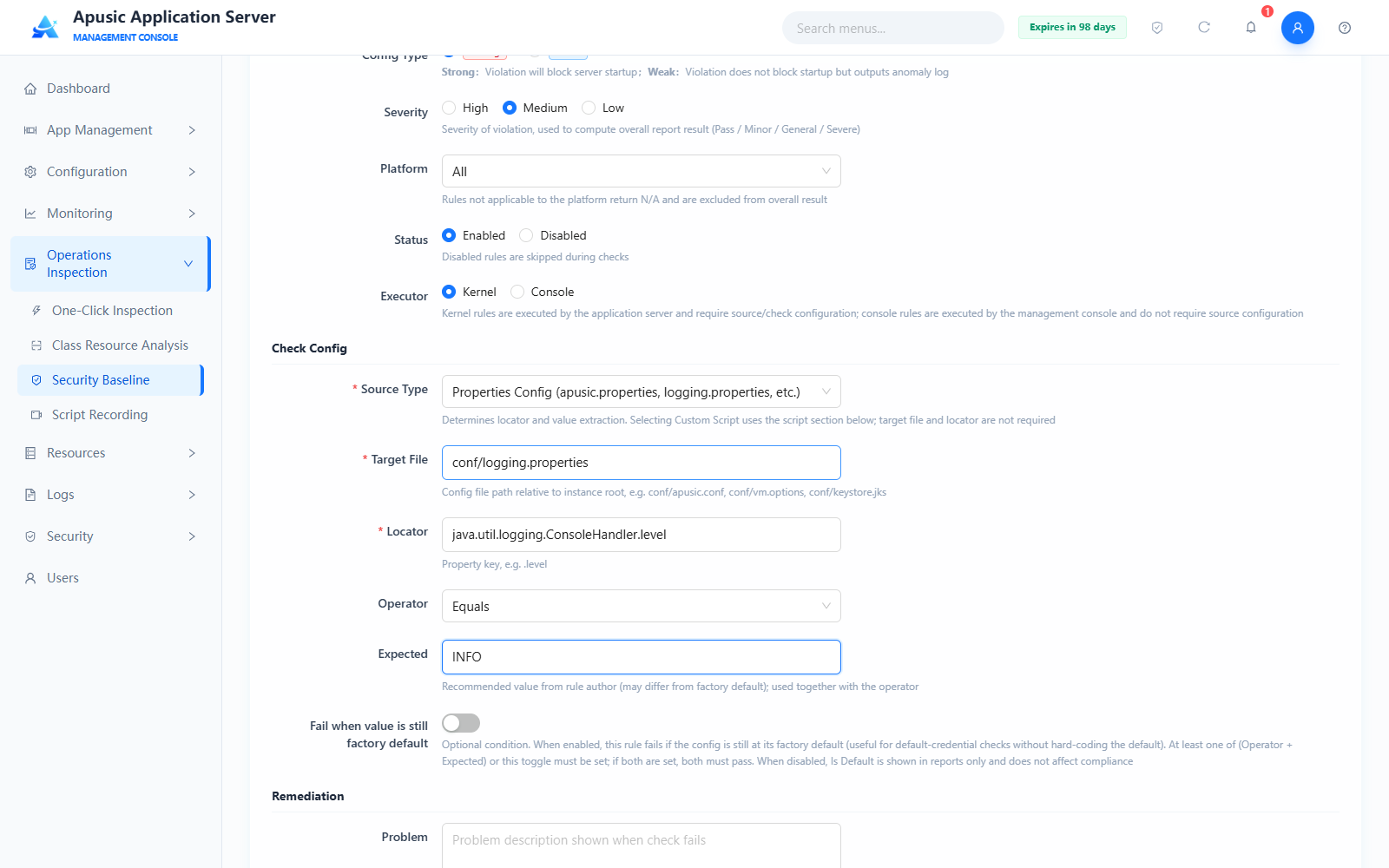
Check Config values:
| Setting | Value |
|---|---|
| Source Type | Properties Config (apusic.properties, logging.properties, etc.) |
| Target File | conf/logging.properties |
| Locator | java.util.logging.ConsoleHandler.level |
| Operator | Equals |
| Expected | INFO |
Check logic: reads the value of the property key from logging.properties and judges the rule compliant if it equals INFO; the Properties type uses the property key as the locator and has no attribute parameter.
# Example 3: Text Content (regex match) — Remote debugging argument disable check
Checks whether remote debugging (jdwp or -Xdebug) is enabled in vm.options; any occurrence is a violation:
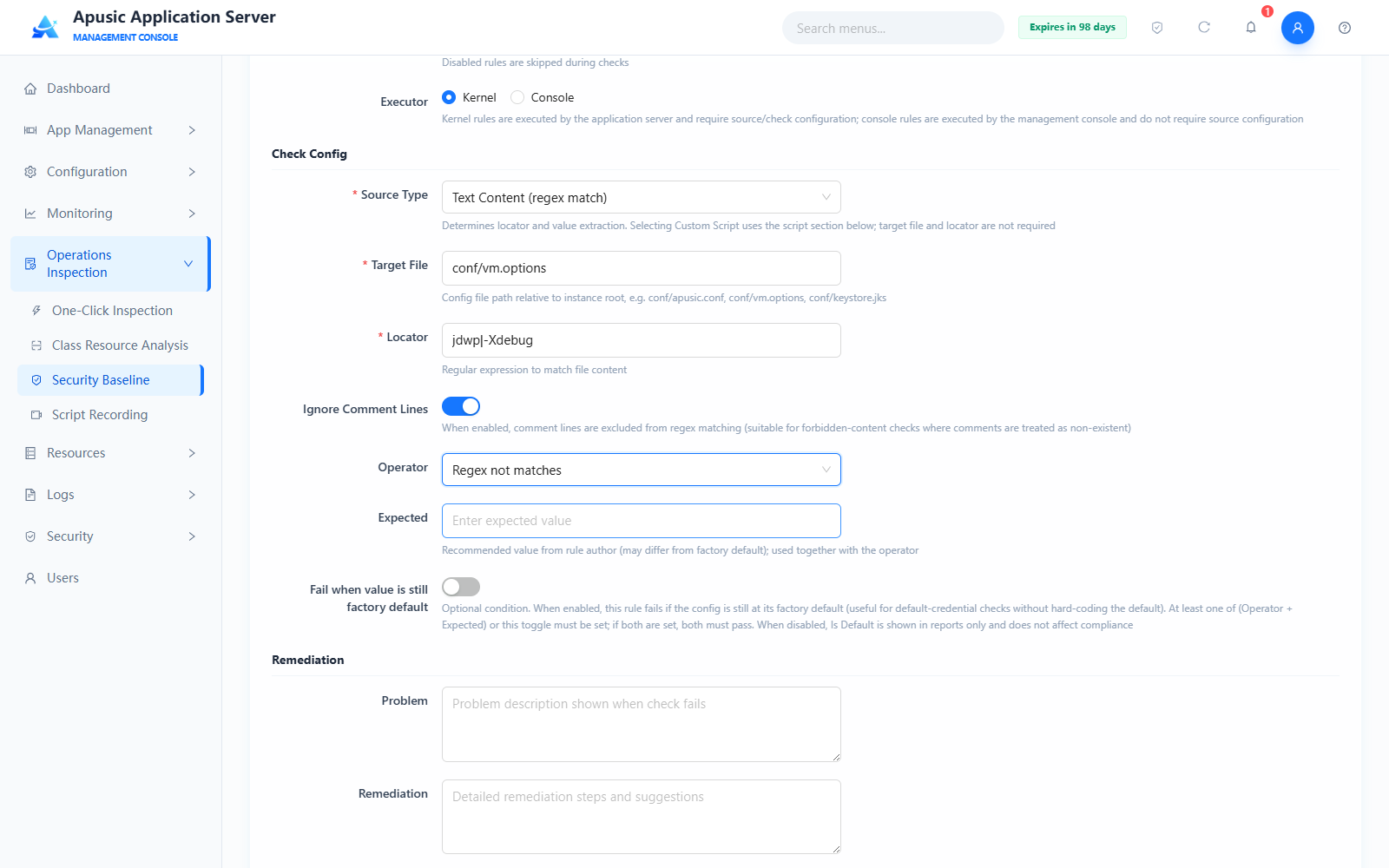
Check Config values:
| Setting | Value |
|---|---|
| Source Type | Text Content (regex match) |
| Target File | conf/vm.options |
| Locator | jdwp\|-Xdebug |
| Ignore Comment Lines | On |
| Operator | Regex not matches |
| Expected | empty |
Check logic: searches the file content (with # comment lines skipped) for jdwp or -Xdebug by regular expression; when the operator is "Regex not matches" and the expected value is empty, a locator hit is judged non-compliant, and no hit at all is judged compliant.
# Example 4: JVM Args (vm.options) — Maximum heap memory lower-bound check
Checks whether the maximum heap memory is no less than 1024m:
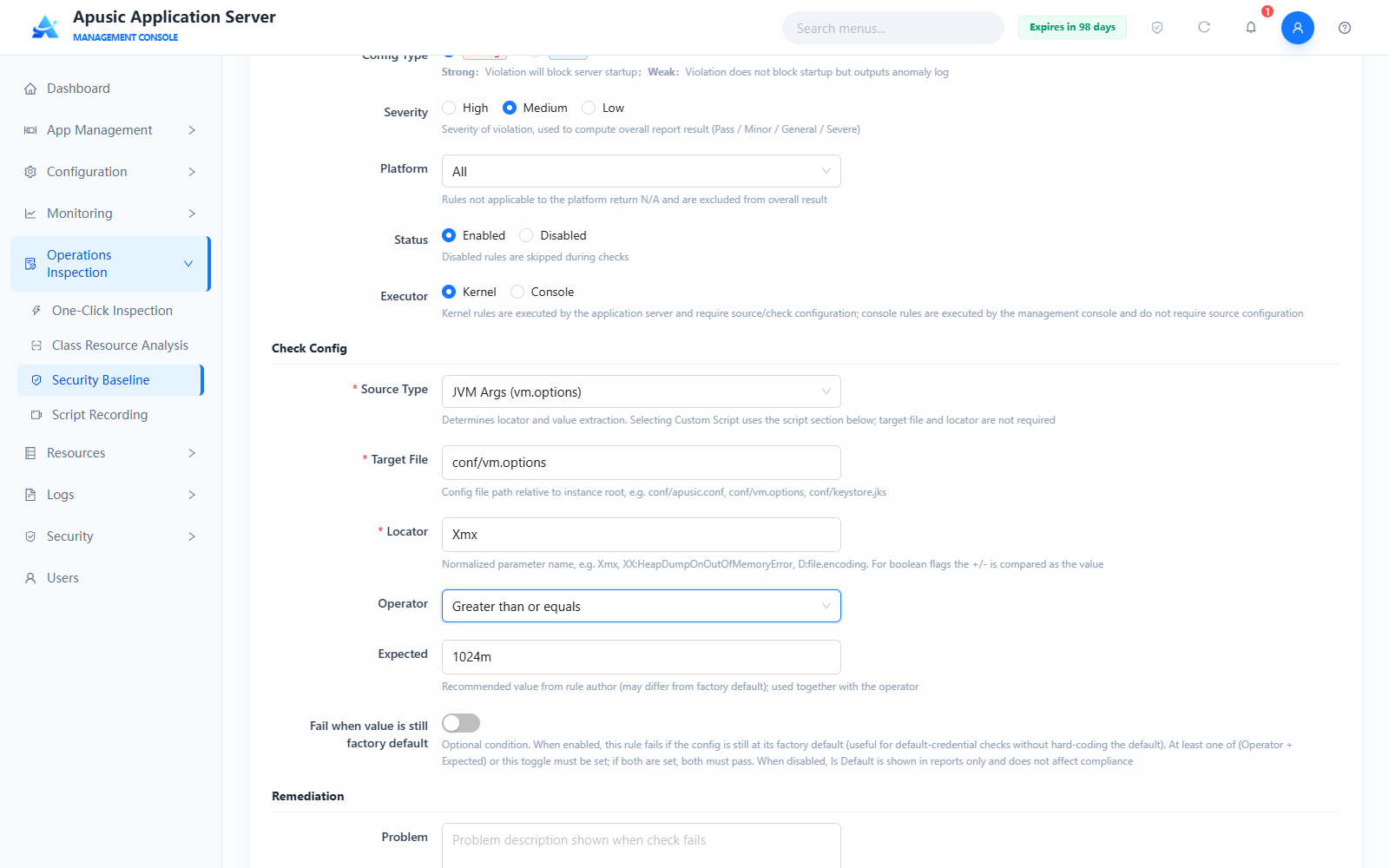
Check Config values:
| Setting | Value |
|---|---|
| Source Type | JVM Args (vm.options) |
| Target File | conf/vm.options |
| Locator | Xmx |
| Operator | Greater than or equals |
| Expected | 1024m |
Check logic: parses the value of the -Xmx argument in vm.options and judges the rule compliant if it is greater than or equal to 1024m; the JVM Args type uses a single argument name as the locator (without the - prefix), the expected value is entered in the original JVM argument format, and switch-type arguments are compared with + / - as the expected value.
# Example 5: File Attributes — Keystore file permission check
Checks that the permissions of the keystore file do not exceed 644 to prevent other users from reading it:

Check Config values:
| Setting | Value |
|---|---|
| Source Type | File Attributes (permission / owner / size, etc.) |
| Target File | conf/keystore.jks |
| Attribute | mode |
| Operator | Less than or equals |
| Expected | 644 |
Check logic: reads the permission bits of the target file and judges the rule compliant if they are less than or equal to 644; permission rules rely on the operating system permission model, so setting the applicable platform to Linux is recommended. To check the free space of the log directory, enter a directory as the target file (e.g. logs), enter freeSpacePercent as the attribute, and select "Greater than or equals" as the operator.
# Example 6: Custom Script — Port conflict check
Checks whether the listening ports of all endpoints in apusic.conf are duplicated; the rule is executed by the kernel:
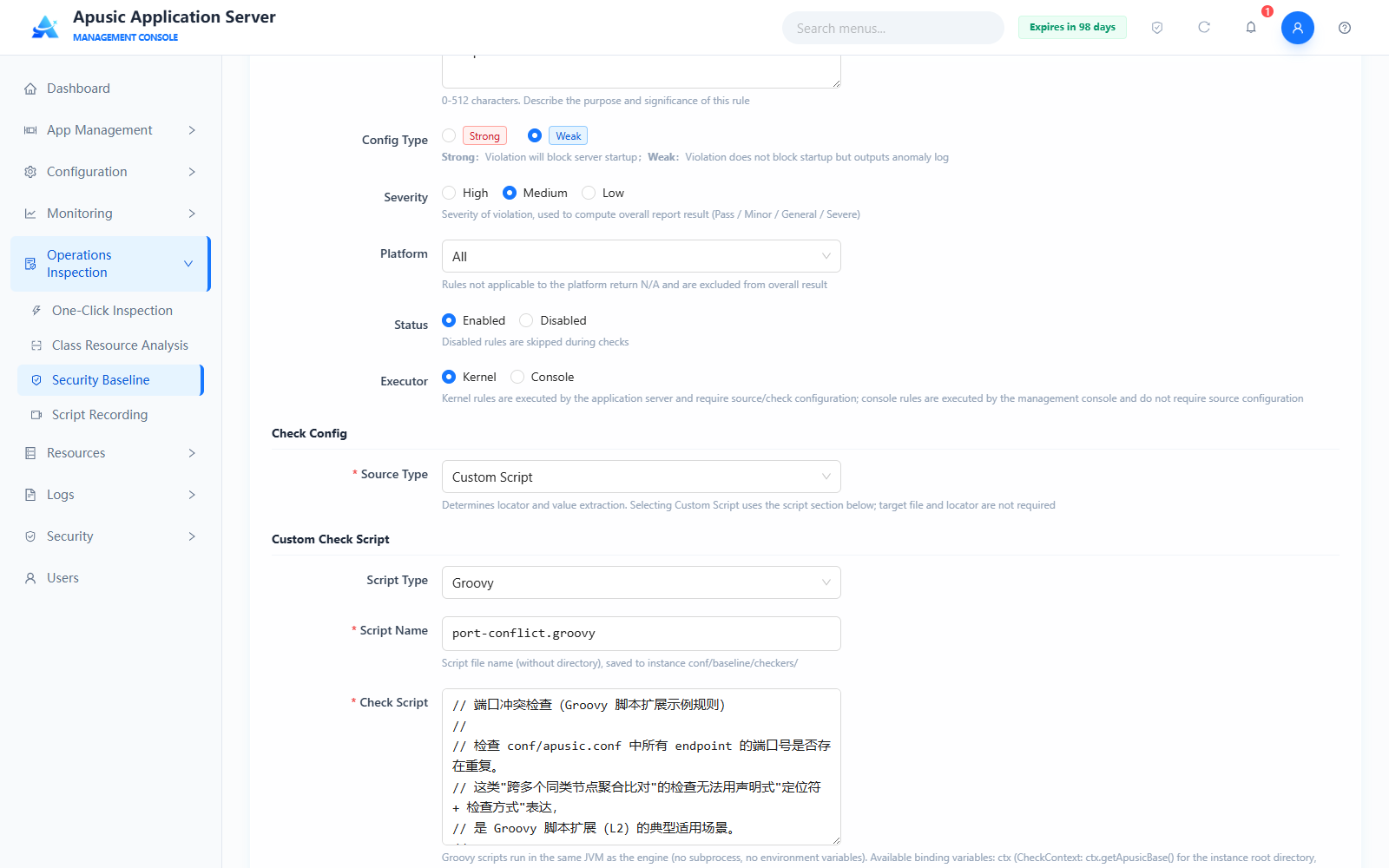
Check Config values:
| Setting | Value |
|---|---|
| Source Type | Custom Script |
| Script Type | Groovy |
| Script Name | port-conflict.groovy |
| Check Script | Groovy script content of the port conflict check |
Check logic: the script is executed by the baseline engine inside the server, parses the port numbers of all endpoints in apusic.conf, and returns a non-compliant result with the details of the duplicated ports when duplicates exist; for the writing conventions see "Custom Check Script Conventions".
# Custom Check Script Conventions
When Groovy is selected as the script type, the check script follows these conventions:
- The script is executed inside the JVM where the baseline engine runs and can use the binding variable
ctx(the check context):ctx.resolve("conf/apusic.conf")returns a File object relative to the instance root directory;ctx.getApusicBase()returns the instance root directory; - The script can read the binding variable
langto obtain the current report language (en,zh_TW, or empty for Simplified Chinese) and output messages in the corresponding language; - A return value of
truemeans compliant andfalsemeans non-compliant; a Map may also be returned (violatedindicates whether it is non-compliant,outputis the detail message) to show detailed check results in the report.
# Baseline Settings
Click "Baseline Settings" to enter the baseline settings page and configure the global baseline checking policy:
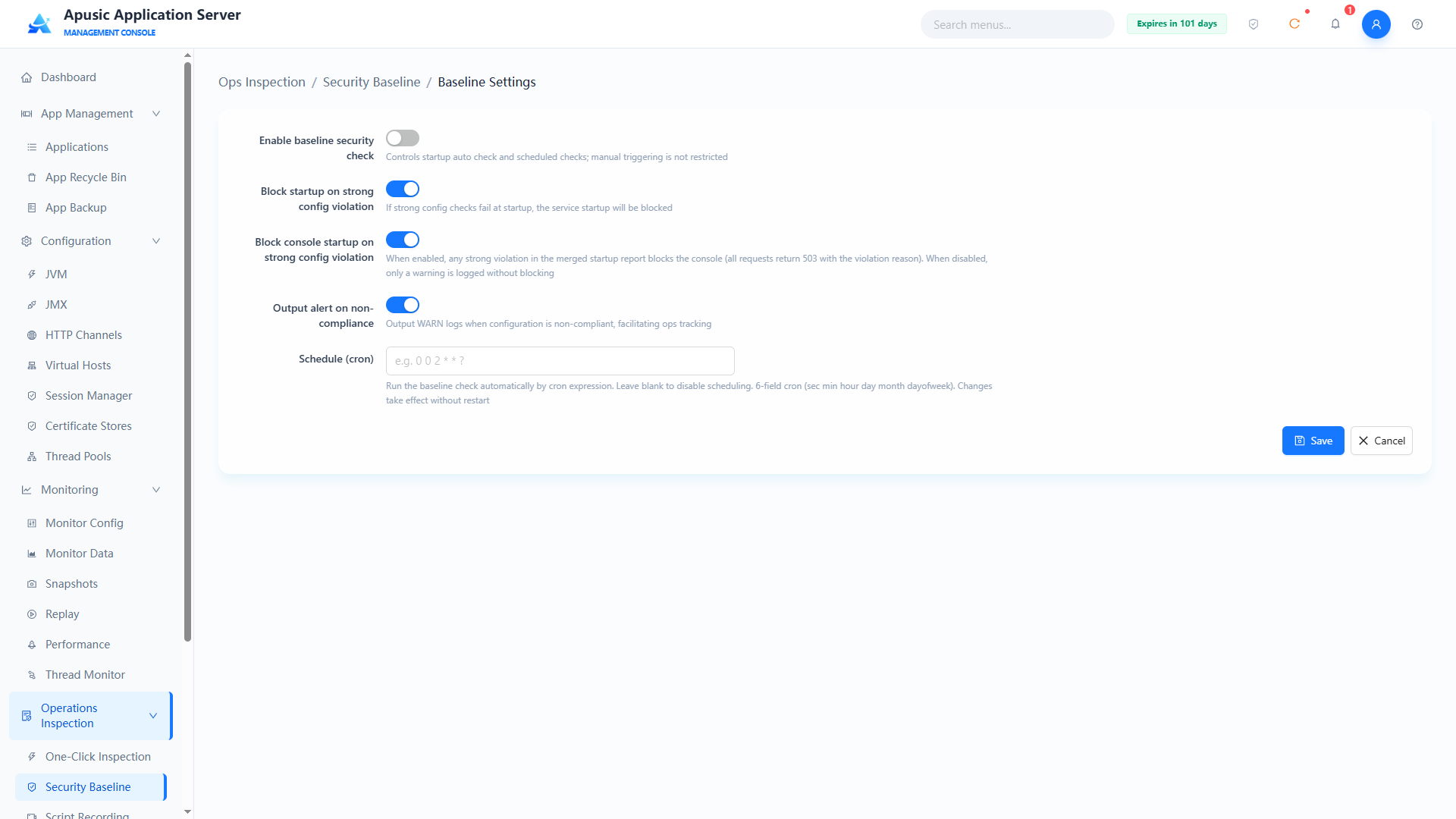
| Setting | Parameter | Description |
| Enable Baseline Security Check | baselineEnabled | Master switch of baseline checking. Purpose: controls startup-time automatic checks and scheduled checks; manual triggering is not restricted. Valid values: switch, On / Off. Default: Off. |
| Block Startup on Strong Violation | blockOnStrong | Startup-time strong-config interception switch. Purpose: when on, the service is prevented from starting if a strong config check fails at startup. Valid values: switch, On / Off. Default: On. |
| Block Console Startup on Strong Violation | blockConsoleOnStrong | Console startup-time interception switch. Purpose: when on, if any strong config violation is found in the merged report during console startup, the console is blocked (all requests return 503 with the violation reason); when off, only a warning log is recorded and nothing is blocked. Valid values: switch, On / Off. Default: On. |
| Alert on Violation | alertOnViolation | Warning log switch. Purpose: outputs a warning log when the configuration is non-compliant, for O&M tracking. Valid values: switch, On / Off. Default: On. |
| Scheduled (cron) | cron | Scheduling expression for scheduled automatic checks. Purpose: runs the baseline check automatically on the cron schedule; empty means no scheduling; changes take effect without a restart. Valid values: 6-field cron (second minute hour day month week), e.g. 0 0 2 * * ?. Default: empty. |
After the configuration is done, click "Save" to apply, or "Cancel" to discard the changes.
# Report Config
Click "Report Config" to enter the report configuration page and configure the generation and retention policy of detection reports:
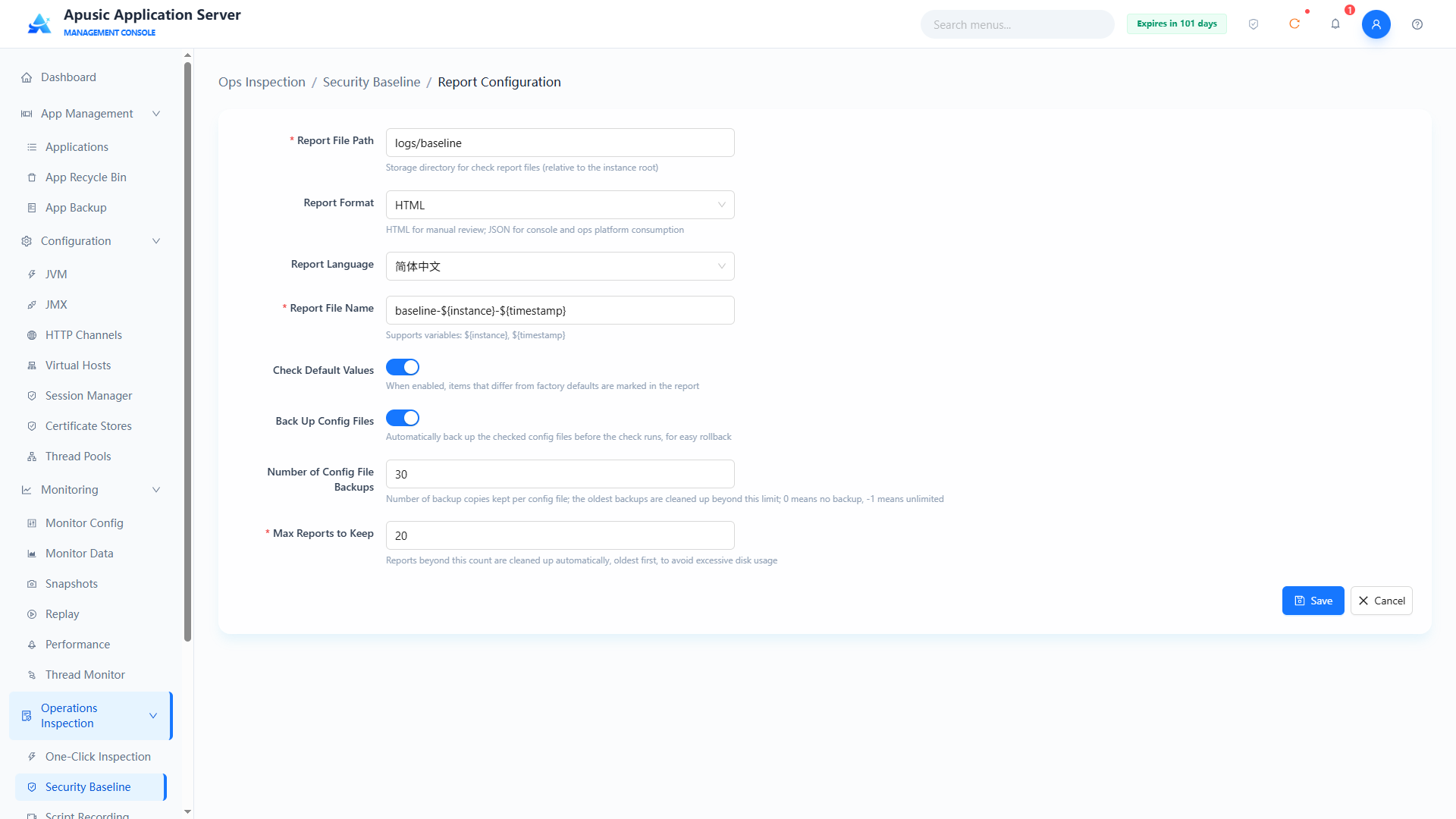
| Setting | Parameter | Description |
| Report File Path | reportPath | Storage directory of detection report files. Purpose: report storage path relative to the instance root directory. Valid values: string, e.g. logs/baseline; required. Default: logs/baseline. |
| Report Format | reportFormat | Report output format. Purpose: HTML for human review, JSON for consumption by the console and O&M platforms. Valid values: dropdown, HTML / JSON. Default: HTML. |
| Report Language | reportLang | Language of the report content. Valid values: dropdown, e.g. Simplified Chinese. Default: Simplified Chinese. |
| Report File Name | reportName | Naming template of the report file. Purpose: supports the variables ${instance} and ${timestamp}. Valid values: string, e.g. baseline-${instance}-${timestamp}; required. Default: baseline-${instance}-${timestamp}. |
| Check Default Values | checkDefault | Default value marking switch. Purpose: when on, items that differ from the factory defaults are marked in the report. Valid values: switch, On / Off. Default: On. |
| Backup Config Files | backupConfig | Pre-check backup switch. Purpose: automatically backs up the checked configuration files before running a check, for rollback. Valid values: switch, On / Off. Default: On. |
| Backup Count | backupCount | Number of configuration file backups retained. Purpose: the oldest backups are cleaned automatically beyond this count; 0 means no backups, -1 means unlimited. Valid values: integer. Default: 30. |
| Max Reports Retained | maxReports | Upper limit of retained reports. Purpose: older reports beyond this count are cleaned automatically to avoid occupying too much disk space. Valid values: integer; required. Default: 20. |
After the configuration is done, click "Save" to apply, or "Cancel" to discard the changes.
# Enabling/Disabling Baselines
Enable / disable controls whether rules participate in checks: in the detection rule list, check one or more rules and click "Batch Enable" or "Batch Disable"; the change takes effect immediately and the "Status" column of the list updates to "Enabled" or "Disabled":
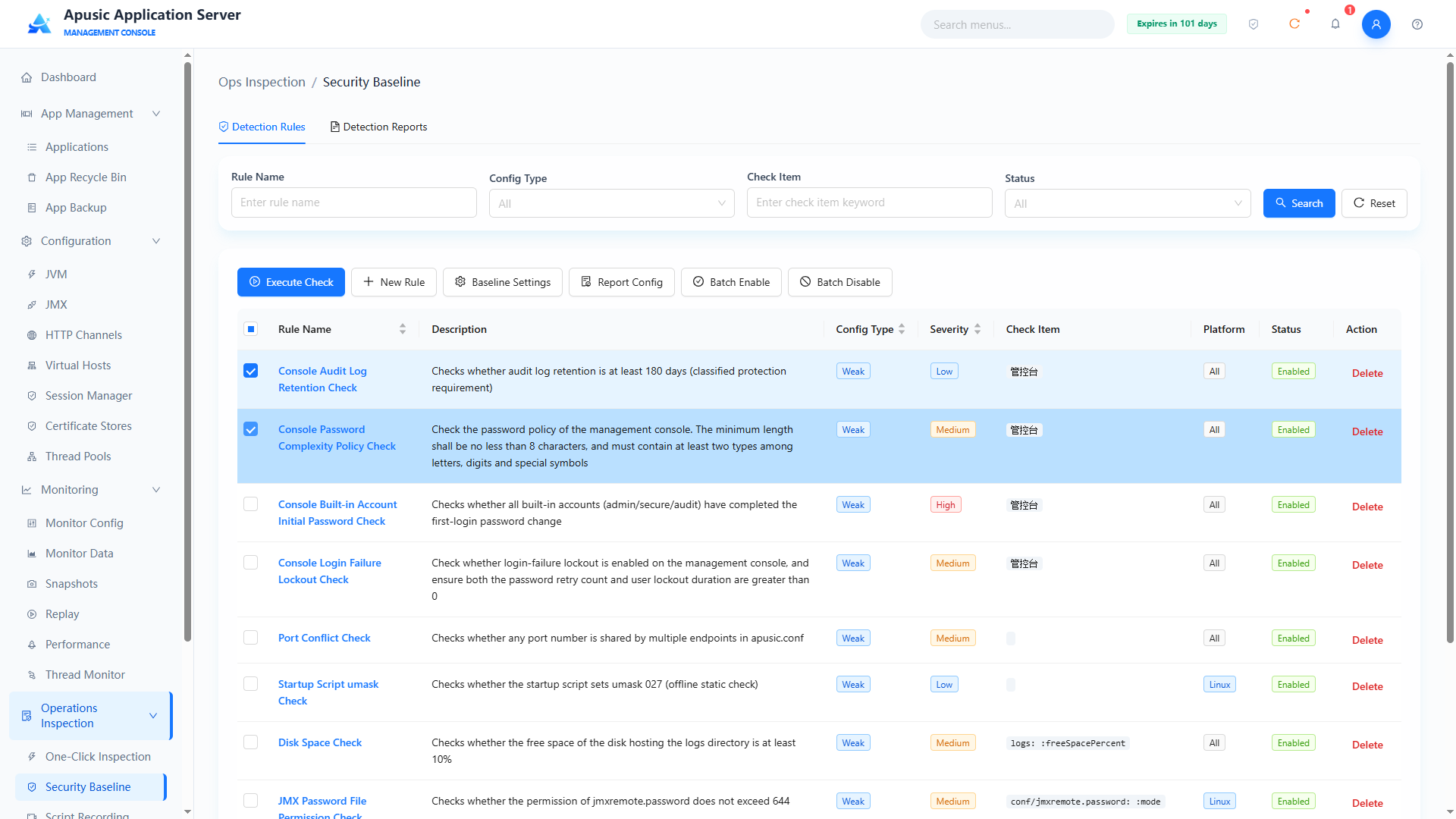
Note: Batch Enable / Batch Disable takes effect immediately after the click, with no confirmation dialog; verify the selected rules before operating. Disabled rules do not participate in subsequent checks.
# Deleting a Baseline
In the detection rule list, click "Delete" in the Actions column; in the confirm-delete dialog, click "Confirm" to delete the rule, or "Cancel" to abort:
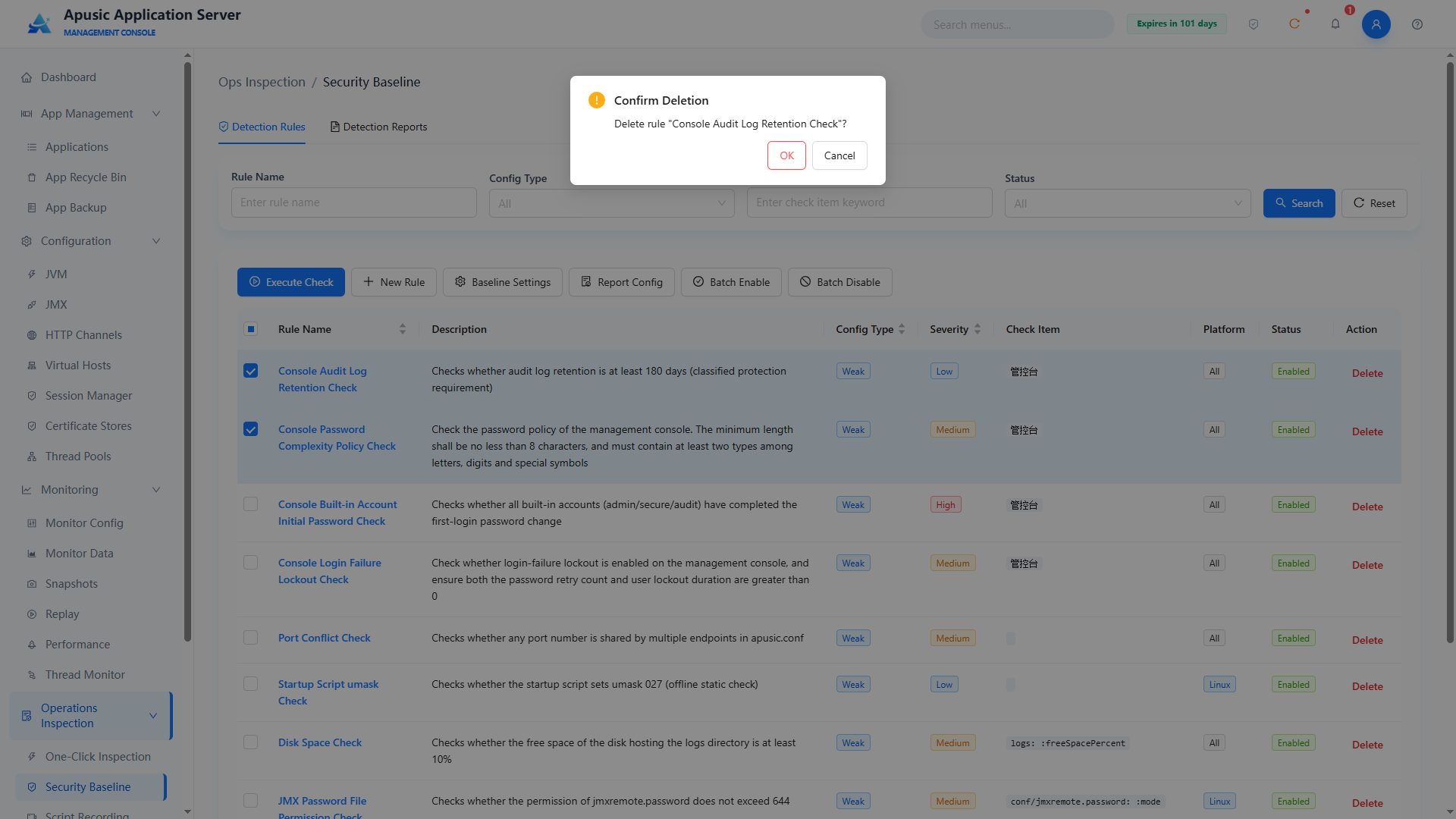
# Detection Reports
The "Detection Reports" tab shows the reports generated by previous checks and supports filtering by report name, overall result, and detection time; the report list columns include Report Name, Check Time, Overall Result (Normal / Minor Abnormality / General Abnormality / Severe Abnormality), Normal/Abnormal items, Report Size, Report Format, and Actions (Download / Delete); the page also provides "Batch Delete" and "Export" buttons:
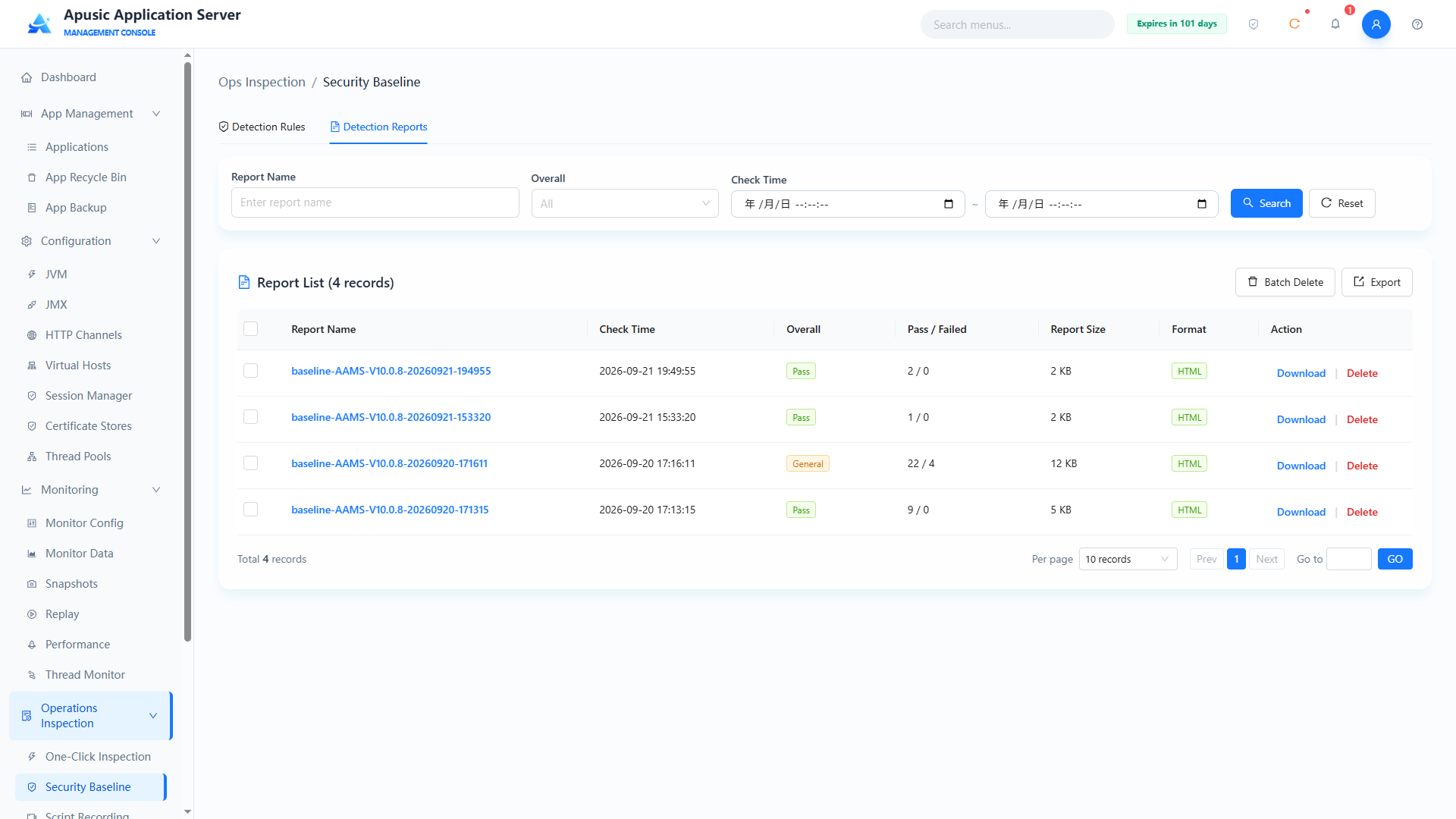
Click a report name to enter the report details page, which contains:
- Report Summary: checked instance, check time, report file, number of rules checked, and overall result;
- Result Statistics: counts of items that are Normal, Minor Abnormality, General Abnormality, Severe Abnormality, using default values, and using custom values;
- Configuration Item Check Details: columns include No., Rule Name, Config Type, Severity, Check Item, Actual Value, Suggested Value, Factory Default, Is Default, Result, Description; supports filtering by result (All / Normal / Minor Abnormality / General Abnormality / Severe Abnormality / Not configured or not applicable) and config type (Strong Config / Weak Config), and "Download" exports the details:
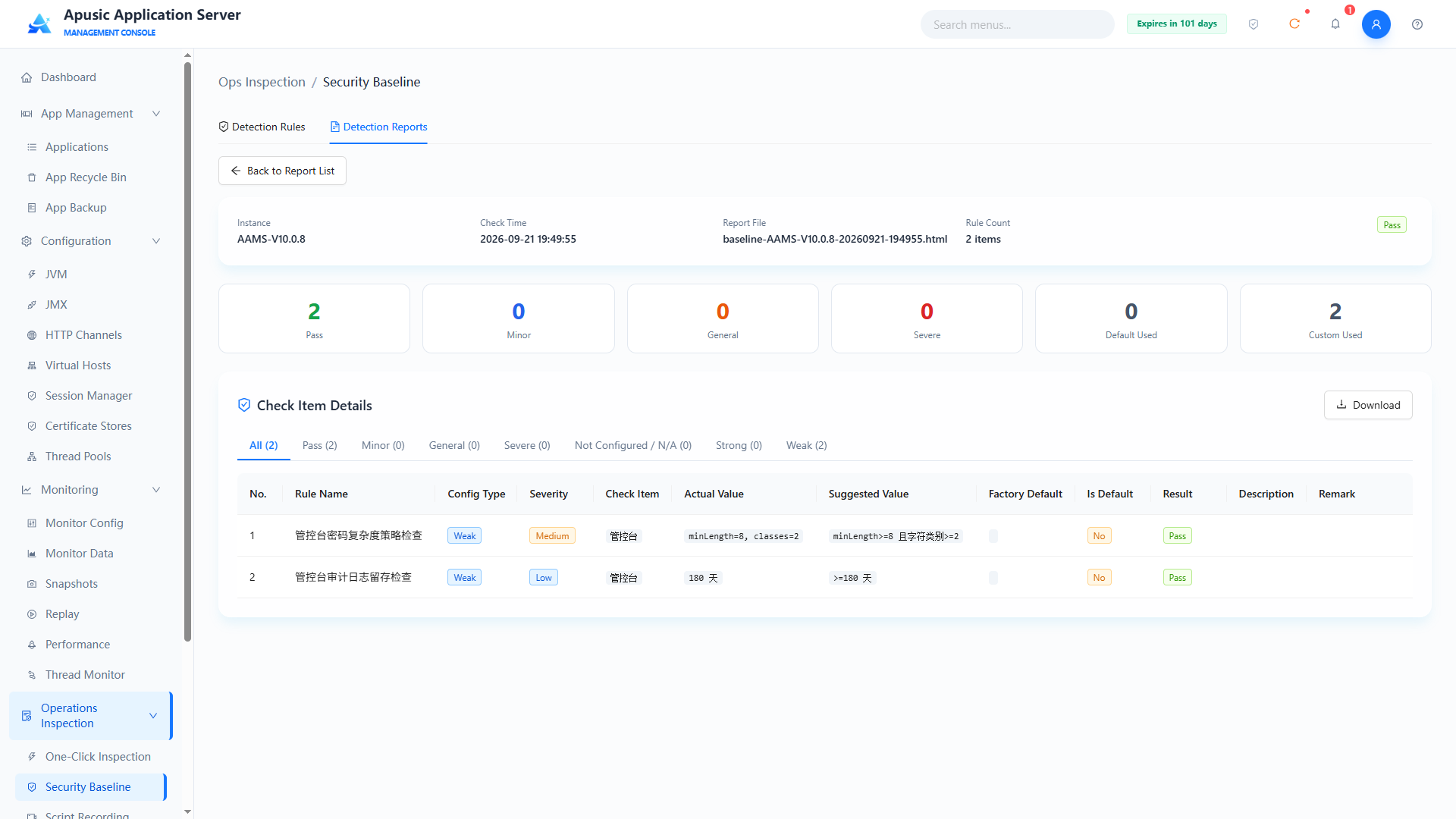
Deleting a report: in the report list, click "Delete" in the Actions column (or check reports and click "Batch Delete"); in the confirm-delete dialog, confirm to delete the report file:
# Script Recording
Script recording records diagnostic script data (such as thread stacks and GC) while the server runs, so that on-site information can be collected when a problem occurs.
Click "Operations Inspection → Script Recording" in the left menu:
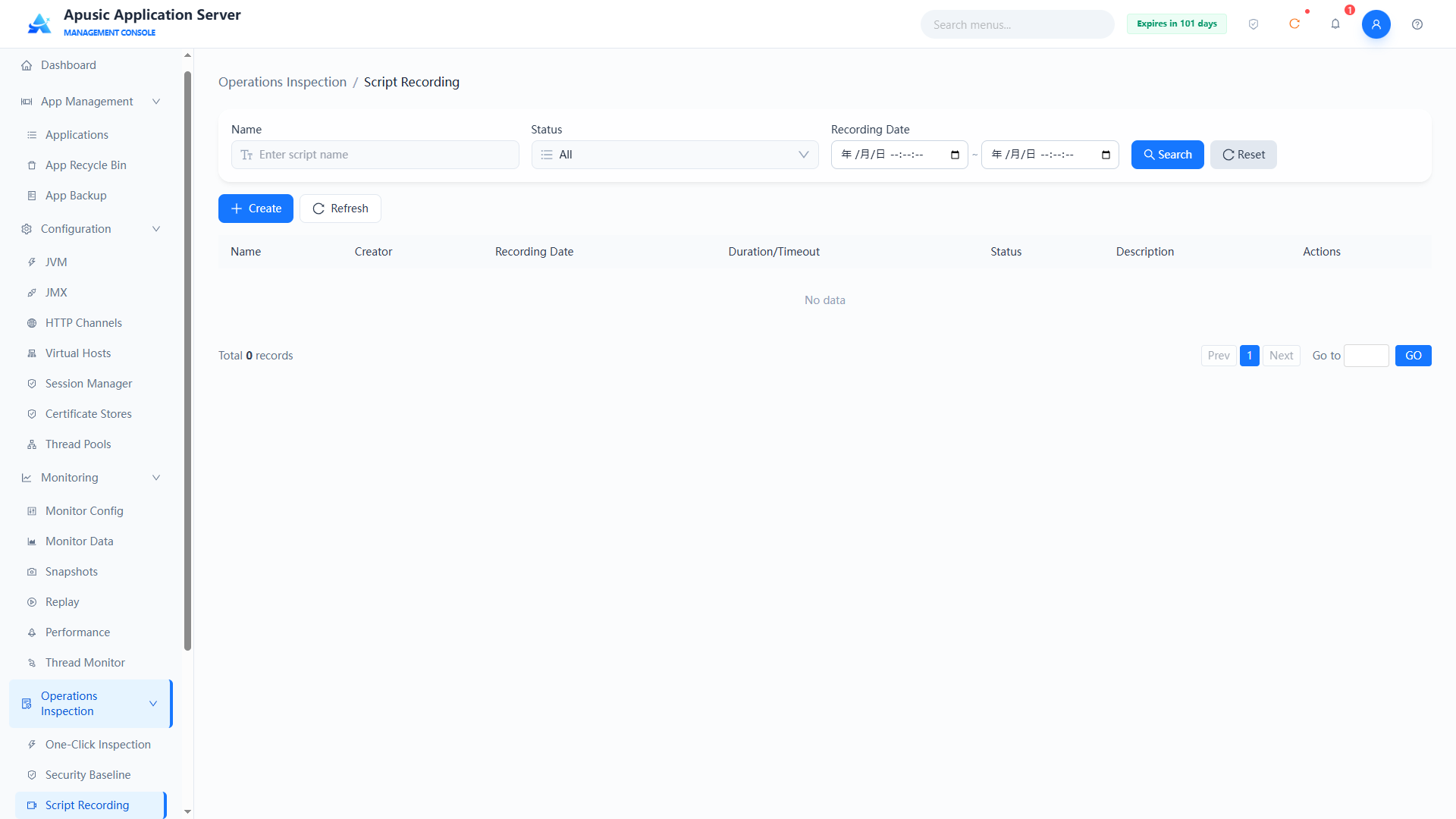
# Querying Recording Tasks
Query conditions
| Query Condition | Description | Example |
|---|---|---|
| Name | Fuzzy query by recording task name | thread-dump |
| Status | Filter by recording task status | All |
| Recording Date | Filter by recording date range | 2026-09-01 ~ 2026-09-21 |
List fields
| Field | Description |
|---|---|
| Name | Name of the recording task |
| Created By | User who created the recording task |
| Recording Date | Creation date of the recording task |
| Recording Duration/Timeout | Actual recording duration and the configured timeout |
| Status | Current status of the recording task |
| Description | Description of the recording task |
| Actions | Actions offered based on the status (e.g. Delete) |
# Creating a Recording Task
Click "Create" to create a recording task:
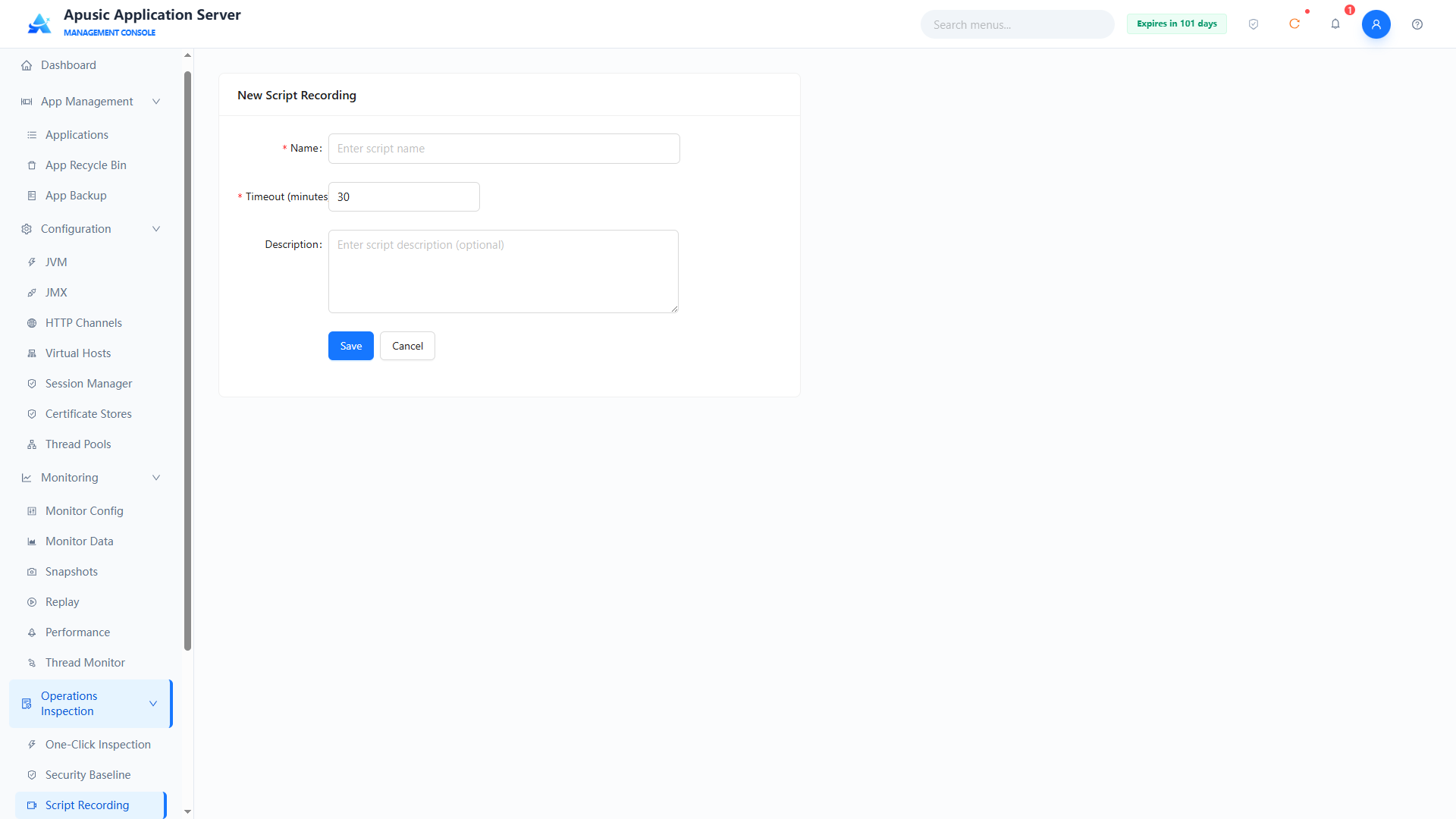
| Setting | Parameter | Description |
| Name | name | Name of the recording task. Purpose: uniquely identifies a script recording task. Valid values: string, ≤255 characters; only letters, digits, underscores, hyphens, dots; required. Default: empty. |
| Timeout | timeout | Timeout of the recording task, in minutes. Purpose: recording stops automatically when this duration is reached. Valid values: integer, in minutes; required. Default: 30. |
| Description | description | Description of the recording task. Purpose: notes the purpose and background of the recording. Valid values: string, ≤1000 characters. Default: empty. |
After filling in, click "Save" to create the recording task. The Status in the list then shows "Recording" and operations start being recorded. Click "Stop" in the actions to stop the recording task manually; the task also stops recording automatically when the timeout is reached.
Scripts are stored in the ${apusic.home}/data/script-recording/<script name> directory.
# Downloading Scripts
After recording is complete, click "Download" in the actions and select the script format to download. Three formats are available: aascli, postman, and curl; multiple selections are supported.
- aascli: Script in AAS command-line client format, used for replay via the aascli tool.
- postman: Postman Collection v2.1 format, which can be imported into Postman for execution.
- curl: Shell + cURL format script, which can be executed in any environment that supports curl.
# Executing Scripts
The downloaded scripts can be executed in the corresponding way. Note the following:
- Use the tool corresponding to the script format for execution.
- Before executing a script, modify the attribute values according to the actual situation, including name, path, username, password, etc.
- Before executing an aascli script, you need to log in to aascli first when executing for the first time:
./aascli.sh login -u <username> -p <password>
After logging in, press Ctrl + C to exit, and then execute the recorded script.
Before executing a curl script, set the actual values of
AAS_BASE_URLandTOKEN.Before executing a postman script, set the actual values of
AAS_BASE_URLandAuthorization.
# Deleting Scripts
On the script recording list page, click "Delete" in the actions to delete a script.
Once deleted, the script cannot be recovered. Please operate with caution.
# Log Service
The Log Service module of the application server management console supports visual log viewing, keyword search, and log export/download; it supports full visual configuration of system logs and access logs, covering log level, output format, encoding, rotation policy, compression and archiving, filter rules, and retention policy; it also supports log rotation by both date and file size, achieving automatic log cleanup and compression archiving.
# Log Viewer
Provides visual viewing pages for system runtime logs (such as apusic.log) and access logs, supporting switching between multiple log files, log level filtering, and keyword search, with dynamic refresh, so that administrators can quickly troubleshoot system exceptions and locate problems.
# System Logs
Click "Logs → Log Viewer" in the left menu.
Supports querying by a specific log file, log level, time range, keyword, etc.
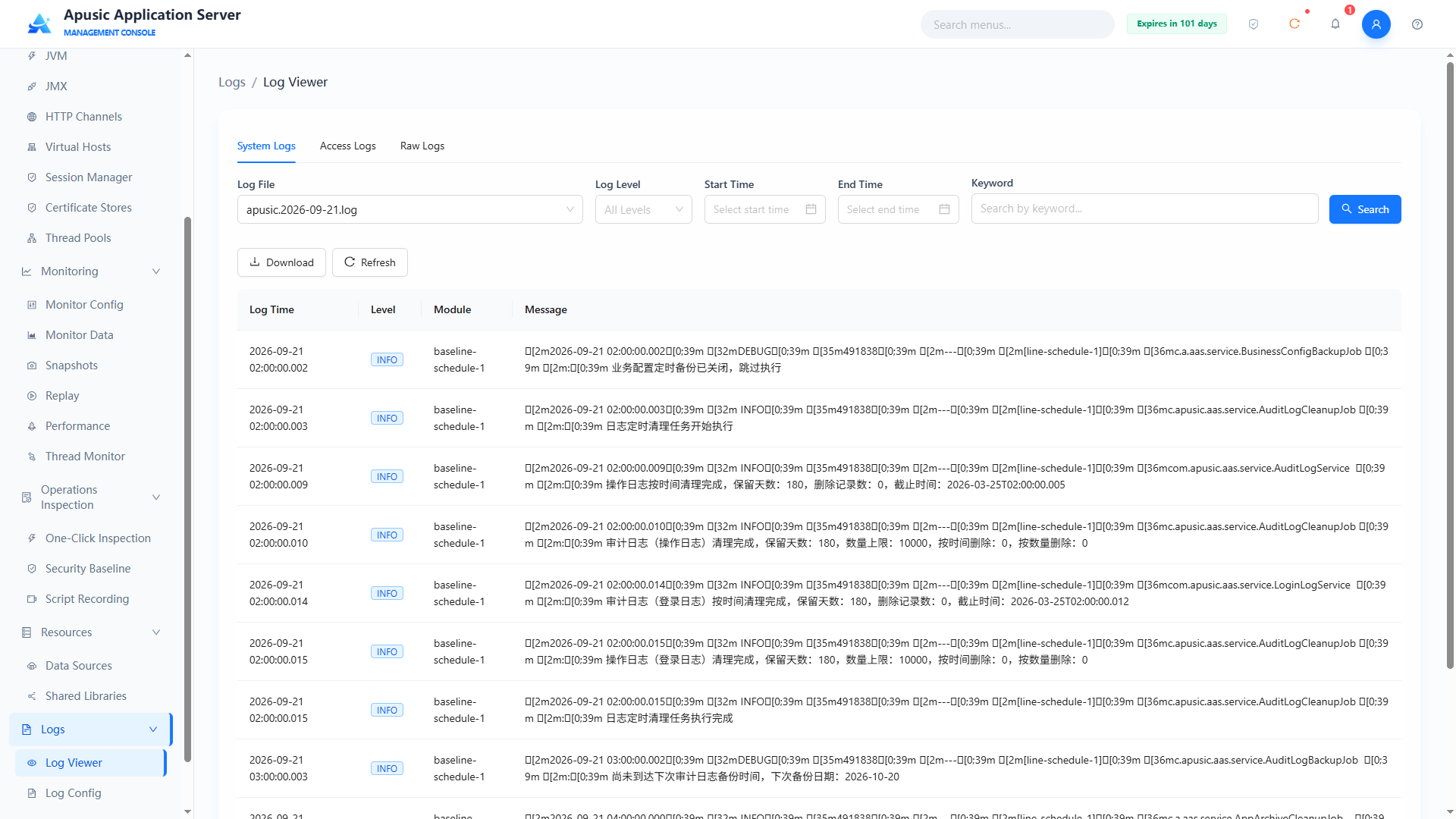
Click the "Download" button to download the log file.
# Access Logs
Click "Logs → Log Viewer → Access Logs" in the left menu.
# Raw Logs
Supports viewing the raw content of log files, covering both system logs and access logs.
Click "Logs → Log Viewer → Raw Logs" in the left menu.
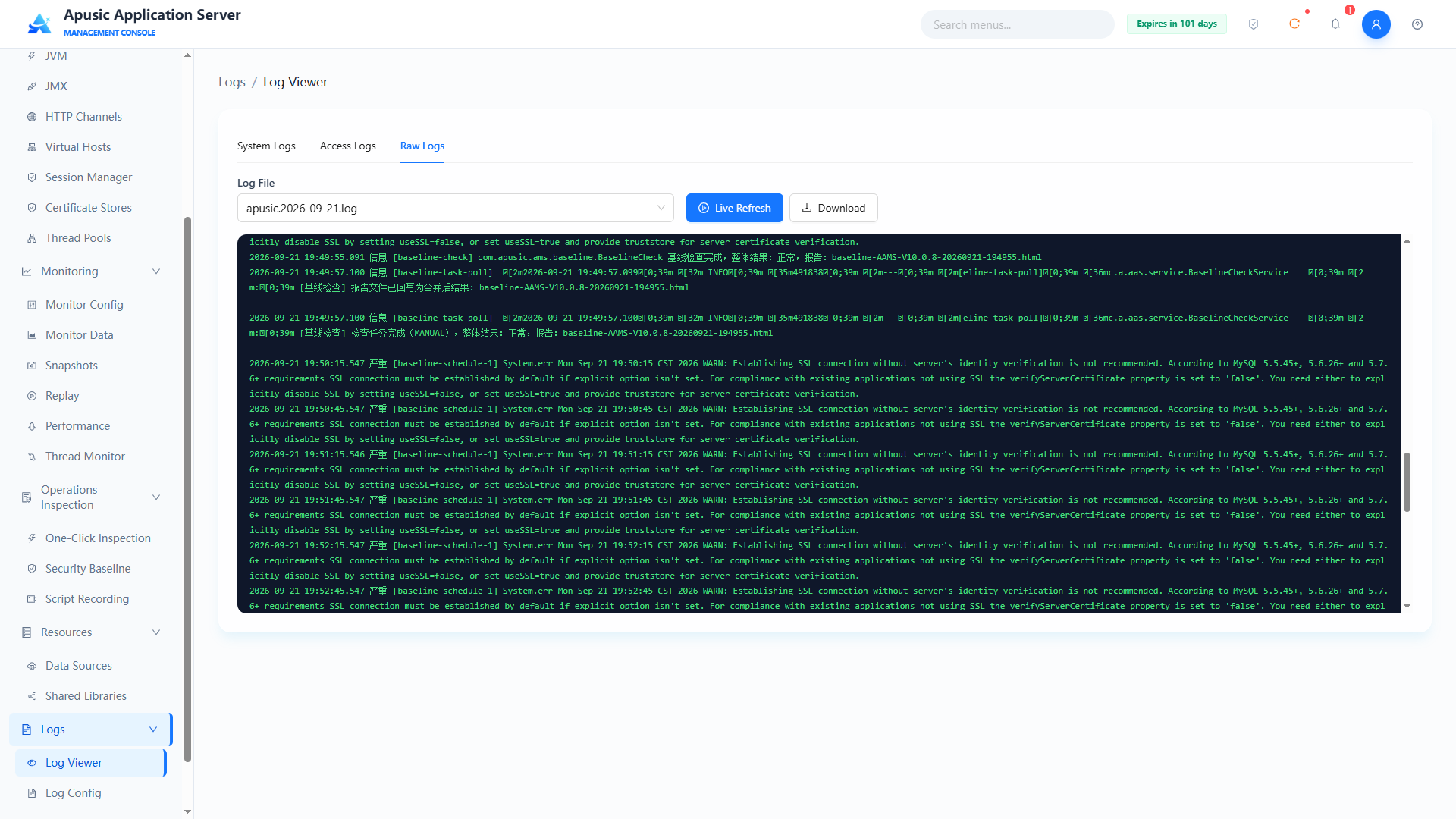
Click Live Refresh to scroll dynamically; log file updates are displayed in real time.
# Log Config
# System Log Config
Provides full visual configuration of the application server's system runtime logs, covering the global log level, log format, output encoding, log output path, rotation policy, compression archiving, and filter rules.
Click "Logs → Log Config" in the left menu:
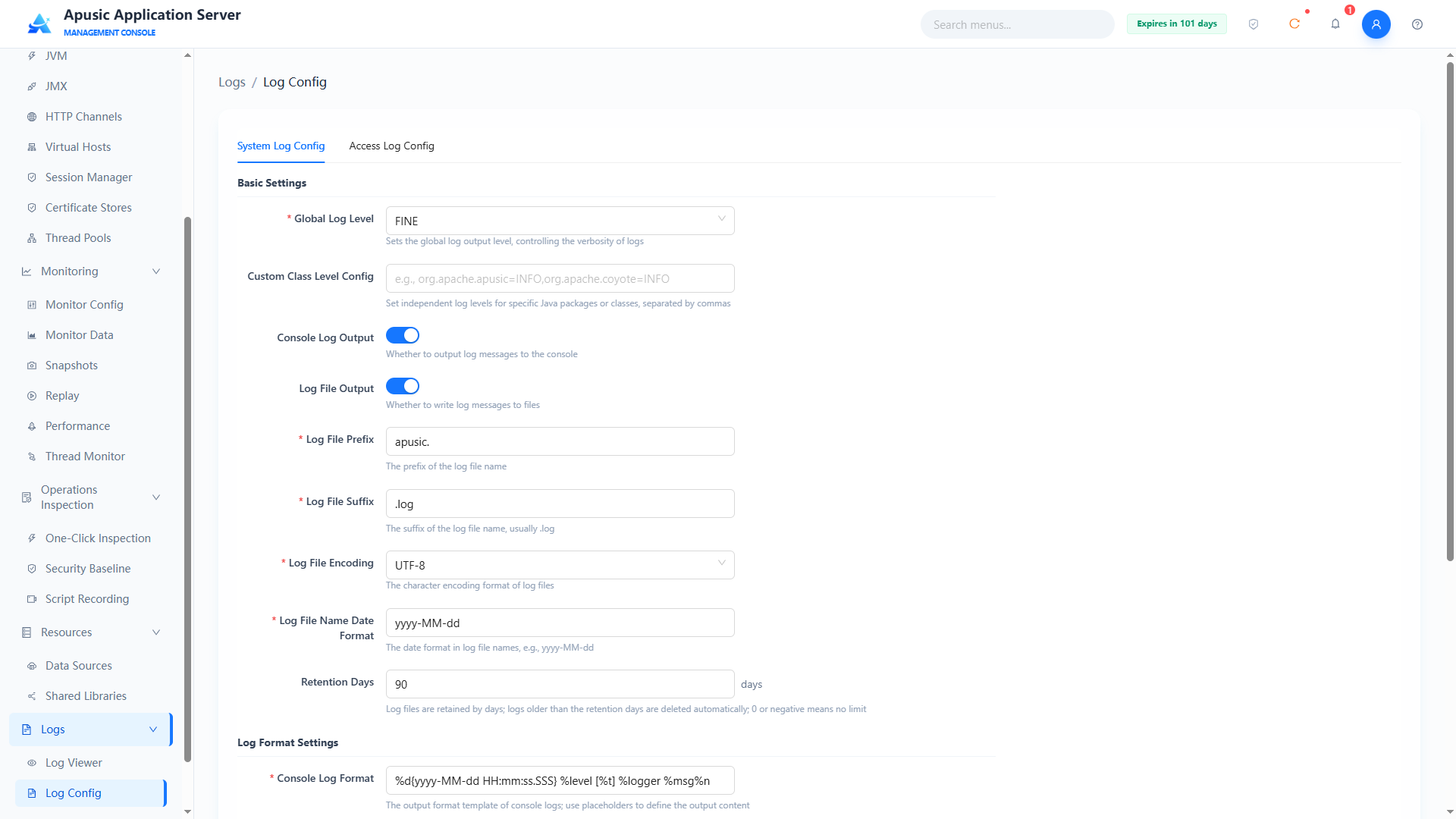
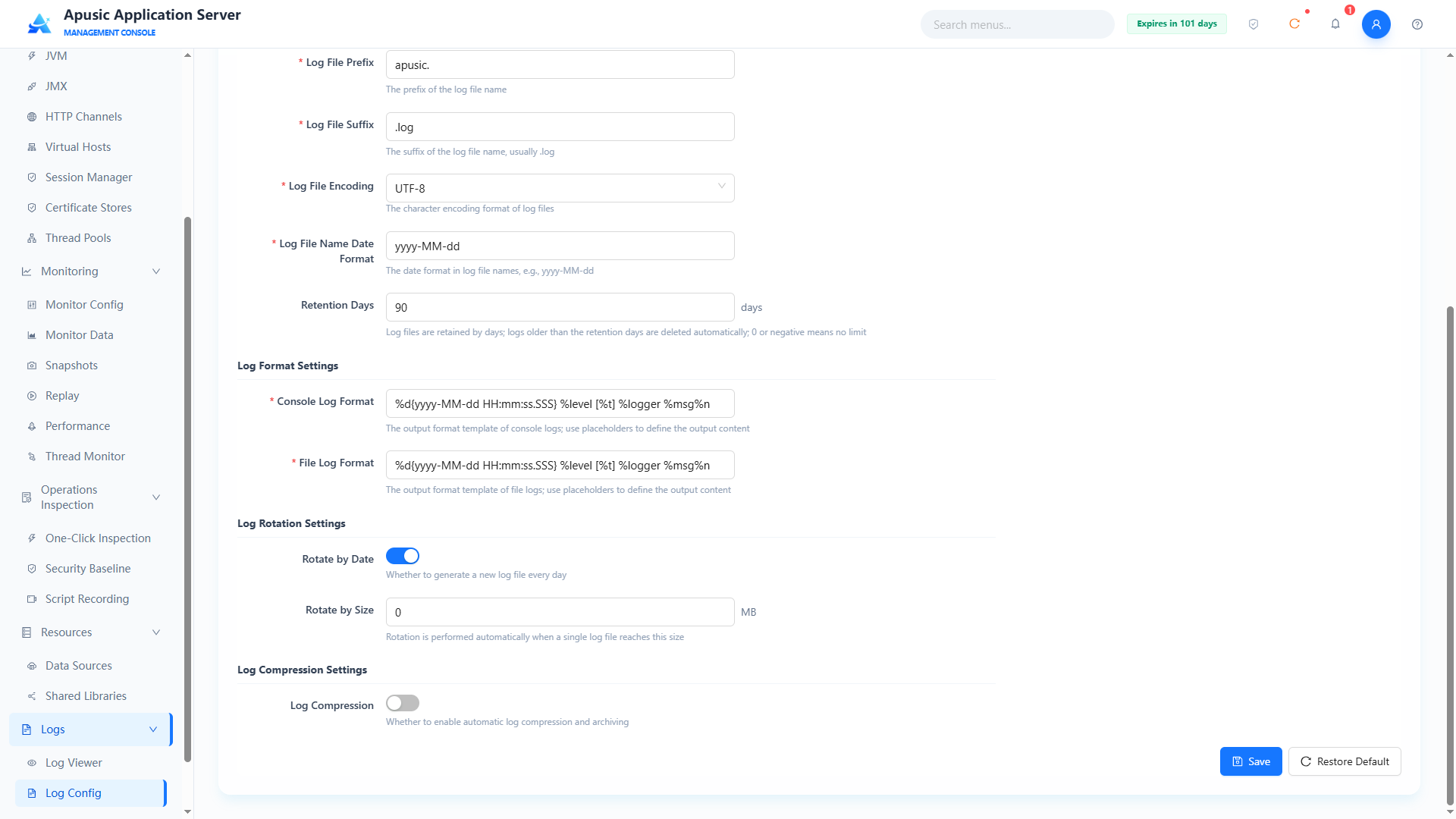
Basic Config
| Setting | Parameter | Description |
| Global Log Level | globalLevel | Global log output level of the system. Purpose: controls the verbosity of logs; logs below this level are not output. Valid values: dropdown, SEVERE / WARNING / INFO / CONFIG / FINE / FINER / FINEST; required. Default: INFO (set to FINE in the installation package's logging.properties). |
| Custom Class Levels | classLoggers | Independent log levels for specific Java packages or classes. Purpose: sets a separate log level for the specified classes / packages, overriding the global level. Valid values: string, 1~255 bytes, format such as org.apache.apusic=INFO,org.apache.coyote=INFO, multiple entries separated by commas. Default: empty. |
| Console Output | consoleEnabled | Whether logs are output to the console. Purpose: when on, logs are also printed to the standard output. Valid values: switch, On / Off. Default: On. |
| File Output | fileEnabled | Whether logs are output to a file. Purpose: when on, logs are written to log files. Valid values: switch, On / Off. Default: On. |
| Log File Prefix | filePrefix | Log file name prefix. Purpose: forms the log file name together with the date format and suffix. Valid values: string, 1~100 characters; required. Default: apusic.. |
| Log File Suffix | fileSuffix | Log file name suffix. Purpose: forms the log file name together with the prefix and date format. Valid values: string, 1~100 characters; required. Default: .log. |
| Log File Encoding | encoding | Character encoding of log files. Purpose: determines the encoding in which log content is written. Valid values: dropdown, UTF-8 / GBK; required. Default: UTF-8. |
| File Name Date Format | fileTimestampFormat | Date format in the log file name. Purpose: full file name = log file prefix + date format + log file suffix. Valid values: string, 1~100 characters, date format pattern; required. Default: yyyy-MM-dd. |
| Retention Days | maxDays | Number of days log files are retained. Purpose: logs older than the retention period are deleted automatically; 0 or a negative value means unlimited. Valid values: integer, -1~500; required. Default: 90 (90 in the installation package's logging.properties). |
Log Format Config
| Setting | Parameter | Description |
| Console Log Pattern | consolePattern | Log format template for console output. Purpose: defines the output style of console logs. Valid values: string, 1~500 characters, format template, e.g. %d{yyyy-MM-dd HH:mm:ss} [%t] %-5level %logger{36} - %msg%n; required. Default: built-in system template. |
| File Log Pattern | filePattern | Log format template for file output. Purpose: defines the style of logs written to files. Valid values: string, 1~500 characters, format template, e.g. %d{yyyy-MM-dd HH:mm:ss} [%t] %-5level %logger{36} - %msg%n; required. Default: built-in system template. |
Log Compression Config
| Setting | Parameter | Description |
| Log Compression | compressEnabled | Whether log compression archiving is enabled. Purpose: when on, historical logs are compressed and archived on a schedule. Valid values: switch, On / Off. Default: Off. |
| Compression Time | compressTime | Scheduled compression execution time, format HH:mm. Purpose: every day at the specified time, the logs produced the previous day are compressed. Valid values: time, 00:00~23:59, format HH:mm; required when compression is on. Default: 02:00. |
| Compression Directory | compressDir | Storage path of compressed files. Purpose: specifies the directory where compressed archives are stored. Valid values: string, 1~500 characters, supports variables such as ${apusic.base}/logs/archive; required when compression is on. Default: ${apusic.base}/logs/archive. |
Log Rotation Config
| Setting | Parameter | Description |
| Rotate by Date | rotateByDate | Whether a new log file is generated per day. Purpose: when on, a new log file is generated every day. Valid values: switch, On / Off. Default: On. |
| Rotate by Size | maxSize | Size limit of a single log file, in MB. Purpose: the log file rotates automatically when it reaches this size; 0 means no size-based rotation. Valid values: integer, 0~10000, in MB; required. Default: 0. |
# Access Log Config
Provides full visual configuration of the application server's access logs, covering basic log information, log format, rotation policy, and compression policy.
Click "Logs → Log Config → Access Log Config" in the left menu:
Basic Config
| Setting | Parameter | Description |
| Enable Access Log | enabled | Whether access logs are recorded. Purpose: when on, this tab shows "Virtual Hosts", "Log File Path", "Log File Encoding", "Enable Custom Format", "Log Content", "Record Request Headers", "Record Response Headers", "Record Cookies", "Record Sessions", "Write Buffer", "Buffer Size", "Retention Days" and the log rotation and compression sections; when off, the other properties are hidden. Valid values: switch, On / Off. Default: Off. |
| Virtual Hosts | virtualHosts | Scope of virtual hosts with access logging enabled. Purpose: access logs are recorded only on the selected virtual hosts; shows all virtual host names from the "Virtual Hosts" module. Valid values: checkbox group; at least one virtual host must be selected. Default: all selected. |
| Log File Path | directory | Storage path of access logs. Purpose: specifies the directory where access log files are stored. Valid values: string, a valid directory path, supports system variables; required. Default: ${apusic.base}/logs/localhost_access_log. |
| Log File Encoding | encoding | Character encoding of access log files. Purpose: determines the encoding in which log content is written. Valid values: dropdown, UTF-8 / GBK; required. Default: UTF-8. |
| Write Buffer | bufferEnabled | Whether buffered file writing is enabled. Purpose: when on, log content is written to the file in one batch only when the accumulated size reaches the buffer size (and all is written when the server stops), improving logging performance; when off, each log entry is written immediately. Valid values: switch, On / Off. Default: On. |
| Buffer Size | bufferSize | Buffered write threshold, in bytes; shown when Write Buffer is on. Purpose: accumulated log content is written to the file in one batch when it reaches this value. Valid values: integer, in bytes. Default: 32768. |
| Retention Days | maxDays | Number of days access log files are retained. Purpose: log files older than the retention period are deleted automatically; 0 or a negative value means retain forever. Valid values: positive integer. Default: 30. |
Log Format Config
| Setting | Parameter | Description |
| Log Content | selectedItems | Content items recorded in access logs. Purpose: selects the fields included in the log. Valid values: checkbox group with "Time", "Client IP", "Request Method", "Protocol", "HTTP Status Code", "Request URL", "Session ID", "Bytes Sent", "Thread Name", "Client Domain", "Local Port", "Application Name"; at least one must be checked; required. Default: "Time", "Client IP", "Request Method", "Protocol", "HTTP Status Code", "Request URL" checked. |
| Date Format | dateFormat | Output format of the time field. Purpose: controls the format of the time field in access logs. Valid values: string, date format pattern. Default: dd/MM/yyyy:HH:mm:ss. |
| Record Request Headers | requestHeaders | Request header names to record. Purpose: records the values of the specified request headers in access logs. Valid values: string, multiple names separated by commas. Default: empty. |
| Record Response Headers | responseHeaders | Response header names to record. Purpose: records the values of the specified response headers in access logs. Valid values: string, multiple names separated by commas. Default: empty. |
| Record Cookies | cookies | Cookie names to record. Purpose: records the values of the specified cookies in access logs. Valid values: string, multiple names separated by commas. Default: empty. |
| Record Sessions | sessionAttrs | Session attribute names to record. Purpose: records the values of the specified session attributes in access logs. Valid values: string, multiple names separated by commas. Default: empty. |
| Custom Format | customPattern | Custom access log recording format; shown when Enable Custom Format is on. Purpose: customizes the log format with placeholders: %a remote IP address; %A local IP address; %B bytes sent (excluding HTTP headers); %D request processing time (milliseconds); %T request processing time (seconds); %h remote host name; %H request protocol; %m request method; %p local port; %q query string; %r first line of the request; %s response HTTP status code; %S user session ID; %t date and time; %u remote user authentication; %U request URL path; %v local server name; %I thread name processing the request; %X connection status; %N application name; %{XXX}i incoming request header; %{XXX}o outgoing response header; %{XXX}c specific cookie name; %{XXX}r ServletRequest attribute name; %{XXX}s HttpSession attribute name. Valid values: string, combination of format placeholders. Default: %t,%a,%m,%H,%s,%U. |
Log Rotation
| Setting | Parameter | Description |
| Rotate by Time | rotateByDate | Whether access logs rotate daily. Purpose: at 00:00 every day, all access logs of the previous day are cut into a new log file automatically. Valid values: switch, On / Off. Default: On. |
| Rotate by Size | maxSize | Size limit of an access log file, in MB. Purpose: a new log file is cut when the file size reaches this threshold. Valid values: integer, in MB. Default: 30. |
Log Compression
| Setting | Parameter | Description |
| Log Compression | compressEnabled | Whether access log compression archiving is enabled. Purpose: when on, "Compression Time" and "Compression Directory" are shown; when off, they are hidden. Valid values: switch, On / Off. Default: Off. |
| Compression Time | compressTime | Scheduled compression execution time, format HH:mm. Purpose: compression is executed every day at the specified time. Valid values: time, 00:00~23:59, format HH:mm; required when compression is on. Default: 00:00. |
| Compression Directory | compressDir | Storage path of compressed files. Purpose: specifies the directory where compressed archives are stored. Valid values: string, supports variables such as ${apusic.base}/logs/archive; required when compression is on. Default: empty. |
# Security
# Security Domains
This module is the core identity authentication and access control module of the application server. It is implemented based on the application server standard security realm specification and provides unified user authentication, role authorization, password verification, and session security management for the platform.
The module supports visual creation, configuration, and management of multiple types of security domains (DataSource Realm, UserDatabase Realm, JAAS Realm, JNDI Realm), and supports binding a security domain to an application or using it globally for the container, achieving unified management of authentication sources.
# DataSource Realm
A data source security domain. It compares the application's login users against the specified user table and role table in the database configured in a data source.
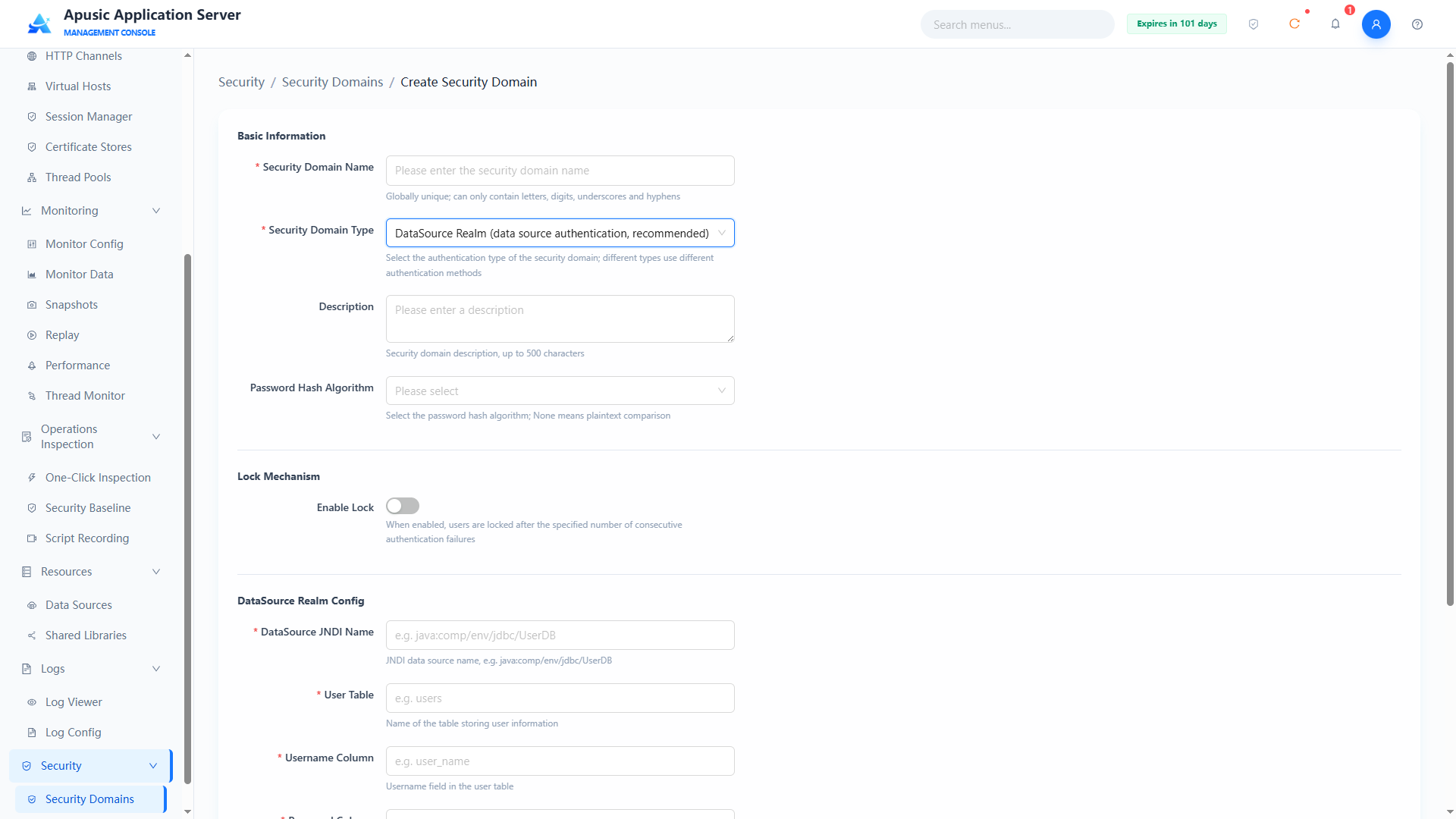
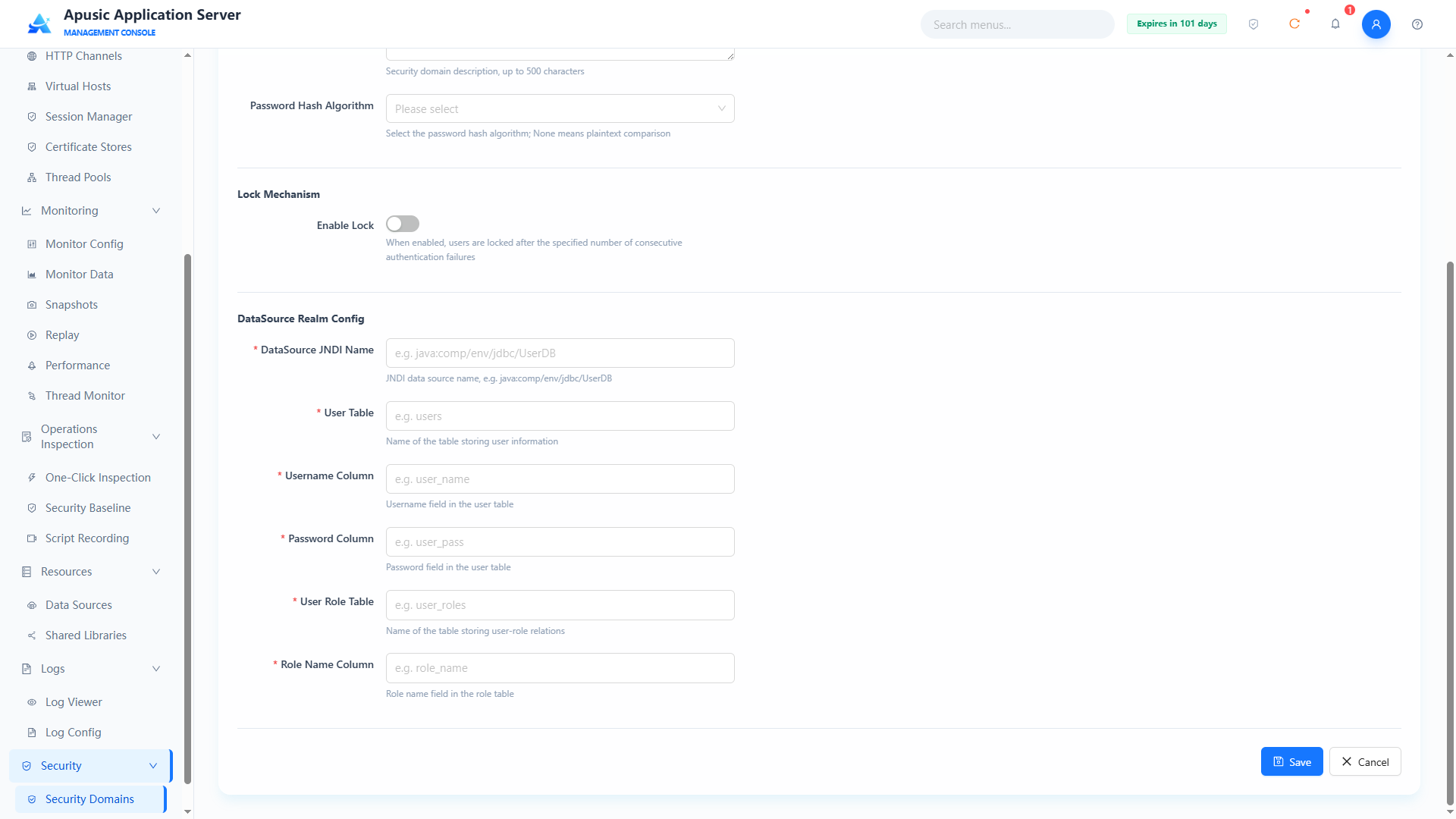
Field descriptions:
Basic Information
| Setting | Parameter | Description |
| Name | name | Unique identifier of the security domain. Purpose: globally identifies the security domain; used for application binding and log identification. Valid values: string, ≤128 characters; only letters, digits, underscores, hyphens; globally unique; required. Default: empty. |
| Type | type | Implementation type of the security domain. Purpose: determines the authentication data source and method. Valid values: dropdown, DataSource Realm / UserDatabase Realm / JAAS Realm / JNDI Realm; required. Default: empty. |
| Description | desc | Description of the security domain. Purpose: notes the purpose of the security domain. Valid values: multi-line text, up to 500 characters. Default: empty. |
| Password Hash | passwordHash | Hash comparison algorithm for user passwords. Purpose: declares the hash algorithm used by the stored password field; authentication compares with this algorithm; leaving it unselected means plaintext storage. Valid values: dropdown, None (plaintext) / MD5 / SHA1 / SHA-256 / SHA-512; hashed passwords can be generated with the application server's built-in encryption tool: Windows: bin/digest.bat -a SHA-256 -s 0 -i 1 [YOUR_PASSWORD] Linux/Mac: bin/digest.sh -a SHA-256 -s 0 -i 1 [YOUR_PASSWORD]. Default: None (plaintext). |
Lock Mechanism
| Setting | Parameter | Description |
| Enable Lock | lockEnabled | Whether the authentication failure lock mechanism is enabled. Purpose: when on, the user is locked after consecutive authentication failures reach the specified count. Valid values: switch, On / Off. Default: Off. |
| Max Failed Attempts | maxFailedAttempts | Consecutive authentication failure lock threshold, in times. Purpose: the user is locked after consecutive failures reach this count. Valid values: integer. Default: 5. |
| Lock Timeout | lockTimeout | Time before a locked user is unlocked automatically, in seconds. Purpose: after the user is locked, the lock is released automatically once this time passes. Valid values: integer, in seconds. Default: 300. |
| Cache Size | cacheSize | Size of the authentication cache. Purpose: sets the number of cached authentication result entries. Valid values: integer. Default: 1000. |
| Cache Removal Warning Time | cacheRemovalWarningTime | Cache removal warning time, in seconds. Purpose: a warning is triggered when a cache entry is removed before this time is reached. Valid values: integer, in seconds. Default: 3600. |
DataSource Realm Config
| Setting | Parameter | Description |
| Data Source JNDI Name | dataSourceJndi | JNDI name of the data source. Purpose: specifies the data source used for authentication queries; it must already be created in "Data Sources". Valid values: string, a valid JNDI name such as jdbc/mysql; required. Default: empty. |
| User Table | userTable | Database table that stores user information. Purpose: users are queried from this table during authentication. Valid values: string, an existing table name in the database, e.g. users; required. Default: empty. |
| Username Field | usernameField | Column in the user table that stores usernames. Purpose: specifies the username field. Valid values: string, an existing column name in the user table, e.g. user_name; required. Default: empty. |
| Password Field | passwordField | Column in the user table that stores passwords. Purpose: specifies the password field; compared using the password hash algorithm. Valid values: string, an existing column name in the user table, e.g. user_pass; required. Default: empty. |
| User Role Table | roleTable | Database table that stores user-role relationships. Purpose: user roles are queried from this table during authorization. Valid values: string, an existing table name in the database, e.g. user_roles; required. Default: empty. |
| Role Name Field | roleField | Column in the role table that stores role names. Purpose: specifies the role name field. Valid values: string, an existing column name in the role table, e.g. role_name; required. Default: empty. |
# JAAS Realm
A JAAS Realm delegates the application server's authentication and authorization work to a custom LoginModule through the JAAS framework.
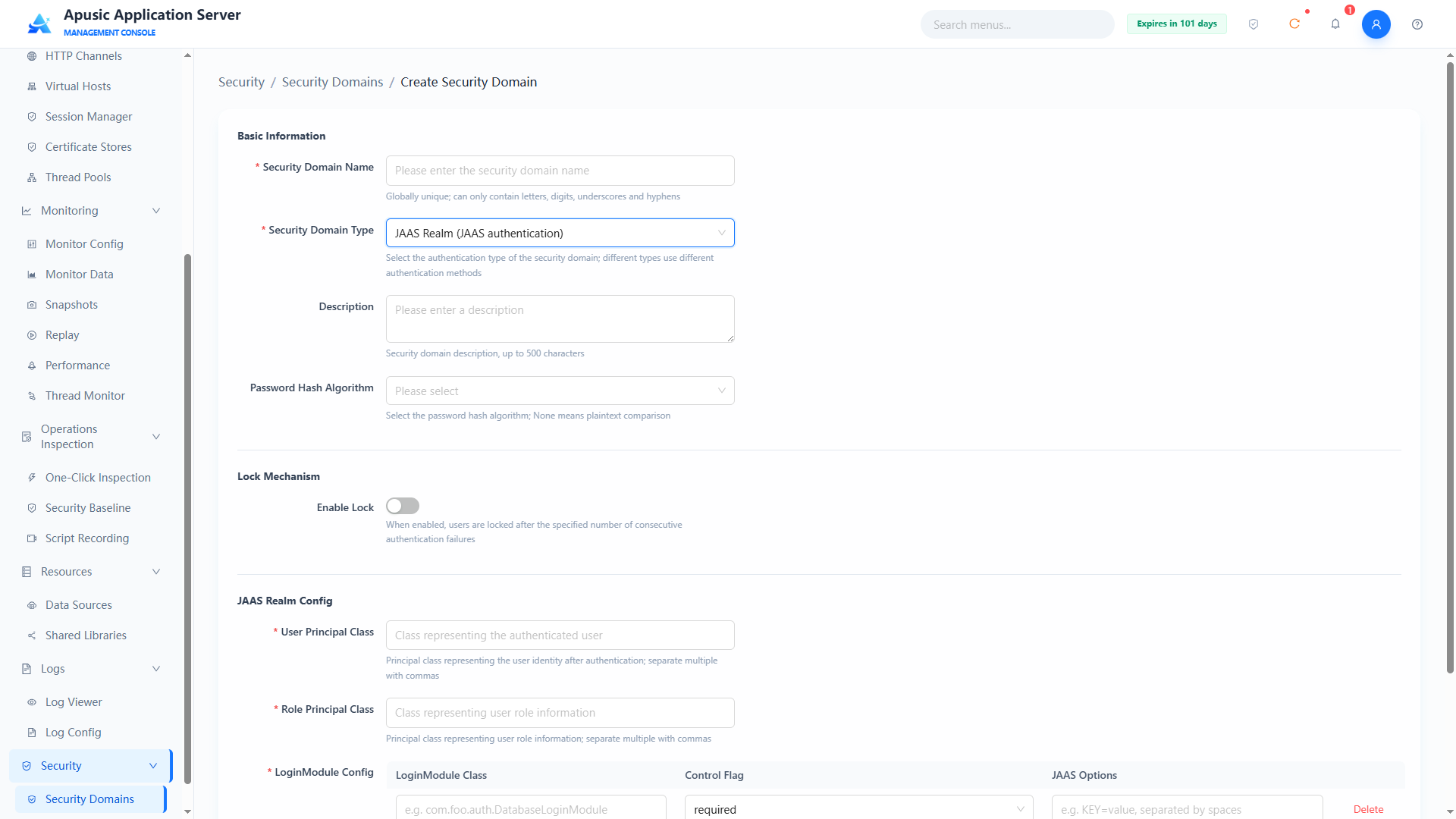
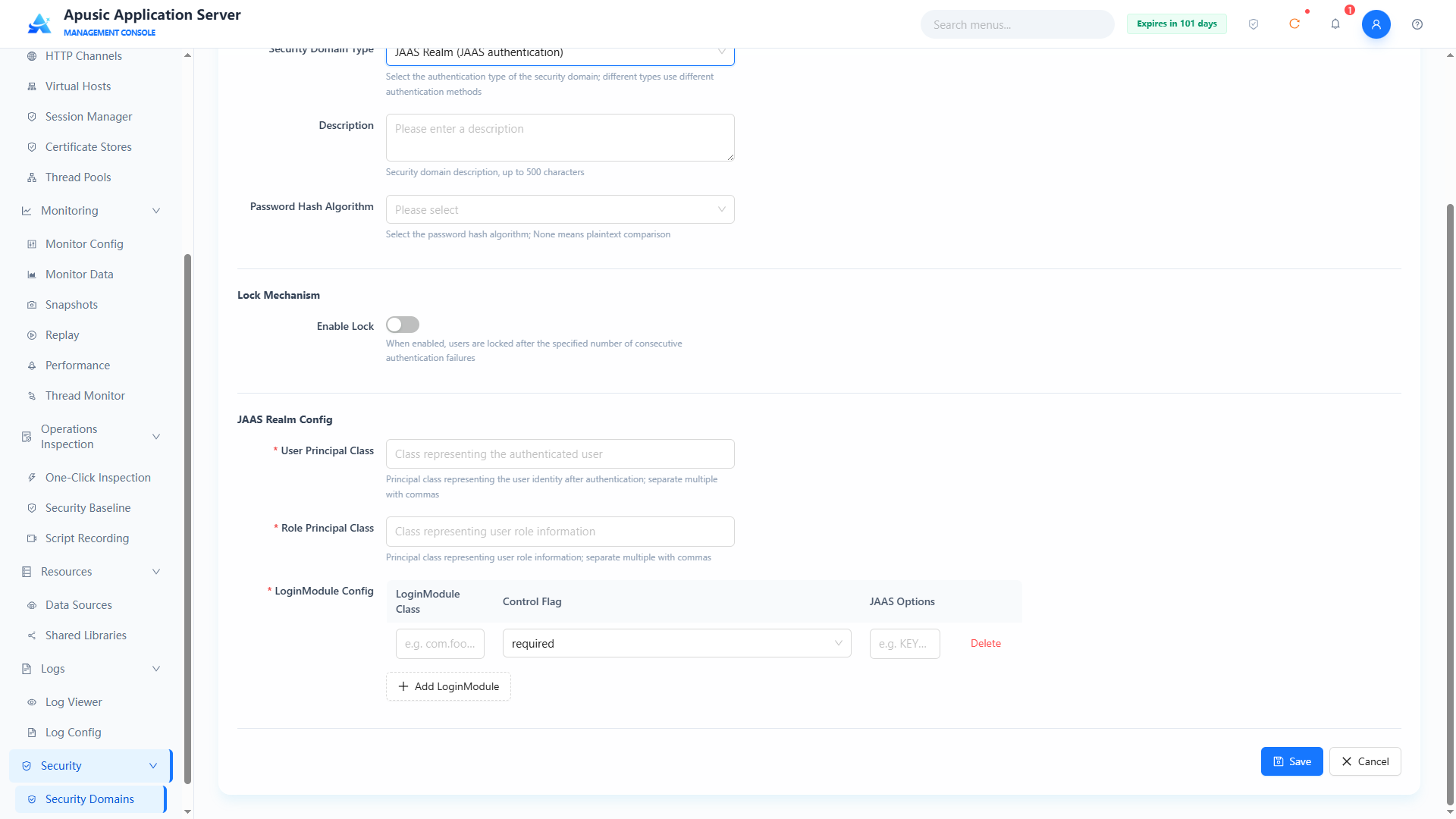
Basic Information
| Setting | Parameter | Description |
| Name | name | Unique identifier of the security domain. Purpose: globally identifies the security domain; used for application binding and log identification. Valid values: string, ≤128 characters; only letters, digits, underscores, hyphens; globally unique; required. Default: empty. |
| Type | type | Implementation type of the security domain. Purpose: determines the authentication data source and method. Valid values: dropdown, DataSource Realm / UserDatabase Realm / JAAS Realm / JNDI Realm; required. Default: empty. |
| Description | desc | Description of the security domain. Purpose: notes the purpose of the security domain. Valid values: multi-line text, up to 500 characters. Default: empty. |
| Password Hash | passwordHash | Hash comparison algorithm for user passwords. Purpose: declares the hash algorithm used by the stored password field; authentication compares with this algorithm; leaving it unselected means plaintext storage. Valid values: dropdown, None (plaintext) / MD5 / SHA1 / SHA-256 / SHA-512; hashed passwords can be generated with the application server's built-in encryption tool: Windows: bin/digest.bat -a SHA-256 -s 0 -i 1 [YOUR_PASSWORD] Linux/Mac: bin/digest.sh -a SHA-256 -s 0 -i 1 [YOUR_PASSWORD]. Default: None (plaintext). |
Lock Mechanism
| Setting | Parameter | Description |
| Enable Lock | lockEnabled | Whether the authentication failure lock mechanism is enabled. Purpose: when on, the user is locked after consecutive authentication failures reach the specified count. Valid values: switch, On / Off. Default: Off. |
| Max Failed Attempts | maxFailedAttempts | Consecutive authentication failure lock threshold, in times. Purpose: the user is locked after consecutive failures reach this count. Valid values: integer. Default: 5. |
| Lock Timeout | lockTimeout | Time before a locked user is unlocked automatically, in seconds. Purpose: after the user is locked, the lock is released automatically once this time passes. Valid values: integer, in seconds. Default: 300. |
| Cache Size | cacheSize | Size of the authentication cache. Purpose: sets the number of cached authentication result entries. Valid values: integer. Default: 1000. |
| Cache Removal Warning Time | cacheRemovalWarningTime | Cache removal warning time, in seconds. Purpose: a warning is triggered when a cache entry is removed before this time is reached. Valid values: integer, in seconds. Default: 3600. |
JAAS Realm Config
| Setting | Parameter | Description |
| User Principal Class | userPrincipalClass | Fully qualified name of the Principal class representing the user identity after successful authentication. Purpose: AAS uses this Principal to identify the user. Valid values: string, fully qualified class names, multiple separated by commas; required. Default: empty. |
| Role Principal Class | rolePrincipalClass | Fully qualified name of the Principal class representing the user's role information. Purpose: AAS maps the names of these Principals to the user's roles. Valid values: string, fully qualified class names, multiple separated by commas; required. Default: empty. |
| LoginModule Config | loginModuleConfig | Definition of the login module logic; a composite list containing: 1. loginModuleClass (LoginModule implementation class): the fully qualified name of a class implementing the javax.security.auth.spi.LoginModule interface, e.g. com.foo.auth.DatabaseLoginModule; 2. controlFlag (control flag): the verification strategy, one of required, requisite, sufficient, optional — see the control flag table below; 3. jaasOptions (JAAS parameters): passes extra parameters in KEY=value format, multiple separated by spaces. Valid values: list; at least one LoginModule must be configured; required. Default: empty. |
Control flag descriptions:
| Flag | Module must succeed? | After its own failure, do subsequent modules continue? | After its own success, do subsequent modules continue? | Main use |
|---|---|---|---|---|
required | Yes | Yes | Yes | Must be satisfied, but all modules still run to collect more information |
requisite | Yes | No, returns failure immediately | Yes | Must be satisfied, and short-circuits on failure; suitable for fast-fail scenarios |
sufficient | No | Yes | No, returns success immediately | Sufficient condition; short-circuits on success; common in "one login method is enough" scenarios |
optional | No | Yes | Yes | Optional condition; authentication continues regardless of success or failure |
# JNDI Realm
JNDIRealm is a Realm implementation that connects to an LDAP directory server (such as OpenLDAP or Microsoft Active Directory) for authentication and authorization. Its core task is to delegate the security verification of web applications to a centralized directory service.
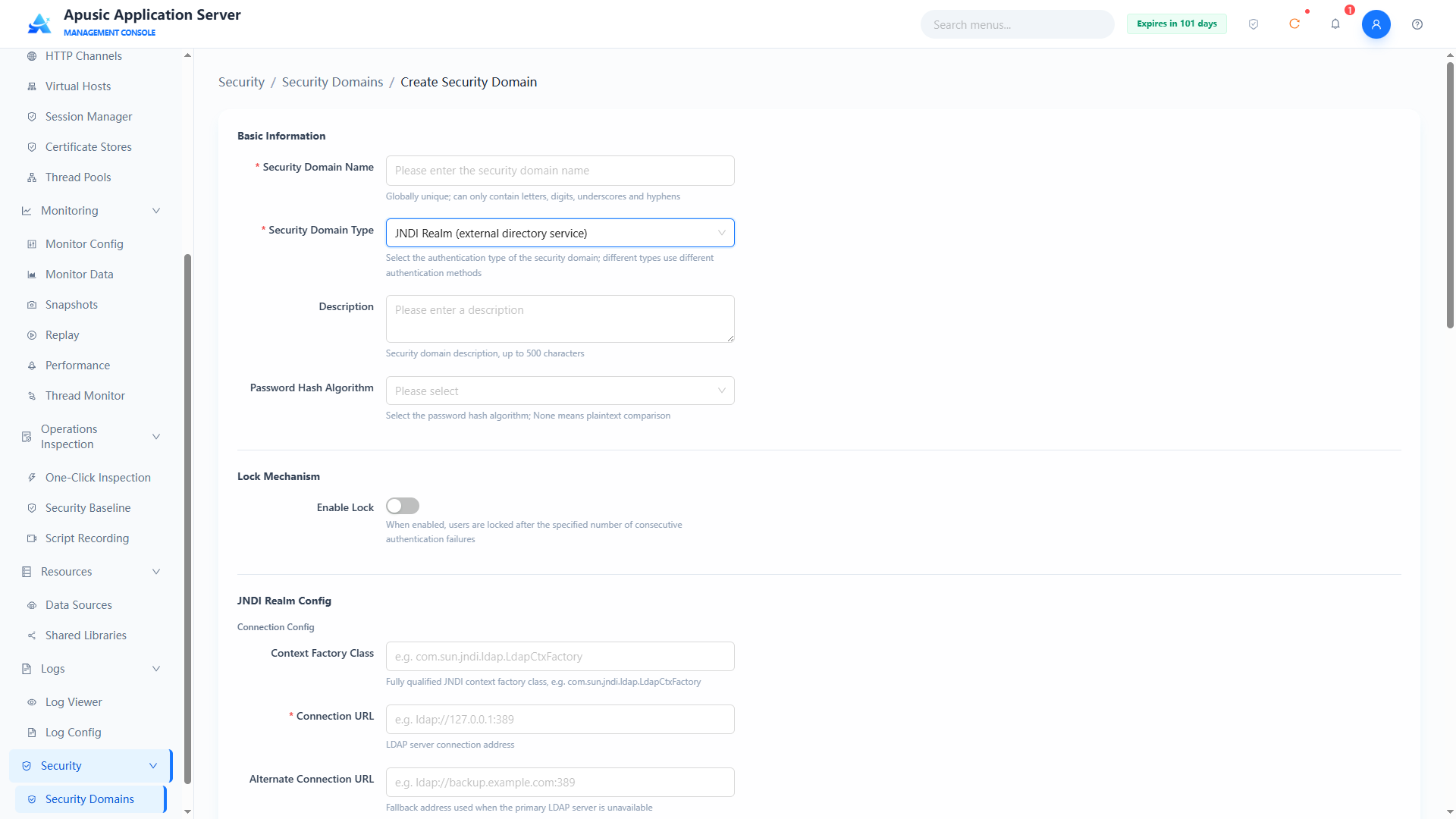
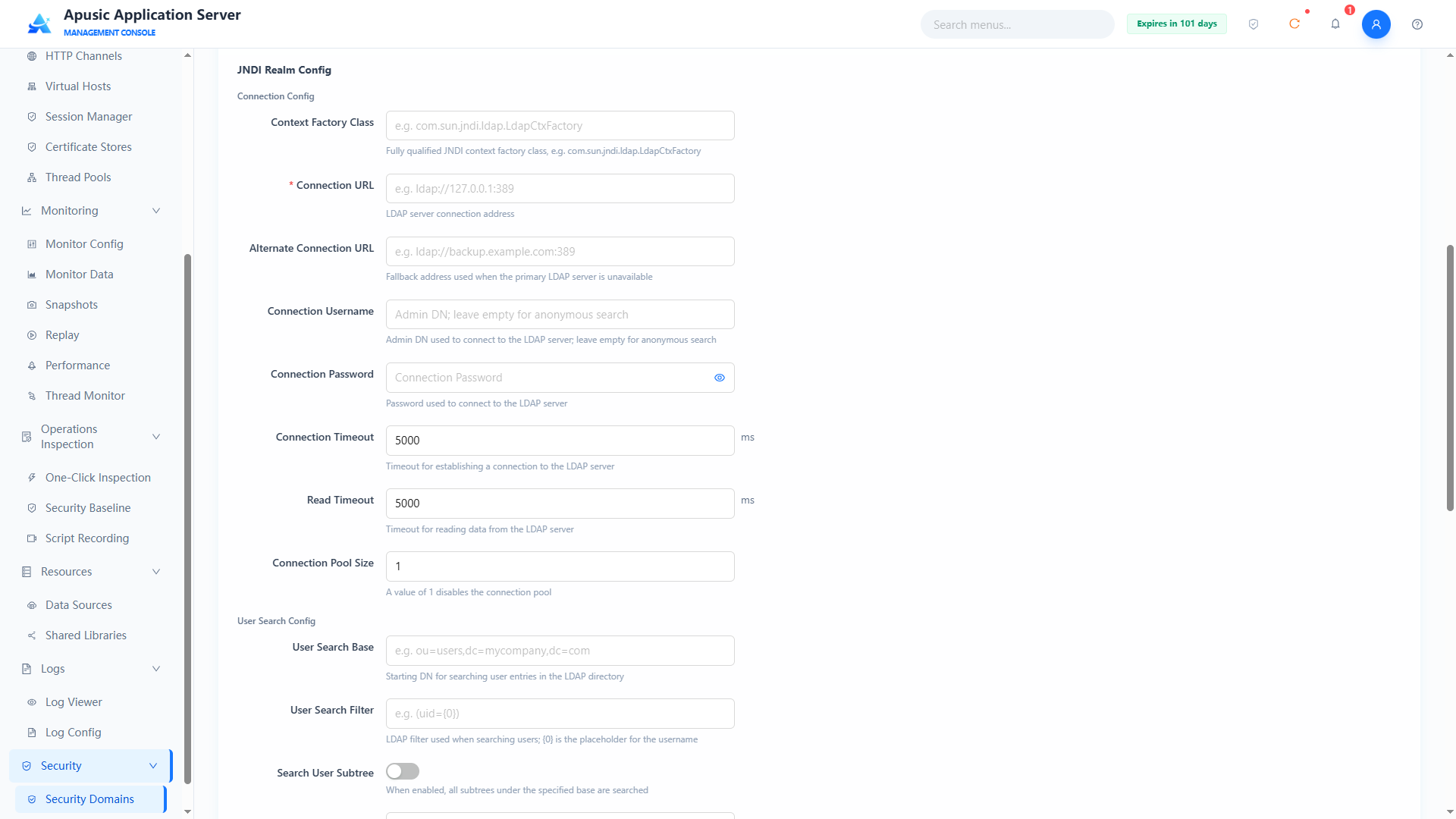
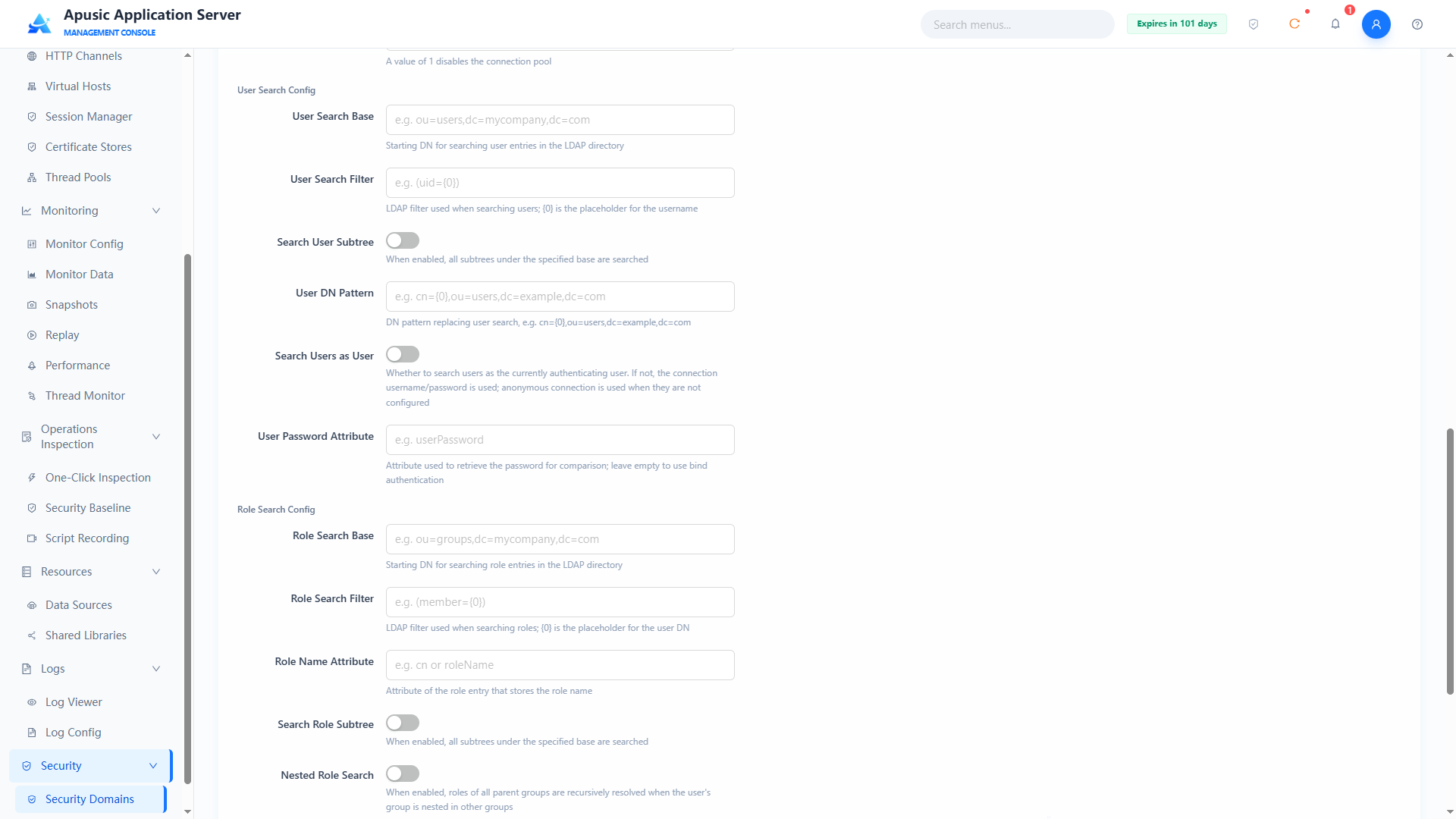
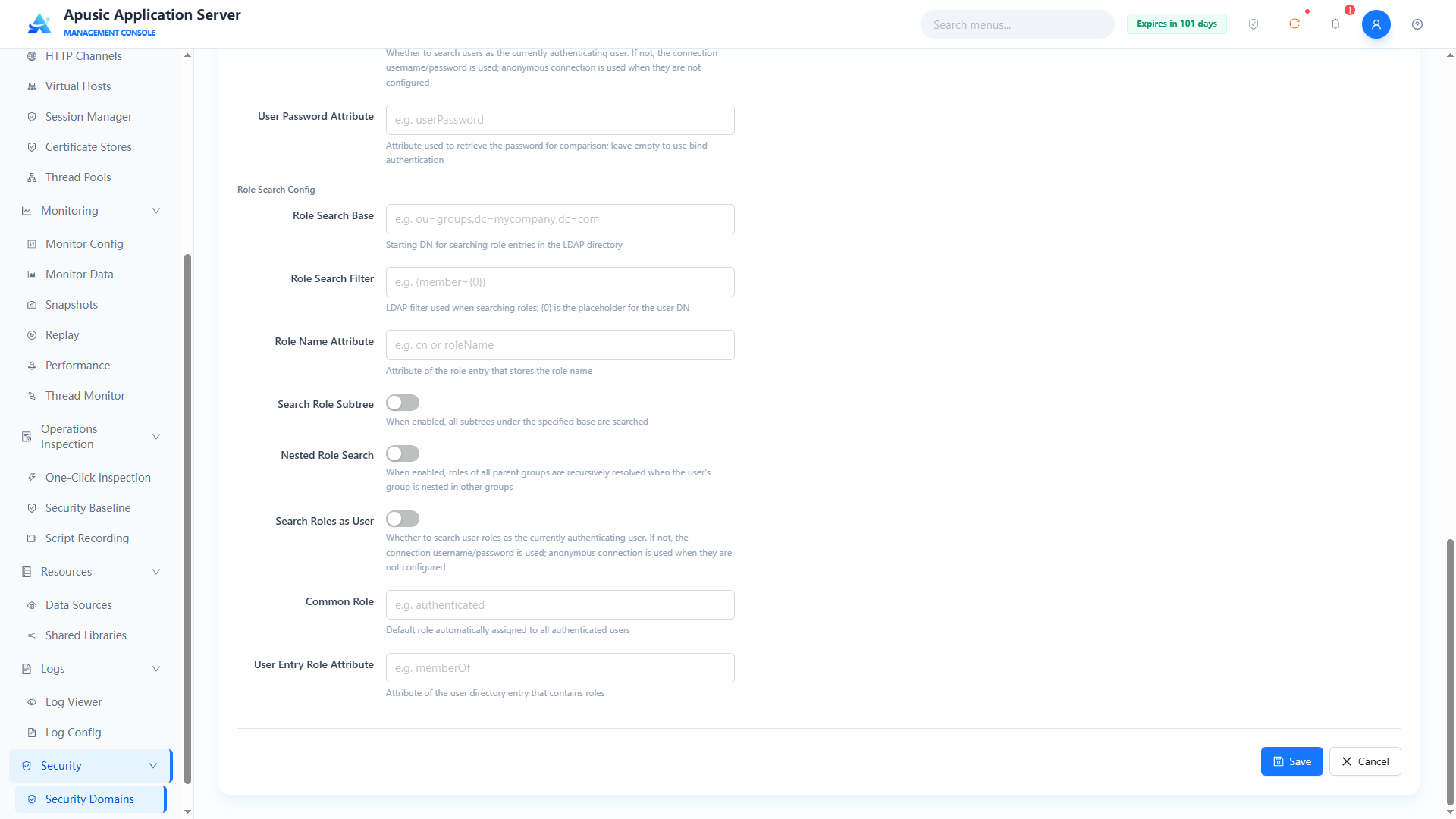
Basic Information
| Setting | Parameter | Description |
| Name | name | Unique identifier of the security domain. Purpose: globally identifies the security domain; used for application binding and log identification. Valid values: string, ≤128 characters; only letters, digits, underscores, hyphens; globally unique; required. Default: empty. |
| Type | type | Implementation type of the security domain. Purpose: determines the authentication data source and method. Valid values: dropdown, DataSource Realm / UserDatabase Realm / JAAS Realm / JNDI Realm; required. Default: empty. |
| Description | desc | Description of the security domain. Purpose: notes the purpose of the security domain. Valid values: multi-line text, up to 500 characters. Default: empty. |
| Password Hash | passwordHash | Hash comparison algorithm for user passwords. Purpose: declares the hash algorithm used by the stored password field; authentication compares with this algorithm; leaving it unselected means plaintext storage. Valid values: dropdown, None (plaintext) / MD5 / SHA1 / SHA-256 / SHA-512; hashed passwords can be generated with the application server's built-in encryption tool: Windows: bin/digest.bat -a SHA-256 -s 0 -i 1 [YOUR_PASSWORD] Linux/Mac: bin/digest.sh -a SHA-256 -s 0 -i 1 [YOUR_PASSWORD]. Default: None (plaintext). |
Lock Mechanism
| Setting | Parameter | Description |
| Enable Lock | lockEnabled | Whether the authentication failure lock mechanism is enabled. Purpose: when on, the user is locked after consecutive authentication failures reach the specified count. Valid values: switch, On / Off. Default: Off. |
| Max Failed Attempts | maxFailedAttempts | Consecutive authentication failure lock threshold, in times. Purpose: the user is locked after consecutive failures reach this count. Valid values: integer. Default: 5. |
| Lock Timeout | lockTimeout | Time before a locked user is unlocked automatically, in seconds. Purpose: after the user is locked, the lock is released automatically once this time passes. Valid values: integer, in seconds. Default: 300. |
| Cache Size | cacheSize | Size of the authentication cache. Purpose: sets the number of cached authentication result entries. Valid values: integer. Default: 1000. |
| Cache Removal Warning Time | cacheRemovalWarningTime | Cache removal warning time, in seconds. Purpose: a warning is triggered when a cache entry is removed before this time is reached. Valid values: integer, in seconds. Default: 3600. |
JNDI Realm Config
Connection Config
| Setting | Parameter | Description |
| Context Factory | contextFactory | Fully qualified name of the JNDI context factory class. Purpose: specifies the factory implementation that creates the JNDI context. Valid values: string, fully qualified class name, e.g. com.sun.jndi.ldap.LdapCtxFactory. Default: com.sun.jndi.ldap.LdapCtxFactory. |
| Connection URL | connectionUrl | Address of the LDAP server. Purpose: specifies the location of the directory service. Valid values: string, LDAP URL format, e.g. ldap://127.0.0.1:389; required. Default: empty. |
| Alternate URL | alternateUrl | Address of the backup LDAP server. Purpose: switches automatically when the primary LDAP server is unavailable. Valid values: string, LDAP URL format, e.g. ldap://backup.example.com:389. Default: empty. |
| Connection Username | connectionUsername | Administrator DN used to connect to the LDAP server. Purpose: the bind account used to query the directory; can be left empty when anonymous search is supported. Valid values: string, a valid DN format. Default: empty. |
| Connection Password | connectionPassword | Password for connecting to the LDAP server. Purpose: binds to the directory service together with the connection username. Valid values: string, hidden on the page. Default: empty. |
| Connection Timeout | connectionTimeout | Timeout for establishing a connection to the LDAP server, in milliseconds. Purpose: the connection fails if it is not established within this time. Valid values: integer, in milliseconds. Default: 5000. |
| Read Timeout | readTimeout | Timeout for reading data from the LDAP server, in milliseconds. Purpose: the read fails if no data returns within this time. Valid values: integer, in milliseconds. Default: 5000. |
| Connection Pool Size | connectionPoolSize | Size of the LDAP connection pool. Purpose: controls the number of reused connections; a value of 1 means no connection pool. Valid values: integer. Default: 1. |
User Search Config
| Setting | Parameter | Description |
| User Search Base | userSearchBase | Starting DN for searching user entries in the LDAP directory. Purpose: limits the directory scope of user searches. Valid values: string, a valid DN format, e.g. ou=users,dc=mycompany,dc=com. Default: empty. |
| User Search Filter | userSearchFilter | LDAP filter used when searching for users. Purpose: matches user entries by the filter; {0} is the placeholder for the username. Valid values: string, LDAP filter syntax, e.g. (uid={0}). Default: empty. |
| User Subtree Search | userSubtree | Whether all subtrees under the user search base are searched. Purpose: when on, the search scope includes all child nodes under the base DN. Valid values: switch, On / Off. Default: Off. |
| User DN Pattern | userPattern | DN pattern that replaces user search. Purpose: binds and authenticates by directly assembling the user DN, without searching. Valid values: string, DN template with {0} as the placeholder, e.g. cn={0},ou=users,dc=example,dc=com. Default: empty. |
| Search as User | userSearchAsUser | Whether user searches are executed as the currently authenticated user. Purpose: when off, the connection username/password is used; when no connection username/password is configured, an anonymous connection is used. Valid values: switch, On / Off. Default: Off. |
| User Password Attribute | userPasswordAttr | Attribute name from which the password is read for comparison. Purpose: specifies the LDAP attribute storing the password; when left empty, bind authentication is used. Valid values: string, an LDAP attribute name, e.g. userPassword. Default: empty (bind authentication). |
Role Search Config
| Setting | Parameter | Description |
| Role Search Base | roleSearchBase | Starting DN for searching role entries in the LDAP directory. Purpose: limits the directory scope of role searches. Valid values: string, a valid DN format, e.g. ou=groups,dc=mycompany,dc=com. Default: empty. |
| Role Search Filter | roleSearchFilter | LDAP filter used when searching for roles. Purpose: matches role entries by the filter; {0} is the placeholder for the user DN. Valid values: string, LDAP filter syntax, e.g. (member={0}). Default: empty. |
| Role Name Attribute | roleNameAttribute | Attribute name in role entries that stores the role name. Purpose: reads the role name from role entries. Valid values: string, an LDAP attribute name, e.g. cn or roleName. Default: cn. |
| Role Subtree Search | roleSubtree | Whether all subtrees under the role search base are searched. Purpose: when on, the search scope includes all child nodes under the base DN. Valid values: switch, On / Off. Default: Off. |
| Role Nested Search | roleNested | Whether nested role search is enabled. Purpose: when on, if a user's group is nested in other groups, the roles of all parent groups are found recursively. Valid values: switch, On / Off. Default: Off. |
| Search Roles as User | roleSearchAsUser | Whether role searches are executed as the currently authenticated user. Purpose: when off, the connection username/password is used; when no connection username/password is configured, an anonymous connection is used. Valid values: switch, On / Off. Default: Off. |
| Common Role | commonRole | Default role automatically assigned to all users who pass authentication. Purpose: uniformly attaches this role to authenticated users. Valid values: string, a role name, e.g. authenticated. Default: empty. |
| User Role Attribute | userRoleAttribute | Attribute name in user entries that contains roles. Purpose: reads the role list directly from the user entry. Valid values: string, an LDAP attribute name, e.g. memberOf. Default: empty. |
# UserDatabase Realm
UserDatabaseRealm is an out-of-the-box security realm (Realm) implementation based on a local XML file, well suited for development and testing or small user counts.
It accesses user data through a JNDI resource and by default reads the conf/aas-users.xml file to verify user identities and roles.
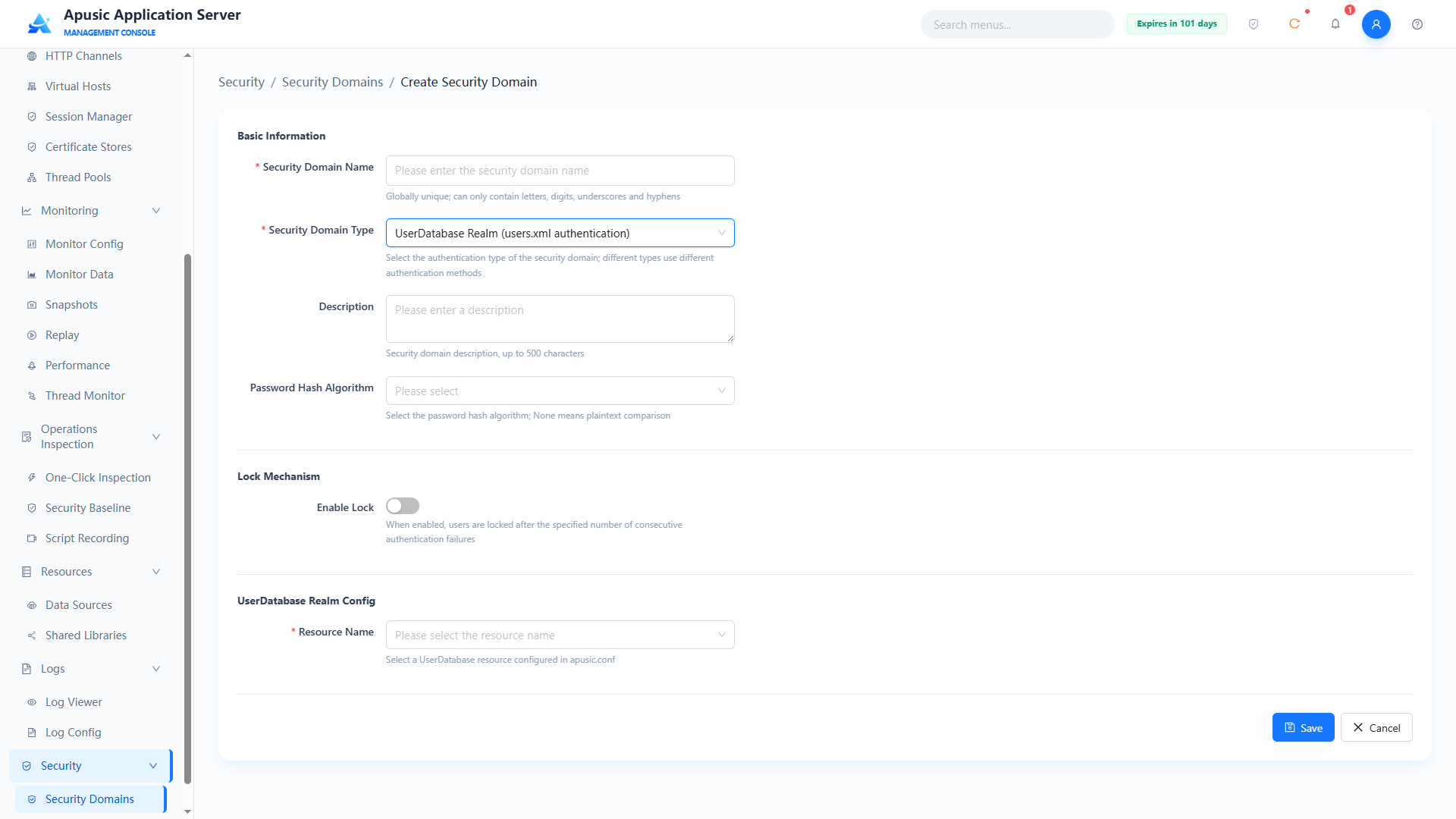
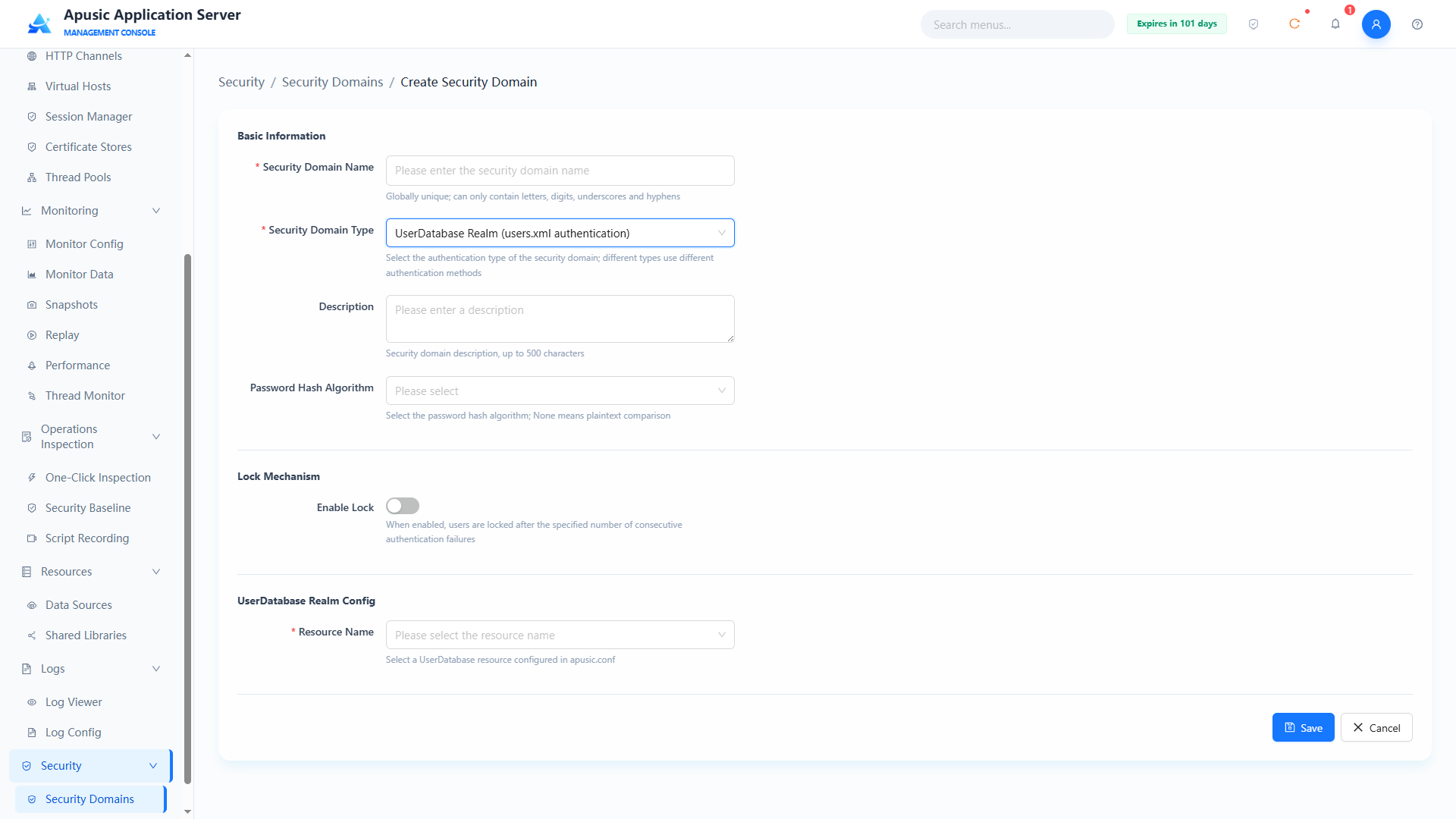
Basic Information
| Setting | Parameter | Description |
| Name | name | Unique identifier of the security domain. Purpose: globally identifies the security domain; used for application binding and log identification. Valid values: string, ≤128 characters; only letters, digits, underscores, hyphens; globally unique; required. Default: empty. |
| Type | type | Implementation type of the security domain. Purpose: determines the authentication data source and method. Valid values: dropdown, DataSource Realm / UserDatabase Realm / JAAS Realm / JNDI Realm; required. Default: empty. |
| Description | desc | Description of the security domain. Purpose: notes the purpose of the security domain. Valid values: multi-line text, up to 500 characters. Default: empty. |
| Password Hash | passwordHash | Hash comparison algorithm for user passwords. Purpose: declares the hash algorithm used by the stored password field; authentication compares with this algorithm; leaving it unselected means plaintext storage. Valid values: dropdown, None (plaintext) / MD5 / SHA1 / SHA-256 / SHA-512; hashed passwords can be generated with the application server's built-in encryption tool: Windows: bin/digest.bat -a SHA-256 -s 0 -i 1 [YOUR_PASSWORD] Linux/Mac: bin/digest.sh -a SHA-256 -s 0 -i 1 [YOUR_PASSWORD]. Default: None (plaintext). |
Lock Mechanism
| Setting | Parameter | Description |
| Enable Lock | lockEnabled | Whether the authentication failure lock mechanism is enabled. Purpose: when on, the user is locked after consecutive authentication failures reach the specified count. Valid values: switch, On / Off. Default: Off. |
| Max Failed Attempts | maxFailedAttempts | Consecutive authentication failure lock threshold, in times. Purpose: the user is locked after consecutive failures reach this count. Valid values: integer. Default: 5. |
| Lock Timeout | lockTimeout | Time before a locked user is unlocked automatically, in seconds. Purpose: after the user is locked, the lock is released automatically once this time passes. Valid values: integer, in seconds. Default: 300. |
| Cache Size | cacheSize | Size of the authentication cache. Purpose: sets the number of cached authentication result entries. Valid values: integer. Default: 1000. |
| Cache Removal Warning Time | cacheRemovalWarningTime | Cache removal warning time, in seconds. Purpose: a warning is triggered when a cache entry is removed before this time is reached. Valid values: integer, in seconds. Default: 3600. |
UserDatabase Realm Config
| Setting | Parameter | Description |
| Resource Name | resourceName | JNDI resource name of the UserDatabase. Purpose: specifies the user database resource read by the security domain, corresponding to the conf/aas-users.xml file. Valid values: string; required. Default: UserDatabase. |
You need to manually edit the conf/aas-users.xml file to add users and roles.
User data is stored in the conf/aas-users.xml file in a very intuitive format:
<aas-users>
  <role rolename="manager-gui"/>
  <role rolename="admin"/>
  <user username="aas" password="[YOUR_PASSWORD]" roles="manager-gui"/>
  <user username="admin" password="[YOUR_PASSWORD]" roles="admin,manager-gui"/>
</aas-users>
2
3
4
5
6
<role>: defines a role.<user>: defines a user and assigns roles to it. A user can have multiple roles, separated by commas.
# Users
The Users module of the application server strictly follows the MLPS 2.0 requirements of separation of duties among three administrators, account security, and least privilege, implementing full-process control over platform user creation, status management, role assignment, access control, and permission configuration.
# User List
Click "Users" in the left menu:
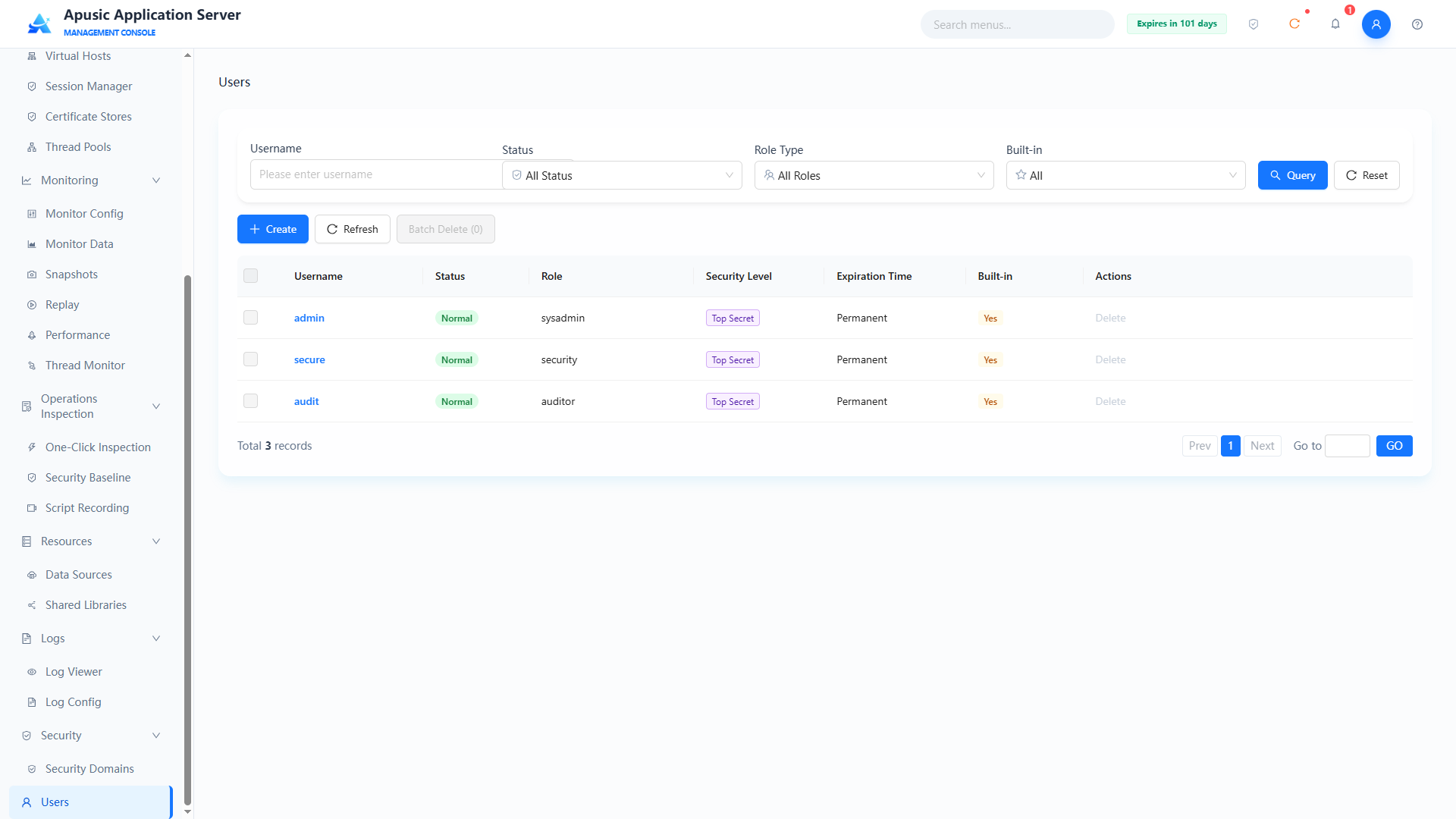
Query conditions:
| Query Condition | Description | Example |
|---|---|---|
| Username | Matches the username; the input hint is "Please enter username" | admin |
| Status | Filters by account status; the dropdown defaults to "All Statuses" | Normal / Locked / Disabled |
| Role Type | Filters by the user's assigned roles; the dropdown defaults to "All Roles" | sysadmin |
| Built-in | Filters by whether the account is built-in; the dropdown defaults to "All" | Yes / No |
After filling in the conditions, click "Query" to filter the list, or "Reset" to clear the query conditions; above the list are "Create", "Refresh", and "Batch Delete (n)" buttons — after rows are checked, the "Batch Delete" button shows the number of checked rows and becomes available.
List fields:
| Field | Description |
|---|---|
| Username | The user's login account |
| Status | Current account status: Normal / Locked / Disabled |
| Role | Roles assigned to the user; empty when unassigned |
| Security Level | The user's data security level: Top Secret / Confidential / Secret |
| Expiration Time | Account validity period; shows "Permanent" when permanently valid |
| Built-in | Whether the account is built-in: Yes / No |
| Actions | Permissions / Reset Password / Delete |
The built-in users admin, secure, and audit cannot be deleted or modified; their row checkboxes and "Delete" actions are disabled.
# Creating a User
The system administrator can create users:
- In the user list, click "Create" to enter the "Users / Create User" page;
- Fill in the username, password, status, role category, mobile number, email, and description;
- Click "Save" to finish creating, or "Cancel" to discard this configuration.
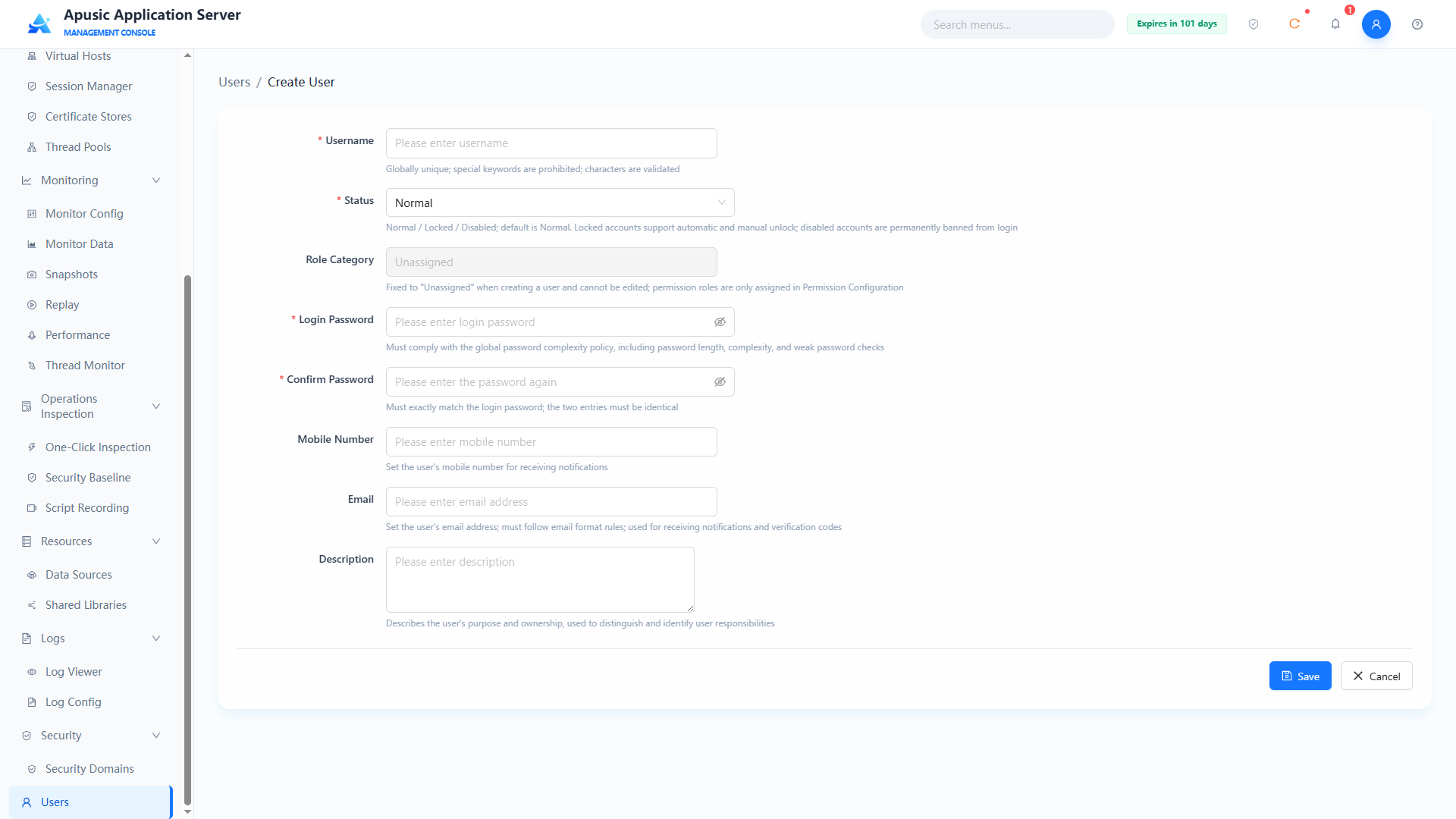
Field descriptions:
| Setting | Parameter | Description |
| Username | username | The user's login account. Purpose: globally and uniquely identifies the user. Valid values: string, globally unique, forbidden special keywords, must pass character validation; required. Default: empty. |
| User Status | status | The user's account status. Purpose: controls whether the account can log in. Valid values: dropdown, Normal / Locked / Disabled; required. Default: Normal. |
| Role Category | roleCategory | The user's role category. Purpose: roles are assigned by the security administrator in "Permission Configuration"; fixed and not editable here. Valid values: fixed to "Unassigned", not editable. Default: Unassigned. |
| Login Password | loginPassword | The user's login password. Purpose: credential for account login. Valid values: string, must comply with the global password complexity policy, hidden on the page; required. Default: empty. |
| Confirm Password | confirmPassword | Re-enter the login password. Purpose: confirms the password was entered correctly. Valid values: string, must exactly match the login password; required. Default: empty. |
| Mobile Number | mobile | The user's mobile number. Purpose: used for account contact and notification. Valid values: digits, in mobile number format. Default: empty. |
email | The user's email address. Purpose: used for email verification and notification. Valid values: string, must comply with email format rules. Default: empty. | |
| Description | description | The user's purpose and affiliation. Purpose: notes about the account. Valid values: string. Default: empty. |
# Permission Configuration
The security administrator also has user management permissions and can query user information and configure permissions.
Querying user information:
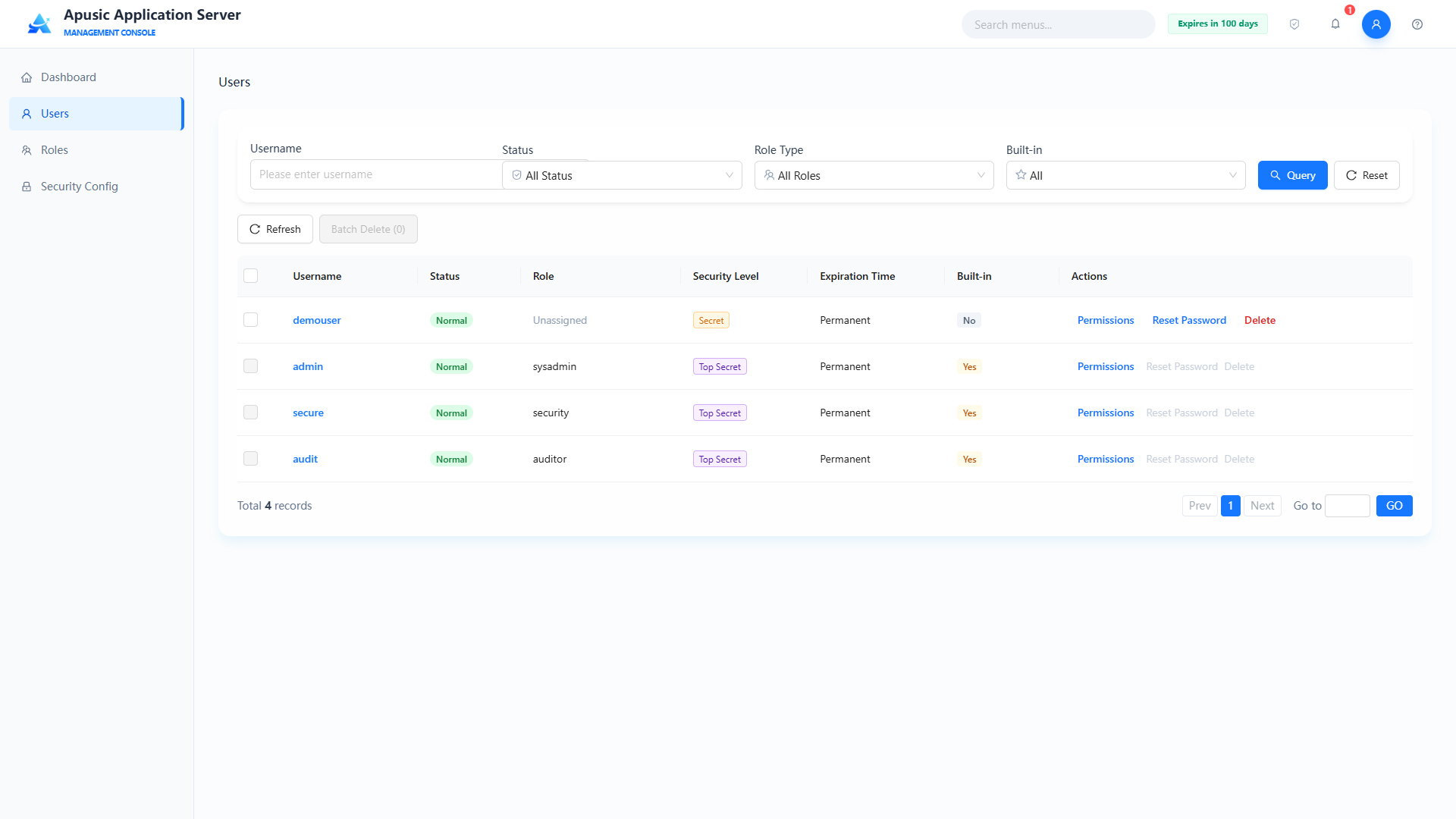
Permission configuration: in the user list, click "Permissions" in the Actions column to assign the user roles, an access IP whitelist, an access time range, a data security level, and an account validity period.
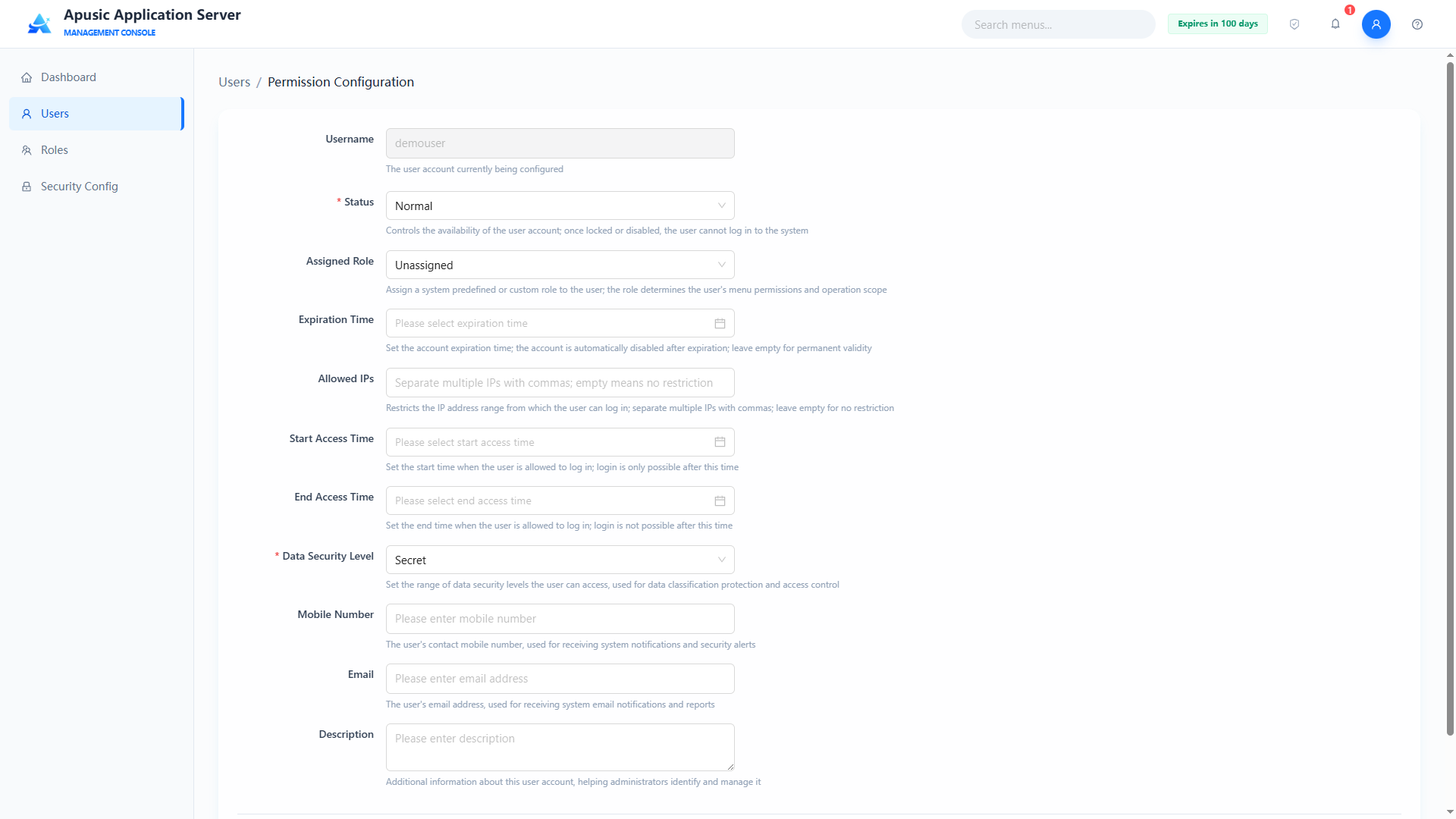
Field descriptions:
| Setting | Parameter | Description |
| Username | username | The user account being configured. Purpose: identifies the target user of the permission configuration. Valid values: read-only, not editable. Default: the currently selected user. |
| Status | status | The user's account status. Purpose: controls whether the account can log in. Valid values: dropdown, Normal / Locked / Disabled; required. Default: Normal. |
| Assigned Role | roles | Roles assigned to the user. Purpose: the user inherits system resource permissions through roles; shows all roles in the "Roles" list. Valid values: multiple selection from the role list. Default: Unassigned. |
| Expiration Time | expireDate | Expiry time of the account. Purpose: the account becomes invalid after this time. Valid values: date and time; empty means permanently valid. Default: empty. |
| Allowed IPs | ipWhitelist | Client IPs from which the user may log in. Purpose: limits the login sources of the account; empty means no restriction. Valid values: string, ≤255 characters, multiple IPs separated by commas, supports IP ranges and the * wildcard. Default: empty. |
| Start Access Time | startTime | Start of the allowed access window. Purpose: limits the beginning of the time window in which the account can log in. Valid values: date and time, format yyyy-MM-dd HH:mm:ss. Default: empty. |
| End Access Time | endTime | End of the allowed access window. Purpose: limits the end of the time window in which the account can log in. Valid values: date and time, must be later than the start time. Default: empty. |
| Data Security Level | classLevel | The user's data security level. Purpose: controls the resource access scope, Top Secret > Confidential > Secret. Valid values: dropdown, Top Secret / Confidential / Secret; required. Default: Secret. |
| Mobile Number | mobile | The user's mobile number. Purpose: used for account contact and notification. Valid values: digits, in mobile number format. Default: empty. |
email | The user's email address. Purpose: used for email verification and notification. Valid values: string, must comply with email format rules. Default: empty. | |
| Description | description | The user's purpose and affiliation. Purpose: notes about the account. Valid values: string. Default: empty. |
# Resetting a Password
In the user list, click "Reset Password" in the Actions column to set a new password for an existing account; the new password must comply with the global password complexity policy, and after the reset the user logs in with the new password.
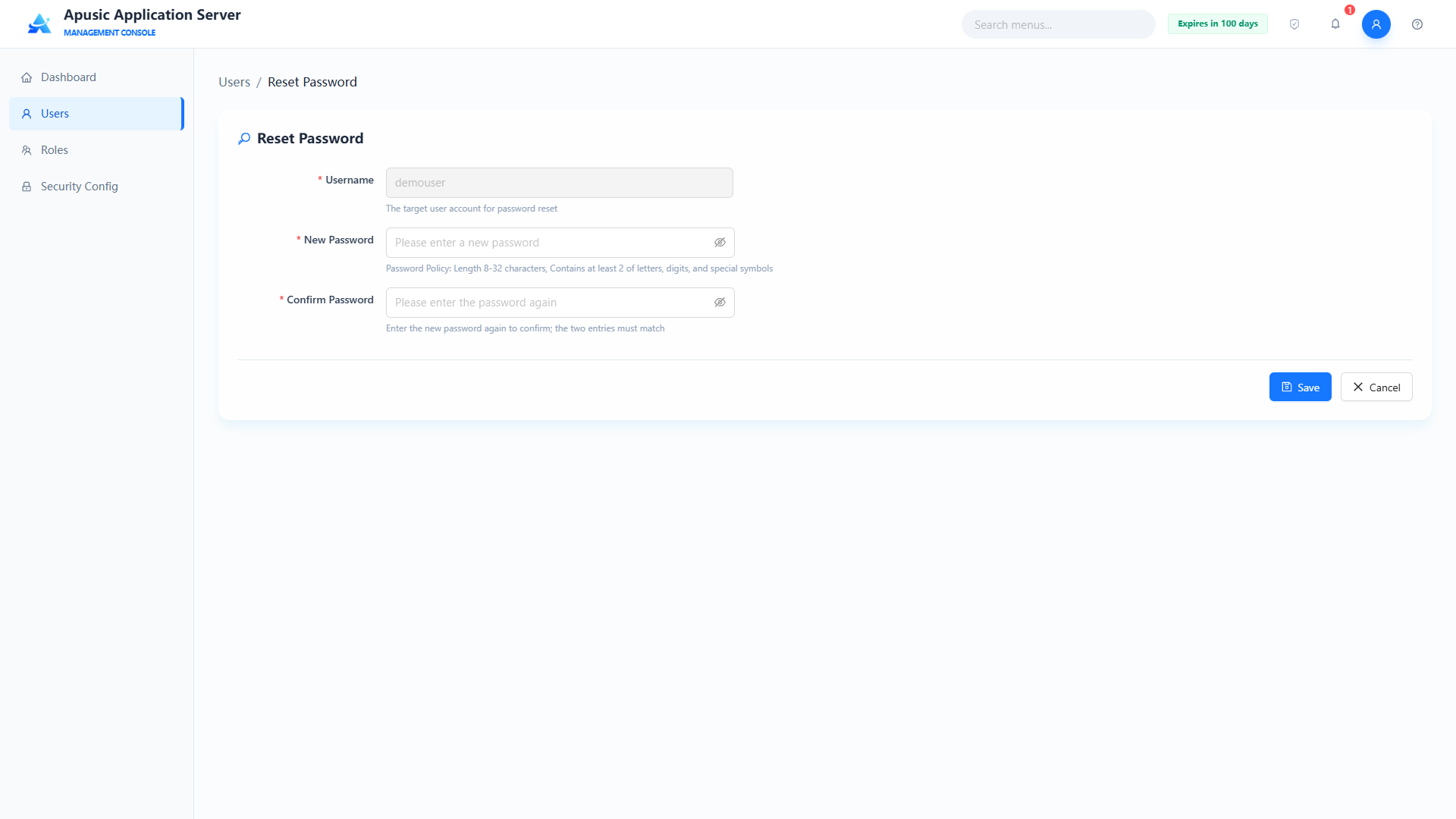
# Deleting a User
- Single delete: in the user list, click "Delete" in the Actions column and click "Confirm" in the dialog to delete a regular user with no business associations;
- Batch delete: check multiple regular users and click "Batch Delete (n)" above the list; after confirmation, the selected users are deleted at once.
The built-in users admin, secure, and audit provide no delete entry; deleting a user is irreversible — make sure the user has no pending business first.
# Roles
Role management is exclusive to the security administrator and supports the following:
- Role lifecycle management: supports creating, viewing, editing, deleting, and refreshing roles, closing the loop of role CRUD management.
- Built-in role protection: the system presets three built-in roles —
sysadmin(system administrator),security(security administrator), andauditor(audit administrator) — which cannot be modified or deleted, safeguarding the compliance of the three-administrator separation of duties. - Role-permission binding: supports assigning system resource permissions (such as menus, function points, and interfaces) to roles, configuring the mapping between roles and permissions.
- Role-user association: supports associating platform users with roles so that users inherit permissions through roles; multiple users can be bound to the same role.
# Role List
Click "Roles" in the left menu:
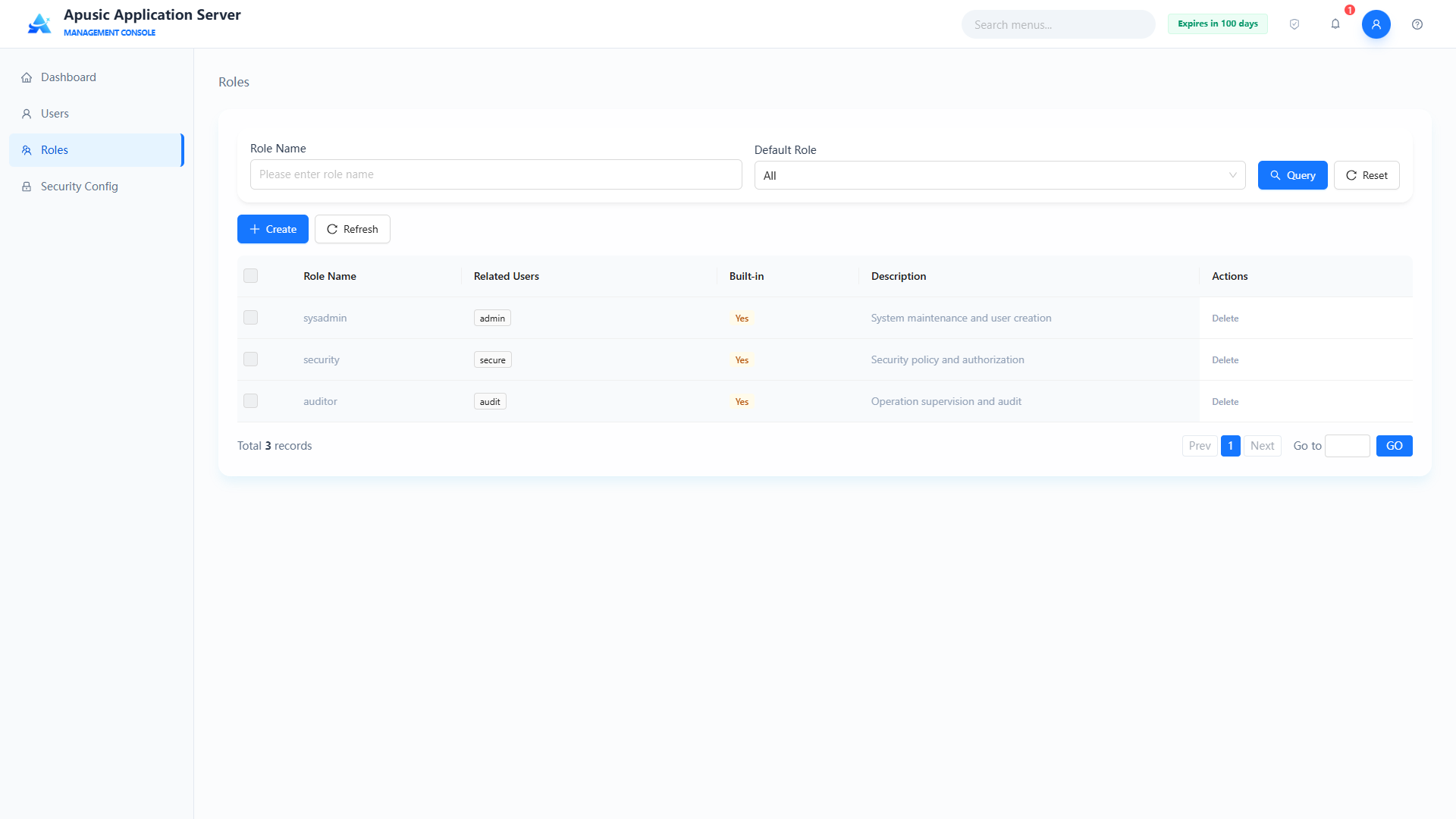
Shows all roles with their role name, related users, built-in flag, and description; the page supports fuzzy search by role name and filtering by the "Default Role" dropdown (All / Yes / No), and provides "Create" and "Delete" actions.
# Creating a Role
To create a role, click the "Create" button to go to the create page:
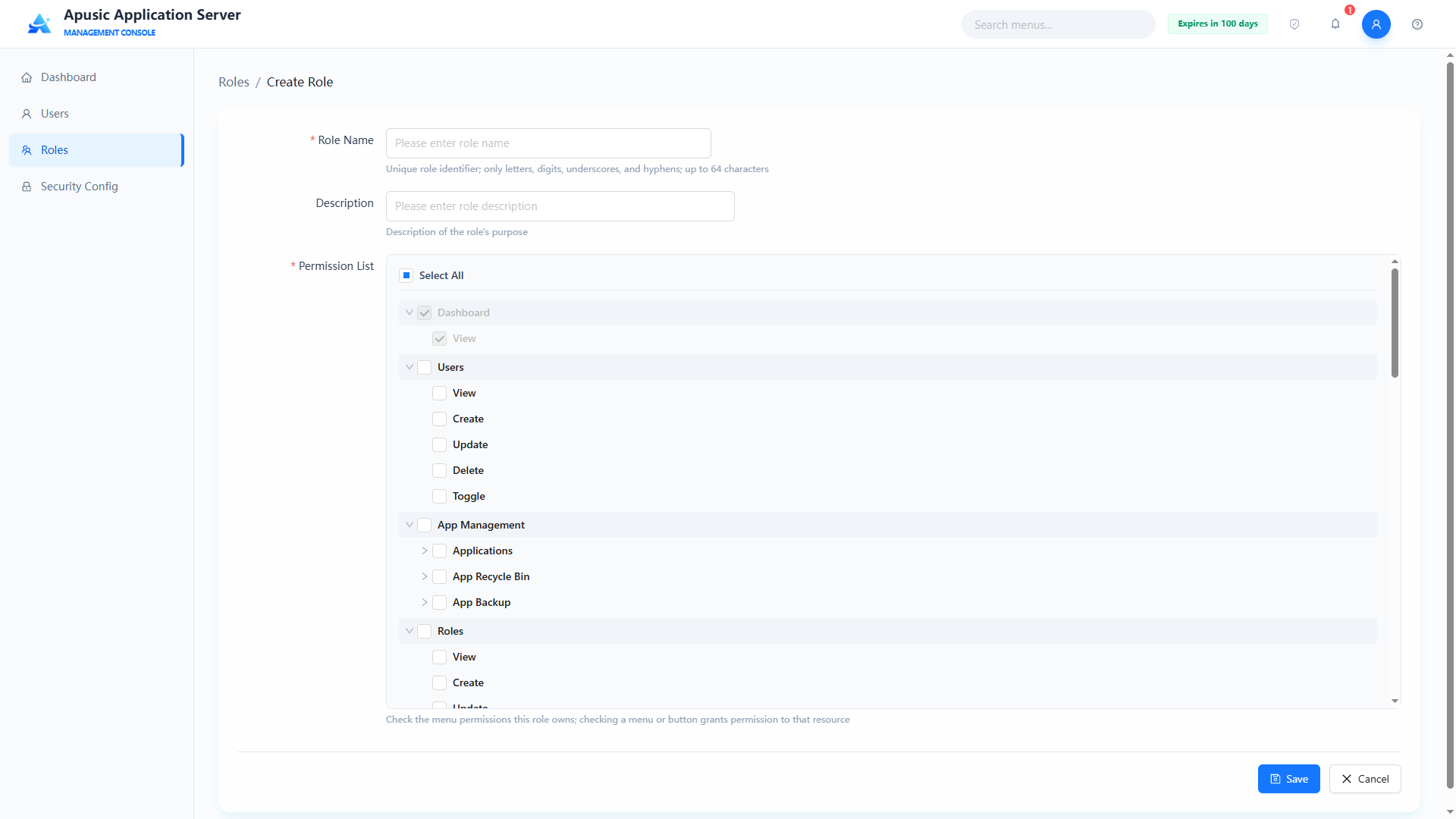
- Fill in the role name (globally unique, required) and description;
- In the permission list tree, check the menu / function point permissions the role has;
- Click "Save" to finish creating, or "Cancel" to discard this configuration.
Field descriptions:
| Setting | Parameter | Description |
| Role Name | roleName | Unique identifier of the role. Purpose: globally identifies the role; referenced by this name in permission configuration. Valid values: string, globally unique; required. Default: empty. |
| Permission List | permList | System resource permissions assigned to the role. Purpose: shows menus and function points as a tree; checking an item grants the role that resource permission. Valid values: tree multiple selection, checking the corresponding menus / function points; required. Default: empty. |
| Description | desc | Functional description of the role. Purpose: distinguishes role usage, e.g. "System administrator role". Valid values: string. Default: empty. |
# Editing a Role
Click a role name to go to the edit page, which is similar to the create role page (except the role name cannot be changed):
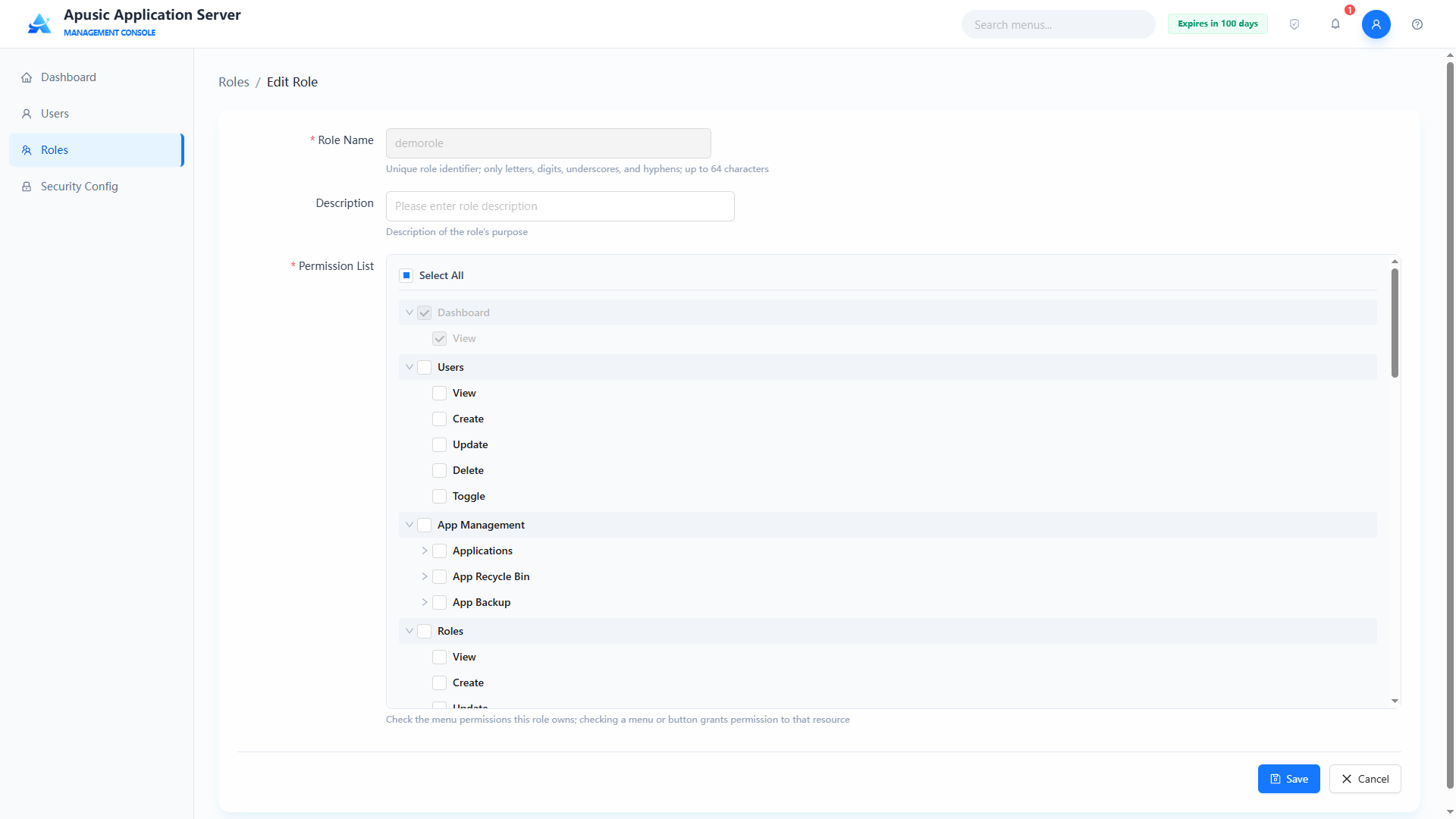
After modifying the permission list or description, click "Save" to apply; built-in roles provide no edit entry.
# Deleting a Role
In the role list, check a non-built-in role and click "Delete", then click "Confirm" in the dialog to delete it; after deletion, related users lose the permissions inherited from the role.
The built-in roles
sysadmin,security, andauditorcannot be deleted; deleting a role is irreversible — make sure no user is associated first.
# Security Config
The Security Config module is exclusive to the security administrator and covers password policy configuration, audit log configuration, business configuration backup, email verification configuration, and dynamic code (OTP) verification configuration. Changes take effect in real time after being saved.
# Password Policy
The security administrator can configure password security rules for platform user accounts, covering password complexity, validity period, retry limits, and lockout policy, forcing users to follow secure password standards and reducing risks such as weak passwords and brute-force attacks.
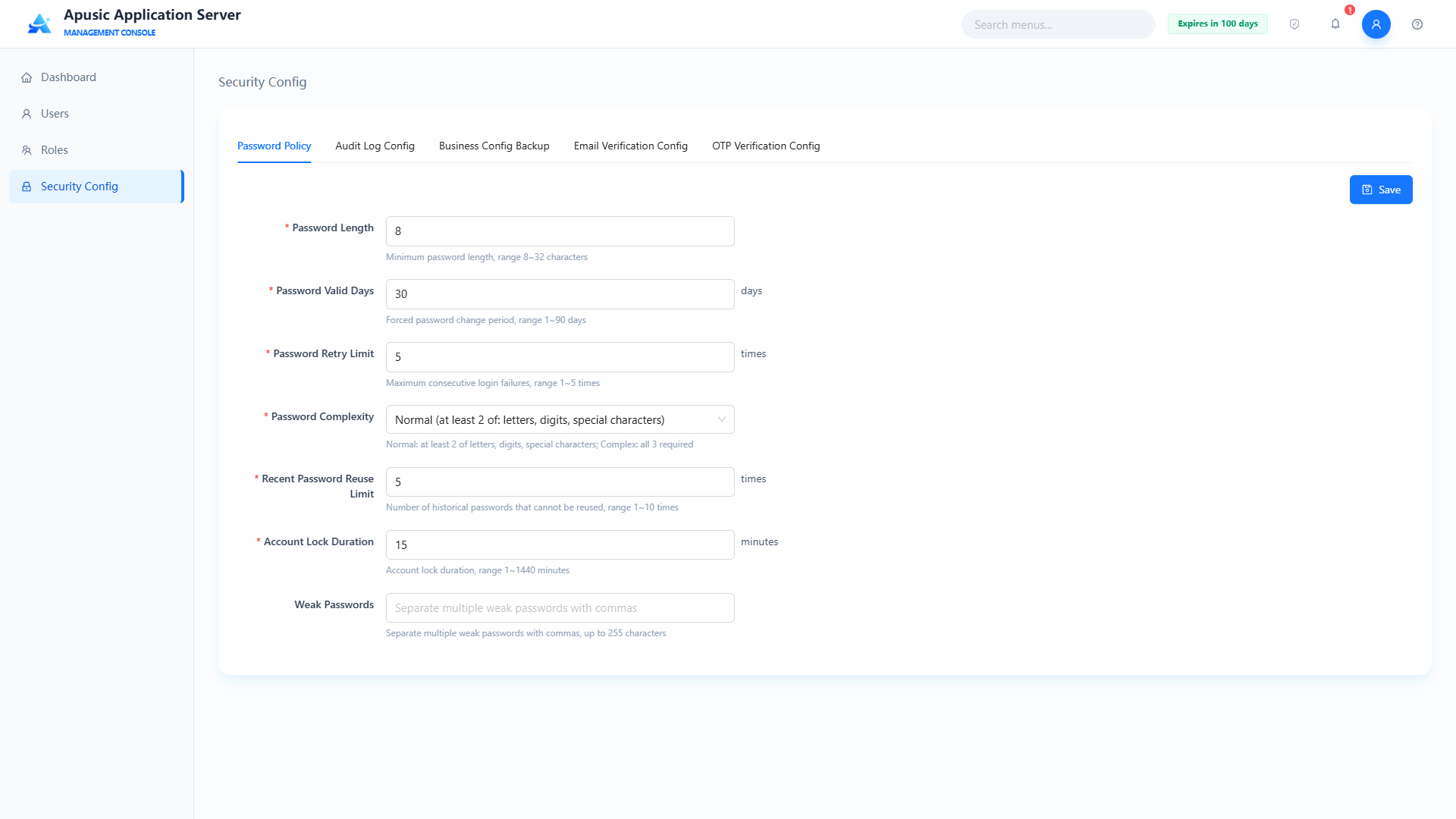
Field descriptions:
| Setting | Parameter | Description |
| Password Length | pwdLength | Minimum length of the password. Purpose: forces user passwords to be no shorter than this. Valid values: integer, 8~32; required. Default: 8. |
| Password Valid Days | pwdValidDays | Mandatory password change cycle, in days. Purpose: the password must be changed after being used for this many days. Valid values: integer, 1~90; required. Default: 30. |
| Password Retry Times | pwdRetryTimes | Maximum password error attempts, in times. Purpose: the account is locked after consecutive errors reach this count. Valid values: integer, 1~5; required. Default: 5. |
| Password Complexity | pwdComplexity | Password complexity requirement. Purpose: Normal — must contain at least 2 of letters, digits, and special symbols; Complex — must contain letters, digits, and special symbols at the same time. Valid values: dropdown, Normal / Complex; required. Default: Normal. |
| Recent Password Reuse Limit | pwdHistoryLimit | Number of historical passwords that cannot be reused, in times. Purpose: a new password must not duplicate any of the last N passwords. Valid values: integer, 1~10; required. Default: 5. |
| User Lock Duration | pwdLockDuration | Account lock duration, in minutes. Purpose: after the account is locked due to excessive retries, it is unlocked automatically after this duration. Valid values: integer, 1~1440; required. Default: 15. |
| Weak Passwords | weakPasswords | Custom weak password blacklist. Purpose: passwords in the list are forbidden as user passwords. Valid values: string, ≤255 characters, multiple passwords separated by commas. Default: empty. |
# Audit Log Config
Configures the storage limits, retention periods, and backup policy of audit logs and operation logs, achieving compliant log retention and automatic cleanup, preventing logs from overflowing system resources, and meeting audit traceability needs.
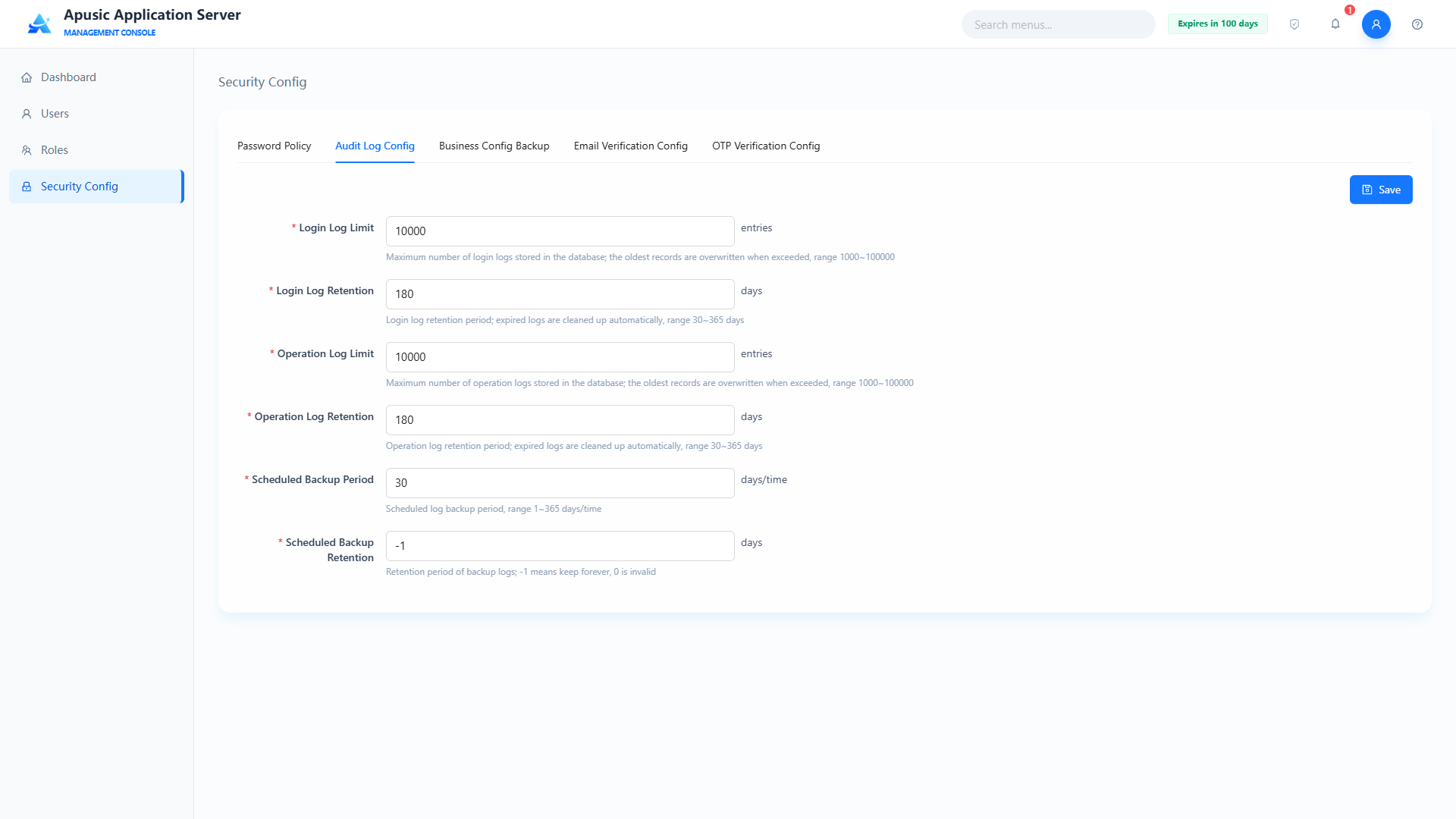
Field descriptions:
| Setting | Parameter | Description |
| Login Log Max Count | loginLogMaxCount | Maximum number of login audit logs stored in the database. Purpose: beyond this limit, the earliest records are overwritten first. Valid values: integer, 1000~100000; required. Default: 10000. |
| Login Log Retention | loginLogRetention | Retention period of login audit logs, in days. Purpose: cleaned automatically when expired. Valid values: integer, 30~365; required. Default: 180. |
| Operation Log Max Count | operationLogMaxCount | Maximum number of operation audit logs stored in the database. Purpose: beyond this limit, the earliest records are overwritten first. Valid values: integer, 1000~100000; required. Default: 10000. |
| Operation Log Retention | operationLogRetention | Retention period of operation audit logs, in days. Purpose: cleaned automatically when expired. Valid values: integer, 30~365; required. Default: 180. |
| Scheduled Backup Period | auditBackupPeriod | Scheduled backup period of audit logs, in days. Purpose: backs up audit logs automatically by period. Valid values: integer, 1~365; required. Default: 30. |
| Backup Retention | auditBackupRetention | Retention period of backed-up audit logs, in days. Purpose: backup files are cleaned automatically when expired. Valid values: integer, -1 means retain forever; required. Default: -1. |
# Business Configuration Backup
Configures the scheduled backup policy for the application server's business configuration files, supporting a custom backup directory and backup period; once enabled, configuration files are archived automatically to prevent configuration loss and facilitate fault recovery.
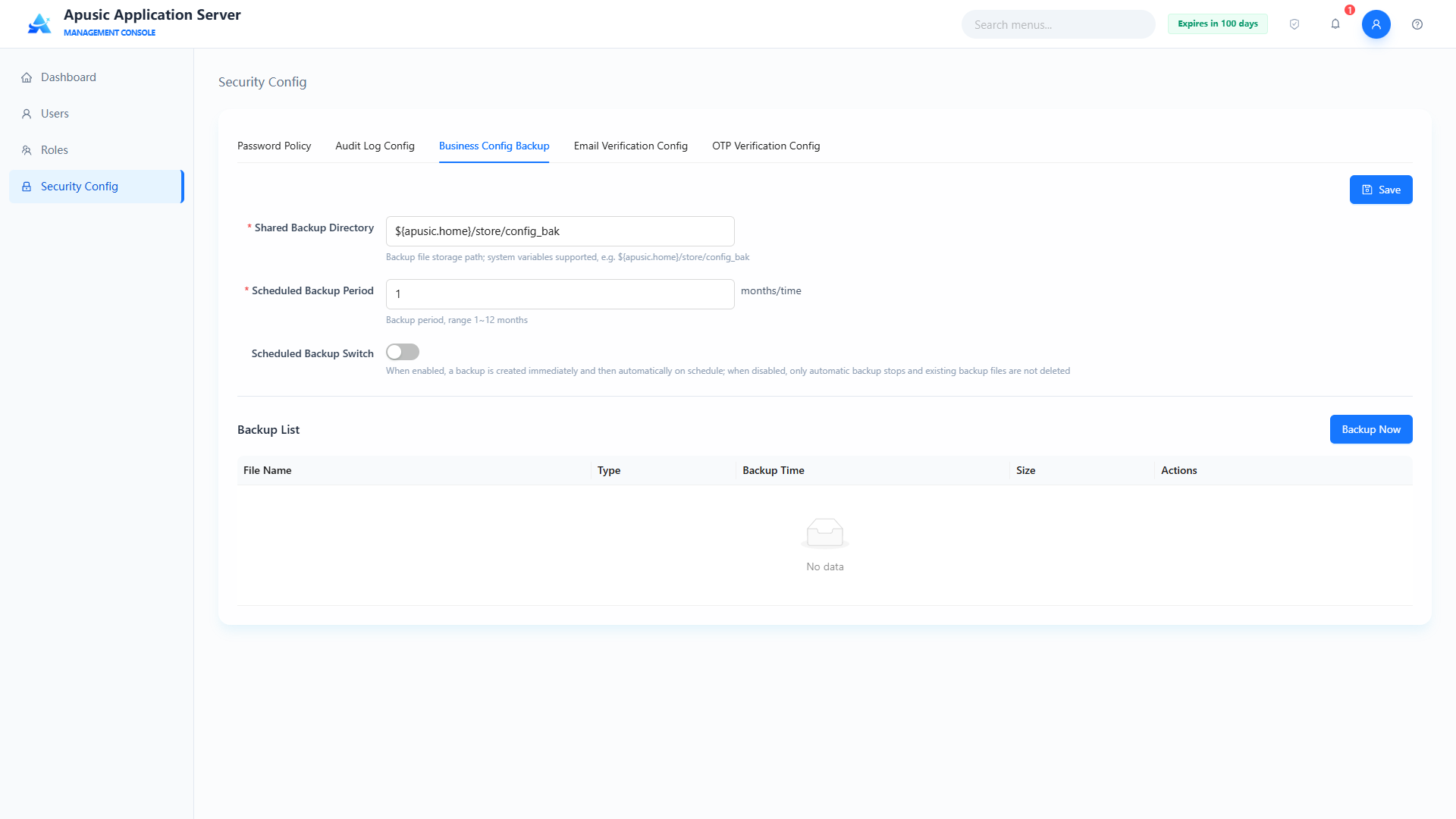
Field descriptions:
| Setting | Parameter | Description |
| Shared Backup Directory | backupPath | Storage path of backup files. Purpose: specifies the directory where business configuration backups are stored. Valid values: string, a valid directory path, supports system variables; required. Default: ${apusic.home}/store/config_bak. |
| Scheduled Backup Period | backupPeriod | Scheduled backup period of business configurations, in months. Purpose: archives configuration files automatically by period. Valid values: integer, 1~12; required. Default: 1. |
| Scheduled Backup Switch | backupEnabled | Whether scheduled backup is enabled. Purpose: when on, backups run automatically at the backup period; when off, only manual backup is supported. Valid values: switch, On / Off. Default: Off. |
| Save | — | Action button. Purpose: click to save the configured settings. |
| Back Up Now | — | Action button. Purpose: click to back up the configuration directory manually; the backed-up business configuration appears in the backup list. |
| Delete | — | Action button. Purpose: click the delete button in the backup list; a confirmation dialog appears, and after confirmation the backup file is deleted. |
| Restore | — | Action button. Purpose: click the restore button in the backup list; a confirmation dialog appears, and after confirmation that backup file is restored. |
# Email Verification Config
Configures the email verification and notification service, supporting email verification code login and license expiration reminders; an SMTP server must be configured to enable email sending.
Note: before enabling email verification, the security administrator secure must first configure a usable email address.
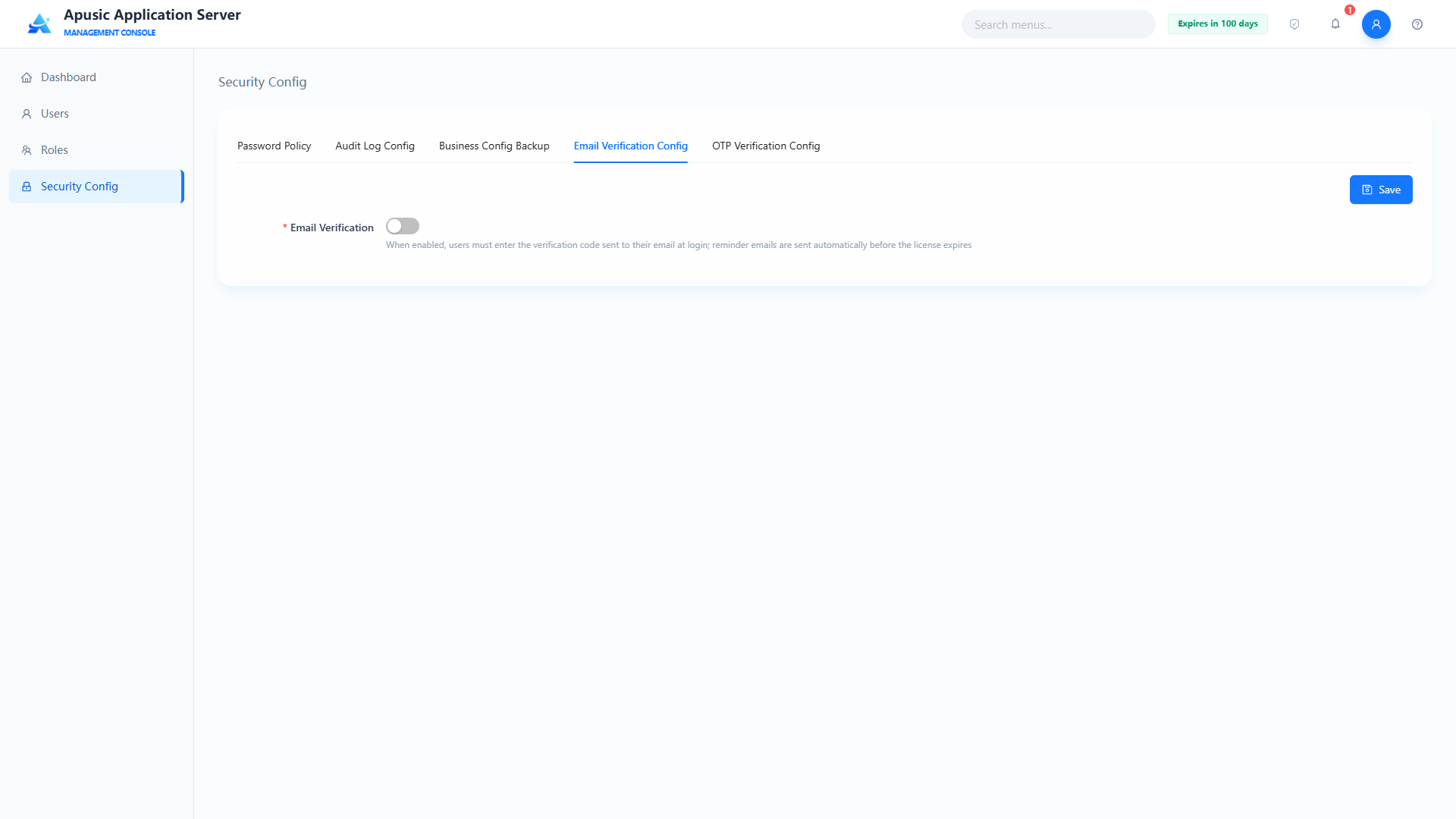
Field descriptions:
| Setting | Parameter | Description |
| Email Verification Switch | mailVerifyEnabled | Whether email verification is enabled. Purpose: when on, email verification code login and license expiration reminders are supported. Valid values: switch, On / Off. Default: Off. |
| SMTP Server | smtpHost | SMTP server address. Purpose: specifies the server that sends emails. Valid values: string, format smtp.xxx.com, e.g. smtp.163.com; required when email verification is on. Default: empty. |
| Enable SSL | smtpSsl | Whether SSL-encrypted connection to the SMTP server is used. Purpose: when on, emails are sent over an encrypted connection, usually with port 465. Valid values: switch, On / Off. Default: Off. |
| Port | smtpPort | SMTP server port. Purpose: fill in according to the email provider's actual configuration; SSL usually uses 465. Valid values: integer, 1~65535. Default: 25. |
| Sender Email | smtpUser | Email account that sends the emails. Purpose: logs in to the SMTP server as the sender account. Valid values: string, a valid email format. Default: empty. |
| Sender Email Password | smtpPassword | Password or client authorization code of the sender email. Purpose: SMTP login credential; for mailboxes with authorization codes enabled, the authorization code must be entered. Valid values: string, hidden on the page. Default: empty. |
| License Alert Recipient | smtpLicenseEmail | Email address that receives license expiration reminders. Purpose: the receiving address of license expiration reminder emails. Valid values: string, multiple mailboxes separated by semicolons. Default: empty. |
# Dynamic Code (OTP) Config
Configures the dynamic verification code (OTP) login feature. Once enabled, users must enter both the password and the dynamic code generated by the mobile Authenticator app at login, achieving two-factor authentication and improving account security.
After OTP two-factor authentication is enabled, users must enter password + dynamic verification code at login.
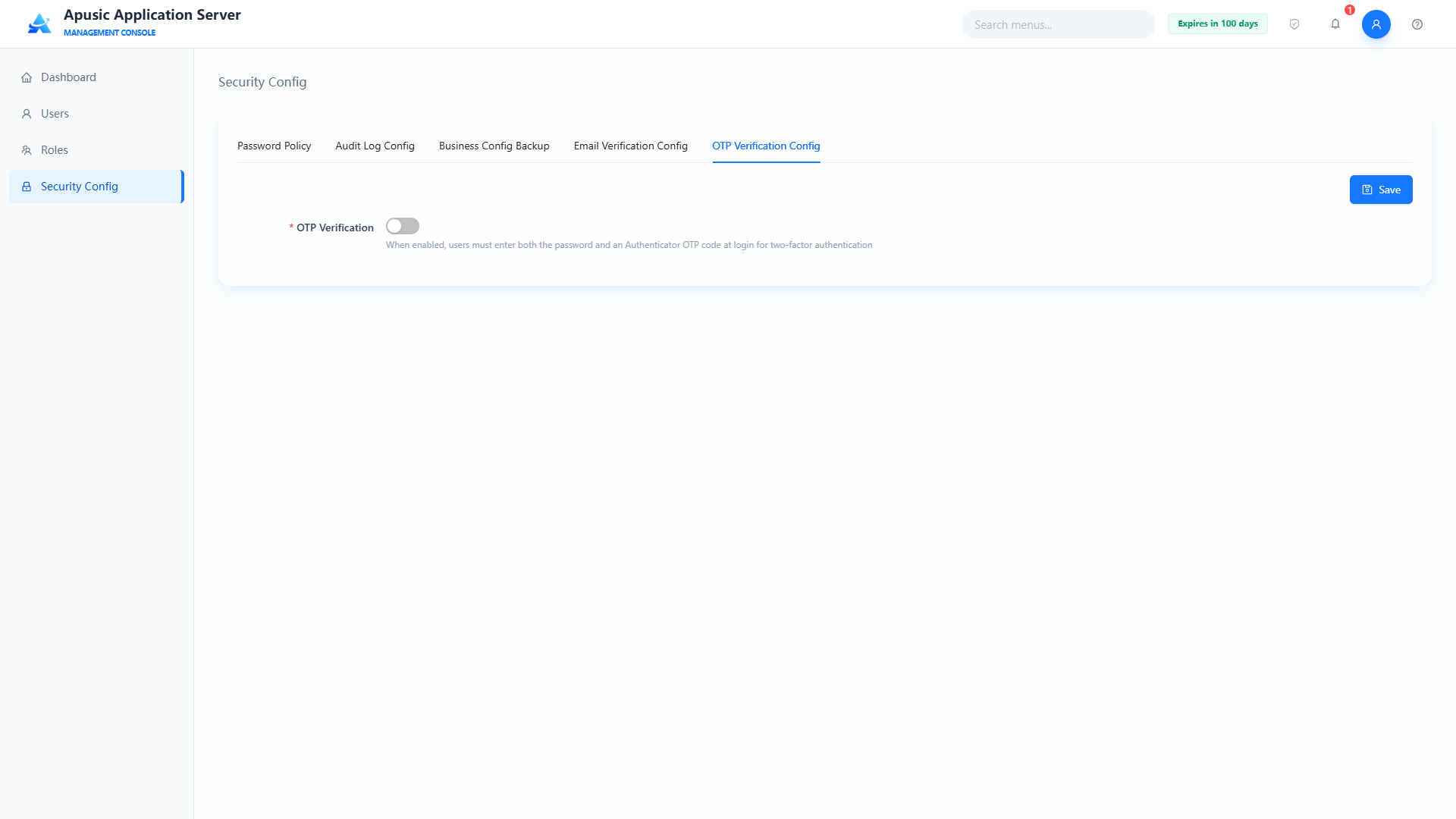
Search for Authenticator in your mobile app store, download and install it, and scan the corresponding QR code:
After scanning the QR code, the app displays the account information AAS-Console; tap AAS-Console.
The verification code is displayed:
Then enter the verification code on the login page to log in.
# Audit Logs
This module is the core MLPS-compliance audit module of the application server management console, exclusively for the security auditor, and consists of two core capabilities: operation logs and audit logs.
- Operation logs: record the daily function operations of all administrators and business users, fully retaining every operation element;
- Audit logs: specifically record account access behaviors such as user login, logout, identity verification, and session exceptions;
The module strictly follows the MLPS security audit requirements, achieving complete log collection, centralized storage, conditional query, export and traceability, and tamper resistance; only the authorized security auditor can access it, and other roles have no permission to enter, meeting the management needs of security incident tracing, responsibility determination, and compliance self-inspection.
# Login Audit
Login audit specifically records all users' account access behaviors on the platform, including identity security events such as successful login, failed login, logout, and account lockout; it standardizes the recording of event time, event type, subject and object identifiers, behavior description, and access result, supporting account risk investigation, brute-force attack tracing, and abnormal login analysis — an essential capability of MLPS identity auditing.
# Querying Login Audit Logs
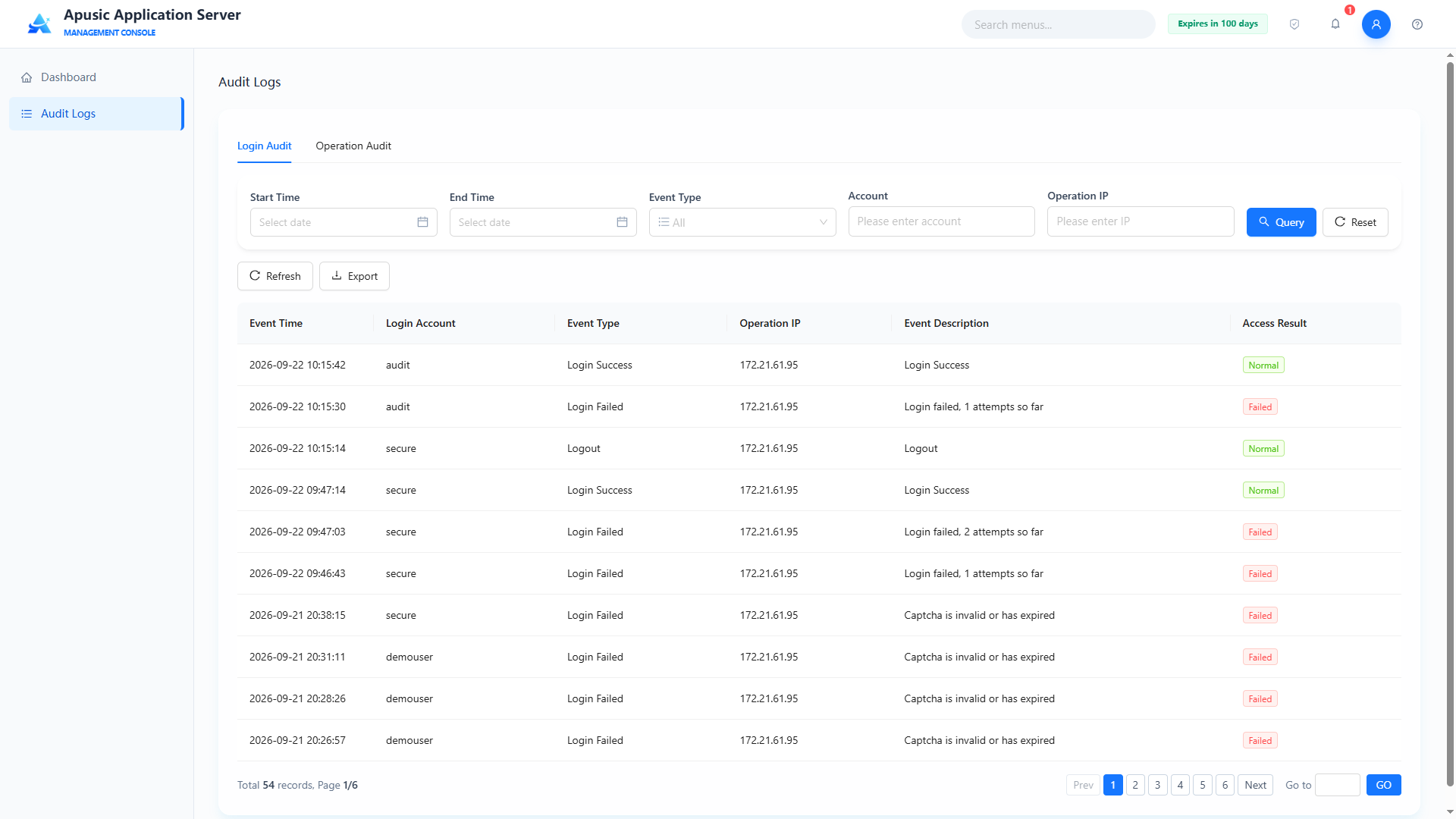
Query conditions:
| Query Condition | Description | Example |
|---|---|---|
| Start Time | Start of the time window of login audit records | 2026-06-01 00:00:00 |
| End Time | End of the time window of login audit records | 2026-06-25 23:59:59 |
| Event Type | Filters by event type: Login Success / Login Failed / Logout / Account Lockout | Login Failed |
| Account | Matches the login account | admin |
| Operation IP | Matches the client IP | 172.20.140.56 |
After filling in the conditions, click "Query" to filter the list, or "Reset" to clear the query conditions.
List fields:
| Field | Description |
|---|---|
| Event Time | Time when the login event occurred |
| Login Account | The account that initiated the login |
| Event Type | Login Success / Login Failed / Logout / Account Lockout |
| Operation IP | Client IP that initiated the login |
| Event Description | Detailed description of the login event |
| Access Result | Final result of the login access: Normal / Failed |
# Refreshing Login Audit Data
Click "Refresh" above the list to reload the latest login audit records; the current version provides no export entry on the login audit page.
# Operation Audit
The operation audit module records the business function operations of platform users, covering all backend operations such as user creation, editing, deletion, role configuration, permission changes, enabling/disabling, and policy changes; each log standardizes the collection of time, event type, subject and object identifiers, event description, and operation result, and supports conditional query, details viewing, and log export, providing the original basis for tracing unauthorized operations, abnormal changes, and security incidents and meeting the MLPS operation audit requirements.
# Querying Operation Audit Logs
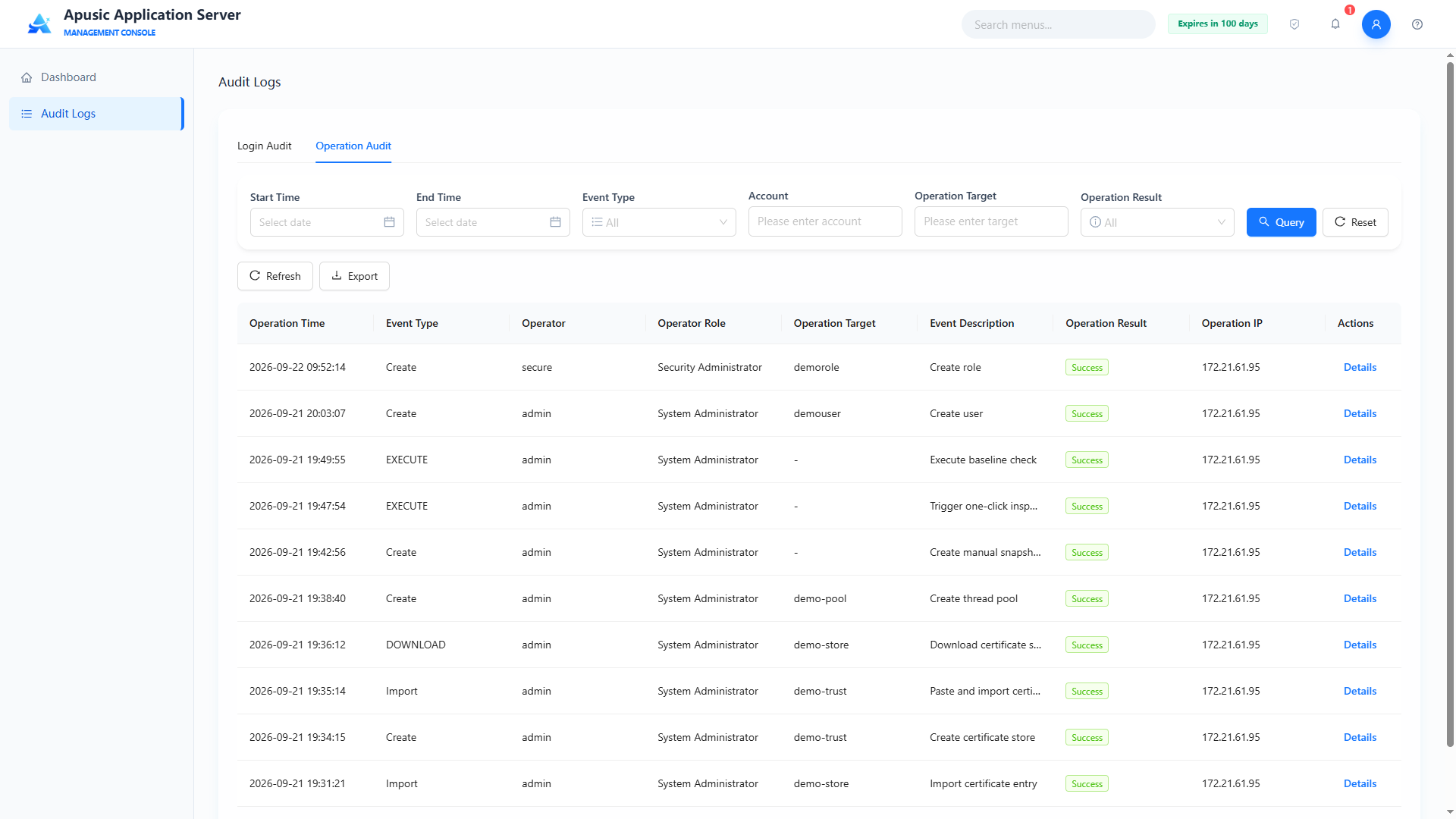
Query conditions:
| Query Condition | Description | Example |
|---|---|---|
| Start Time | Start of the time window of operation audit records | 2026-09-01 00:00:00 |
| End Time | End of the time window of operation audit records | 2026-09-22 23:59:59 |
| Event Type | Filters by operation event type | Create |
| Account | Matches the operator account | admin |
| Operation Target | Matches the target object of the operation | demorole |
| Operation Result | Filters by the operation result | Success |
After filling in the conditions, click "Query" to filter the list, or "Reset" to clear the query conditions.
The log list shows operation logs with pagination. List fields:
| Field | Description |
|---|---|
| Operation Time | Time when the operation occurred |
| Event Type | Type of the operation, such as Create / Update / Delete / EXECUTE |
| Operator | The user who initiated the operation (subject) |
| Operator Role | The role of the operator: System Administrator / Security Administrator / Audit Administrator |
| Operation Target | The target object of the operation, e.g. a role name or user name; shows "-" when none |
| Event Description | Detailed description of the operation event |
| Operation Result | Final result of the operation: Success / Failure |
| Operation IP | Client IP that initiated the operation |
| Actions | Details |
# Viewing Log Details
In the operation audit list, click "Details" in the Actions column; the "Operation Details" dialog shows the complete fields of the log, including Operation Time, Event Type, Operator, Operator Role, Operation Target, Operation Result, Operation IP, Event Description, and Operation Parameters (the raw JSON parameters of the operation). Click "Close" to close the dialog.
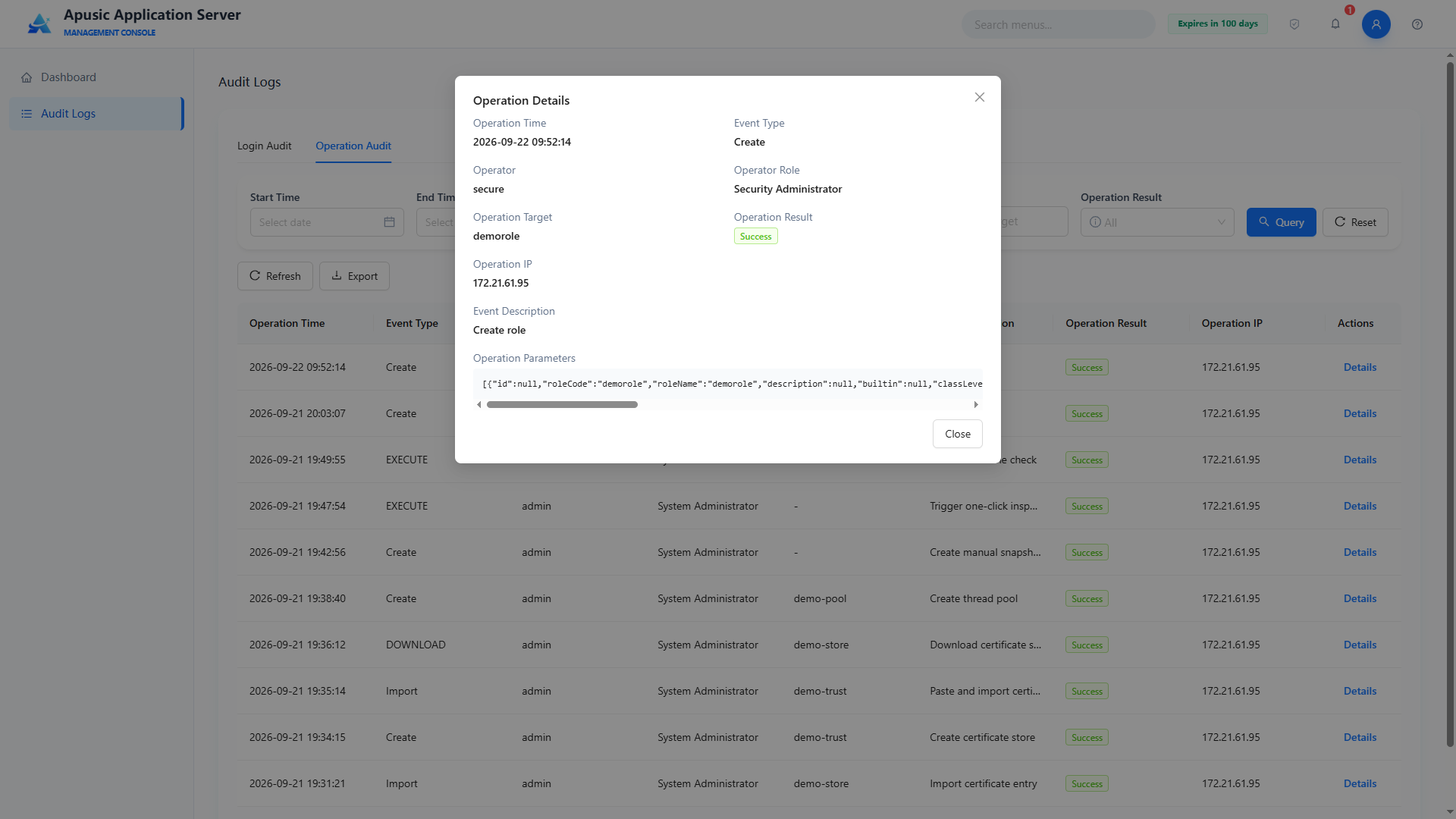
# Exporting Operation Audit Logs
Click "Export" above the list to export the condition-filtered operation logs, retaining the original fields, packaged and exported in .zip format.
# FAQ
# Q1: What should I do if "Incorrect captcha" appears at login?
A: Click the captcha image to refresh it and enter the code again; if it remains unreadable for a long time, contact the administrator to confirm whether the captcha feature is enabled.
# Q2: Why can't I enter the home page after the first login?
A: The password must be changed on the first login. Complete the password change as prompted; the new password must comply with the system password policy.
# Q3: Can an application be recovered after being uninstalled?
A: If the app recycle bin is enabled, it can be restored in "App Recycle Bin"; if it has been physically deleted, it must be redeployed.
# Q4: Why don't the application configuration changes take effect?
A: For a running application, you must perform "Reload" or restart the application for the changes to take effect.
# Q5: How do I find out who performed a sensitive operation?
A: Go to "Audit Logs → Operation Audit" and query by username, operation type, and time range.
# Q6: What should I do if the license expires?
A: Click the license icon at the top, select "Update License", upload a new license file or enter the license content; restart the server after updating for it to take effect.
# Q7: Why don't the HTTP channel configuration changes take effect after being saved?
A: Changes to HTTP channels, virtual hosts, thread pools, JVM, JMX, and other configurations all require a server restart to take effect.